
Version 1.2 of "Celaria" was released and introduces a highly requested feature by the community:
The speedrun gamemode.
In addition to that this update also adds a daily featured playlist as well as ingame maprating/mapvoting.
For a short overview over those features you can check the most recent video update of the game:
Watch on YouTube
So let's get into the details of each new feature.
Speedrun Mode

The speedrun mode is a highly requested addition to the game and consists of not only one but two playstyles/submodes: "Any%" and "All Spheres"
Both speedrun modes have dedicated online leaderboards and support online replay/ghost as it is case in single-map runs.
Your whole playthrough of the speedrun will be recorded and uploaded as a ghost/replay to the leaderboards so that other players can download and run against your replay.
 Any%
Any%
The goal of Any% is simple: Run through all campaign maps in sequence as fast as possible. (All checkpoints have to be activated in the same order as they do in the campaign.)
Your time across all maps will be added together to calculate your total runtime.
No breaks/pauses are possible (this has to be done in one go.)
The speedrun mode also has predetermined medal-times (bronze, silver, gold and platin) which you can chase after.
Compared to the campaign and custom maps, the speedrun mode has unique looking medals and thus also unique steam-achievements for beating those times:

 All Spheres
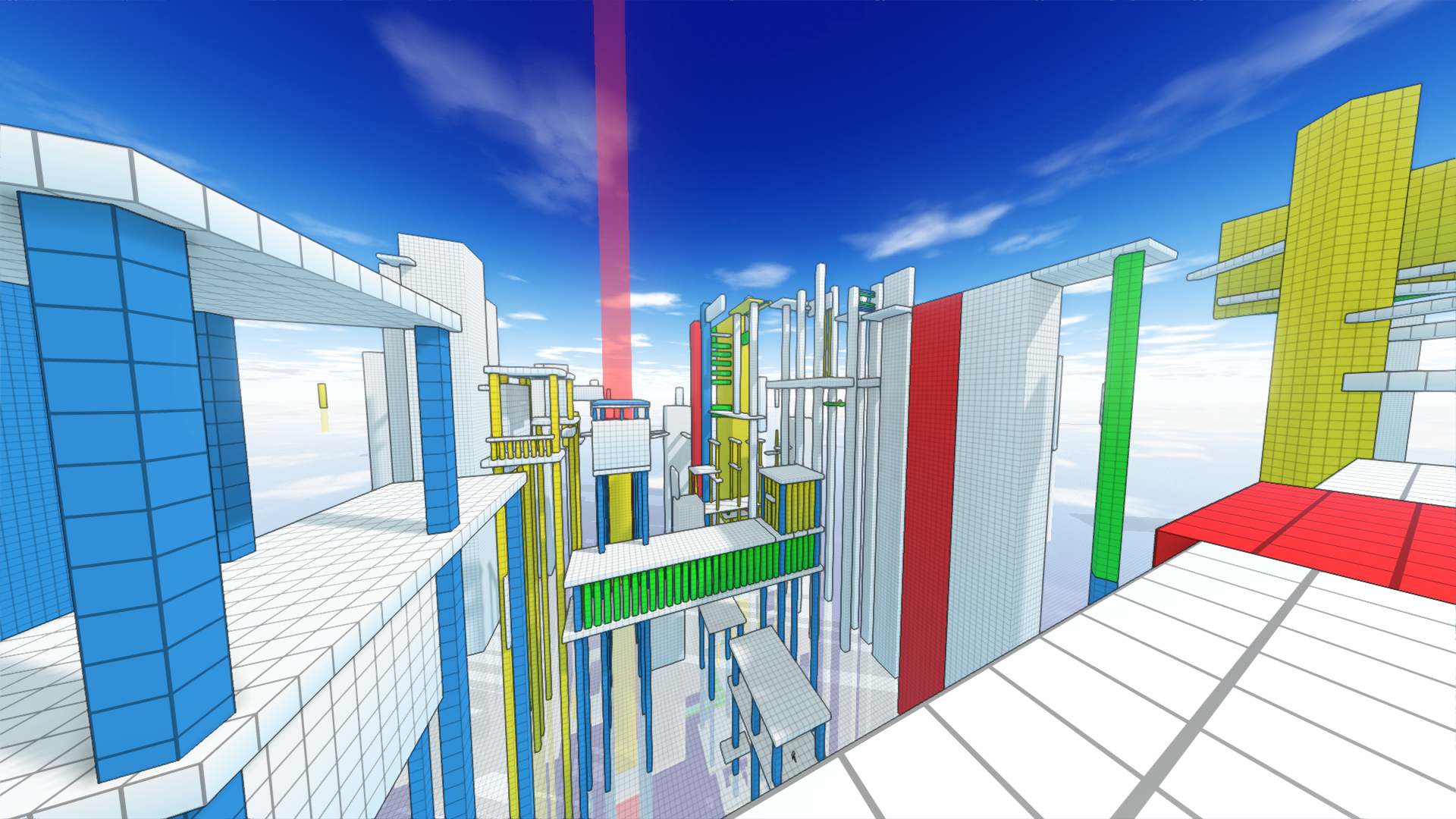
"All Spheres" is a bit different compared to "Any%". You still have to run through all campaign maps in sequence as in "Any%". But in order to be able to advance to the next map you first have to collect all spheres (which are the collectables in the campaign mode) on the given map. (The goal/finish of the given map will not activate unless all spheres were collected.)
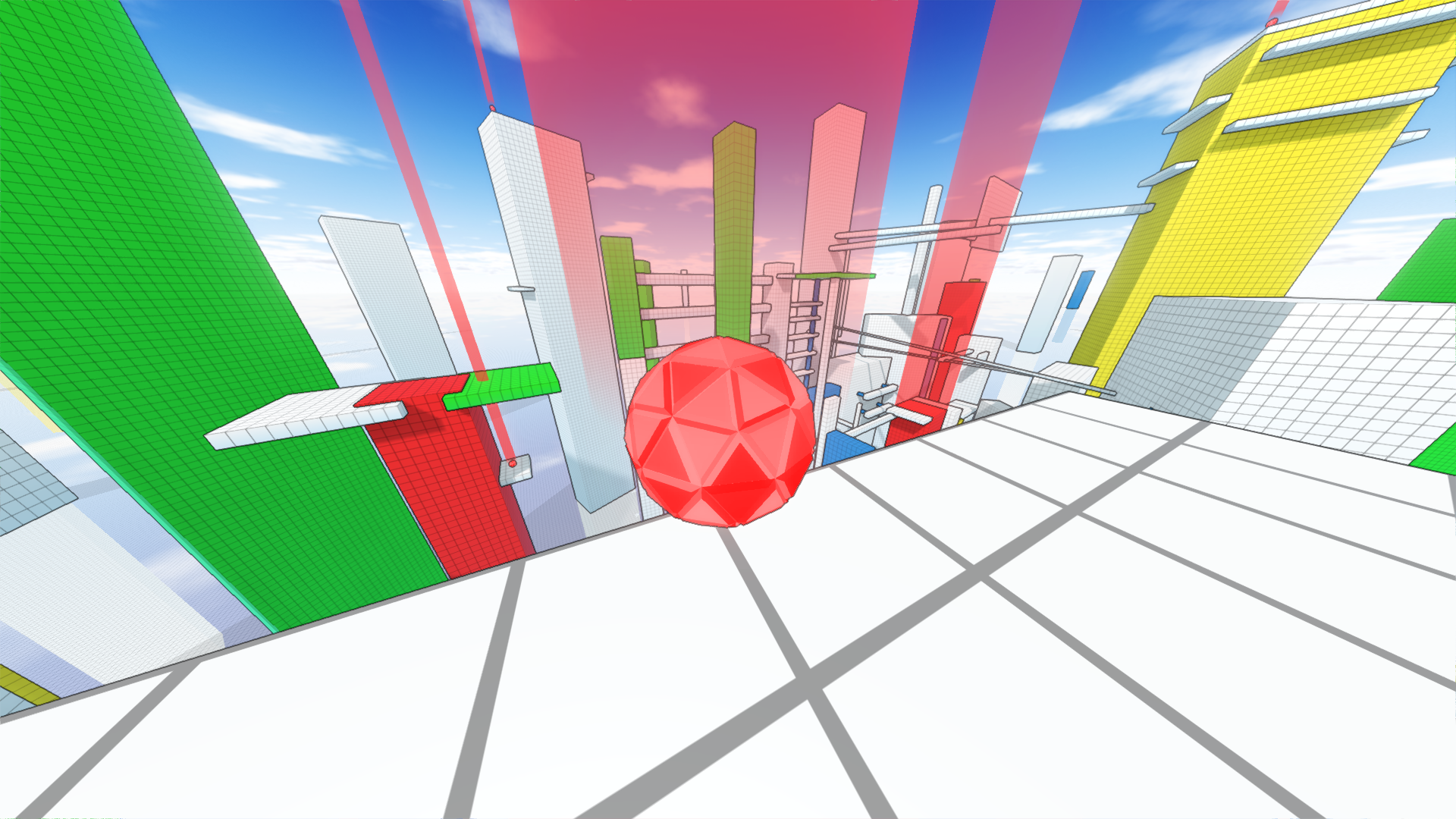
Spheres are marked with a red light beam similar to checkpoints. How or in what order you reach them doesn't matter. It's up to you to find the fastest/most efficient route.
Here an example how one of those spheres looks like:
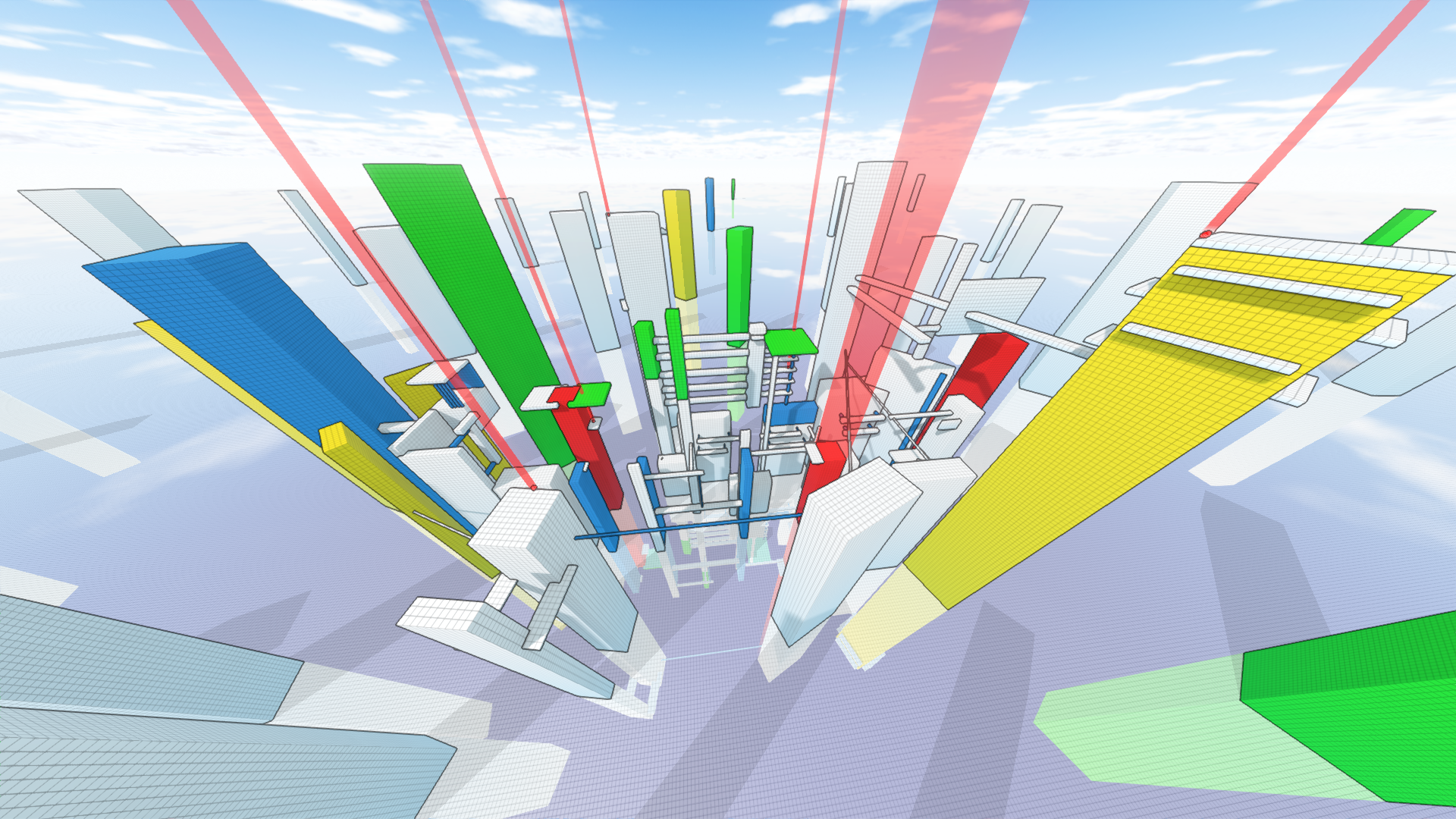
And here an overview of one of the maps in the campaign:
This is definitely the harder speedrun mode and will require a fair bit determination to get through.
As it is the case with the Any% speedrun mode the "All Spheres" speedrun also has unique looking medals with its own Steam-achievements:

Daily Featured Community Map
The goal of this new feature are:
- Make custom maps easily accessible within a few clicks
- Give players a daily goal to strive towards
- Increase visibility of workshop maps
- Bring the community closer together
Every 24h one community map from the steam workshop will be featured in the daily featured menu (which is accessible from the singleplayer menu).
Each map featured in the daily playlist will also recieve a daily leaderboard which will reset every 24h.
Playing the daily featured map will grant you bonus multiplayer experience points if you finish your run (once per day).
Also runs perfomed on the daily map will also be submitted to the global leaderboards. So in case you manage to pull of a world record, fear not as the game will also submit your run to the regular map leaderboards. :)
An example of the daily featured menu is shown here:
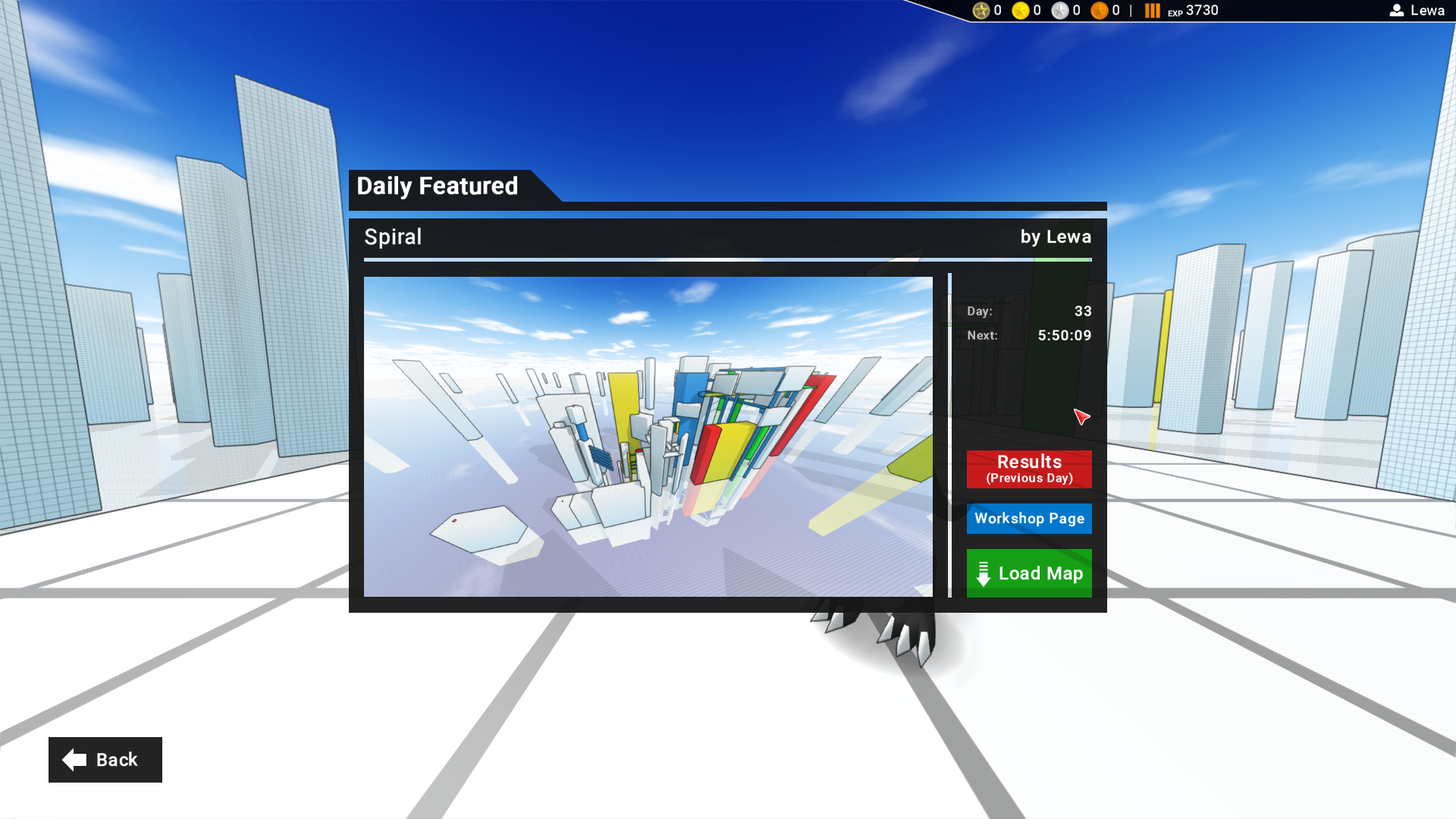
It displays the name of the map, the name of the map-creator, the day/number of the current daily map as well as a timer which displays when then next map-rotation will happen.
From this screen you can either Load the currently displayed map, open the steam workshop page (opens the steam browser ingame) or check the daily leaderboard from the previous day.
Opening the leaderboard in the daily featured menu will display two additional filter options (alongside the regular "Global" and "Friends" filter.)

You can easily filter between the daily (global), daily (friends), the regular global and friends (global) leaderboards.
This daily feature playlist will not only give players easy access to a new map to play/compete on every day but also increase the visibility of custom maps. A win-win situation for both players and mapcreators. :)
In summary:
- every day one map from the steam workshop will be featured (24h rotation cycle)
- the given map will have a daily leaderboard which resets with each rotation (every 24h)
- Participation grants multiplayer experience points (once per day)
- Runs performed on the daily playlist will also count on the global leaderboards
Integrated Map Voting
Previously if you wanted to give feedback to a workshop map you needed to open the workshop page of the game in the steam browser, navigate to the given maps steam-page.
Now vote submissions are integrated into the game. At the end of a run on either a workshop/custom map and/or in the daily featured map playlist a "submit vote" popup will appear at the bottom half of the screen:
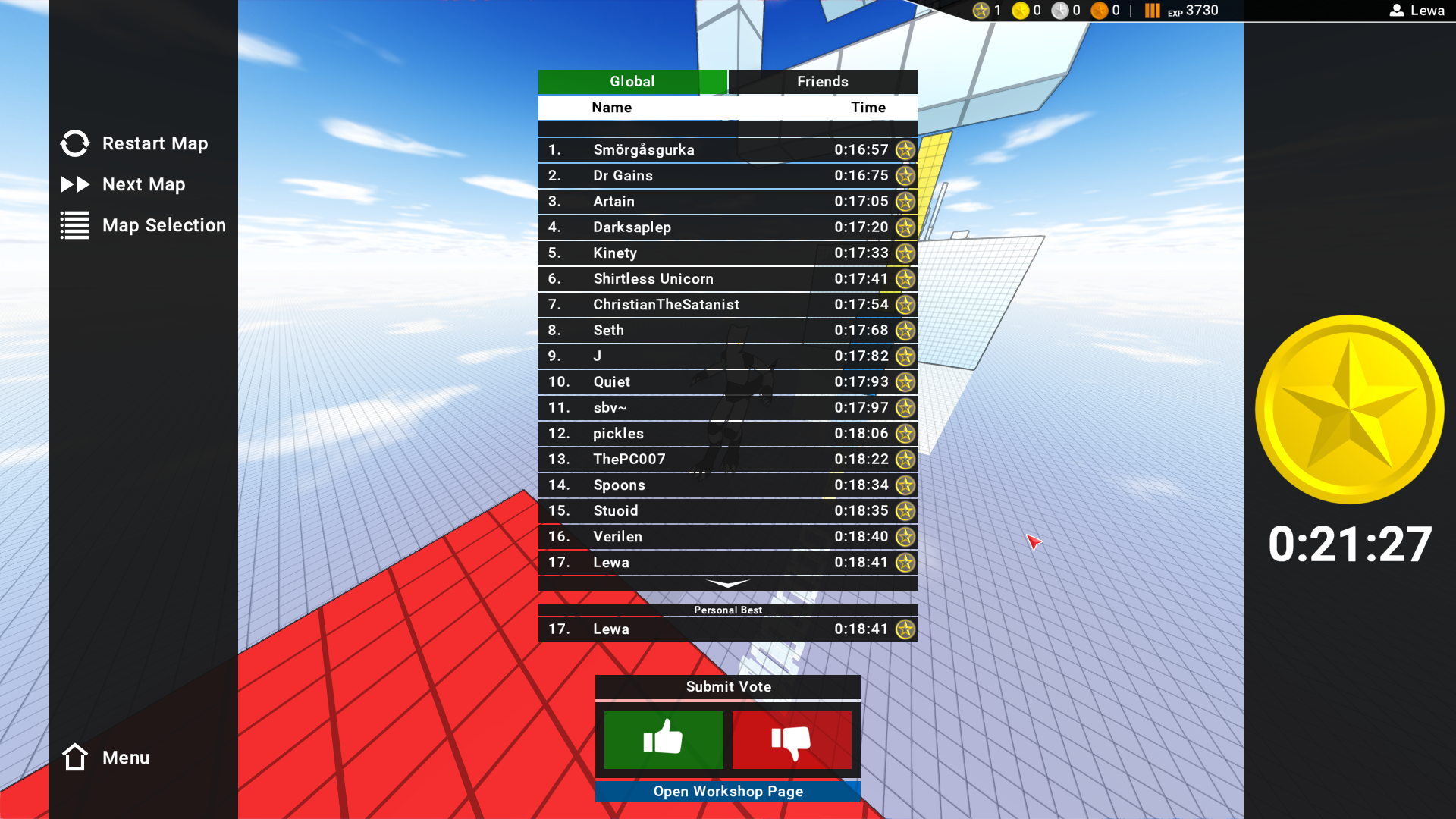
Here is a close-up of those UI elements:
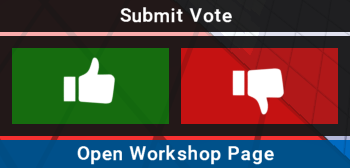
You then can either give the map a thumbs-up or thumbs-down.
You can also open the steam-workshop page of the map in the steam-overlay in case you want to check out the map-creator and/or leave a comment there.
Full Changelog
- updated look of platinum medal
- adjusted design of the platinum medal
- reworked visuals of the checkpoint counter during gameplay
- added map-leaderboard in pause menu
- added speedrun gamemode (with 2 submodes)
- added daily featured workshop playlist
- added the ability to vote on workshop maps ingame
- updated networking communication with masterserver
- various minor bugfixes on the client side
- minor bugfixes in the multiplayer server software