Update 1.1.8 - Multiplayer Experience System & Community Map Showcase
Celaria · published
Outline Rendering
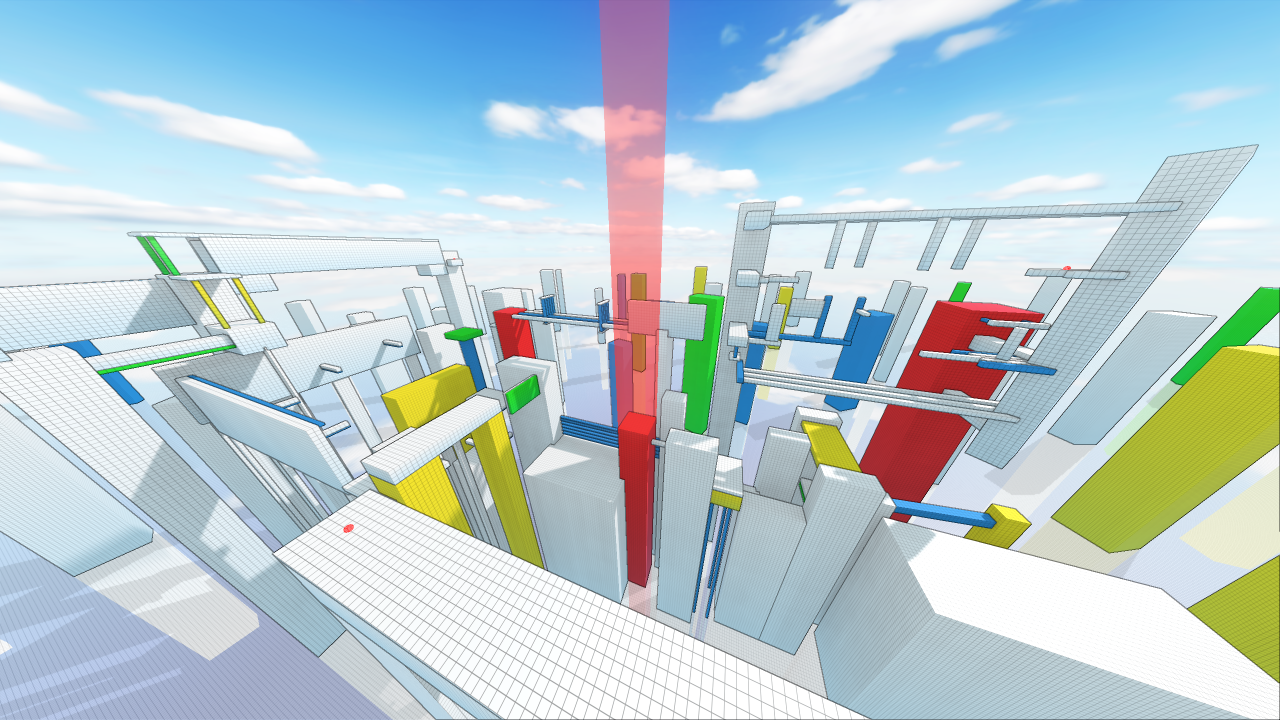
Instead of trying to chase realism this patch further embraces the more colorful/abstract artstyle.
The rendering of outlines was adjusted (the intensity was increased) to make them more pronounced and further help distinguish between seperate objects in the scene and enhance the overall look of the game.
Multiplayer Experience System
One of the big features added with this patch is the new multiplayer experience system.
Your experience points will be displayed in the top right bar on your screen (In the menu/pause menu):
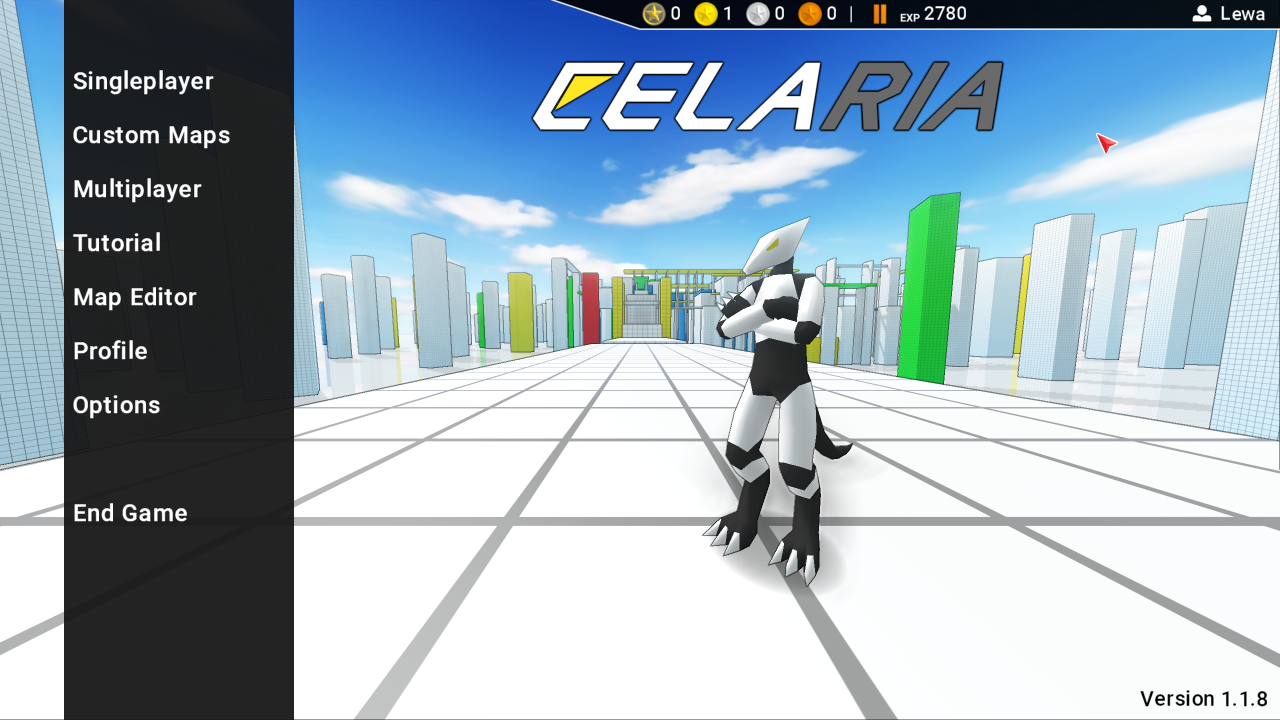
Here is a close-up:

How does this system work?
- Playing on multiplayer servers with other players will grant you experience points.
- The amount of experience gained depends on your rank on the leaderboard at the end of a round, the number of players on the server (which have set a record in the current round) and your time spent in the given round.
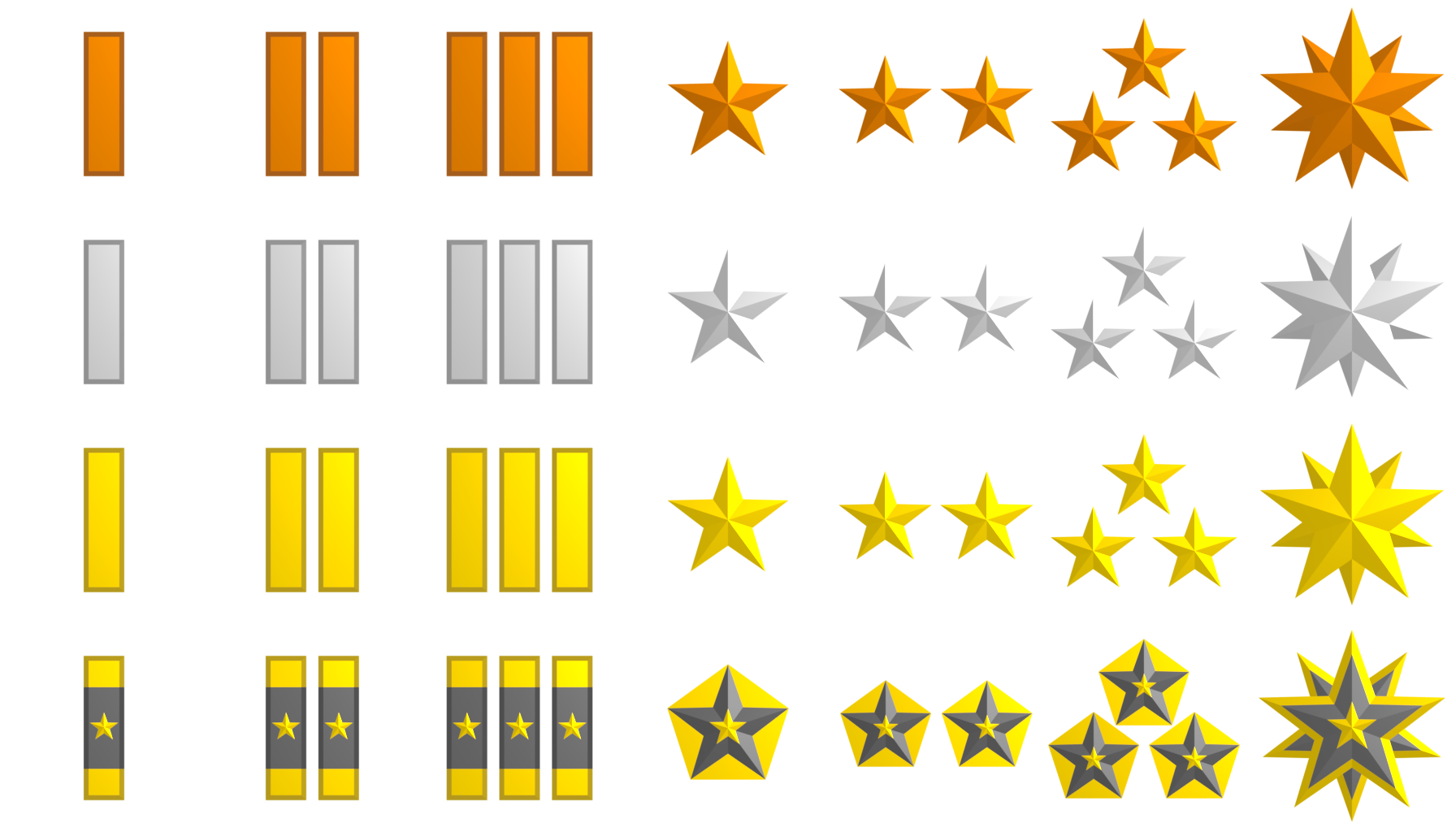
- Depending on the number of experience you will recieve a rank with its own badge.
Here is a sample of the currently available badges:
Community Map Showcase
In the future there will be community showcases (Videos as well as shoutouts via Twitter) which will show off some of the awesome maps created by the community.
The first one was released on Youtube:
Watch on YouTube
Want to have a chance at being featured in a video and/or on Twitter? Create a map in the ingame editor and upload it on the workshop :)
Server update
Due to some updates and changes to the way the server communicates with the client a new server update was released. (1.0.3)
Make sure to update your server if you want to connect with the latest version of the game client.
Changelog:
- adjusted outline rendering
- added new multiplayer experience system
- fixed crash related to lightmap corruption during the caching stage
- implemented the ability to load leaderboards and start a map from the menu without having to wait for the map-preview
- fixed potential connection error in multiplayer
- fixed duplicate UI sprites appearing in the leaderboard summary at the end of multiplayer sessions
- fixed wrong UI sprite in the map-editor
- fixed duplicate leaderboard entires which could appear on multiplayer leaderboards
- fixed incorrect sprite being displayed in the editor
- updated server to version 1.0.3. (Bugfixes and updates to the server-client protocol)
- fixed resolution/fullscreen bug which allowed the player to set a render resolution that was higher then the physical display resolution. (Which caused the game to be cropped on screen.)
NOTE: if you were affected by the lightmap corruption bug in one of the previous patches (game crashes upon loading a specific custom map) make sure to delete the "lightmapCache" directory in the localappdata directory of Celaria.
(C:\\Users\\<Username>\\AppData\\Local\\Celaria). This will delete potentially corrupted lightmaps and allows the game to regenerate them at runtime.
Known Issues:
- Joining a server during a map-transition state can freeze the newly joined player in place without the ability to move even after the multiplayer map has been successfully loaded.
A temporary fix is to press "ESC" to open and close the pause menu which enables player movement again.
This will be fixed in the next patch / an upcoming hotfix.