Status
SteamPeaks
ChartsSalesUpcomingPatchesEventsCalculator
New on SteamEvery app, DLC and depot the minute Steam creates itAppsEvery app on Steam, newest change firstPackagesSubs and bundles, and what each containsDepotsDepots, manifests and install sizesTagsSteam's user tags and the games under themDevelopers & publishersCompanies and their cataloguesTechnologiesEngines, SDKs and anti-cheat found in the filesChange historyEvery PICS changelist as it lands
SignalsNineteen readings of the whole catalogueCompareAny games side by sideRecordsAll-time peaks and the days they were setReportsWeekly and monthly write-upsAlerts & newsroomWatch a game, get told when it movesSteam statusIs Steam up, right nowWeb API explorerTry the endpoints in the browser
EventsSteam's own events and the sales calendarCalculatorWhat a Steam account is worth, and its pile of shame
/
Sign in
/
SteamPeaks
The ultimate resource for Steam data.
ExploreChartsSalesSales and festsUpcomingPatchesEventsRecordsTrendingSignals
DatabaseAppsPackagesDepotsTagsDevelopersTechnologiesChange history
ToolsCalculatorCompareSearchAlertsSteam statusAPI
SiteMethodologyFAQDiscordSupportSign in via Steam
Not affiliated with Valve or Steam. Game names and artwork belong to their owners. All times UTC.
PrivacyCookiesFair useStatus
SUPERVERSE›Events›Take Aim: Mouse Controls & In-Game Help
Major update

Take Aim: Mouse Controls & In-Game Help

SUPERVERSE · published 5 days ago · build 25132524

All eventsPlayers around this dateRead on Steam

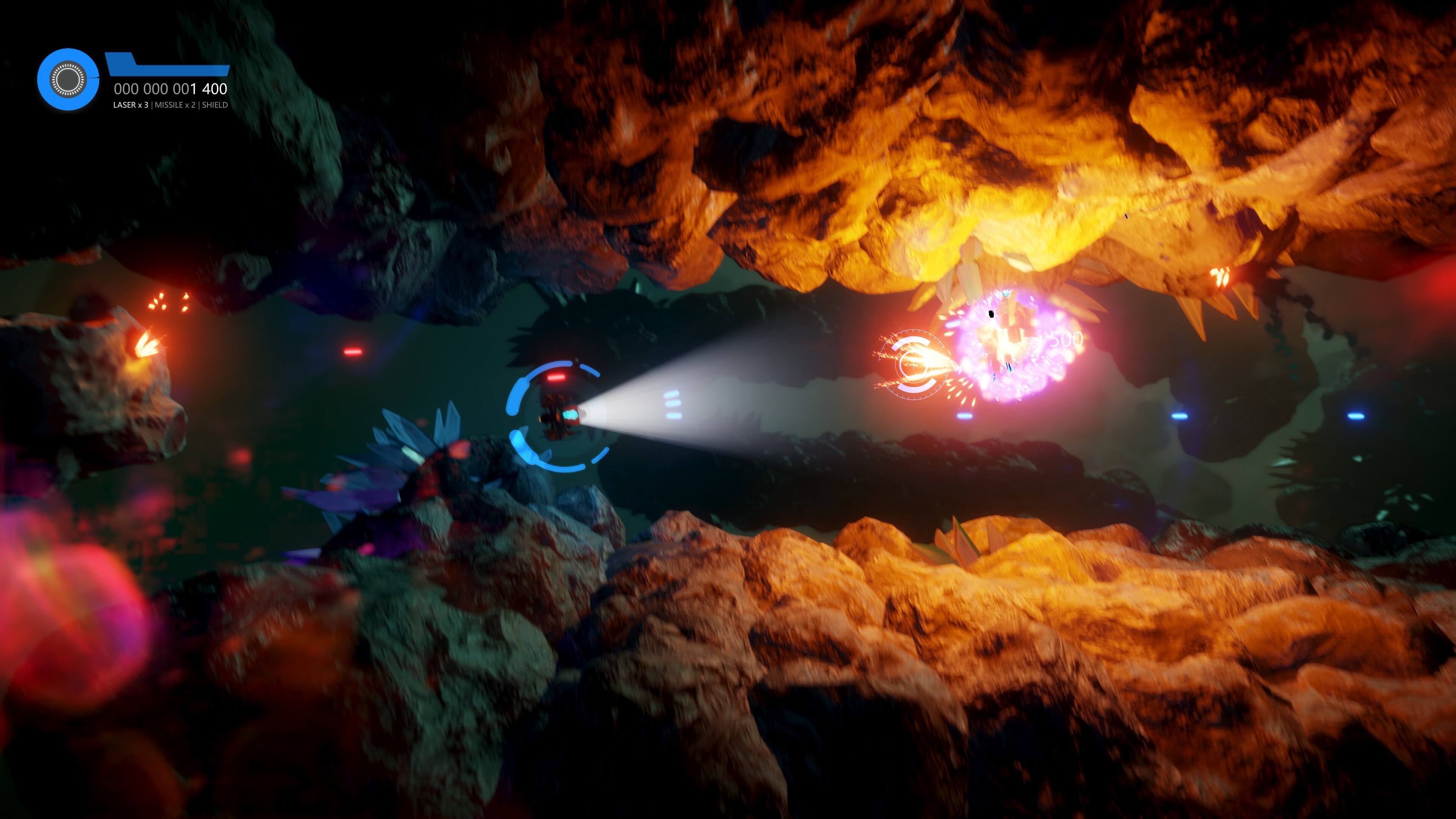
The first update of September brings three big additions to SUPERVERSE: a brand new mouse and keyboard control scheme, a full in-game Help system, and on-screen glyphs that finally show you which button to press.


Mouse and keyboard controls


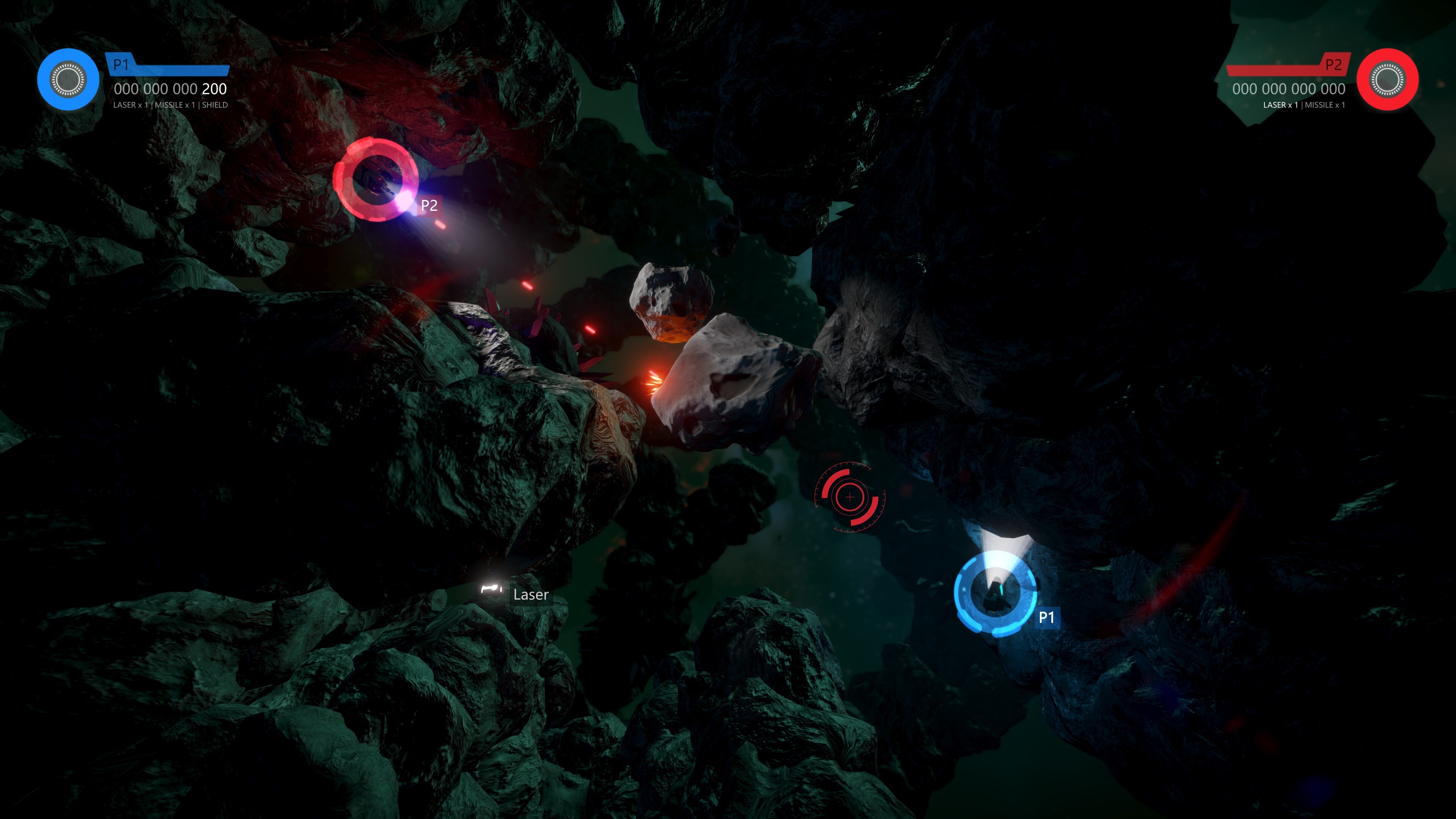
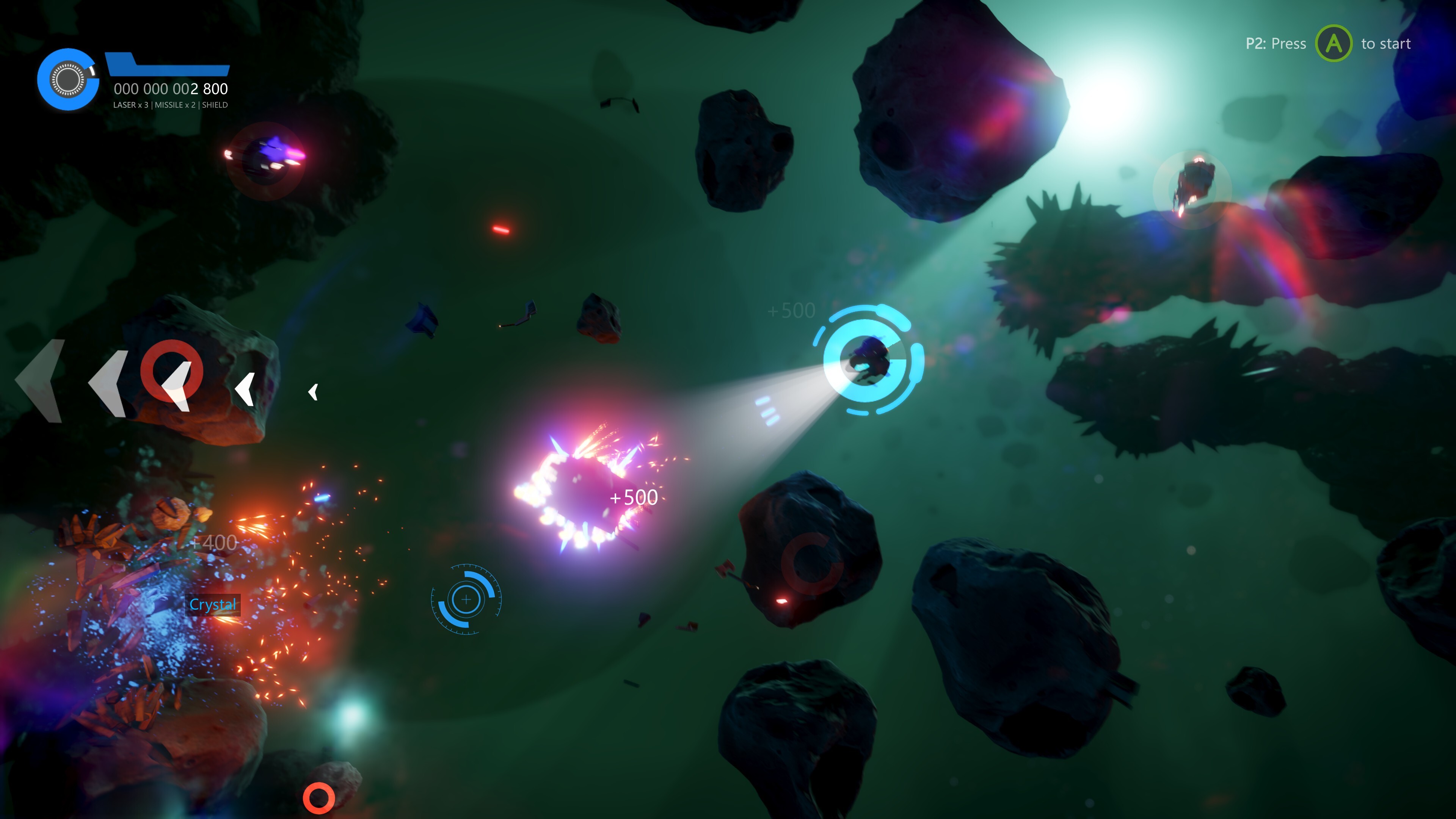
You can now play SUPERVERSE the way you'd play any shooter on PC: aim with the mouse, move with the keyboard. Your pointer sets the direction, WASD does the flying.

If analog sticks were never your thing, this is the scheme for you — precise, immediate, and familiar from the first second. The hangar supports the mouse too, so you can pick and paint your ship without touching the keyboard.

Aiming and flying independently also meant the thrusters needed rethinking: the thruster effect now reflects the ship's orientation angle, so it always looks right no matter which way you're facing. The target pointer matches your HUD color, and the mouse settings have a cleaner layout with separated WASD rows.
In-game Help


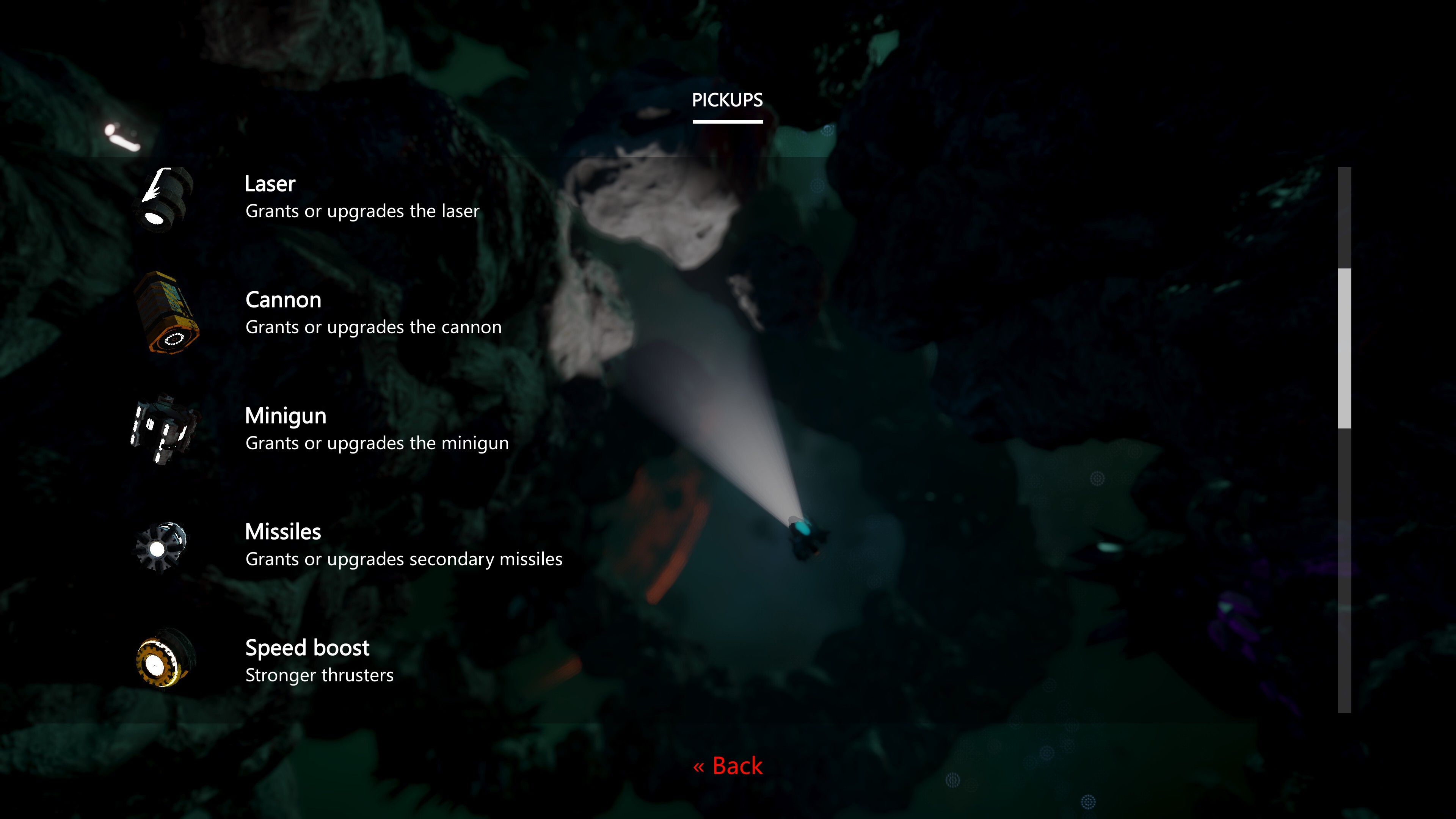
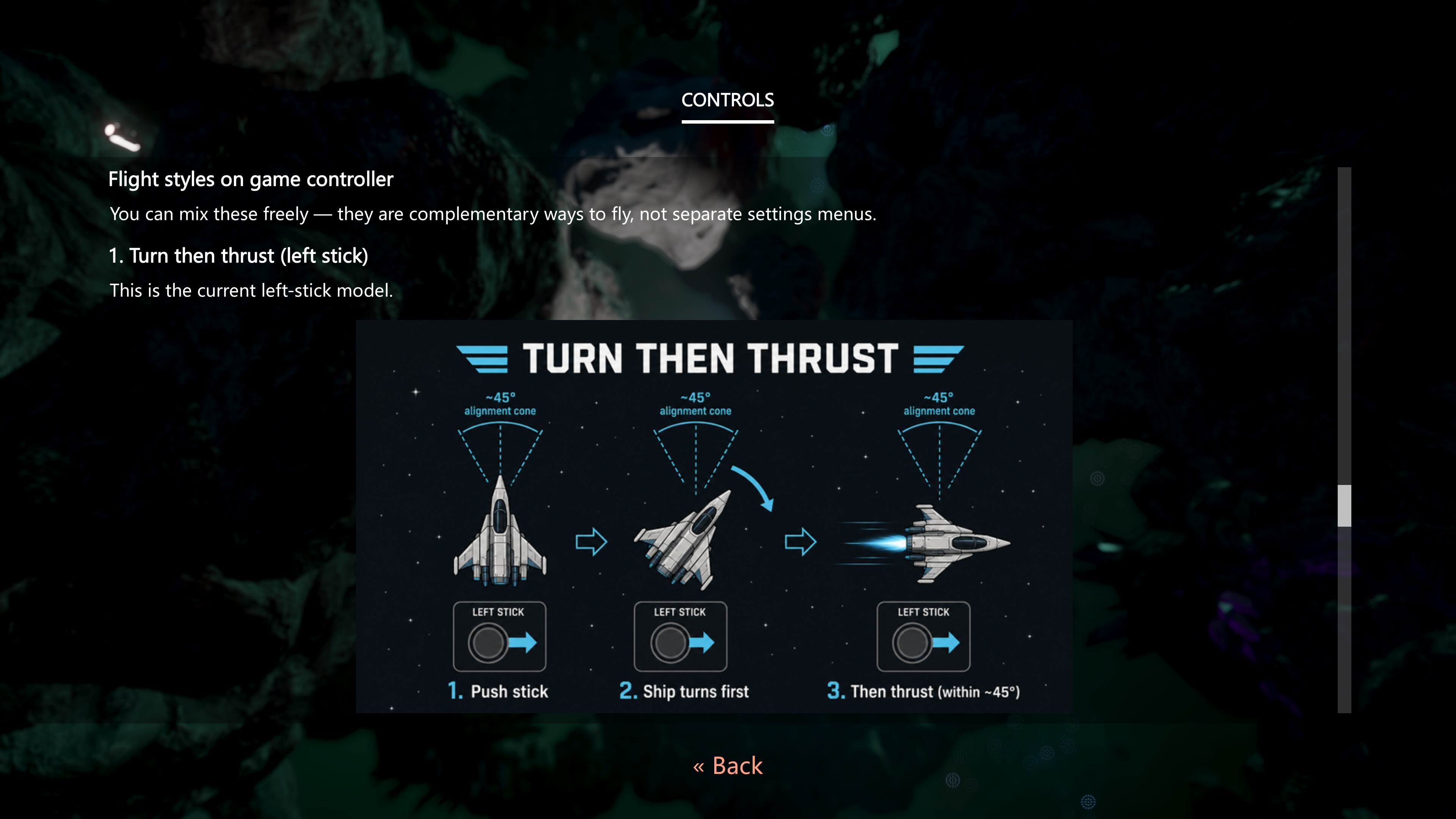
There's now a full Help menu, reachable from both the main menu and the pause menu, covering Controls, Co-op, Pickups, Energy, and Objectives. No more leaving the game to open the controls page in a browser — it's all in here.
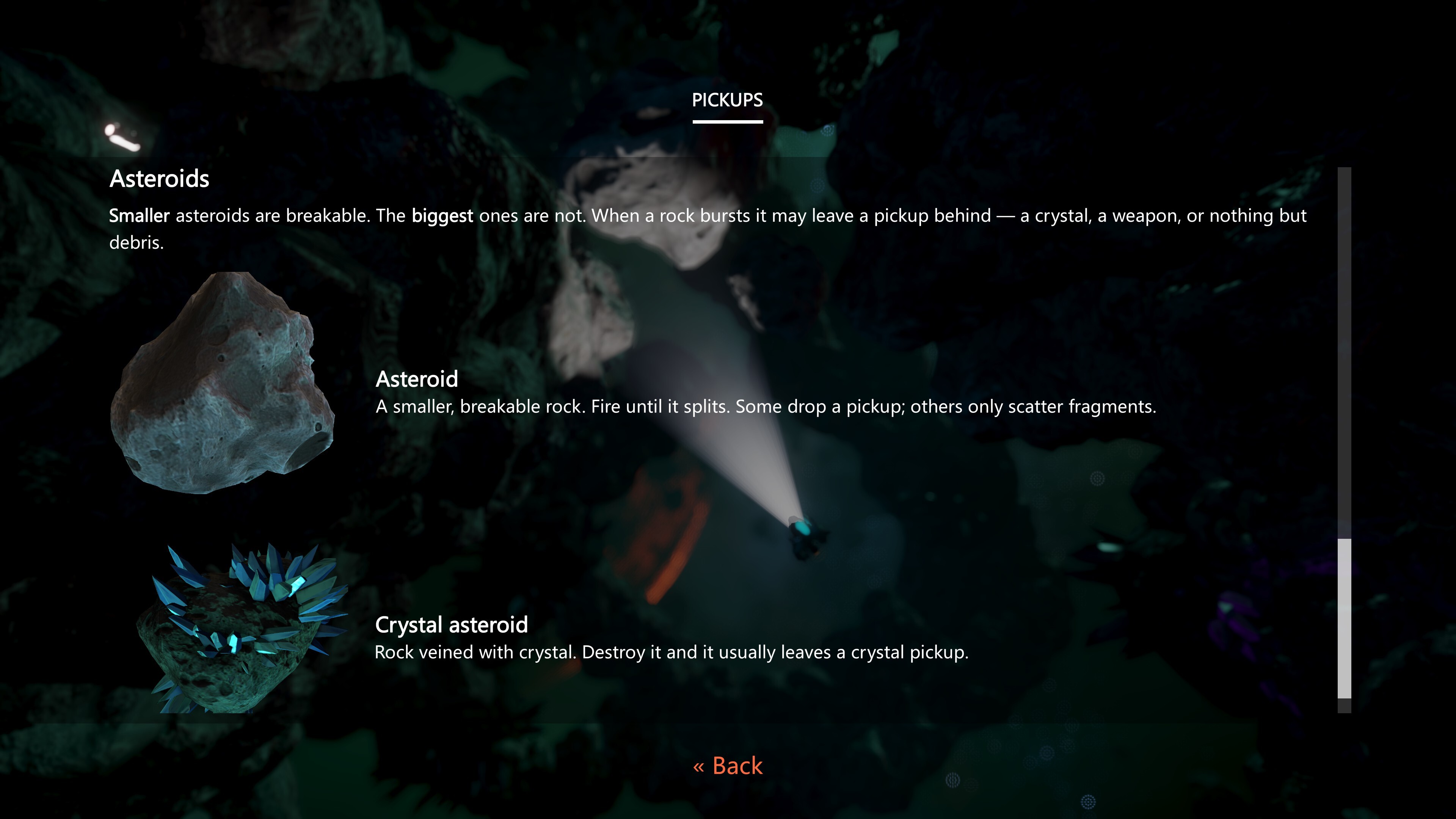
It's not a wall of text, either. The Help sections include 3D spaceship previews, spinning pickup models, a HUD mock-up explaining what everything on your screen means, and a wormhole preview. Scroll with the mouse wheel or click your way through.
Input glyphs


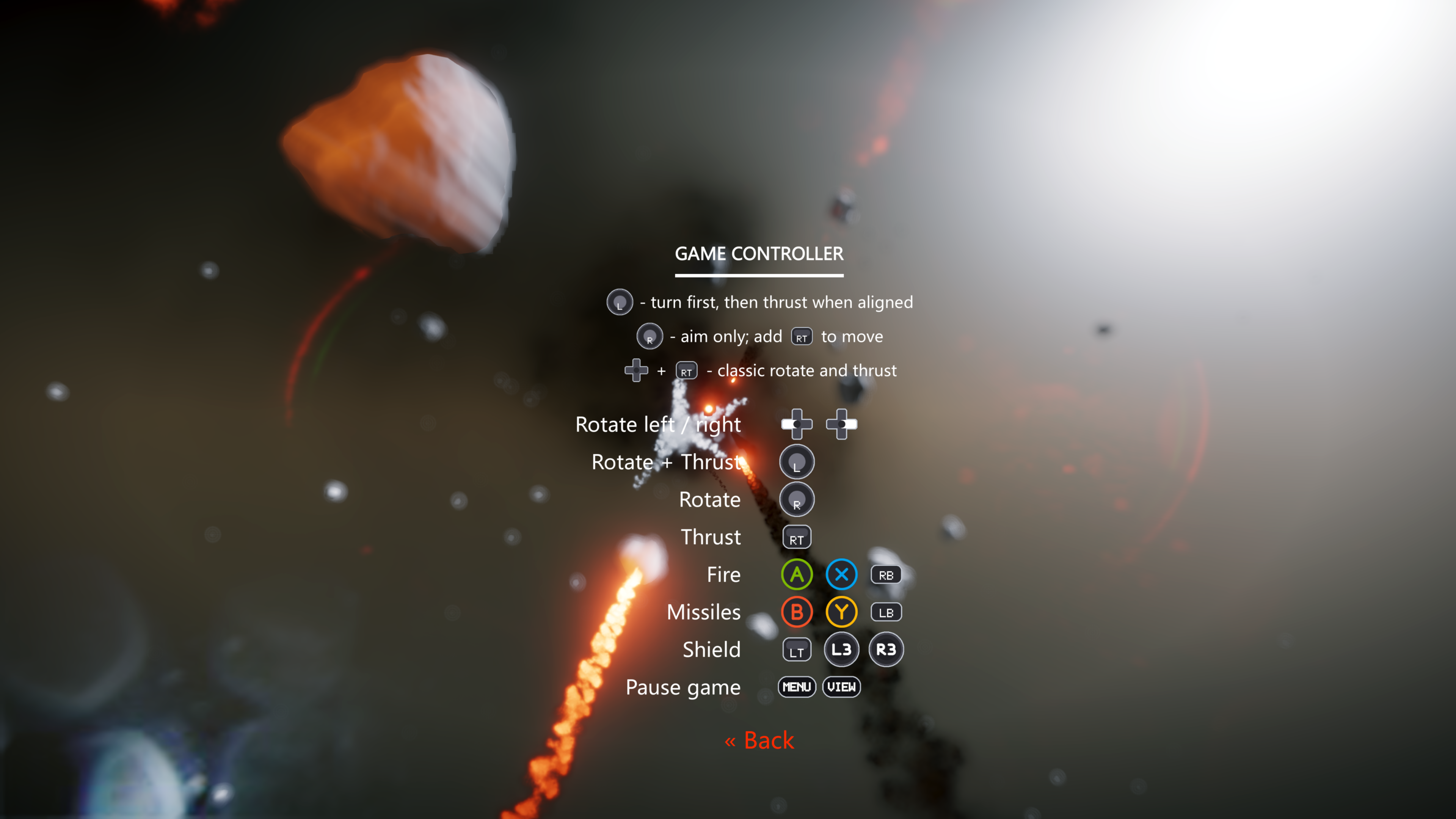
Keys and buttons are now shown as icons wherever the game asks you to press something — in the tutorial, in the Help sections, and in prompts like "Press FIRE to continue." Controller buttons, keyboard keys, digits, and mouse buttons all have their own glyphs, so the game shows you the button for the device you're actually holding.


The new control scheme is the one we're most curious about — if you've been waiting for mouse aiming, jump in and let us know how it feels in the comments.

See you in the SUPERVERSE!

More from SUPERVERSE

Other announcements

All events
In-game event16 Aug 2026Every Day, in Every Way, We're Getting Better and Better!A smaller update this time, all about clarity: a better tutorial, cleaner menus, and improved text throughout SUPERVERSE. The tutorial has had another pass. Text has been corrected and expanded, new messages have been added. The starting camera also sits at a tilted angle for a more cinematic opening. The Settings > Controls menus have been updated for both Keyboard and Joypad, and the Steam Li…Major update14 Aug 2026The Hangar Update!A new look for the place where every run starts, plus a round of improvements to how SUPERVERSE runs and handles your hardware. At a glance: · Redesigned hangar with a new Maneuverability stat · Reworked intro with updated story and a smoother start · VSync support, for tear-free rendering · Controllers now detected the moment you plug them in · A Controls Guide you can open in your browser The…Community7 Aug 2026Controls GuideFly cleaner. Fight smarter. We've published a full Controls Guide for SUPERVERSE — covering keyboard, gamepad, and Steam Link — plus how the new gamepad flight feel works. What's new: Turn then thrust On gamepad, the left stick now follows a turn then thrust model: · Push the stick toward where you want to go · The ship turns first · Thrusters kick in as your nose lines up (within about 45°) Th…