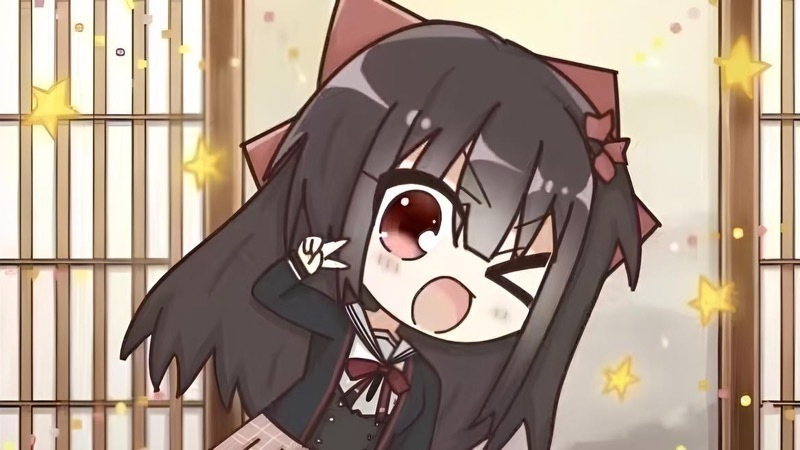
Multiplayer Mode lets you experience the story together with your Steam friends!
After the host creates a room and invites friends, the game automatically synchronizes characters, sprites, Live2D and VRM models, voices, backgrounds, and other resources. The story begins once everyone has finished loading.
During the game, everyone can vote on choices. The option with the most votes will be selected, while ties are decided randomly. When the host uses the question feature, other players can also see the question and answer together.
This update improves Multiplayer Mode:
- Characters, voices, backgrounds, and other resources are now synchronized before the game starts.
- The loading screen now shows each player’s progress.
- Fixed players being sent back to the loading screen after synchronization.
- Fixed the first voiced line playing while players were still loading.
- The player panel now shows Steam names and avatars and can be moved around the screen.
- Added voice chat and player reactions.
- Steam Workshop reaction packs are now supported.
- Everyone can see the question and answer when the host uses the question feature.
- The story now waits until every player has made a choice.
- The option with the most votes is selected.
- Correct answers are shown in green and incorrect answers in red. The story continues after 1.5 seconds.
Multiplayer Mode is still being improved. If you encounter any problems, please let us know through the Steam Community!