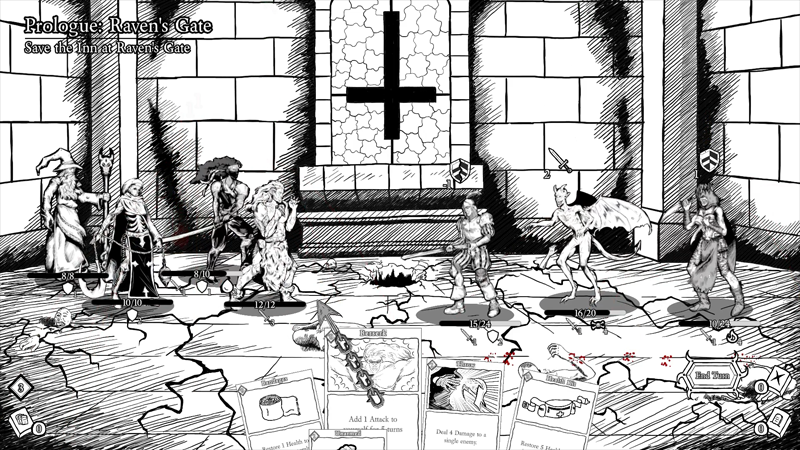
Steps to Play Multiplayer
1. On host Windows computer, access command prompt (Start > Type "cmd" in search field).
2. In command prompt, type "ipconfig".
3. Take note of the IPv4 Address.
4. Launch BEDLAM Long & Bloody.
5. Click Multiplayer, create a new character, select your character, and enter world.
6. Click Host.
7. On client machine(s), repeat steps #4 & #5.
8. Have client(s) enter IPv4 Address into IP input text field.
9. Have client(s) click Join.
10. Have host and client(s) click Ready.
11. Have host click Start Quest.