Introducing Cubing Forge — The Workshop Overhaul
Cubing Forge · published · build 25248384
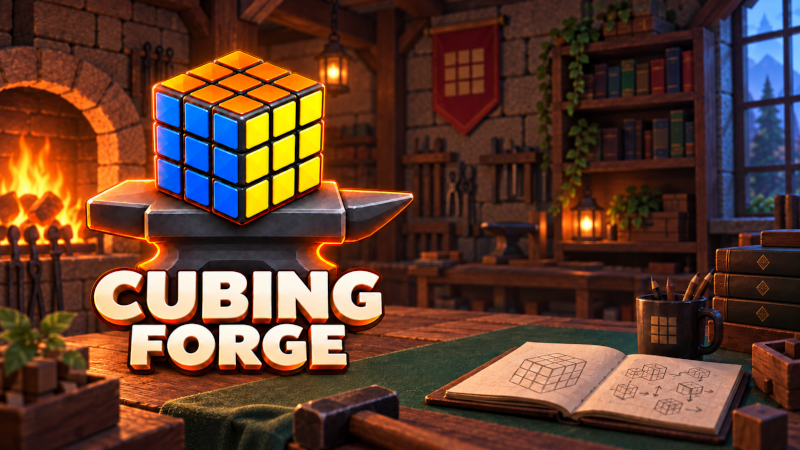
A new identity. Your own cubing workshop. A more connected way to learn and practise.
This update brings together a redesigned experience, guided learning, improved practice tools and expanded smart-cube integration. Our goal is simple: to help you build confidence and skill with the 3×3 cube, from understanding your first pieces to refining your solves.
Welcome to your workshop
Your personal workshop brings the game’s main activities together:
- Learn through the Campaign.
- Experiment in Free Cubing.
- Explore the Algorithm Library.
- Follow algorithms step by step in the interactive Preview.
- Practise with the timer and review your results.
- Personalise your workspace and preferences.
Learn by understanding
The beginner experience now includes clearer explanations of centres, edges, corners, faces and layers, supported by interactive 3D illustrations.
Live beginner guidance helps you identify your next task, follow verified steps and get back on track when the cube changes unexpectedly. A draggable close-up view makes the face you need to turn easier to inspect. Separate Guide and CFOP Assistant tabs let you choose how you practise.
Make the experience your own
Customise your workshop and cube presentation with:
- Standard palettes, palettes designed for colour-vision differences and custom palettes.
- A new colour picker and custom sticker names.
- Your preferred cube orientation for scrambling.
- Visual practice themes for focused training.
- Interfaces in English, Dutch, German, French, Spanish, Japanese and Hungarian.
Practise with more insight
The Practice timer brings sessions, solve history, statistics and phase analysis together, where supported. Choose virtual, smart-cube or manual input, with separate history for each event and manual practice options for additional puzzles.
Fully tracked gameplay and guided learning remain focused on the 3×3.
Expanded smart-cube integration
Native Windows and Linux integration now supports additional protocols across the GAN, QiYi, GoCube/Rubik’s Connected and MoYu families.
We have also improved packet recovery, burst handling, visual orientation smoothing, synchronisation feedback and supported calibration workflows. Capabilities vary by device and protocol, and verification with physical cubes is still ongoing.
A stronger foundation
Behind the scenes, we have reorganised the project, removed unused code and outdated files, consolidated documentation and produced fresh Windows and Linux release builds.
Thank you for helping shape Cubing Forge. Welcome to your workshop!