Demo Update: Transparency, Extra Cores, & Heavy Progression Tuning!
CoreBreaker: Desktop Swarm · published
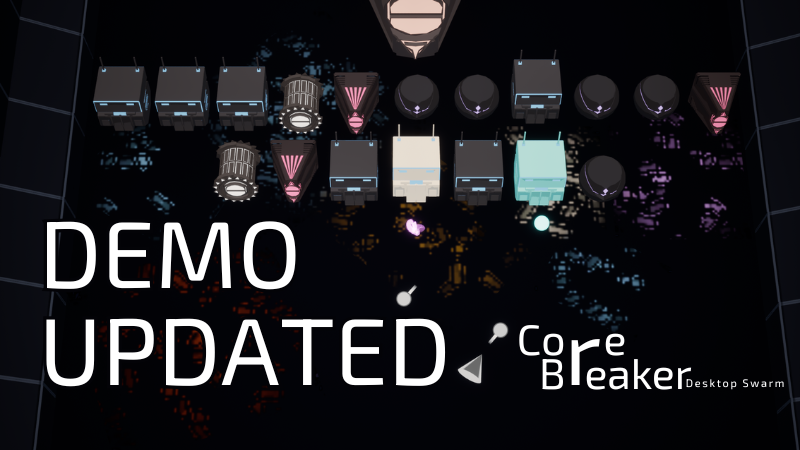
Hey everyone! Quick update to make your desktop-corner setup cleaner and your progression way faster. Here is what’s new in the latest build:
Better Auto-Aim & QOL
Smart Auto-Aim Toggle: Added a new button in the settings.
ON: Pure auto-aiming 100% of the time.
OFF: The game follows your cursor when you hover over it, but seamlessly switches back to auto-aiming the second you click away to do your actual work.
Progression & Core Overhaul
More Cores to Unlock: Expanded your arsenal! You can now unlock up to 4 Basic Cores, 3 Ice Cores, and 2 Arc Cores (added +1 to each tier).
Massive Skill Tree Buff: Increased the maximum levels for skill tree nodes.
Faster Pace Economy: Increased the currency dropped by enemies across the board. The game pace is faster, and you'll hit those high-tier upgrades much quicker.
Desktop Mode & UI Improvements
Semi-Transparent Window: When scaled down into small window mode, the game background is now semi-transparent! It’s not fully invisible, but it blends into your desktop background way better while you work.
Right-Click Drag: You can now instantly right-click and drag the game window anywhere on your screen. No more fighting with desktop borders.
Hide HUD ("H" Key): Want total minimalism? When focused inside the game window, press "H" to completely hide the UI/HUD.
Resolution Freedom: As a reminder, you can still seamlessly scale the window down to tiny 200x200 / 300x300 modes, all the way up to 1280x1280 or full screen.
If you've got wild ideas for the next set of upgrades, hop into our Discord and let us know: