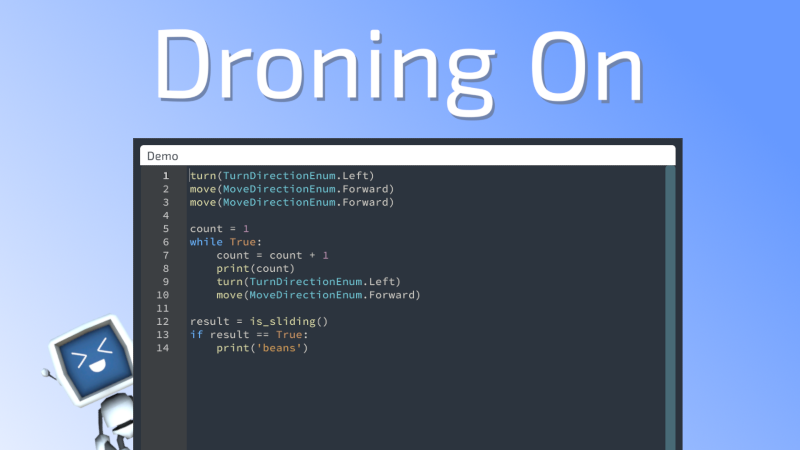
In Droning On, you write Python to control Gizmo. A script that says move() does what you'd expect: Gizmo walks one tile. Easy and intuitive. Except... not really. That single line of code is doing something a normal Python script never does. It's waiting for a robot to physically walk across a tile in a Unity scene before the next line of your code runs. And while it's waiting, the game still has to render, animate, play sounds, react to input, and stay responsive. None of that is how Python normally behaves.
The Problem
By default, Python runs as fast as your computer will let it. If you wrote a loop that called move() ten times, vanilla Python would happily blast through all ten calls in a millisecond and call it a day. That's great if you're crunching numbers. It's terrible if each one of those calls is supposed to represent Gizmo taking a step.
There's also a second problem. Unity is very particular about which thread is allowed to touch the game world. Anything that moves a transform, plays an animation, or spawns a particle has to happen on the main game thread. But running a player's Python script on the main thread is a non-starter - an infinite loop in someone's code would freeze the entire game. So the script has to live somewhere else.
Two Worlds, One Robot
The way I solved this is conceptually pretty simple, even if the plumbing isn't. Your Python script runs on a background thread, completely separate from the game. When your code calls something like move(), that call doesn't actually move anything. It sends a request over to the main thread and then quietly puts your script to sleep. The main thread picks up the request, plays out the move (animations, energy drain, hazard checks, all of it), and only when the move is fully resolved does it wake your script back up.
From the player's perspective, it just looks like move() takes a second. From the game's perspective, two threads are passing notes back and forth in a very controlled way, and neither one is ever stepping on the other.
Making It Feel Right
Splitting the script across two threads wasn't just about thread safety; it turned out to give me a lot of behavior for free.
When you hit the stop button, the game can cancel a script mid-run cleanly, no matter what the script was doing. When Gizmo runs out of energy, his current action plays out, and then his script just... stops. When you crank the execution speed up to 10x, the game isn't running your Python code ten times faster; it's playing each move's animation faster, so the back-and-forth between the two threads happens in a tighter loop.
It also means time.sleep() can do something it has no business doing in regular Python: it can wait in game time. If you sleep for one second and then pause the game, that sleep pauses too. If you sleep for one second at 10x speed, it actually takes a tenth of a second of real time. Sleep, like everything else, gets to feel like a part of the game world instead of a thing happening outside of it.
Why It Matters
The whole point of Droning On is that you're writing real Python code to solve challenges - not a watered-down DSL, not block code with a Python skin on top. Real Python, with real loops, real functions, real imports. For that to feel honest, the language has to behave the way you expect, and the game has to behave the way you expect, at the same time. Getting those two to agree took more work than I'd like to admit, but the payoff is that nothing about the scripting feels like a toy. You write code, the robot does what the code says, and it all happens at a pace you can actually watch.
It's the kind of thing you don't notice when it works, which, as it turns out, is most of what game development actually is.
Thanks for reading! As always, your feedback is welcome. If you haven't already, drop a wishlist and come hang out in the Discord. It's the best place to share feedback, follow development, and engage.