Hi everyone! Daryl here again with another blog post about Sugar Shack.
For this Sweet Friday, we want to explain how the player can customize their shack and their world with elements like roads, chest, decorations and more.
We want to show how to add, remove, rotate and modify objects that are placed into the world.
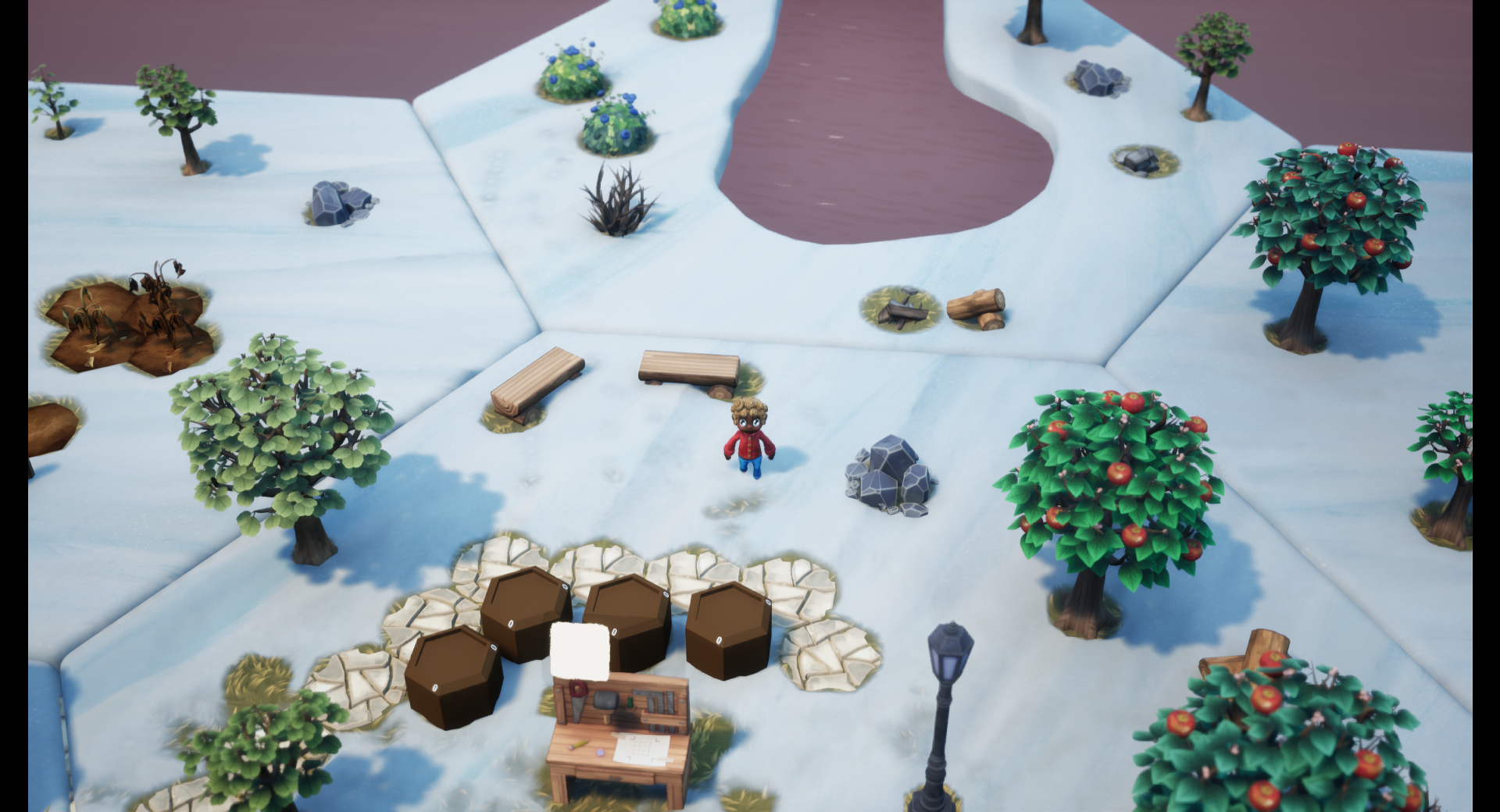
Objects can be placed by simply being picked up by the player. If the position is valid, the object will be highlighted in blue and if it’s not a valid position, it will be in red. A grid appears to show where an item can be placed.
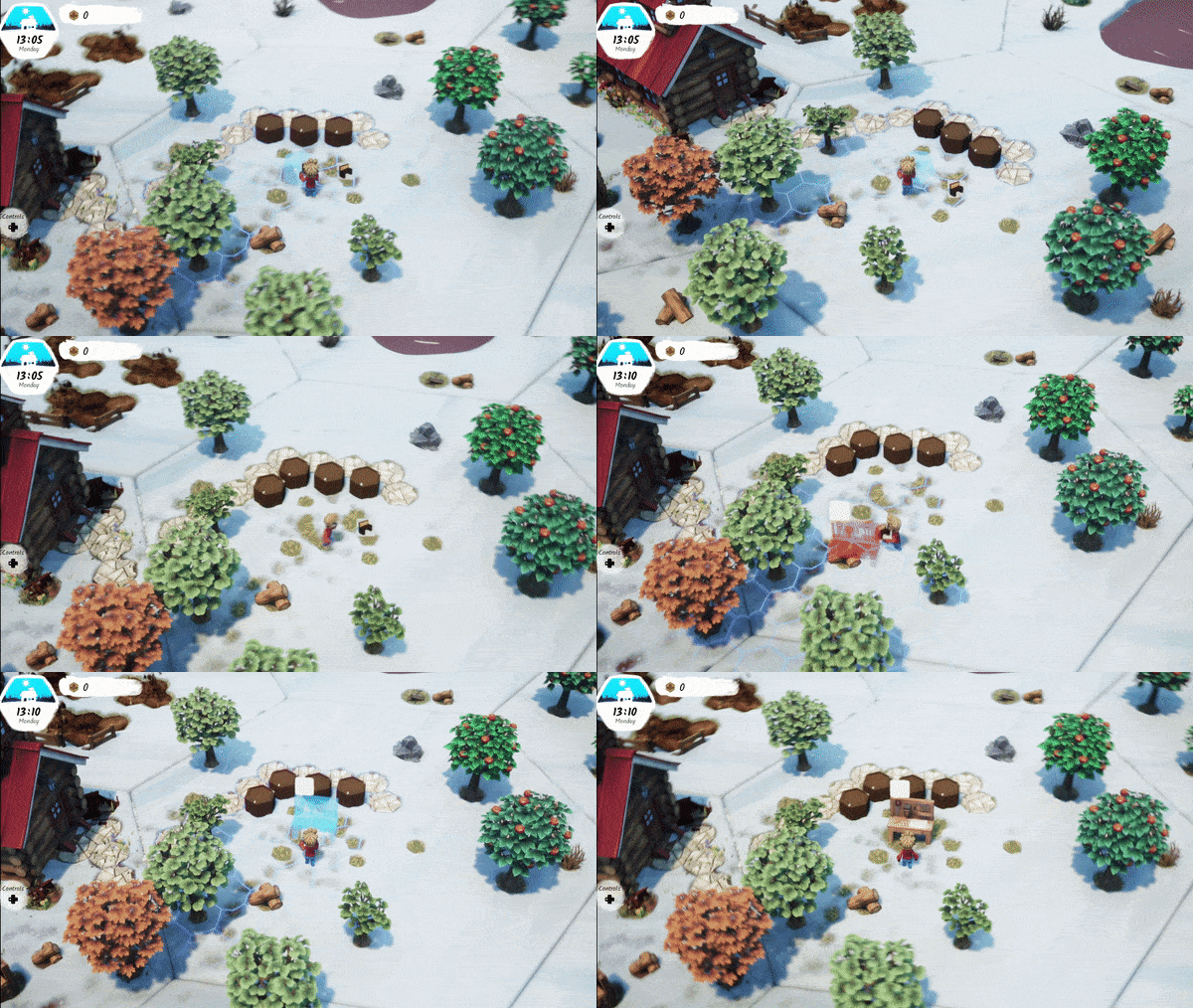
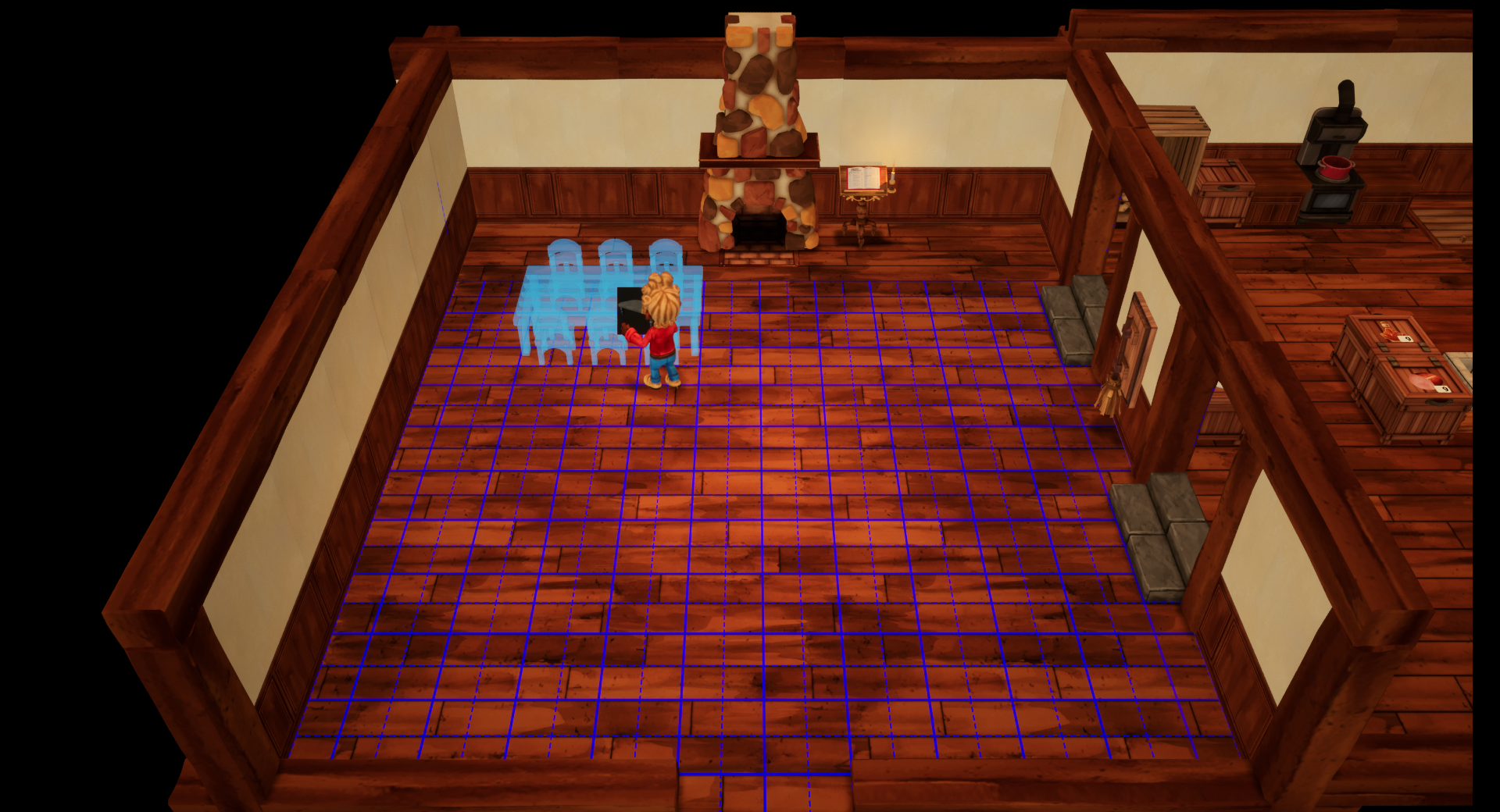
Since our outside world is hexagonal but the interior is rectangular, there are two grids for players to position their items. One is a square and the other is a hexagonal grid. It became way easier to place items outside and inside and to know where an item would fall on the grid.
We’re looking forward to our next blog post! If you don't want to miss it, follow us on social media and if you haven’t already, wishlist the game. It helps us a ton to get more visibility!
See you soon in the Shack!
Daryl B.