Update Available – General Improvements, Visual Tweaks, and Fixes
A new update has been applied, bringing improvements to the GMC system, animation and material adjustments, and changes to the Epic Games login system and water visuals.
GMC System Improvements
We are refining the GMC system with new adjustments aimed at enhancing the overall gameplay experience.
Notice: Some visual issues may still occur, especially in multiplayer. This may temporarily affect the visual size of certain characters or creatures, along with some animations.
Some issues are purely cosmetic, while some may affect gameplay. We are already working on a fix that will be released soon.
Epic Games Account (EOS) Login Update
We’re making improvements to the EOS login system and testing an approach that allows the game to launch without requiring an immediate Epic account login.
Close Button Added:
Now, when the Epic login window appears, a “X” button is available to close it — something that was not available before.
This allows access to the game without logging in in some cases.
Important:
- If you close the login window, the game may run normally without an Epic account.
- However, due to ongoing EOS bugs, the game may eventually require login again.
- If that happens, try logging in normally.
Login issues?
If you're having trouble logging into your Epic account (e.g., the account doesn't connect correctly), we recommend unlinking the account and trying again.
How to unlink your Epic account:
1. Visit: https://www.epicgames.com/account/connections
2. Log in to your Epic account.
3. Go to the “Accounts” tab.
4. Click “Unlink” on the related platform.
5. Confirm the action and restart the game.
Instructions to Install Easy Anti-Cheat (EAC)
If you're having trouble launching the game or received messages related to Easy Anti-Cheat, follow the steps below to properly install or reinstall EAC:
Step-by-step:
1. Go to the game’s root folder.
- Example: C:\Program Files (x86)\Steam\steamapps\common\AnimaliaSurvival
2. Locate and run the file:
istalleasyanticheat.bat
- This file automates the Easy Anti-Cheat installation.
3. If needed, you can also install it manually:
- Go to the subfolder: EasyAntiCheat
- Run the file: EasyAntiCheat_Setup.exe
4. Follow the instructions in the window that appears to complete the installation.
Once installed, try launching the game again.
If the issue persists, restart your computer and check for any pending system updates.
Note: These instructions are useful for fixing launch issues related to EAC or file integrity errors.
Temporary Visual Adjustments to Water
We are currently working on improving the water material. At this stage, we’re adjusting opacity and fade effects.
Notice: Some lakes and rivers may appear visibly transparent, but this is not a bug.
This temporary transparency is part of ongoing adjustments to enhance water realism at different depths.
Fixes for Lioness and Male Lion Cub
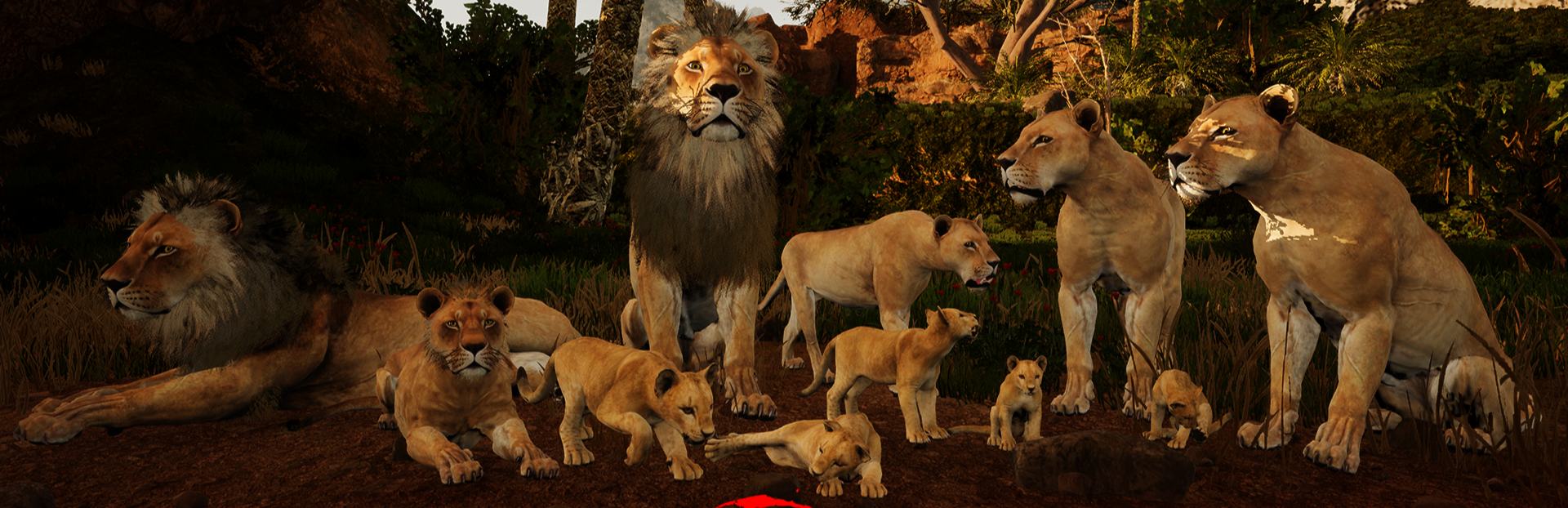
Lioness birth animation:
- We fixed an issue that caused the animation to stretch unnaturally.
- The lioness was incorrectly using the buffalo animation, which has now been replaced with the correct one.
Male lion cub material:
- A duplicate file was causing visual issues by applying the wrong material.
- This bug has been fixed, and the correct material now displays properly.
We appreciate the community’s ongoing feedback and support during this improvement process!
High Brasil Studio