What's new?
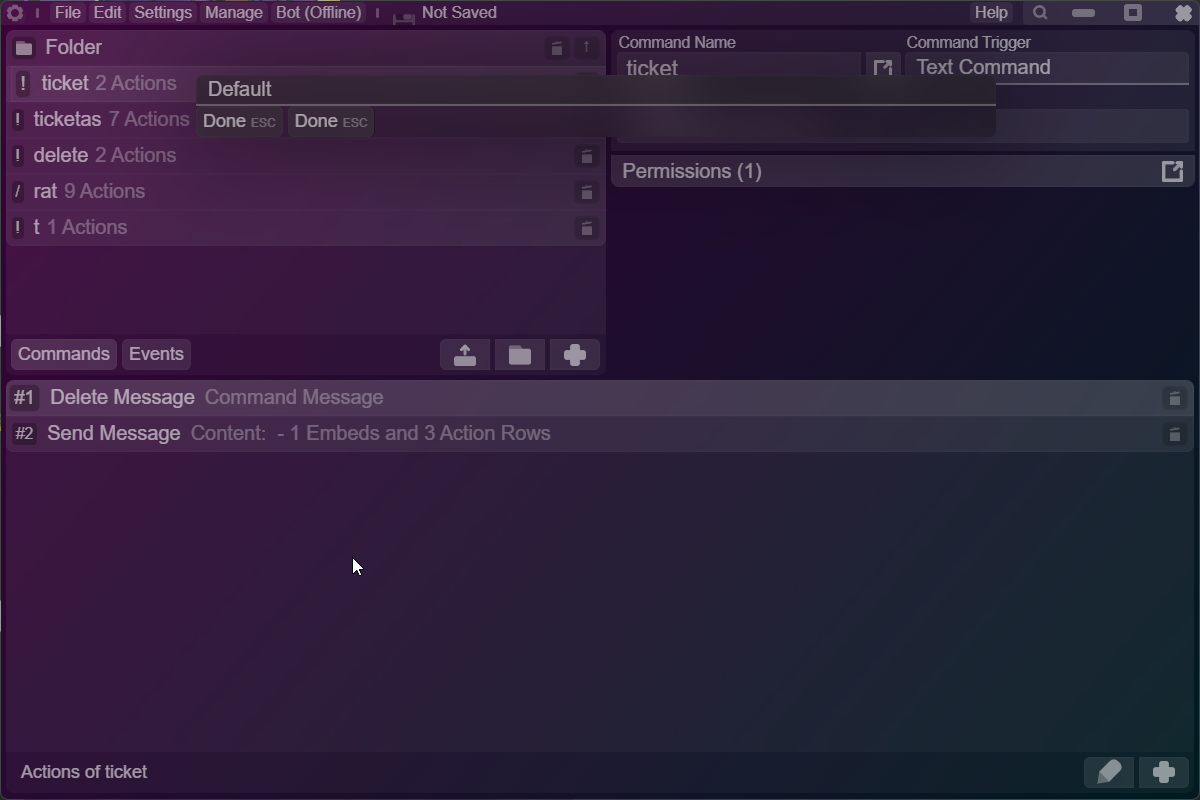
Accents
You can fine-tune your app's coloring scheme even more now!
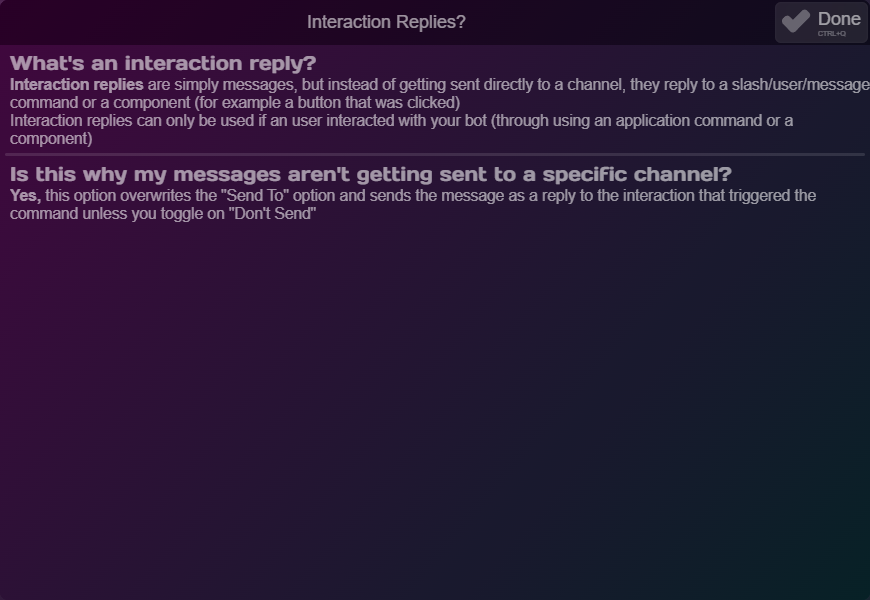
Help Sections
Now, things that were poorly documented are easily explained!
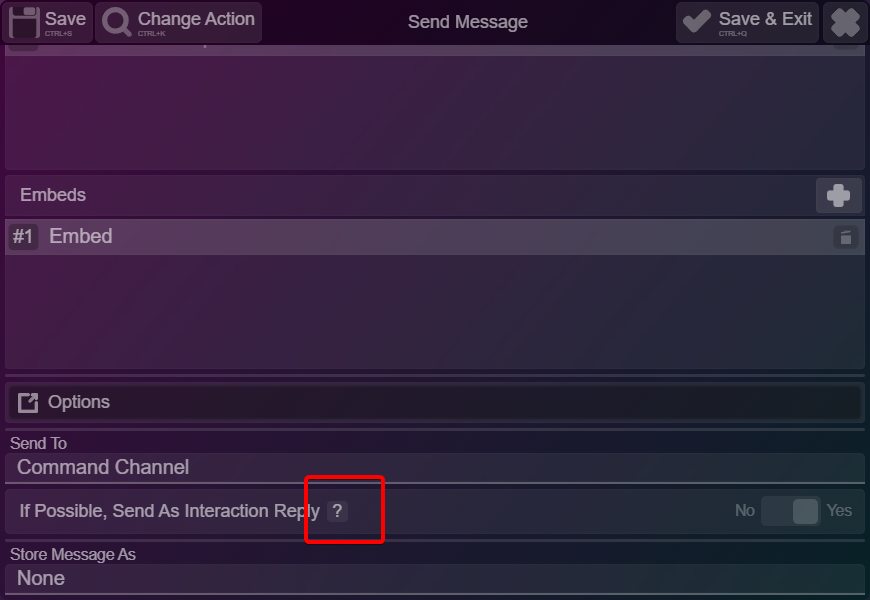
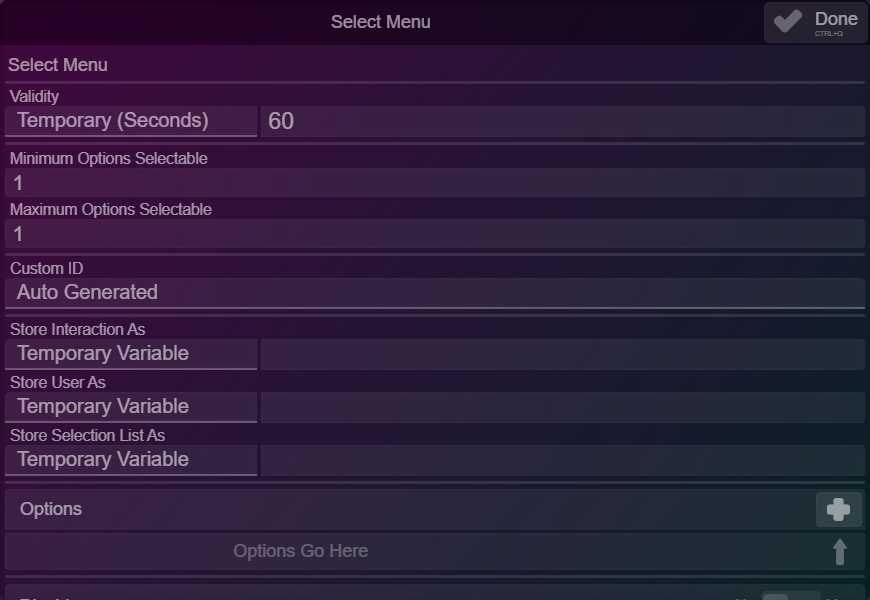
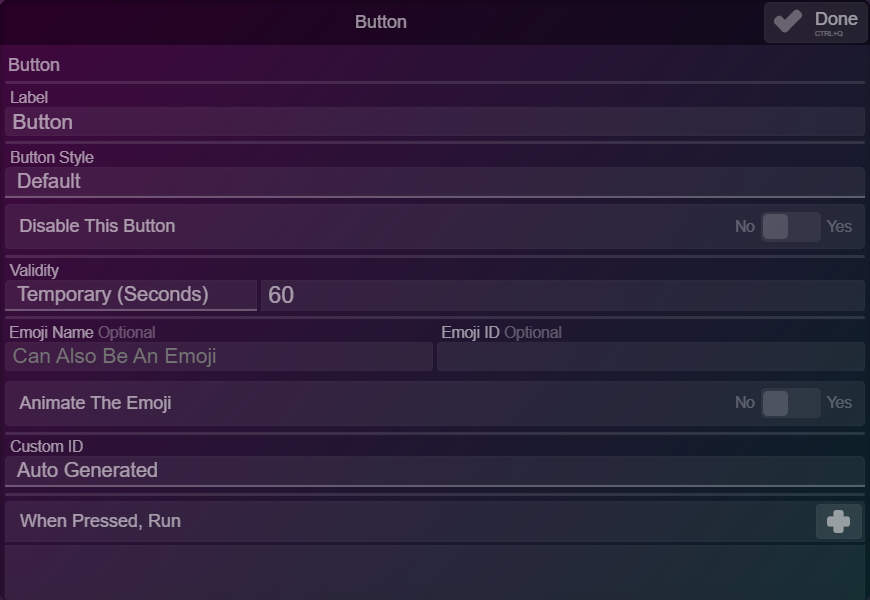
Reorganizations of every component
Remember how everything was in-your-face and took up a lot of space? Well, keep those moments as memories, the new interface for components has improved categorization. This change was made because it took a lot of scrolling to get to core parts.
New
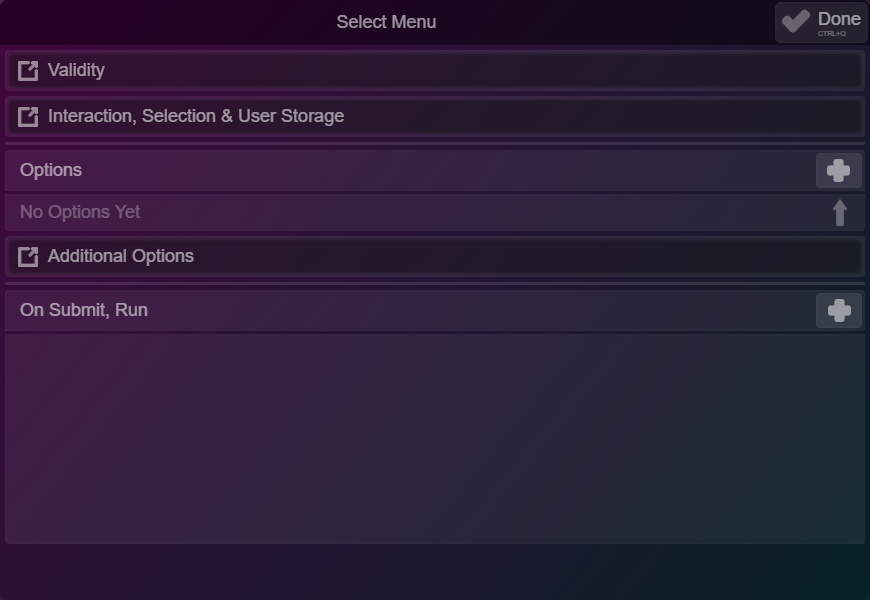
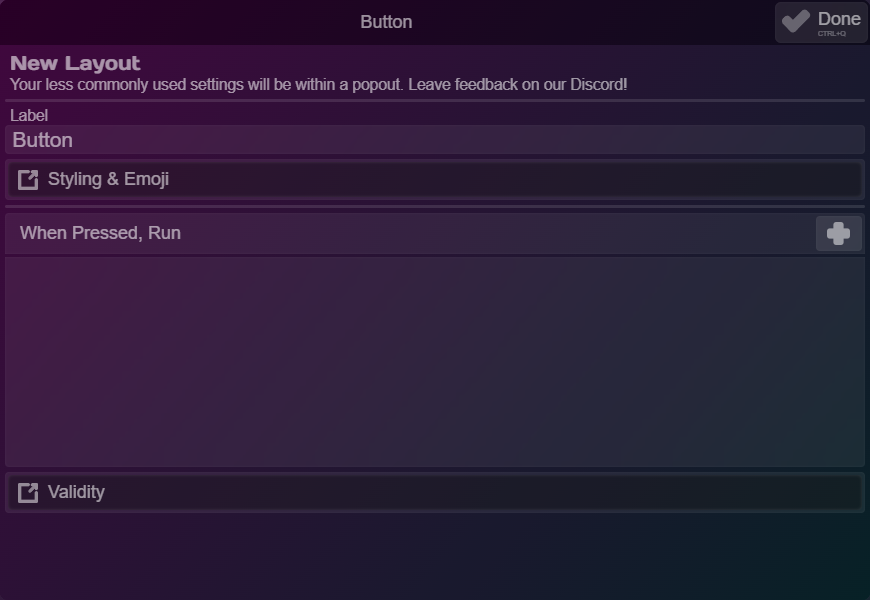
Old
& more...
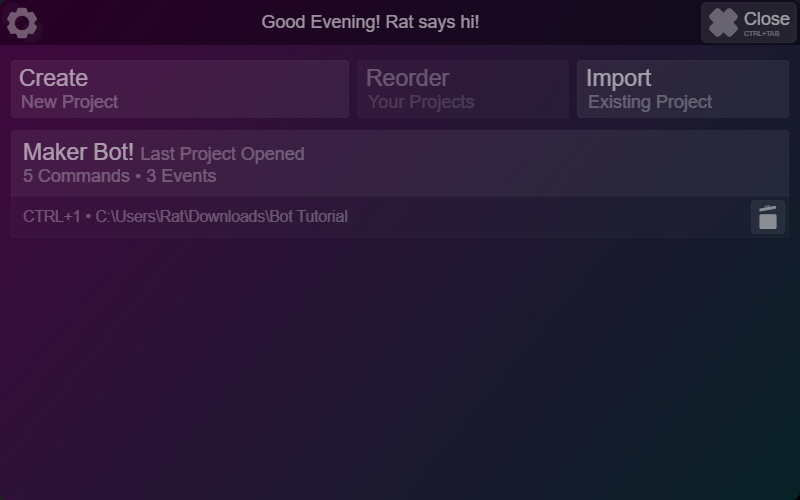
Slightly Redesigned Project Manager
Nothing fancy - just a simple redo of the project manager's design!
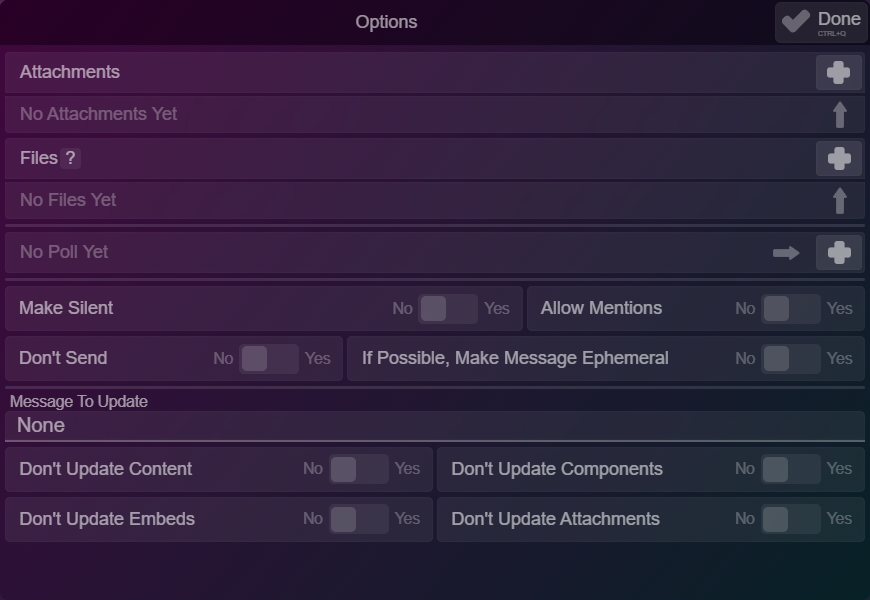
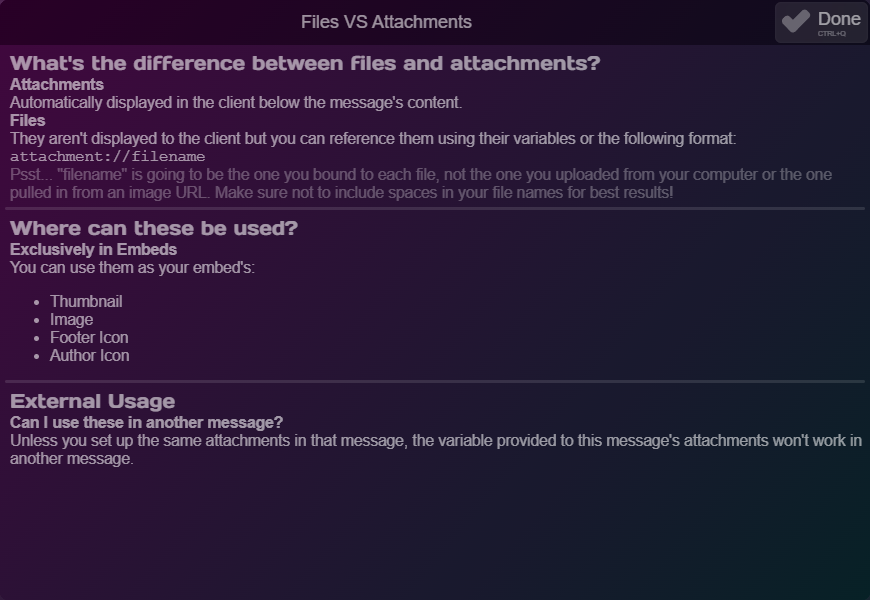
"Files" in Send Message
Discord has blessed us with custom images in embeds! You'll find Files under Attachments in Send Message - There's even an explanation of the difference
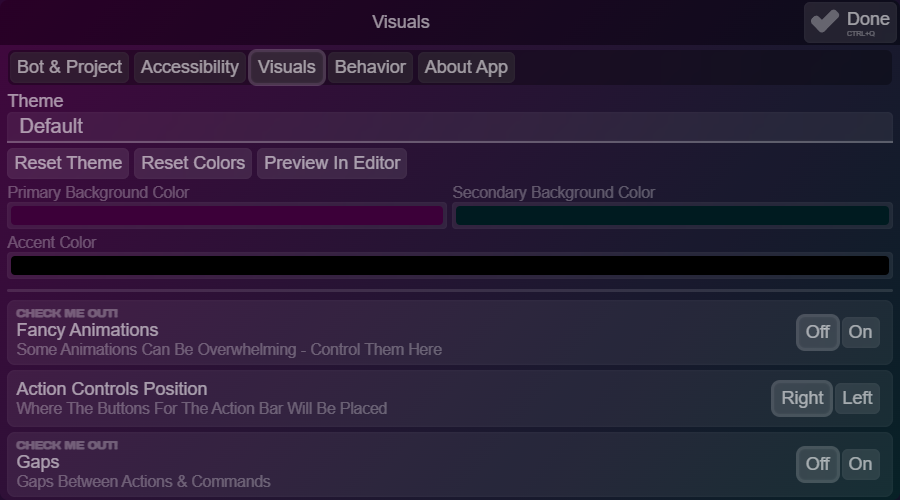
Simple / Fancy animations setting
Find this in the visuals tab - enjoy!

Fancy Animations On
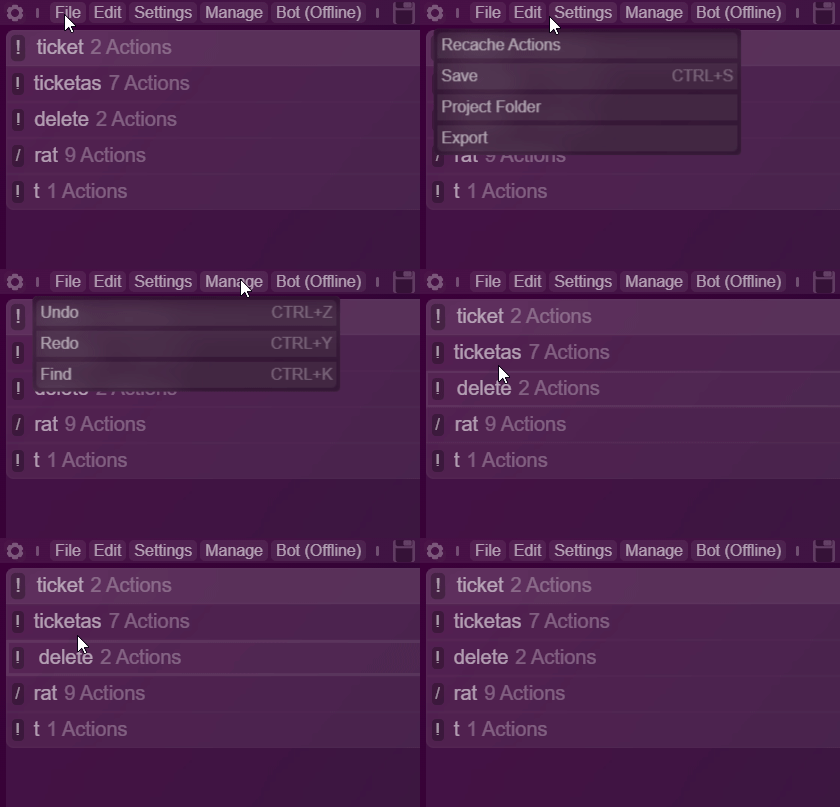
Fancy Animations Off
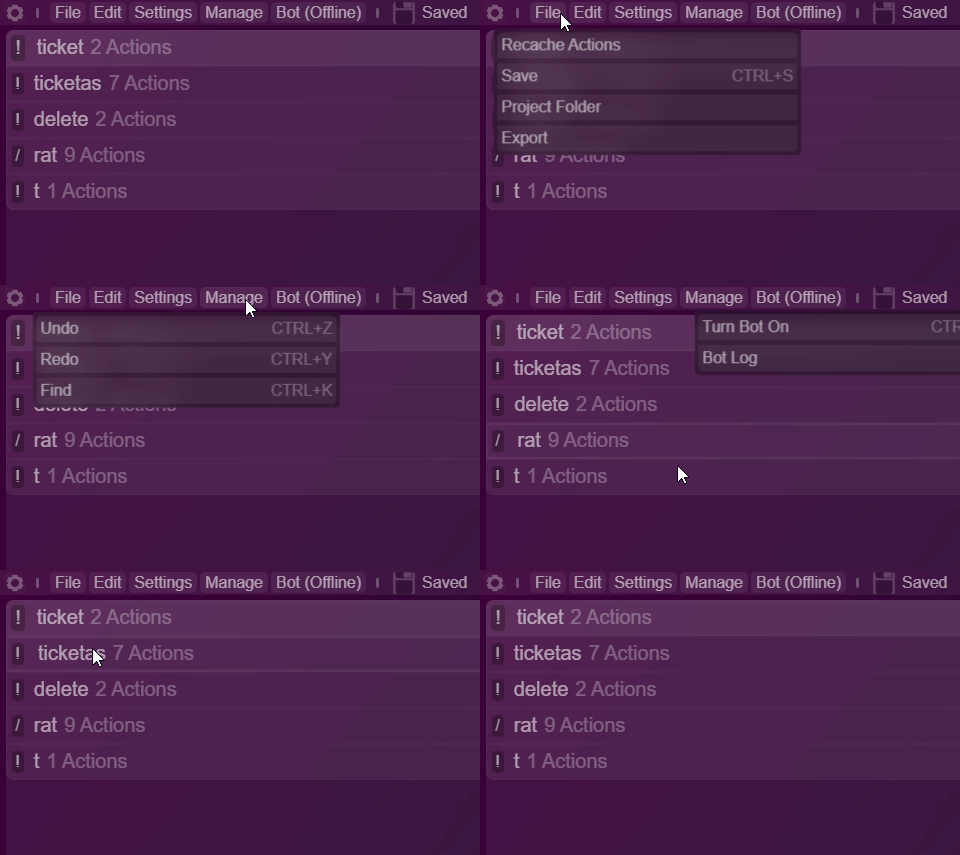
Bot Owner Permission
You don't have to type in your ID or anything. The app will know who the bot owner is!
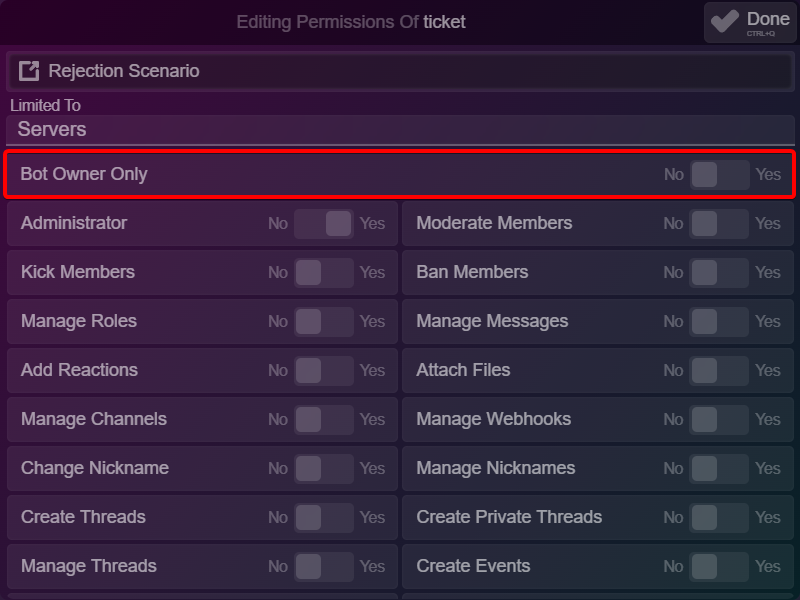
Silent Deferrals
This only works for Component interactions - It will defer an interaction but make it so that the client doesn't show those three dots!
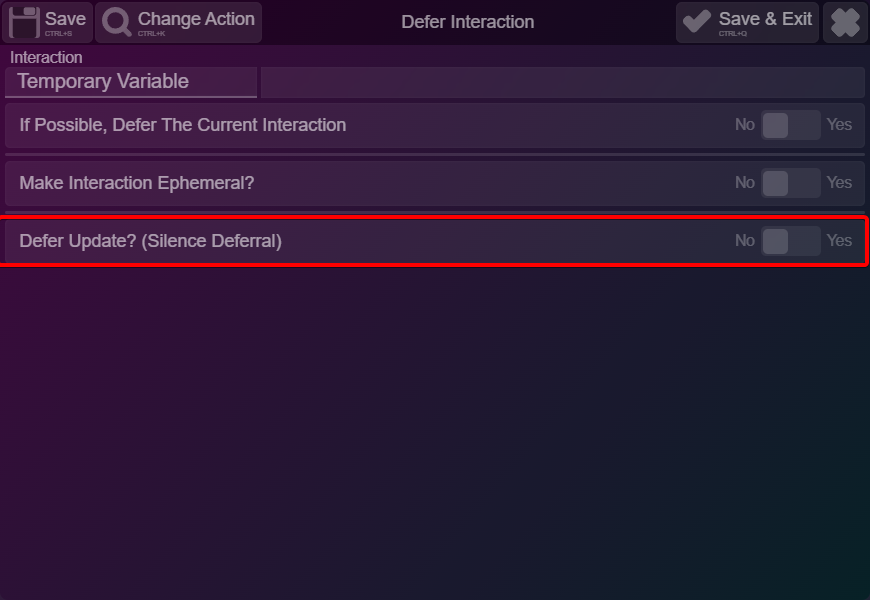
Silent Messages
Do these even require an introduction..?
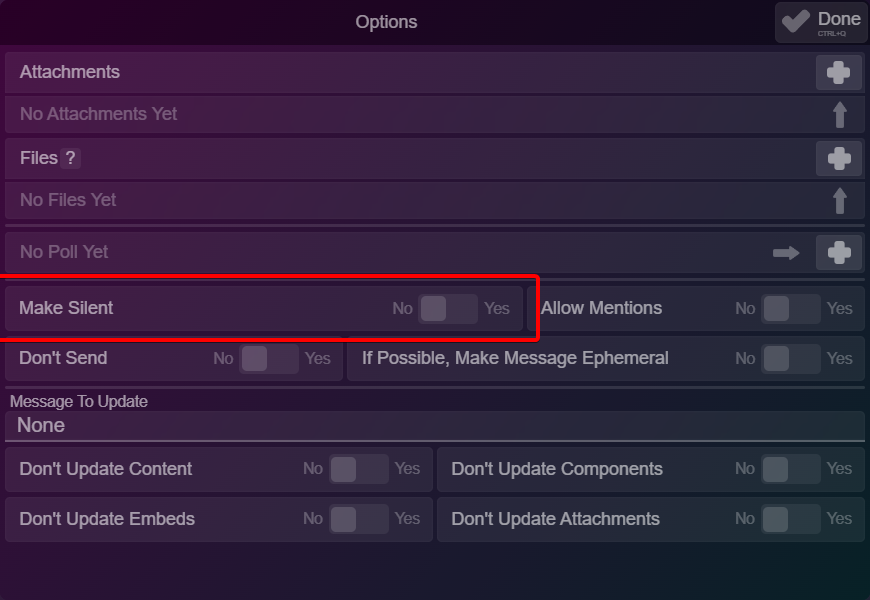
Reordered Top Bar
To make the top bar a bit more intuitive, some options were moved around
New

Old

Audit Log Additions
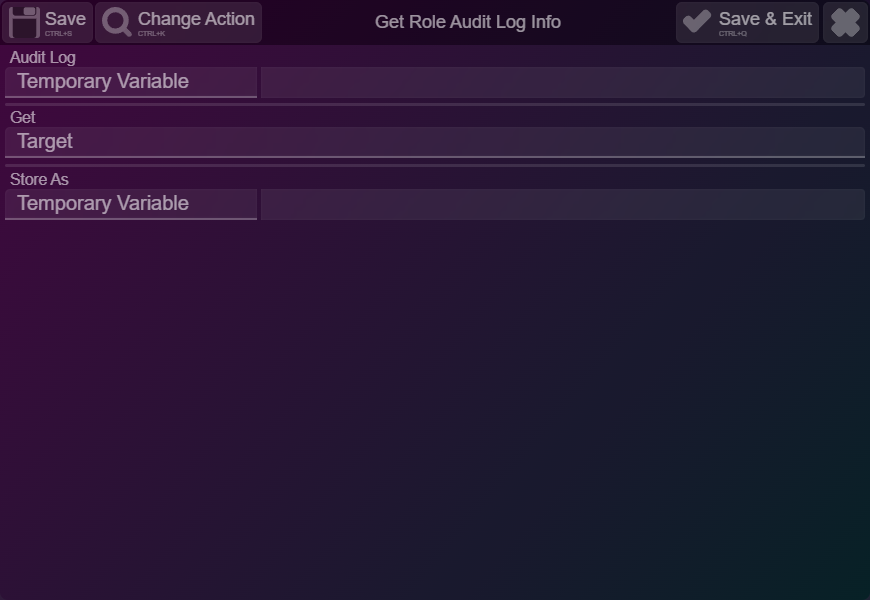
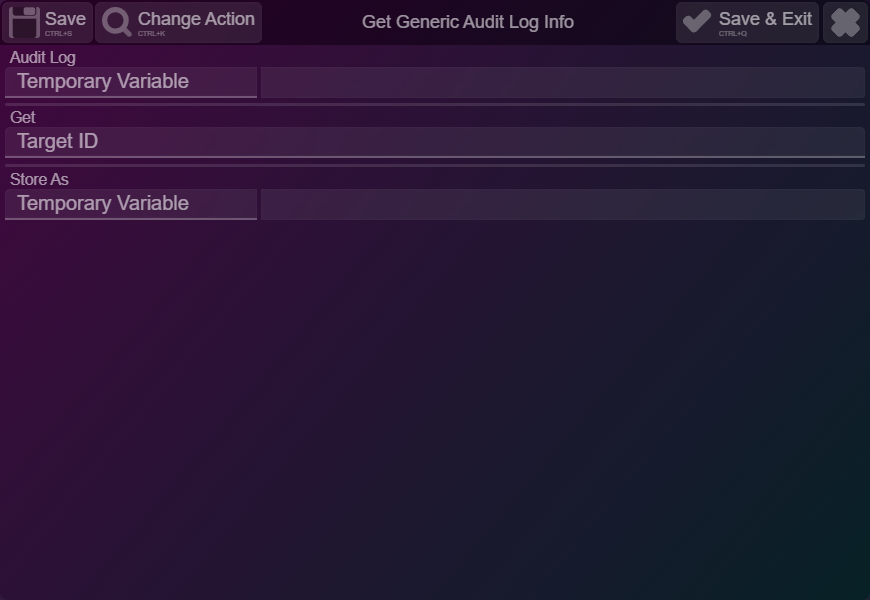
The audit log actions were just supercharged:
Get Role Audit Log Info
Get Generic Audit Log Info
Changes option in every "Get ... Audit Log Info" action
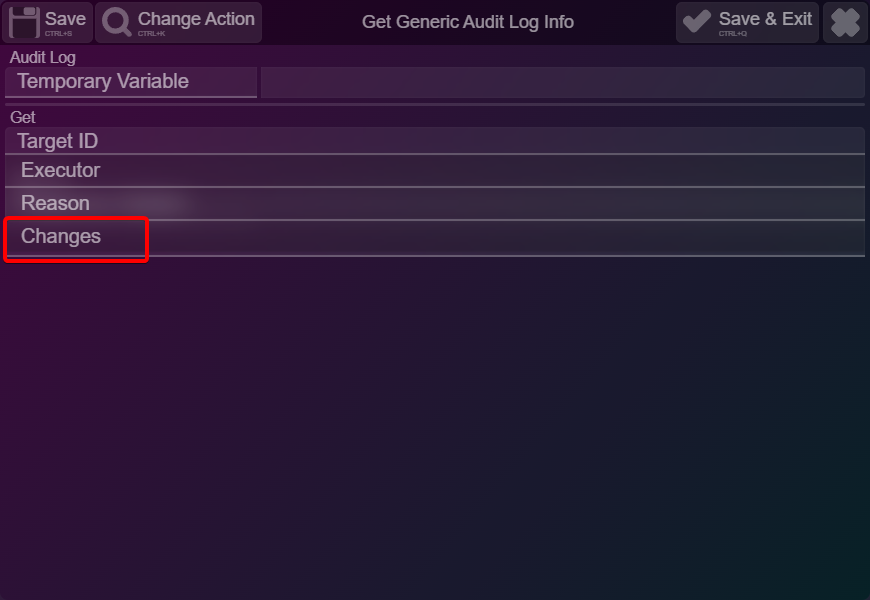
Changes option in every "Get ... Audit Log Info" action
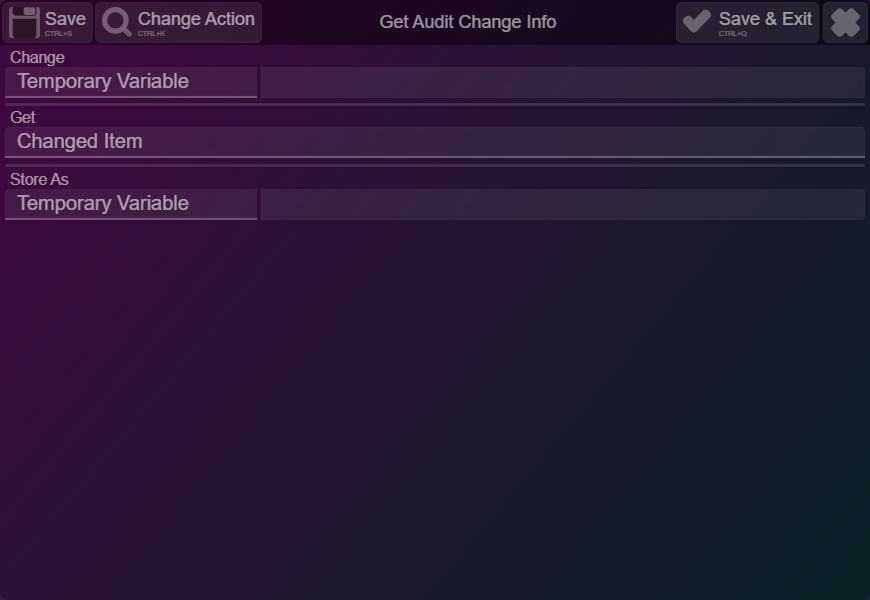
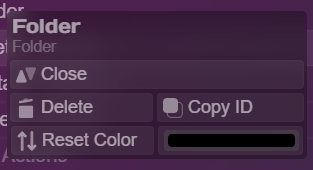
Modernized folder right-click menu
It received icons & the fancy header font!
Updated Actions' General Interface
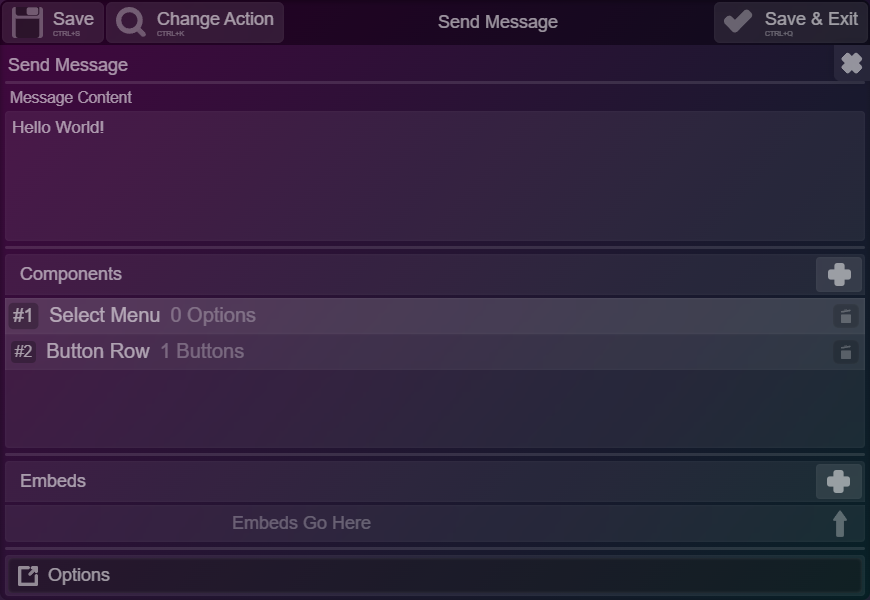
The double-header design was removed - we also moved the X button up on the Top Bar!
New
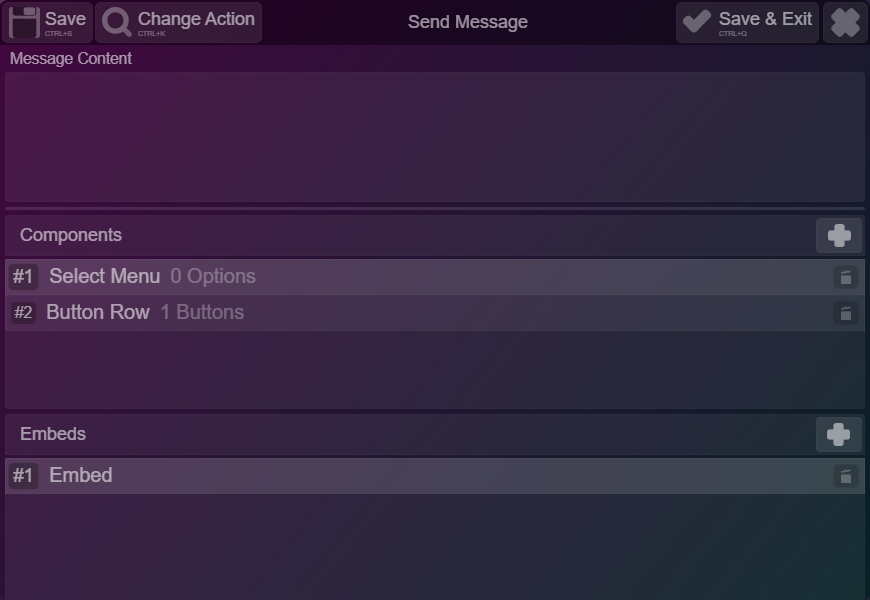
Old
Automatically re-storing the message in Persistent Components
Remember how you had to use Get Interaction Info -> Message in a persistent component to get the message? That's history. However you stored your message, the variable will be re-created when the component runs!
Fixed persistency being affected by any change
No, that was not intended behavior! Creating changes to your project will no longer make persistent buttons obsolete.
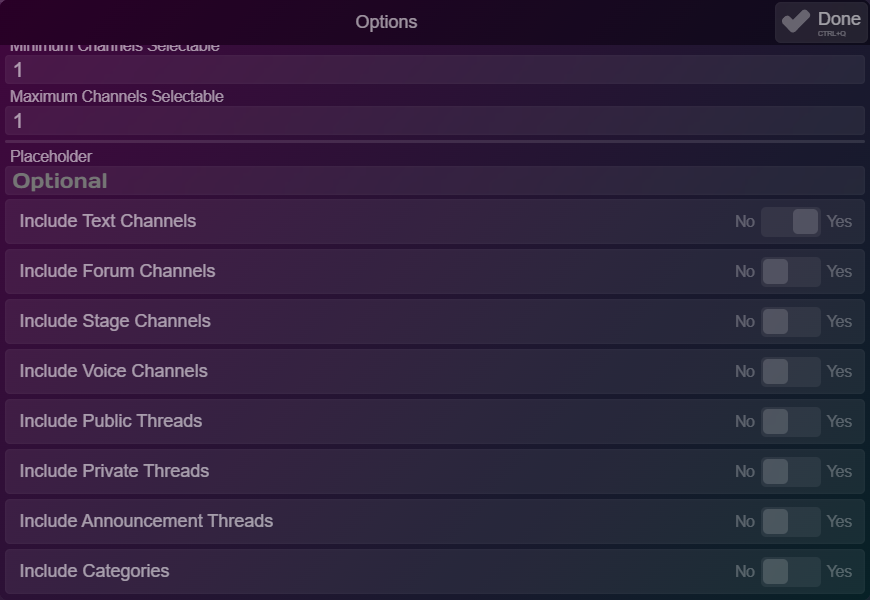
New Channel Types in Channel Select Menus!
Now that's a big change!
Fixed theme previews!