v[0.1.030] Object Snapping, New Walls, New Floors
Tobacco Shop Simulator · published · build 18374824
1- Object Snapping
You can use the object snapping feature while placing store racks, warehouse racks, decorations, cash registers, and speakers.
(You can disable it in the Options - Gameplay settings.)
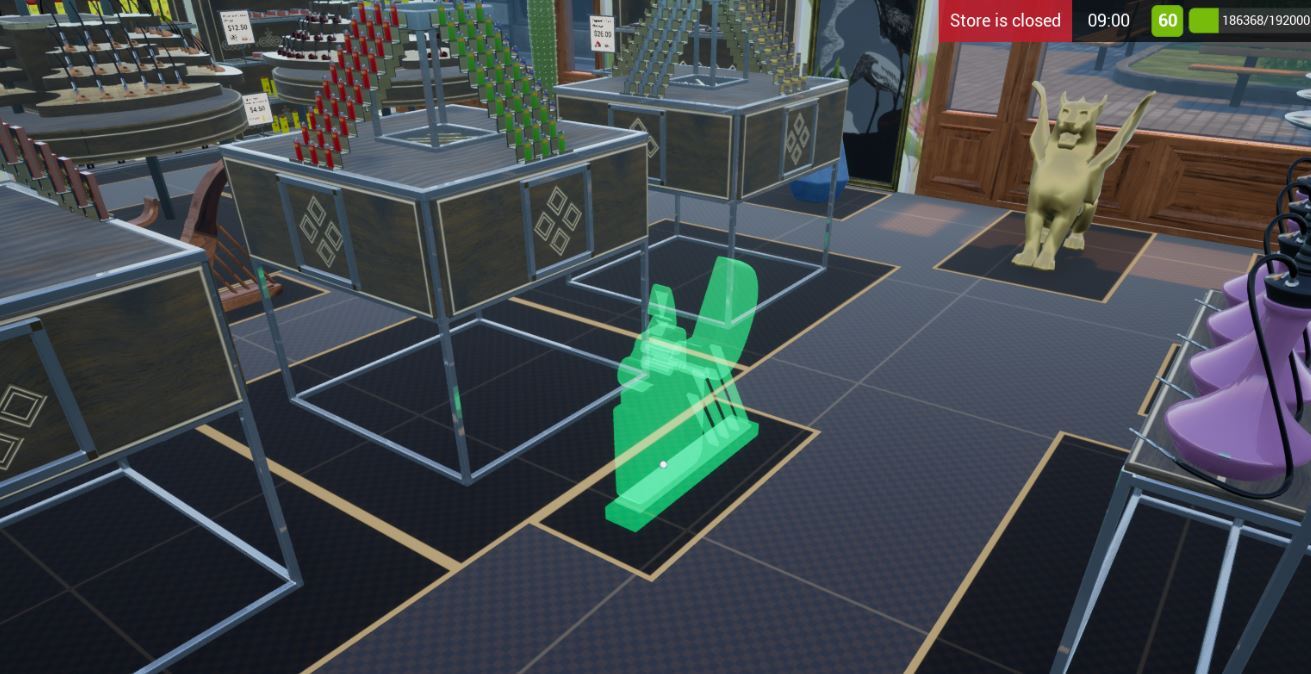
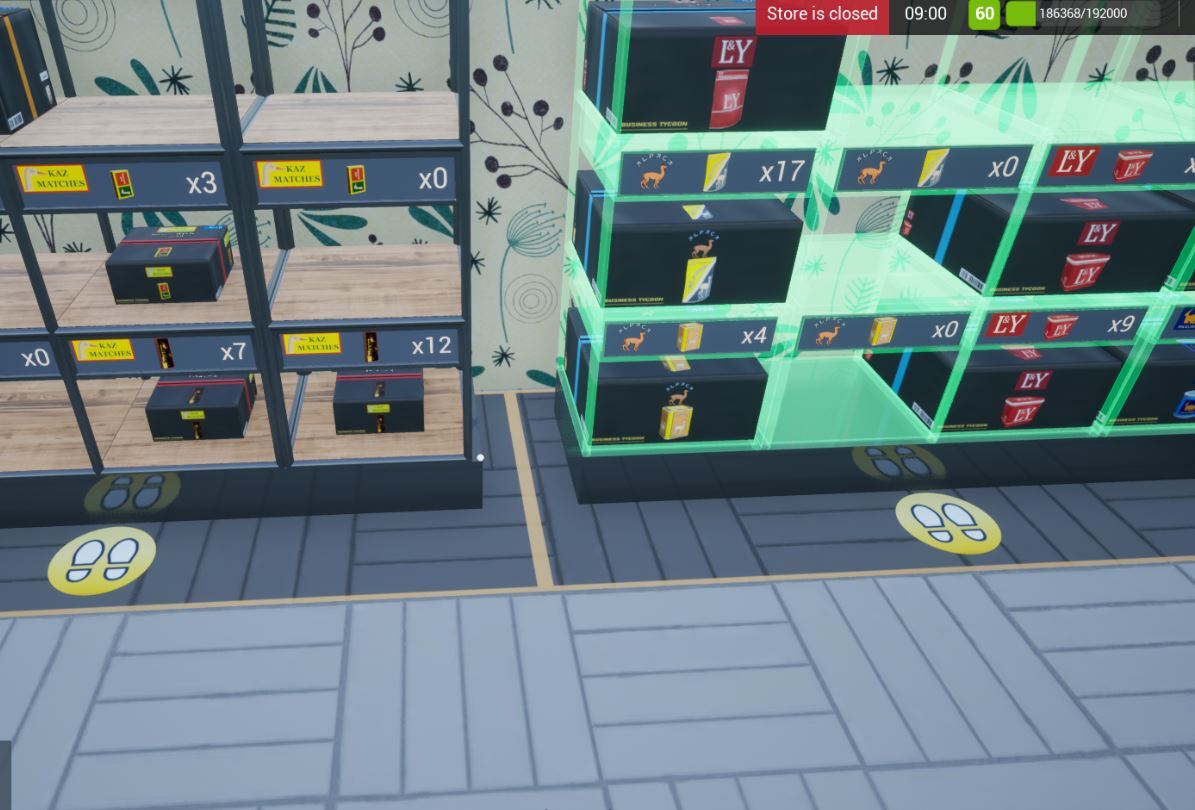
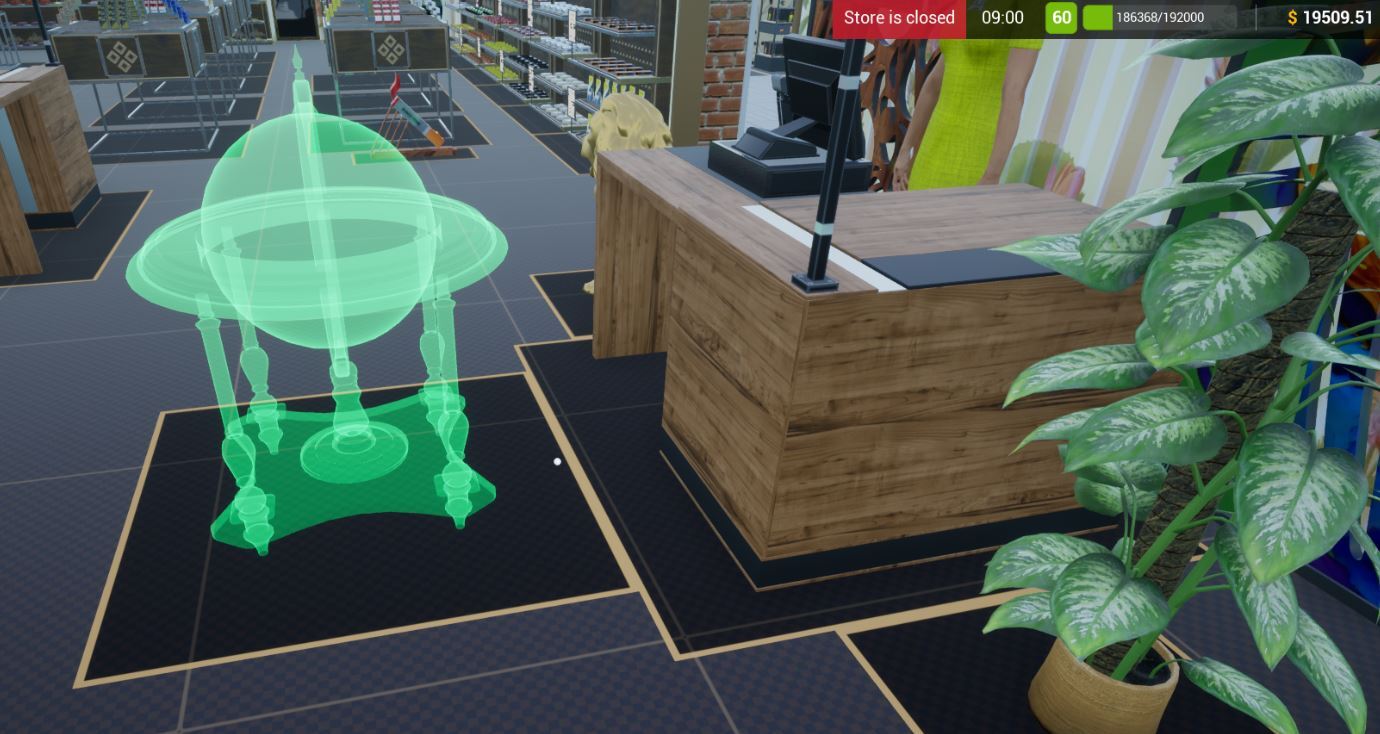
If you want to use the object snapping feature on wall racks, you should know that they are only functional with other wall racks.
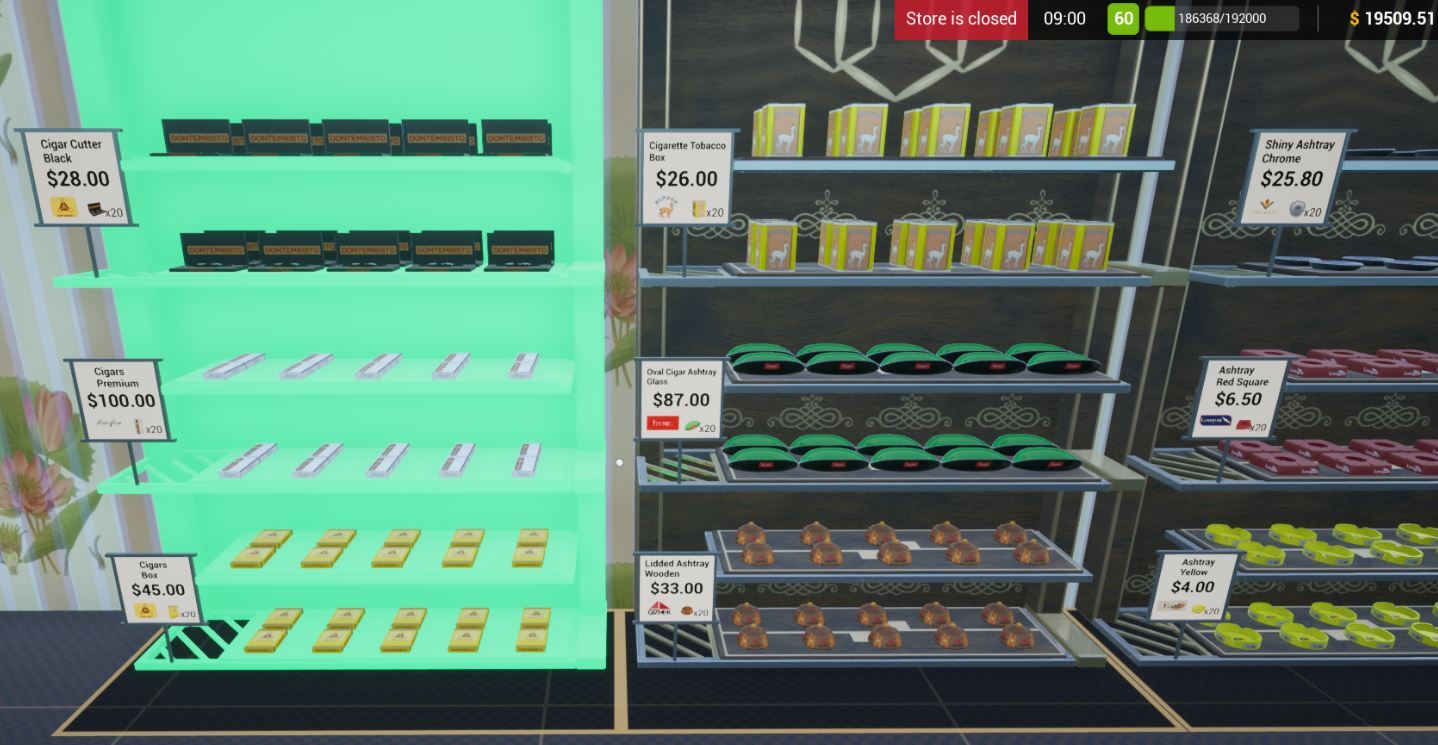
Align Snapping Objects
If you "Hold Left Shift (by default)" while placing an object, you can align the object.

(It's Left Shift by default, but you can change it in the Options-Controls.)
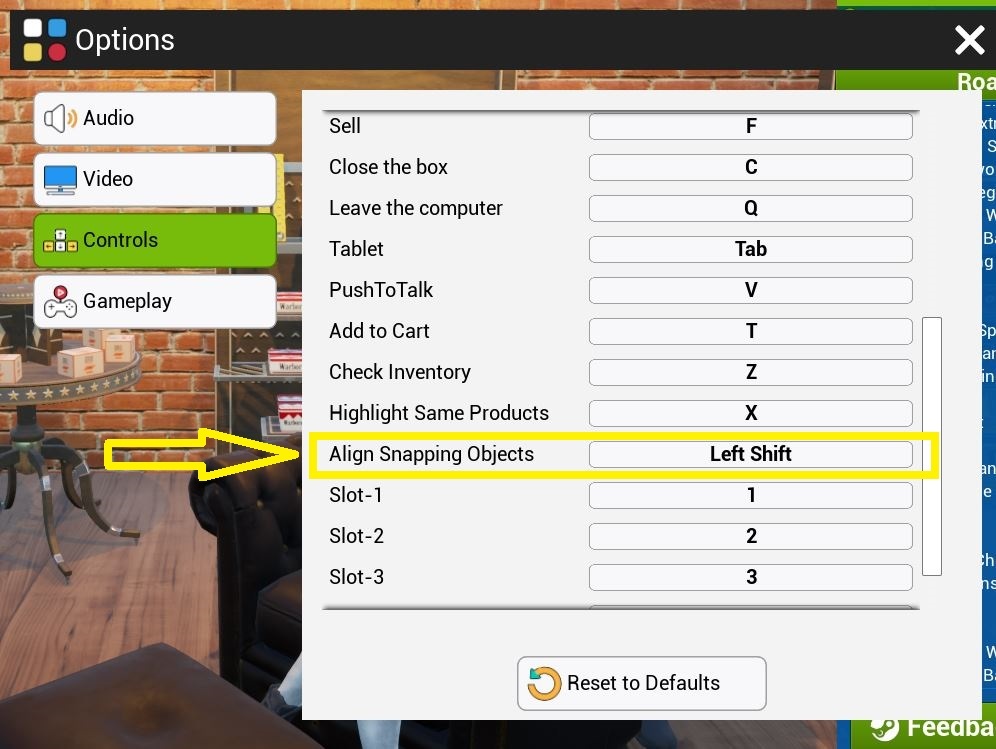
If you don't want to use the object snapping feature, you can disable it in the Options - Gameplay settings.

2- New Walls
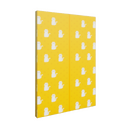


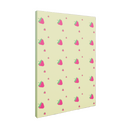
3- New Floors


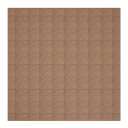
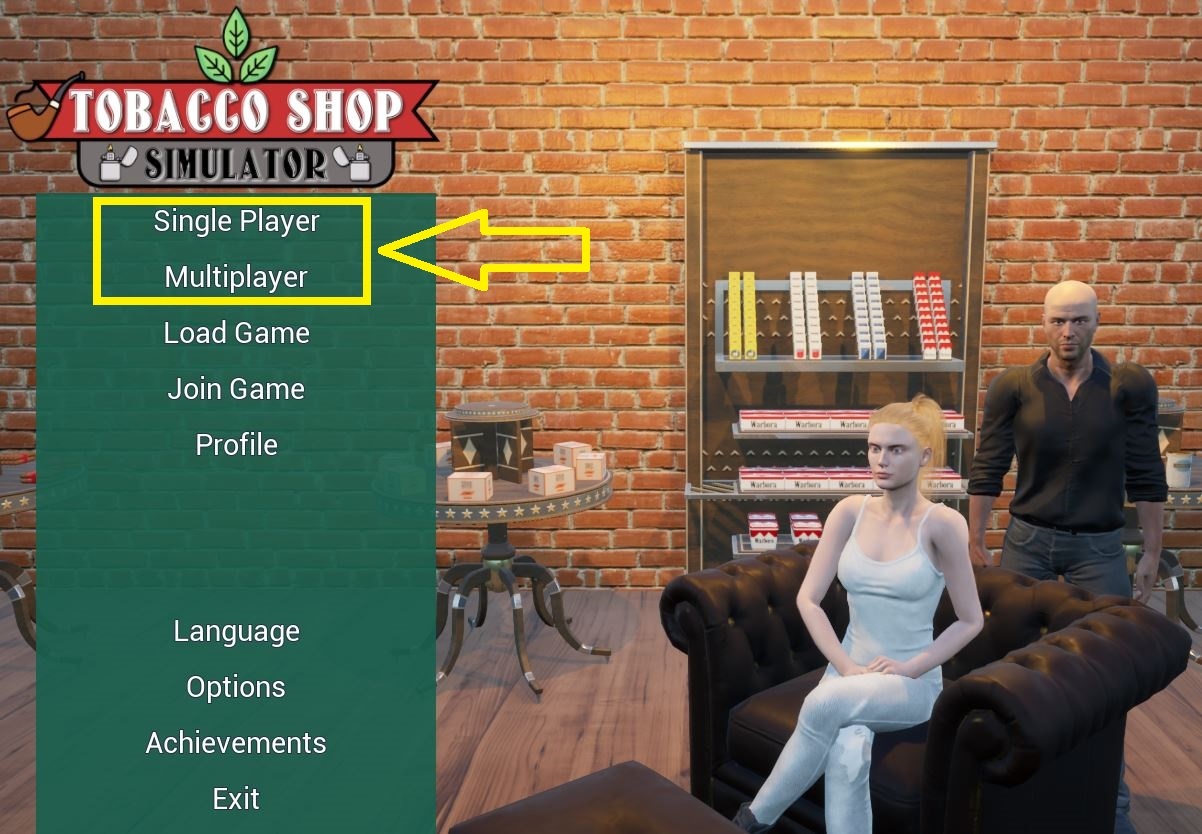
4- Main Menu (Single Player and Multiplayer Buttons)
Now there are two new buttons on the Main Menu: "Single Player" and "Multiplayer".
You can switch your "Single Player" game mode to the "Online Co-op" mode while loading your save file anytime.
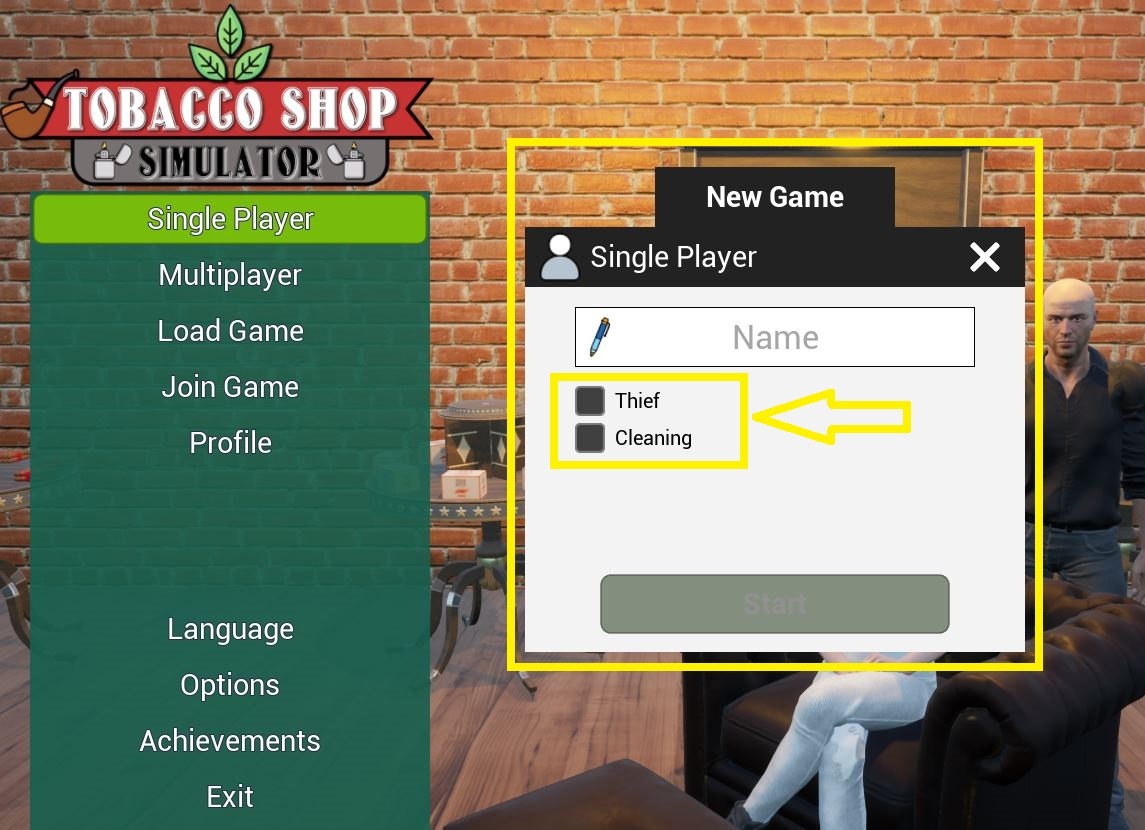
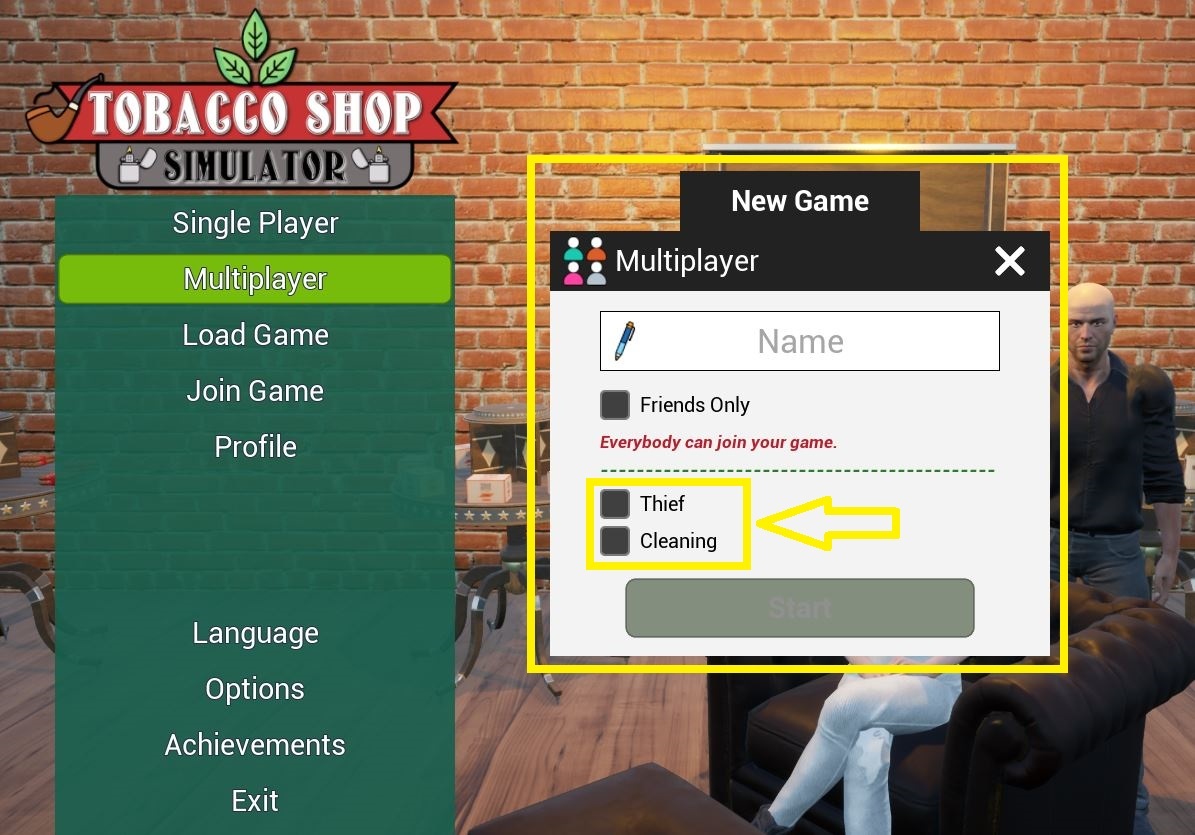
5- Thief and Cleaning
"Thief" and "Cleaning" can be turned on or off just before you start a new game or before you load a save file.
(As you know, you can still disable it in the Options - Gameplay settings.)
Next Update -> May 23, 2025
1- Wall Mounted Speaker
2- Bank - New Loans
Here is my new game, Sporting Goods Shop and its free prologue:
https://store.steampowered.com/app/3653250/Sporting_Goods_Shop/
https://store.steampowered.com/app/3653260/Sporting_Goods_Shop_Prologue/
Please add them to your wishlist to get notified when they are released ;)