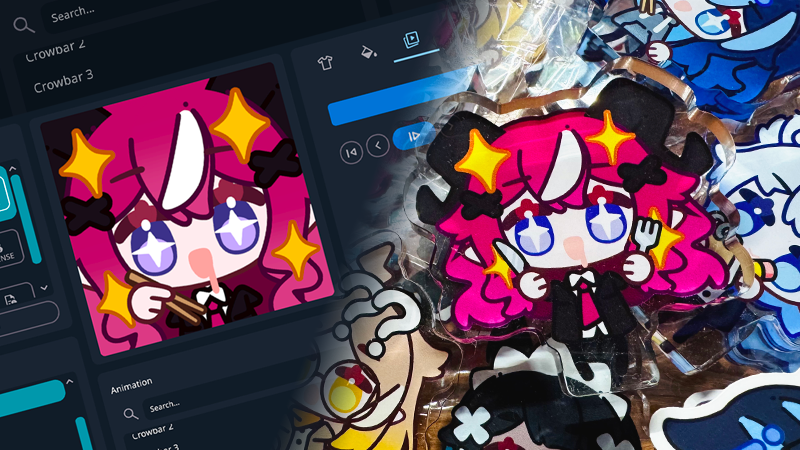
This update introduces new export options, animation playback improvements, and updates to the CoffeeBean model.
Export
Added static PNG export.
Added animated APNG export.
GIF encoder: added option to use a global color table. Use this option to fix flashing colors.
Export workflow: export controls are now located in the Export tab, next to the parts and colors tabs.
Animation Player
Added playback controls: play, pause, next, previous, first, last buttons, and adjustable playback speed.
Recording now begins at the current frame when the animation is paused, and from the first frame when it is playing.
Color Picker
Added eyedropper tool to pick colors directly from the screen.
CoffeeBean Model
Updated model with new parts added.
In the model list, a version number indicates a historical version, while models without a version number are the newest.
Saved characters will transition to the new model seamlessly.
Atlas pages can be ported by saving a character under the old model (CoffeeBean_V1_0) and then loading the saved character under the new model, allowing EmoteLab to regenerate the atlas pages.
It is recommended to save edited textures by saving a character with the "Use Custom Texture" option enabled, rather than saving the atlas page directly. For more information, please refer to this page.