In-game event
Designer Upgrade: More Animation Settings, and More Control
Crosshair X · published · build 18289248
Hey everyone!
We're beginning to focus on improving our designer and give you all the best set of tools out there —this one’s all about unlocking your creativity and giving you more control than ever before.
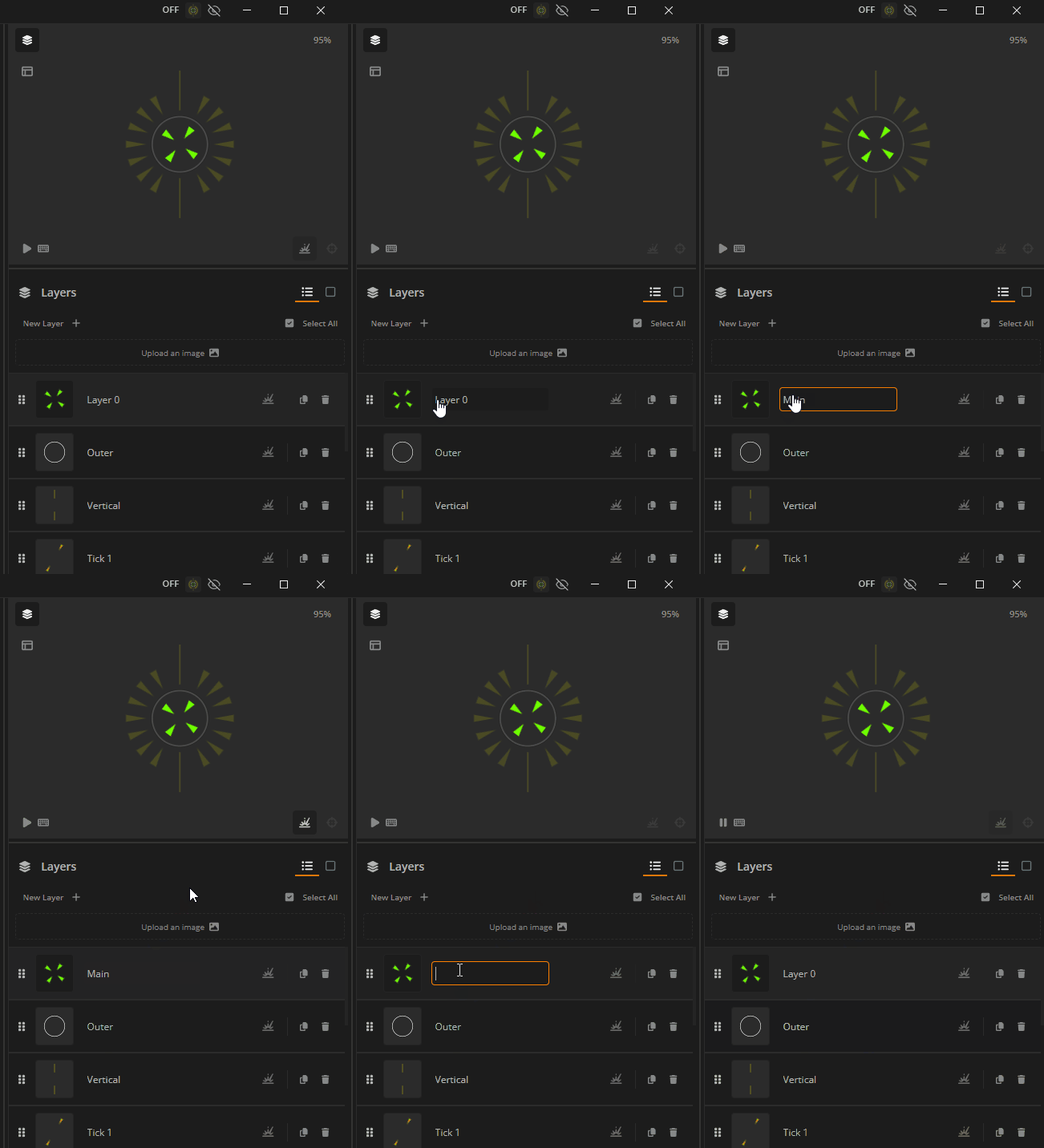
🔤 Rename Your Layers
- You can now rename a layer by clicking the name of the layer you have selected.
- To remove a name, simply delete the text and click outside the input box.
- Layers now highlight on hover without needing to select, making it easier to know what you're about to click.
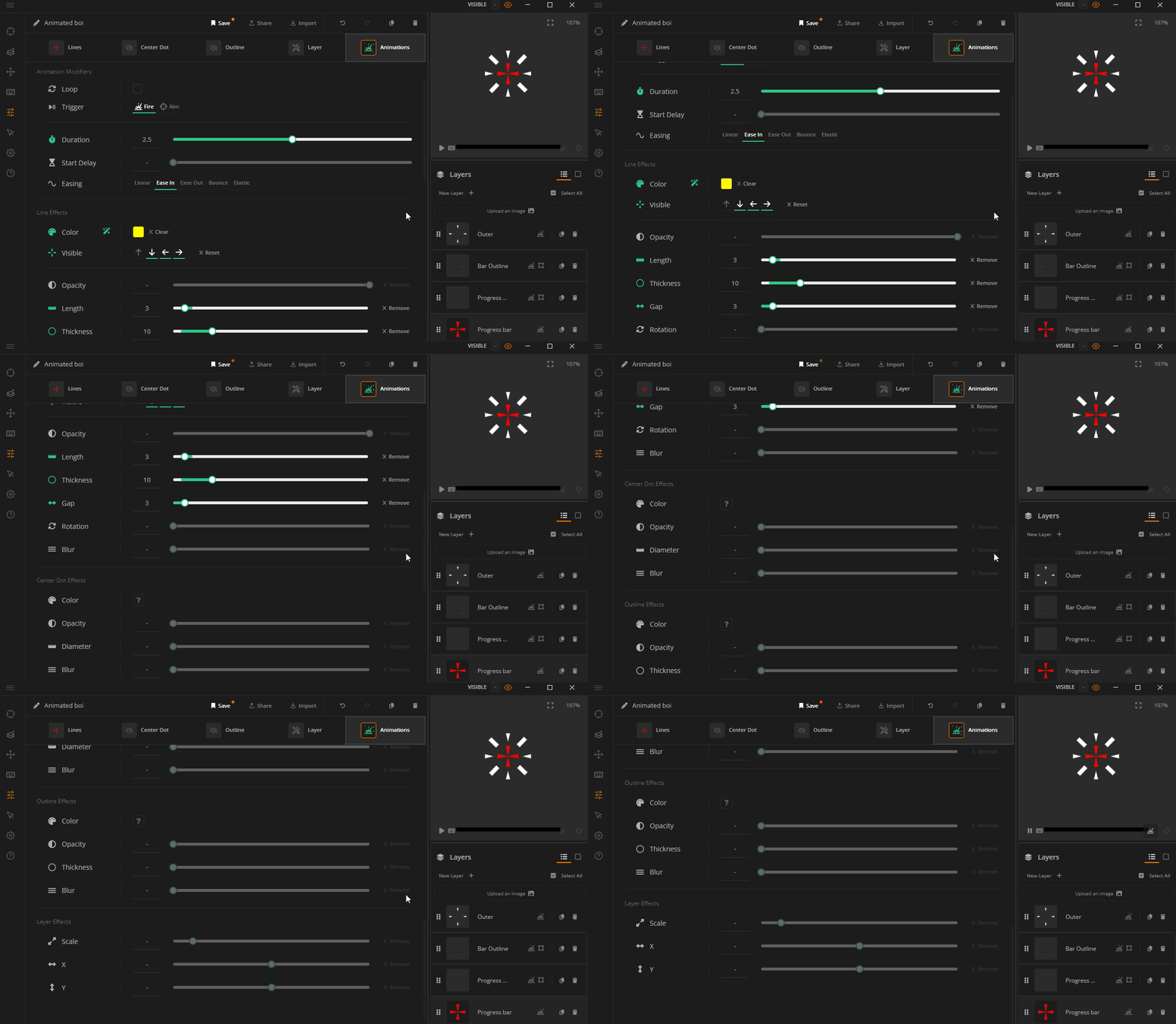
🎬 Animate Everything
- Full Animation Control: You can now animate every setting in Line, Center Dot, Outline, and Layer Settings.
- Find Everything in One Place: All new animation options are available in the Animations tab in the Designer.
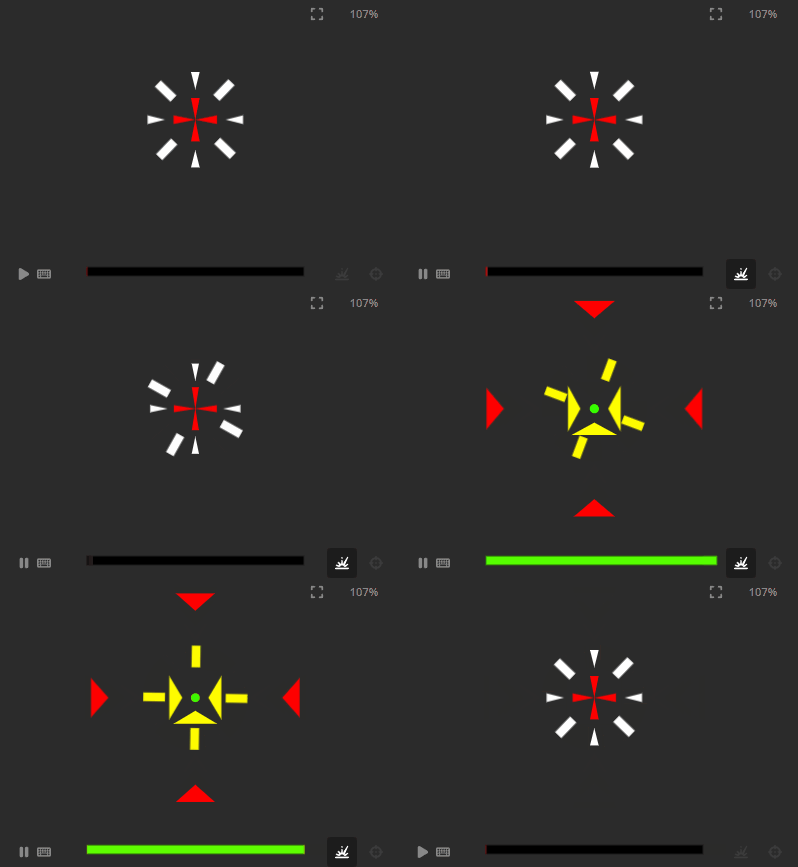
⏱️New Easing Options
- Ease In
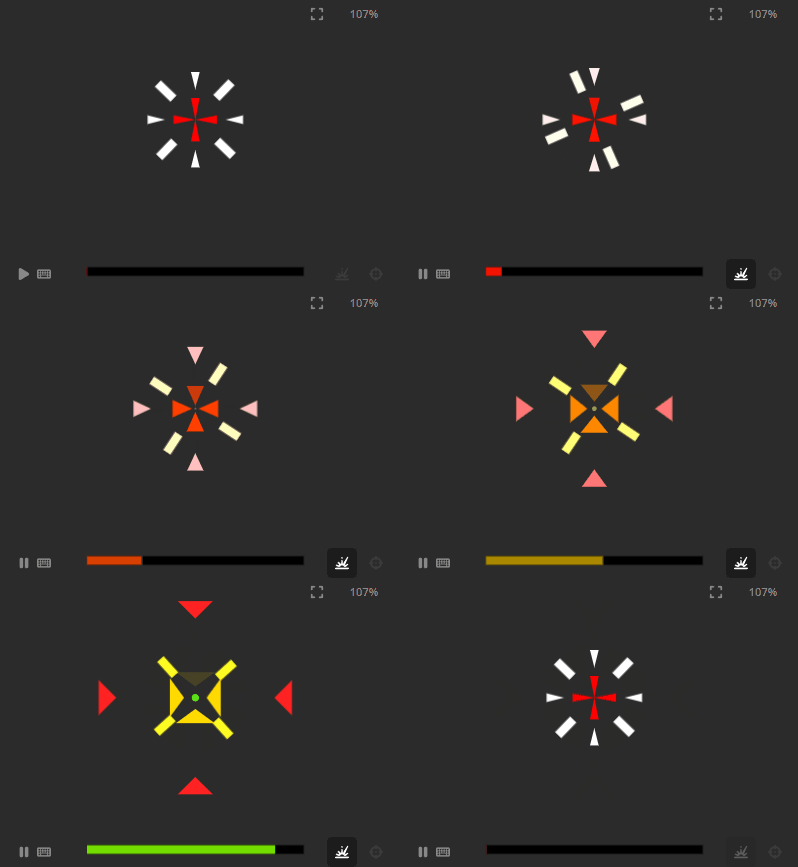
- Ease Out
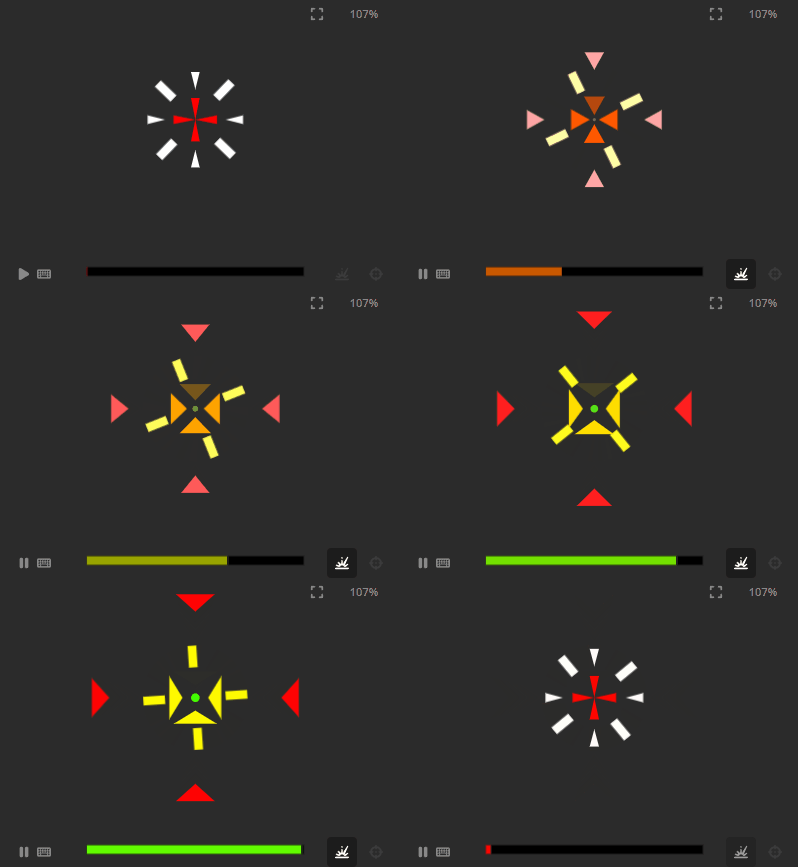
- Bounce
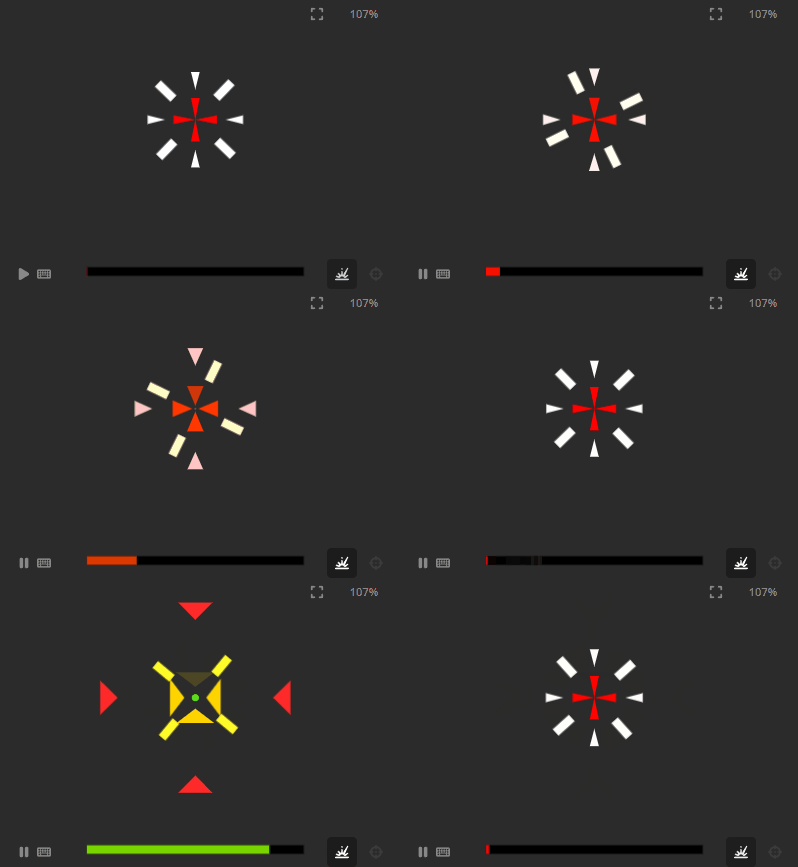
- Elastic Easing
⚙️Other Improvements and Fixes
- Fixed an issue where animations would not load when setting a saved crosshair to appear on aim.
- Fixed small styling issues: content no longer shifts when switching between tabs with or without a scrollbar.
🚀 Time to Cook
That’s it for this update!
We're working on adding more animation controls, crosshair shapes, and making the Designer even more powerful.
Got ideas for new features or center dot options? Let us know in either the comments or our Discord Community — we’re always looking for ways to help you create even better designs.
Thanks for the support — see you next time!
-- The Crosshair X team 🦆
More from Crosshair X
Other announcements
Steam Achievements, Content Filters and More!Hey everyone, We have a brand new update rolling out for Crosshair X! This time around, we're shining the spotlight on Achievements, giving you more control over the Community feed, and delivering some essential stability fixes. 🏆 Steam Achievements! In case you missed it in our recent updates, Crosshair X now features Steam Achievements! Plus, following a direct request from the community, we…Minor Update for 06/18/2026Hey everyone! We're rolling out a quick minor update today to squash a few pesky bugs and polish up your Crosshair X experience. A huge thank you to everyone in the community who helped report these—your feedback keeps us moving forward! Here is what’s fixed in today's patch: 🪴Patch Notes & Fixes: · Fixed an issue where the "Show only in-game" setting wasn't reliably detecting certain games. ·…Mouse X is OUT NOW! + QoL UpdateHey everyone! Today is a massive day for our community. We are incredibly excited to officially launch our brand new app, and we're also dropping some highly requested Quality of Life features for Crosshair X. Let's dive right in! We’re thrilled to introduce Mouse X , a brand new way to personalize your desktop! While Crosshair X remains your ultimate tool for in-game precision, Mouse X brings…