1. New Event: When the Wind Gusts
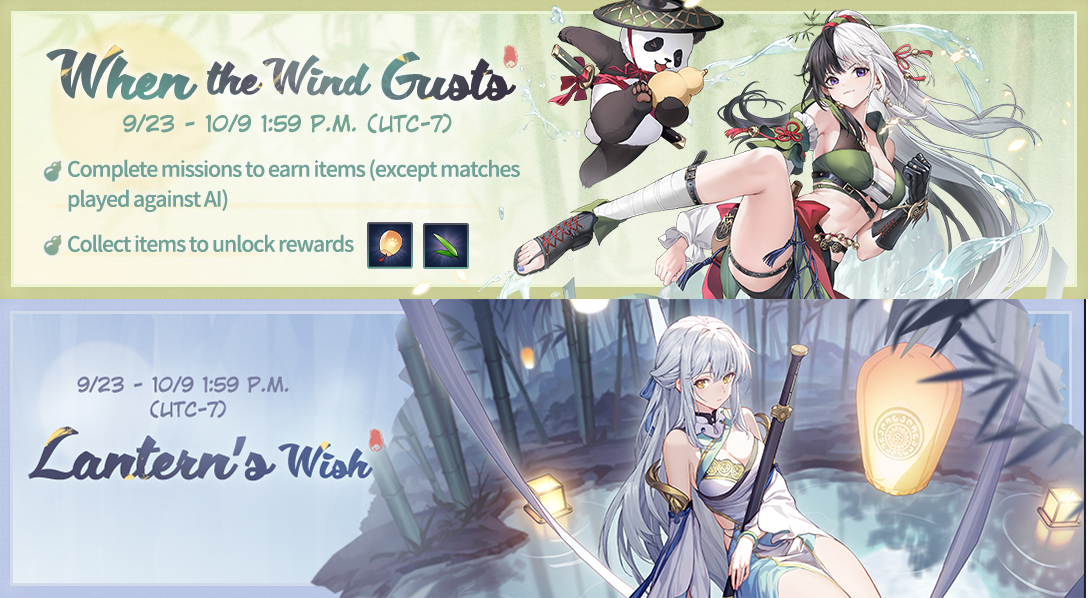
1) Event Period: 9/23 After maintenance – 10/9 1:59 P.M. (UTC-7);
2) Event Details: During the event, the event page would update event missions every day at 2:00 P.M. (UTC- 7). Complete them to obtain event items. Collect the required number to claim generous rewards including event-limited emotes, Event Illustration, Sage's Bags, and more on the "Lantern's Wish" event page.
*More details can be found on the event page.
*Excluding matches against AI. Unfulfilled daily missions will not be retained.
*The event illustration may appear in the Illustration Shop roster after the event period.
2. Limited-Time Summon Update
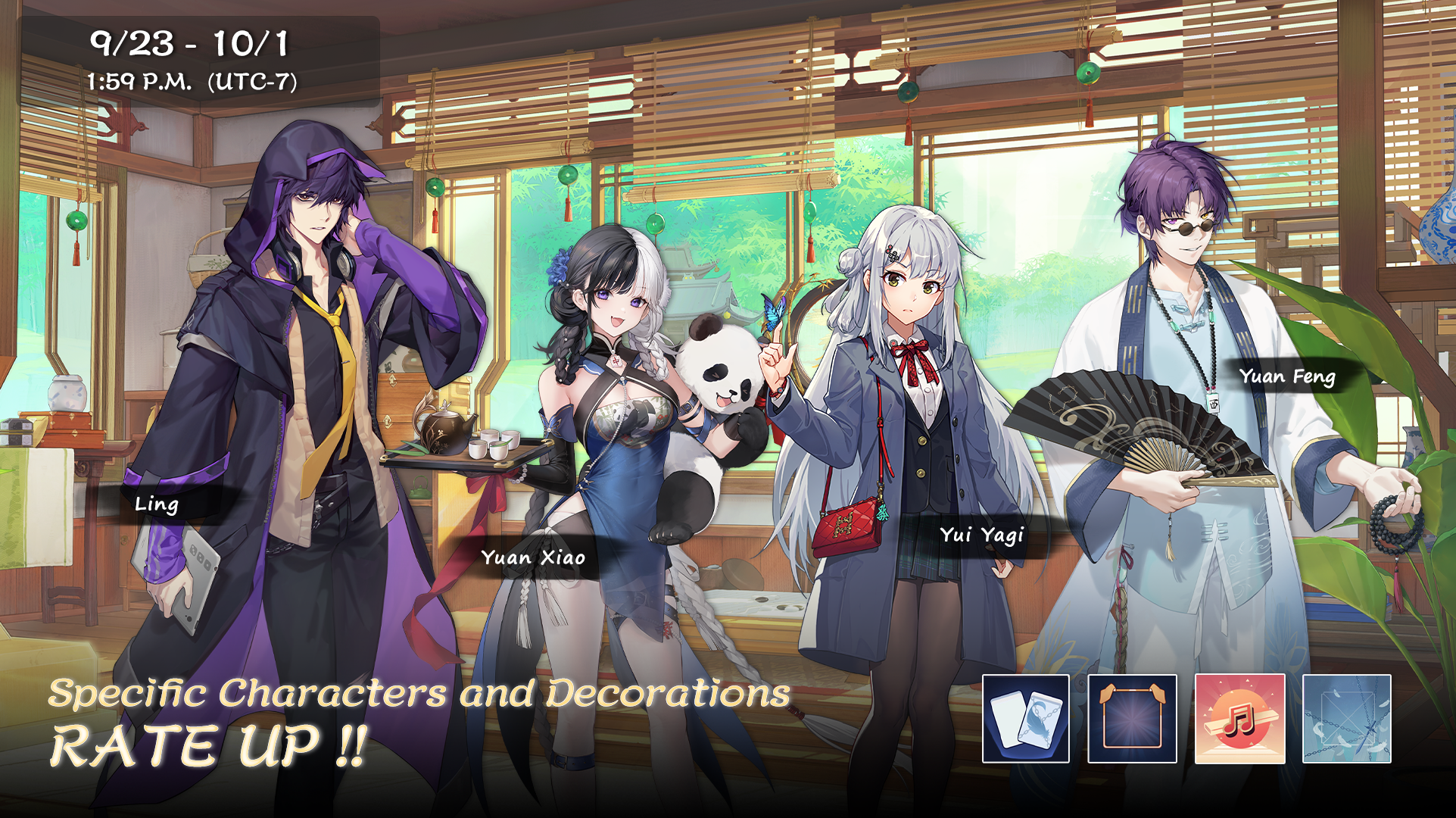
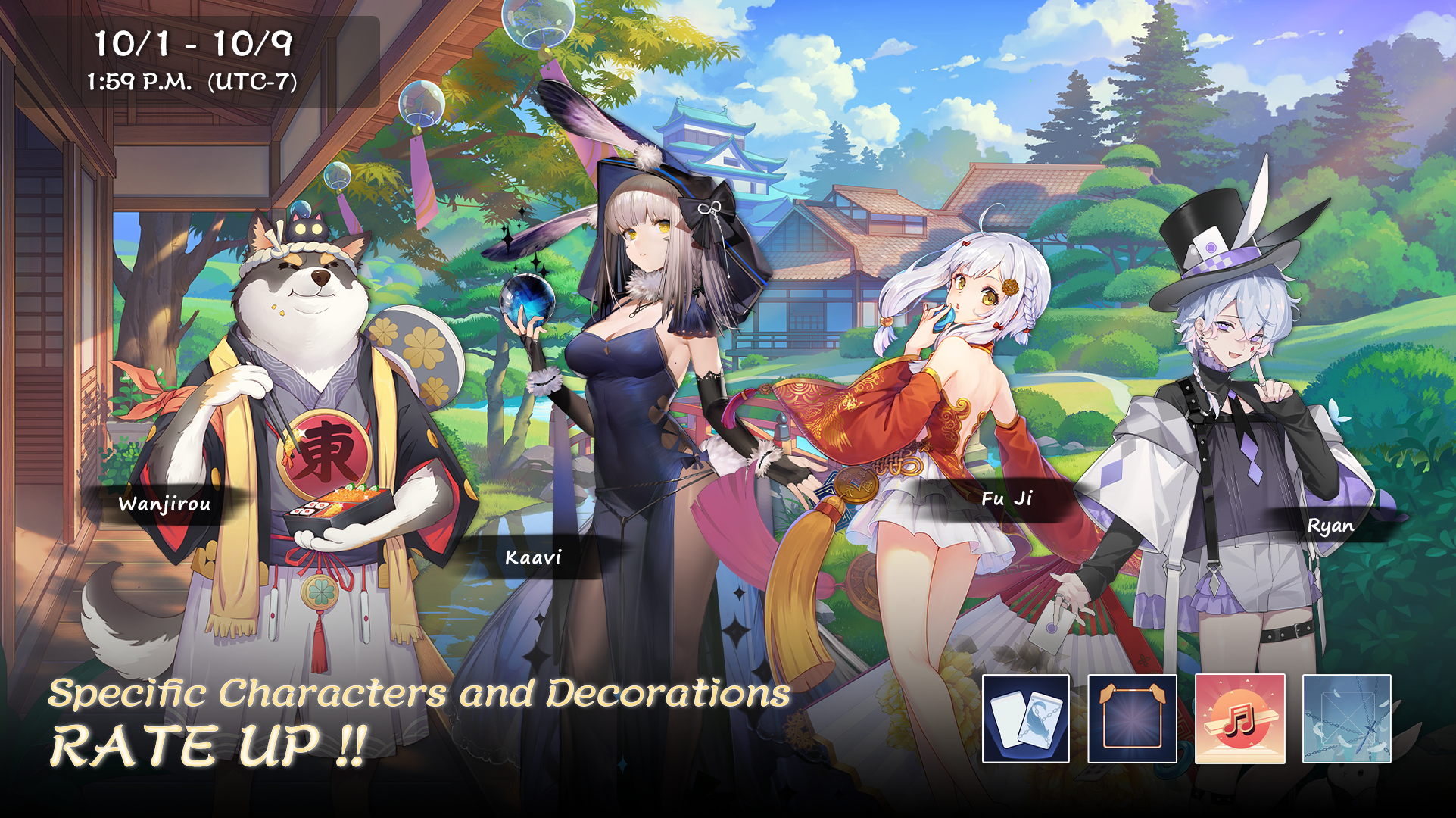
1) Summon: Sakura Bloom Limited-Time Rate Up
9/23 After maintenance – 10/1 1:59 P.M. (UTC-7), Yui Yagi & Yuan Xiao rate up.
10/1 2:00 P.M. – 10/9 1:59 P.M. (UTC-7), Kaavi & Fu Ji rate up.
2) Summon: Bamboo Lush Limited-Time Rate Up
9/23 After maintenance – 10/1 1:59 P.M. (UTC-7), Yuan Feng & Ling rate up.
10/1 2:00 P.M. – 10/9 1:59 P.M. (UTC-7), Wanjirou & Ryan rate up.
3) Rerun Special Effects and Decorations:
, , , and .
*The special effects and decorations will be UNAVAILABLE to obtain after 10/9 at 1:59 P.M. (UTC-7).
*You can check the rate of characters and decorations in the corresponding Summon - Details.
3. New Outfits, Outfit of Your Choice, and Return of Favorite Outfits
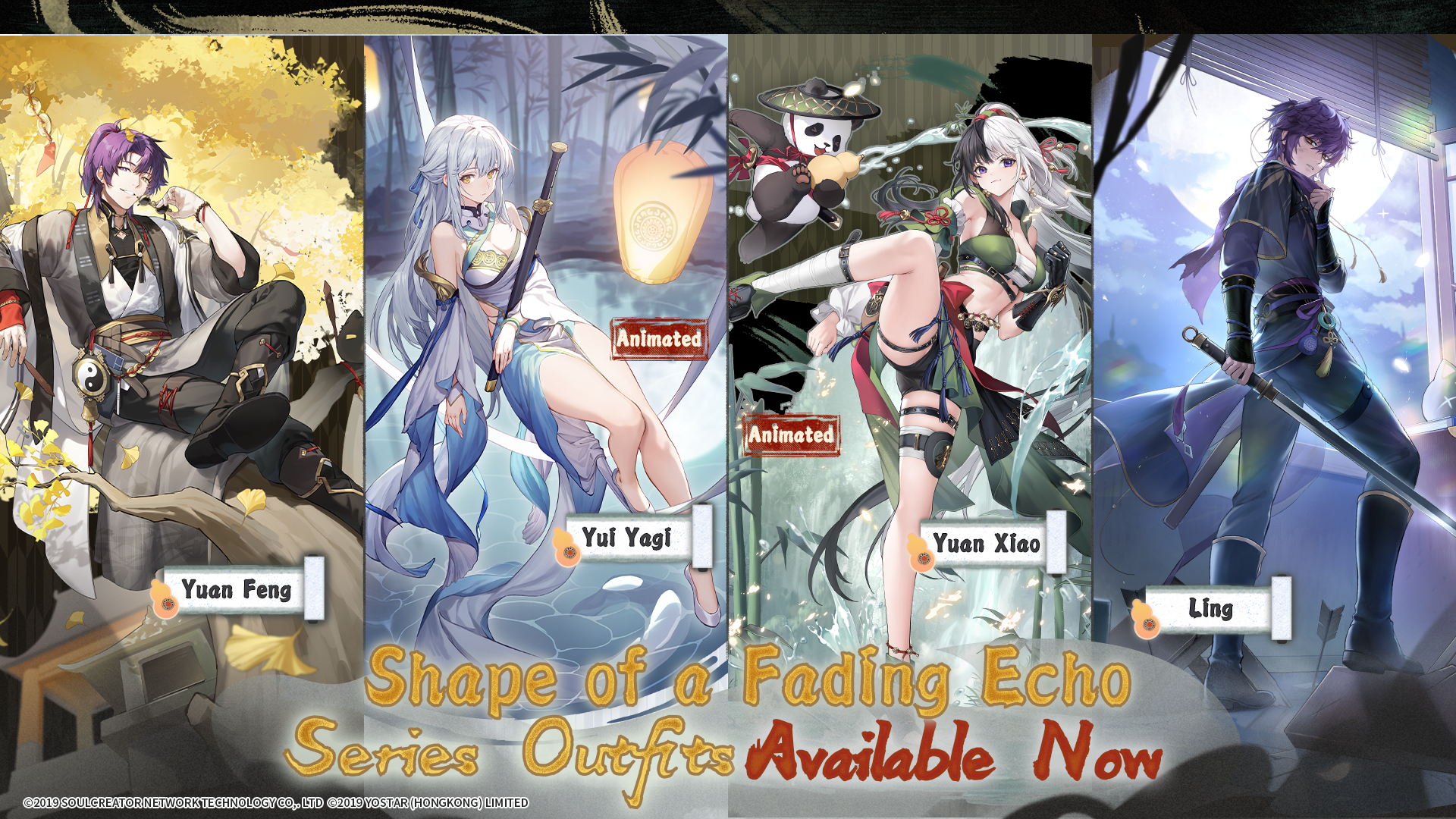
1) Available Period: 9/23 After maintenance – 10/9 1:59 P.M. (UTC-7).
2) Limited-Time New Outfits in Outfit Shop:
, , , and .
3) Limited-Time Outfit of Your Choice in Outfit Shop:
You can purchase any single outfit of your choice during the event (one-time purchase only). The can be chosen from all the outfits of regular characters (excludes collab outfits and does not contain special bonus decorations).
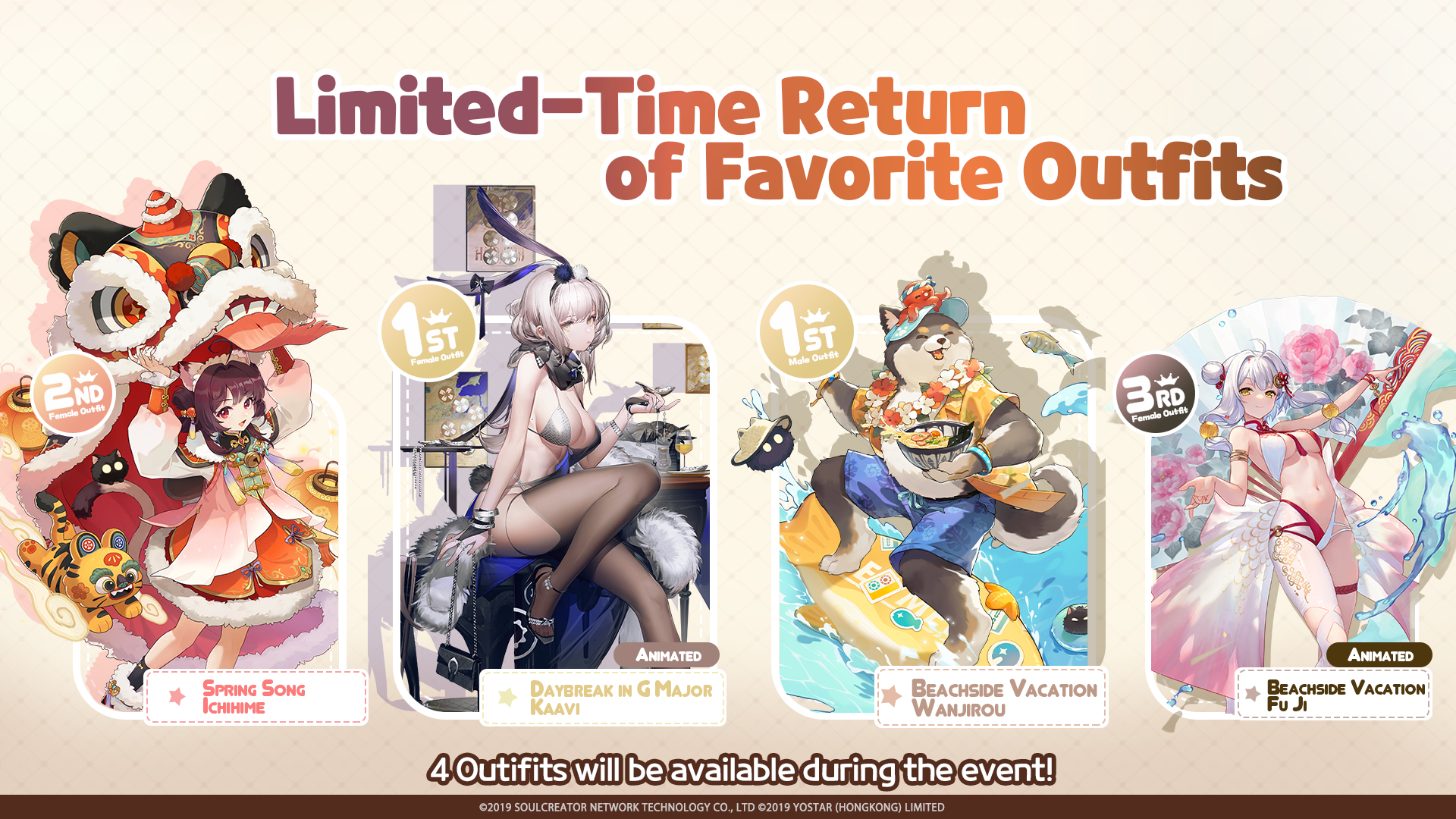
4) Limited-Time Return of Favorite Outfits in Outfit Shop:
, , , and .
*You need to have the character to equip their outfit(s).
*You can check currently owned outfits in Item - Outfit.
*The animation effect of the Animated Outfits can be turned on/off in Dorm, the animation effect is not supported in some interfaces.
*You can go to Dorm - Character - View and click the character's avatar to change the outfit.
4. Added the "Team" season type to Mahjong Soul Tournament Management Center
1) Added the "Team" season type. You can view or change the current season type on the Season Information page.
2) Added Team Management feature. After enabling the Team mode, you can create multiple teams and assign members on the Team Management page. Once teams are set up, team names will be displayed in matches and in spectating.
3) Added Seasonal Team Rankings. It is based on the combined total score of all members on the team. Tournament admins can also modify team scores on the Player Statistics page.
*Team mode results are only supported for matches played after maintenance.
*For details, please refer to the Tournament Management Center web page.
5. Others
Optimized the behavior for returning to the previous page after viewing logs in some interfaces.