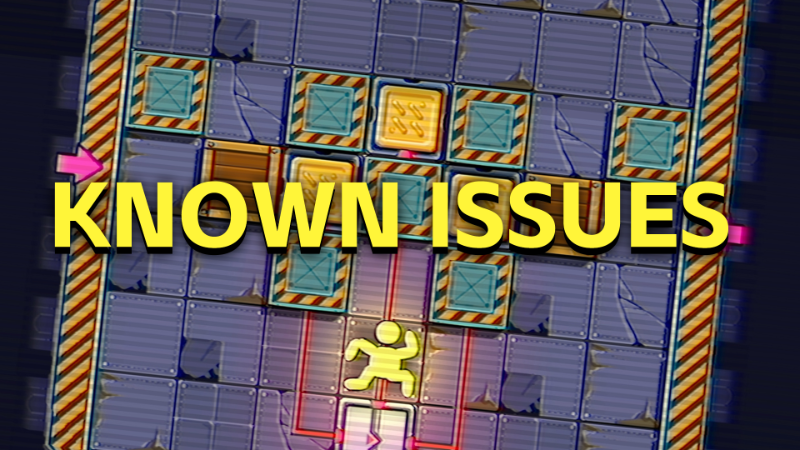
Hello everyone! Since the free trial version of "Shrink Rooms" was launched, we have received a lot of feedback from players. The easier parts have been fixed through update. However, there are still some performance issues and player doubts that need to be answered in the current version. Therefore, this dev log mainly answers these questions for everyone!
Q: Why is there no response when I press the W/A/S/D key after entering the game's selection scene? Only ESC can choose to exit.
A: We're very sorry to have caused any inconvenience to everyone's gameplay! This is an input system issue that is difficult to reproduce stably. Based on our limited test samples, if you have plugged in control devices such as a USB cable or wireless receiver for the controller on your computer, you can try unplugging the controller input device other than the mouse and keyboard to solve the problem. Alternatively, you can verify whether the game has file damage and repair it by "Checking File Integrity", which may also solve the input problem.
If the above solutions have not effectively solved your problem, you can contact the administrator through our community. We need to know your device details in order to fix this bug faster. We are currently solving and testing this issue, and have released an update log to inform everyone.
Q: Why does the control become very slow after playing for a long time?
A: According to our tests, this issue is caused by reopening the level multiple times. The best solution is to close the game process and re-enter it to restore smoothness. We will try to solve this problem as soon as possible and release an update note.
Q: Why is there no common "Undo" button in other push box games currently available in the game?
A: Due to the short development time of our game and the fact that the core mechanism of a subsequent chapter has not been completed, adding the "Undo" function before the mechanism is completed will bring more uncertain issues to the game.
Please rest assured that the official version of the game will include a complete recall function.
Q: The current version feels like there are fewer beginner guides and storylines, and only one yellow character feels monotonous. Can it be optimized?
A:In the current demo, we mainly hope to highlight the core puzzle level, so the plot and character performance have not yet been refined. These issues will be resolved in the official version. As a beginner guide, we will also try to place it in the selection scene in the future, so that everyone can experience more interesting main line challenges.
Q: The current version of the interface can only be operated by keyboard and mouse together. Can it support pure keyboard or gamepad operation?
A:We will optimize this feature before going live. At that time, we will allow pure keyboards and controllers to move and enter the exit menu at will. At the same time, we will also make certain optimizations and adaptations for Steamdeck. You can look forward to the performance of the official version.
The above are the main core issues that everyone has given feedback on. We have also recorded and backed up other questions in the feedback form. Thank you for your participation and support!
If you have more content to communicate with developers, you can join our Discord:https://discord.gg/vNq3vMuBMw