Part 2 of the Mega Updates is finished! Next up we'll work on finishing the gradient puzzle maker, but before that we're going to spend some time tracking down a game crash players have reported. We haven't been able to duplicate it locally so we'll be creating some debug builds and joining games until we can get this game up to 100% stable again.
We hope you enjoy these new features and fixes!
New Materials Interface for Customize Room
We've created a completely new way to edit materials in your room!
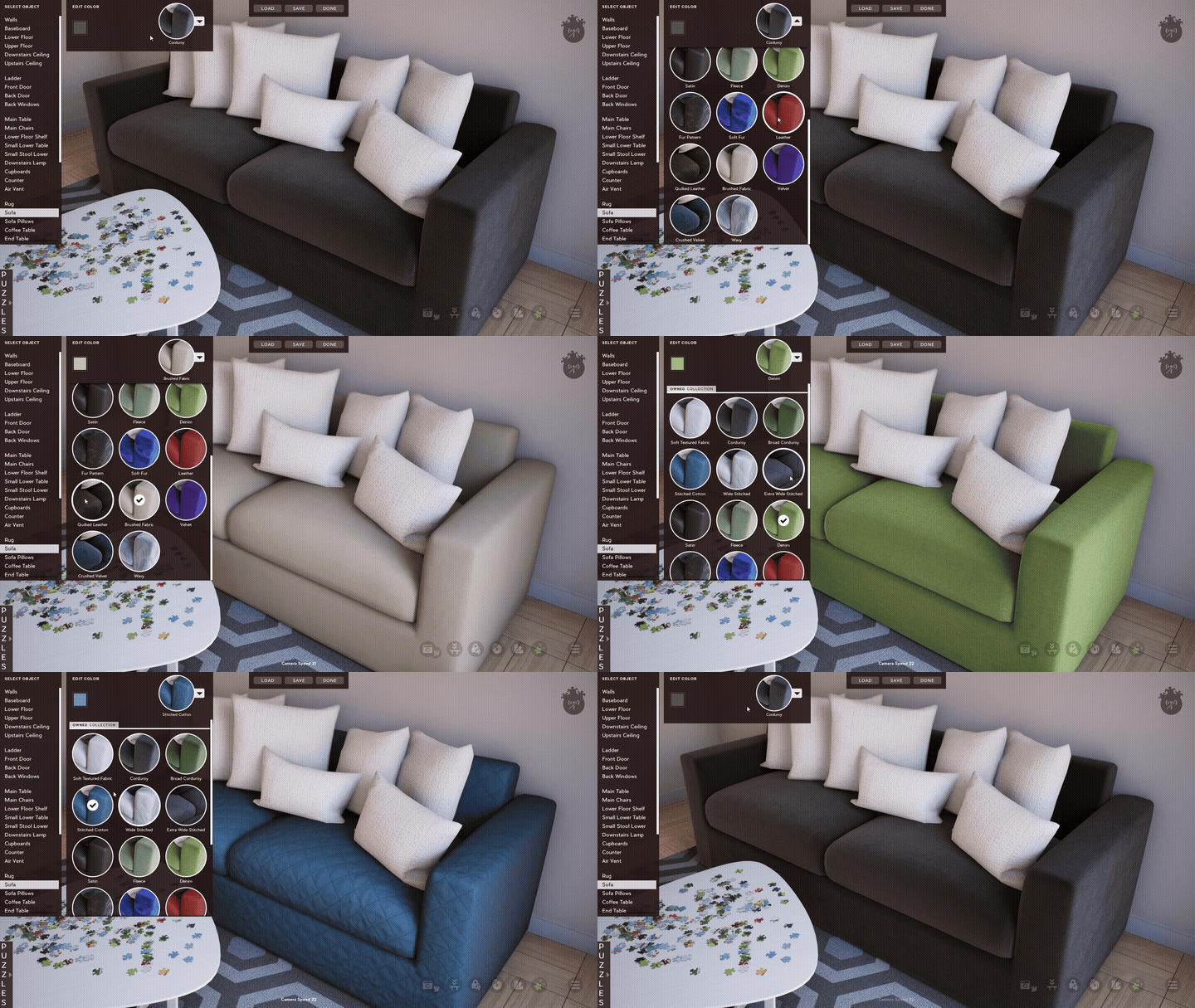
This new interface was quite the undertaking, requiring ~300 screenshots for all the thumbnails, but the effort was worth it. Having a visual representation makes it so much easier to use, and really makes the experience more fun overall.
We even included all new default color schemes for most materials to help show off the possibilities and inspire new interior designs.
Lockable Preview Image
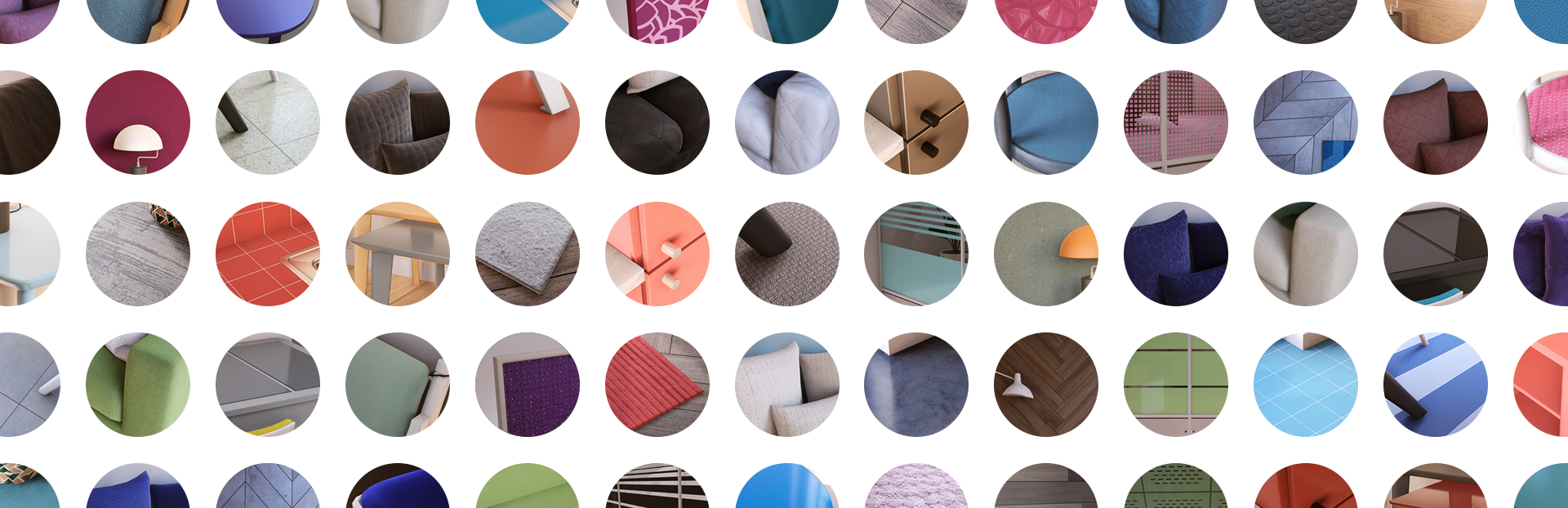
We've expanded the Locked Pieces functionality that was added in the 1.2 update to now also allow you to lock the Preview Image. This should help prevent accidental pickup and ensure the preview stays exactly where you want it.
To use this just press the Lock Pieces button in game (bottom right buttons), or press Ctrl-L. Click the preview to make it turn red (this means it's locked), then just click Done on the Lock Pieces interface.
Added Pagination to Save Lists and Custom Images
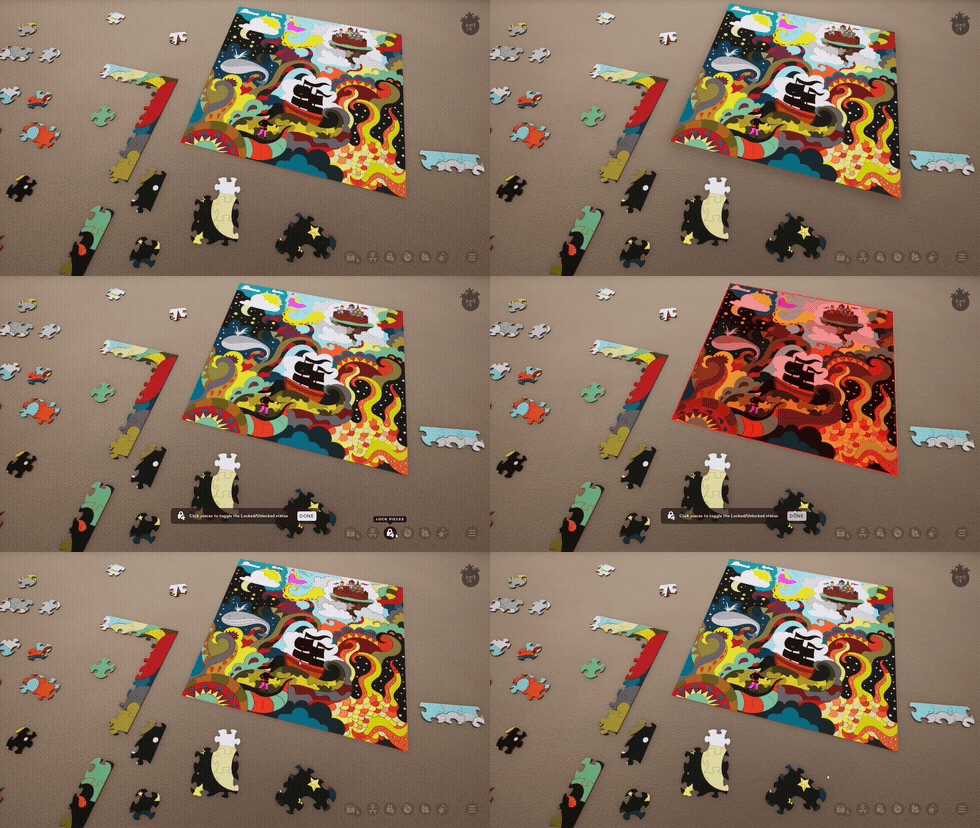
Pagination UI has now also been added to the Saved Puzzle and Custom Images sections. This will vastly improve load times when browsing these lists and overall make the experience much easier, especially for those who already have a lot of saved puzzles and custom images.
New Customization Material Options
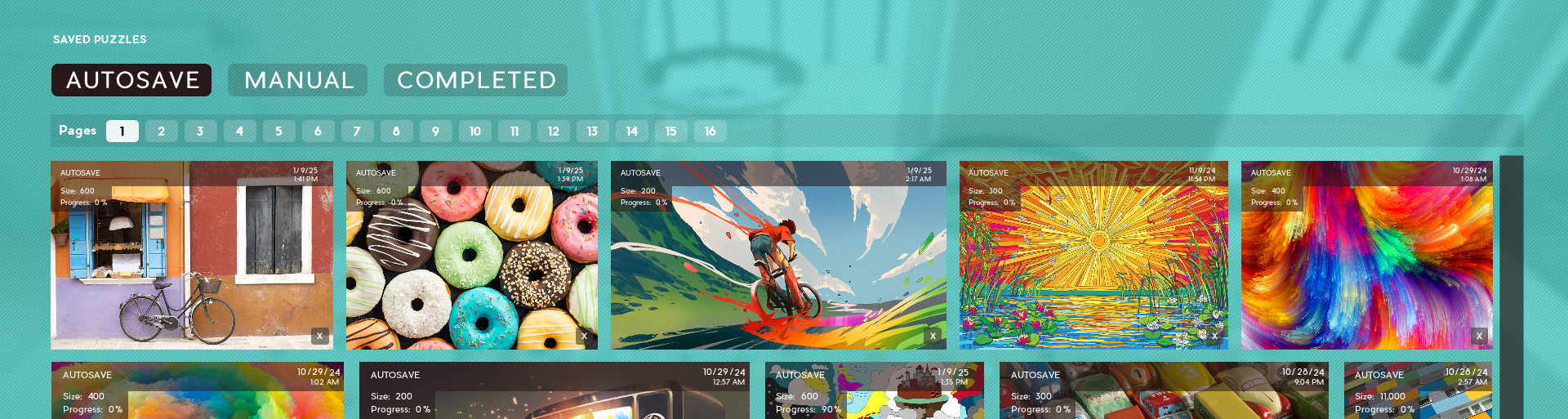
6 new Materials options have been added for customizing your walls!
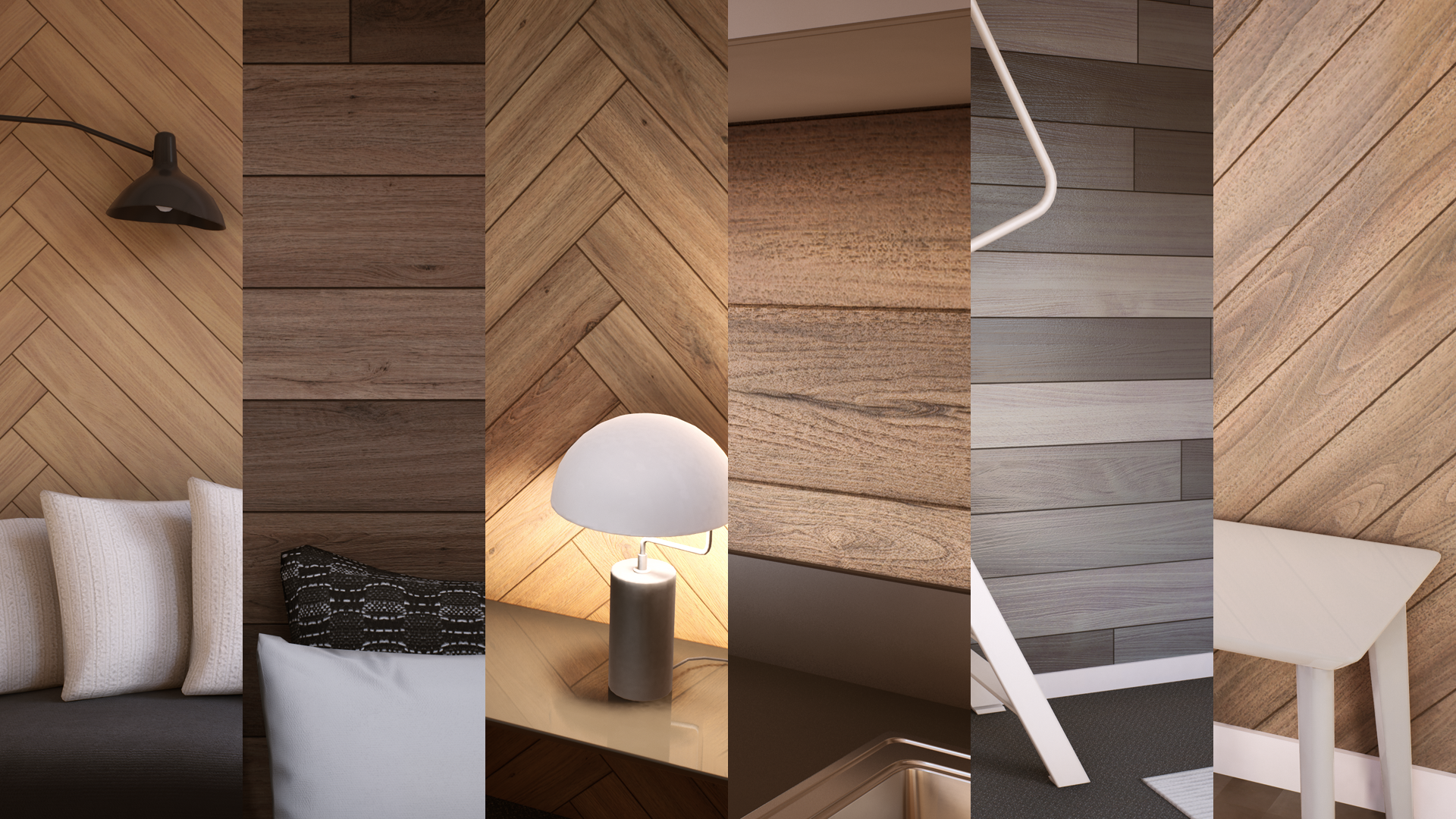
Each material is fully customizable with 4 color slots so that you can create the perfect scheme for your room.
These materials were added to the Scenic and Idyllic dlc packs as follows:
- 3 Overlay wall styles added to the Scenic Pack
- 3 Herringbone wall styles added to the Idyllic Pack
Full Patch Notes:
- New Customize Room Materials interface
- Added ability to lock the preview image
- Added 3 new wall materials to Idyllic Pack
- Added 3 new wall materials to Scenic Pack
- Created new default color schemes for most materials
- Created new names for many materials
- Added pagination to custom images and save lists
- Fixed issue causing wide thumbnails in image grid to sometimes get cut off
- Adjusted camera change notification when wall hanging list is open so they don't overlap
- Fixed the multi selection rectangle to now be visible when UI is hidden
- Fixed issue with a graphic setting not working in main settings menu after last update
- Fixed issue with normals on main chair mesh
- Fixed issue with texture coordinates on glass railing mesh
- Fixed issue where game would default to blue album on restart if no albums were selected
- Fixed lighting issues with several concrete materials
- Fixed several incorrect/missing material color options
- Fixed texture/geometry issue near back door
- Fixed issue where you could click through customize room menu
See you next time!
