Dev Diary #3 - The station in Low Earth Orbit (LEO) - Part I
Space Station Designer · published
Welcome to the third Dev Diary entry of 'Space Station Designer'. In the previous two entries, we gave an overview of the game and its modes. This entry will be the first of a multi-part series that will cover the mechanics found throughout the initial stages of the game (a.k.a, 'Phase I').
The Orbital Outpost Screen
As we mentioned in our first dev diary entry, the game starts with the selection of a partner government and a Core Module variant. After the module is deployed to Low Earth Orbit (LEO), the game transitions to the 'Orbital Outpost' screen, which includes a series of buttons and controls.
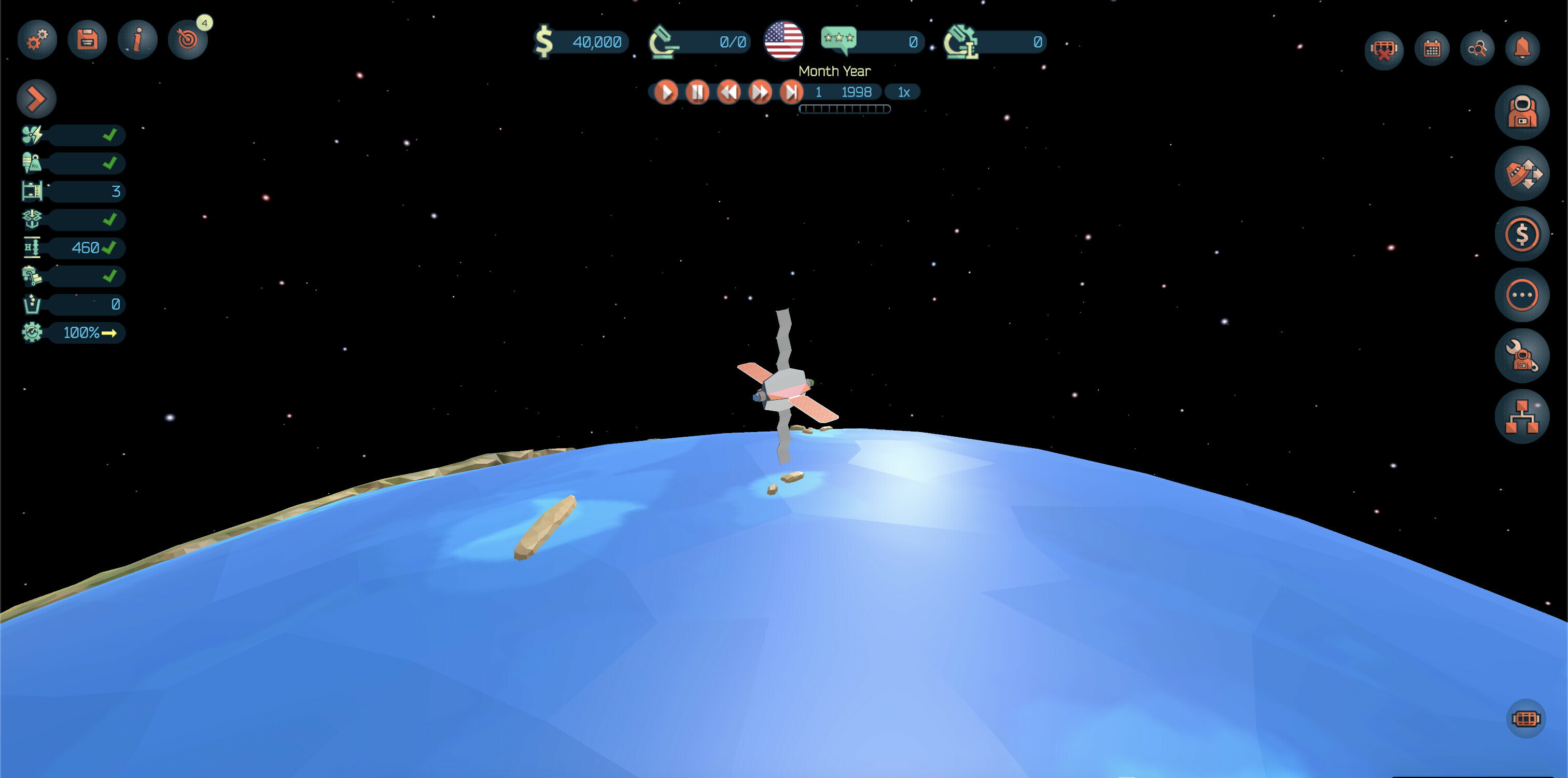
The Time Controls
The upper-center area of the screen features a series of time controls. 'Space Station Designer' is a realtime game, but we understand that at times there can be too many things going on, and players may want to be able to catch their breaths by slowing down or even pausing the timer. Similarly, albeit rarely, there can sometimes be instances when not much is going on and players may want to speed up time or directly skip to the end of the month. The game starts in 1998 and, based on our playtesting experience, it can extend well beyond the 2040s!
Station Stats
In the left-hand side of the screen there's a stats panel. This panel is folded by default, and provides a quick overview of the station's stats.
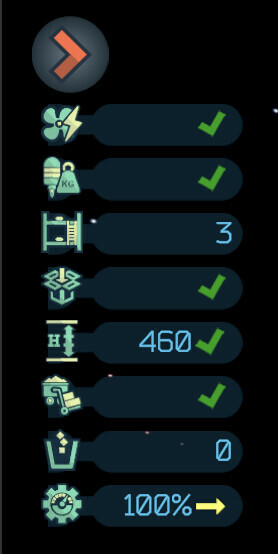
From top to bottom, these are:
- Cooling & Electricity.
- Mass, 'orbit control' score, and 'attitude control' score.
- Crew slots.
- Storage space used and provided.
- Altitude and altitude rate.
- Supplies and raw materials in stock.
- Waste units in storage.
- Maintenance level and trend.
The stats panel can be expanded by clicking the button located at the top, which reveals extra information for all fields.
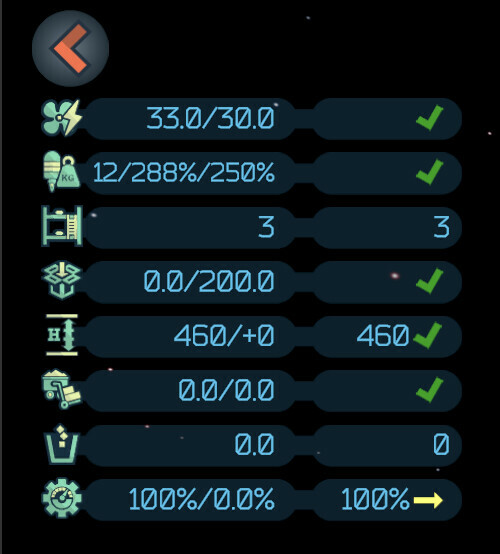
The Core Module is self-sustainable, in the sense that it generates enough electricity and has enough heat dissipation capabilities to function properly without additional support. Moreover, it has a relatively low mass, and enough propulsion capabilities for maintaining good 'orbit' and 'attitude' control.
Acquiring Modules
Obviously, a productive station needs more to provide more functionality than the one provided by the Core Module. New modules can be acquired via the 'slots' located in the bottom-right corner of the screen.
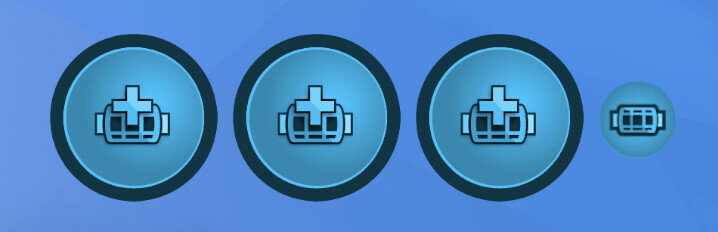
Clicking on any of these slots reveals the 'Modules Acquisition' screen:
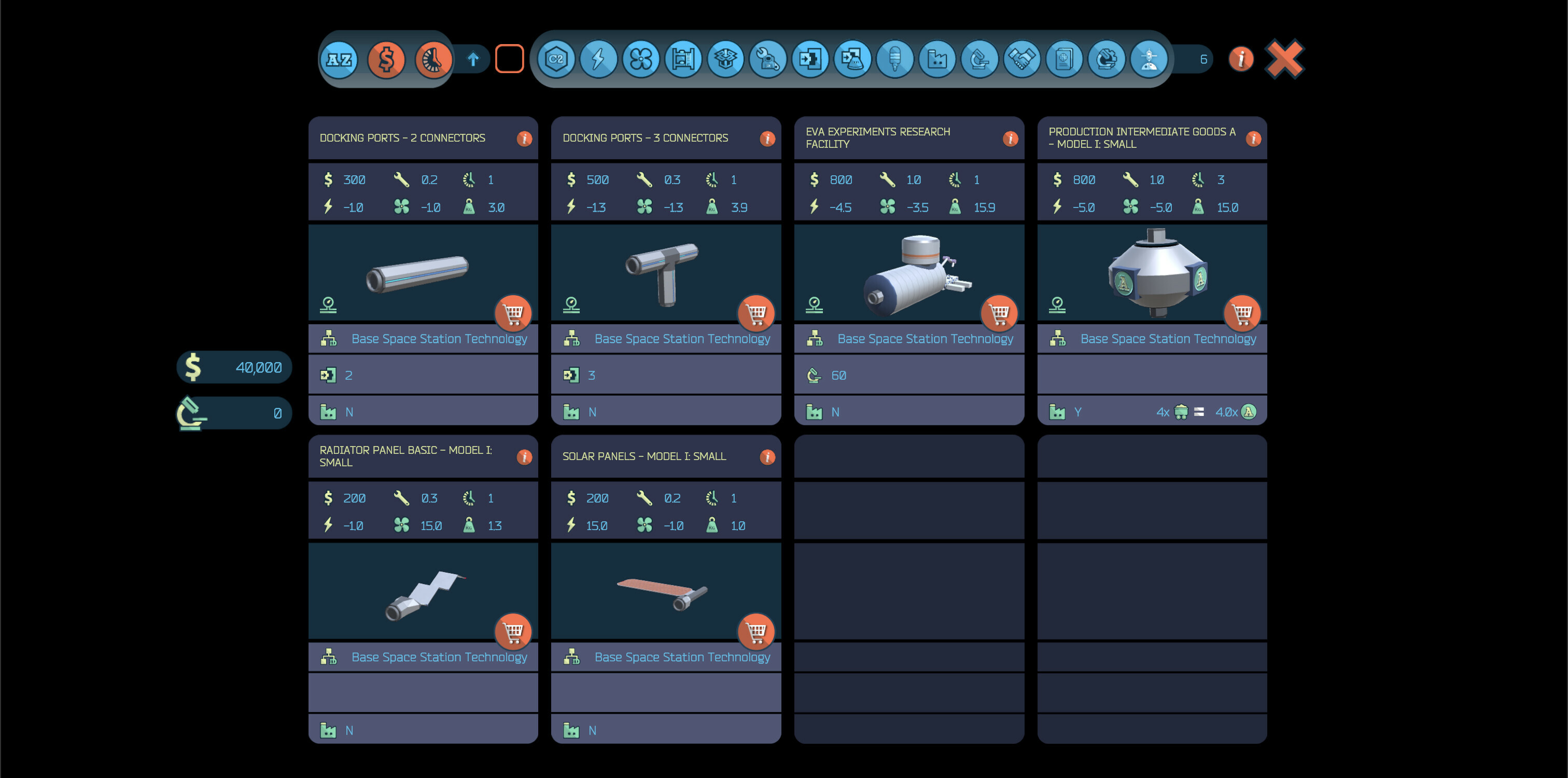
While initially there are only a handful of modules available (further modules types become available by acquiring new research technologies from the tech tree), the amount of options can become quite large in the late stages of the game. To help with this, this screen provides a series of radio and toggle buttons to help with sorting and filtering, respectively.
After clicking the 'Shopping cart' button in one of the modules, the game presents a series of contractors that can build and deliver this module. Contractors come in three "flavours", and they all follow the well-known iron triangle of service: "good, fast, cheap… pick two!". We're currently working on some ideas on how to make the decision on which contractor to choose much more nuanced.
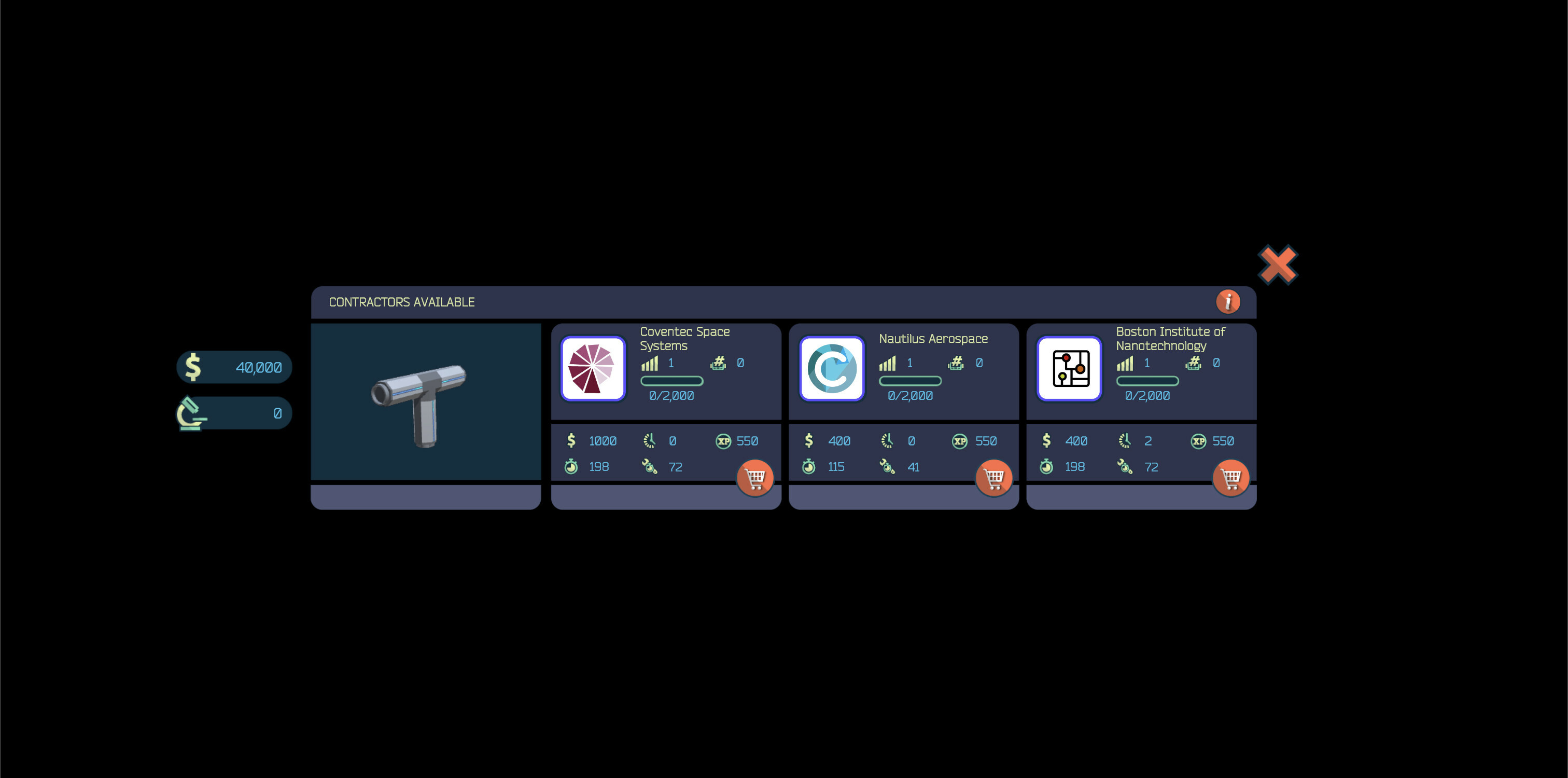
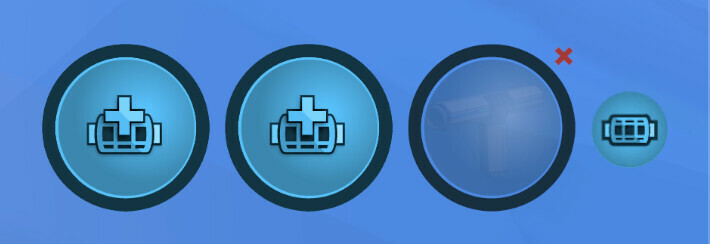
After selecting a contractor, the module will be assigned to one of the available slots, which features a radial indicator that shows how far it is into the build process.
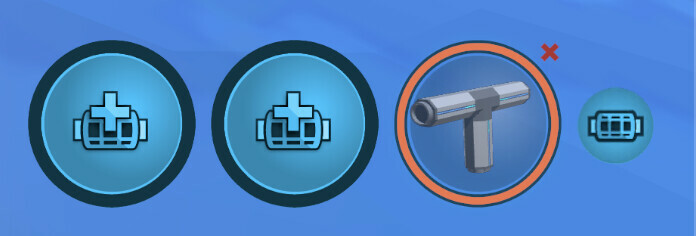
Once the module is ready, its outer border will become orange and it can be installed anytime.
Installing Modules
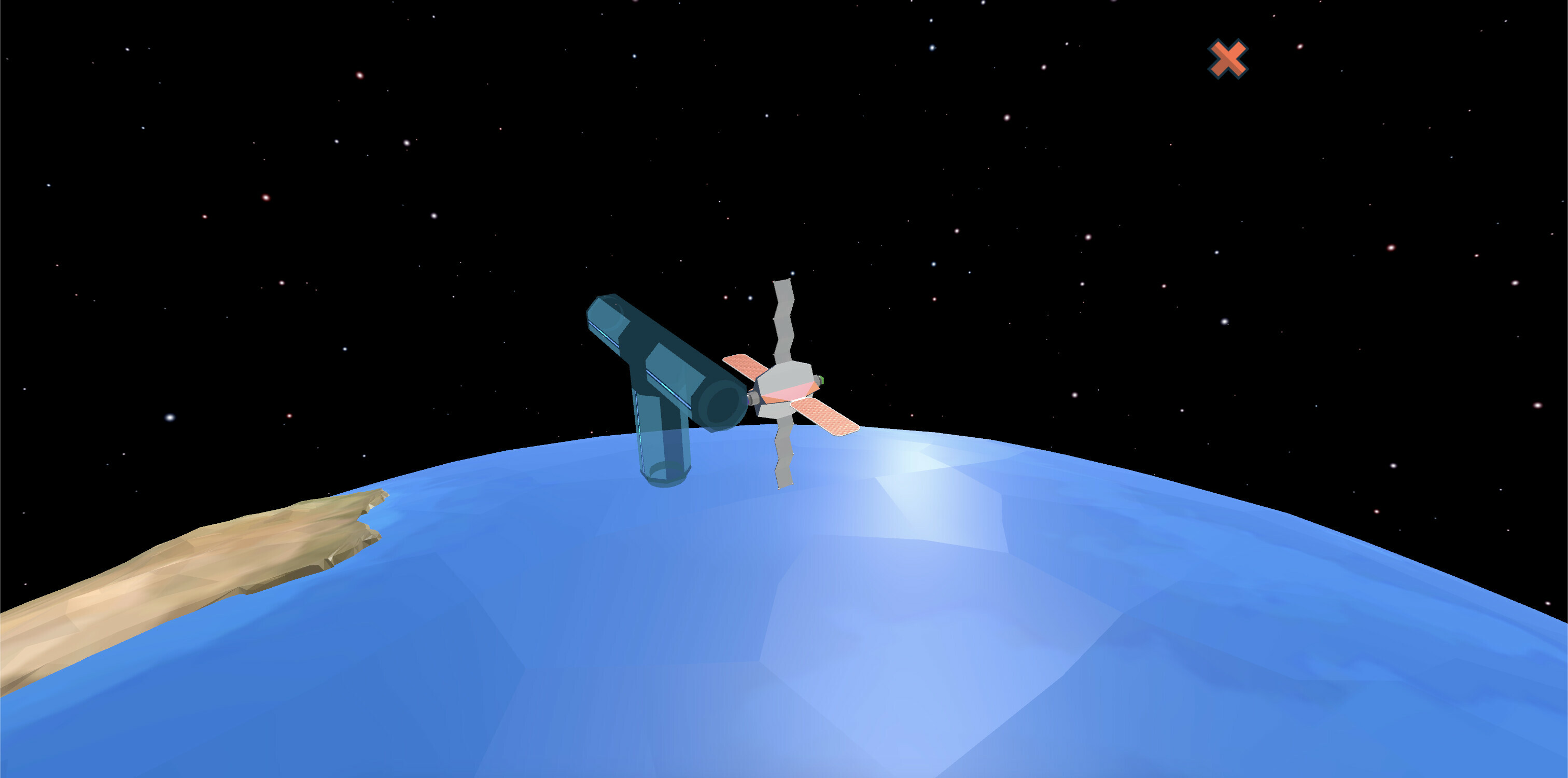
When clicking on a completed module, the game will switch to the 'Installation' mode, which allows you to position the module by selecting the docking port it will be attached to:
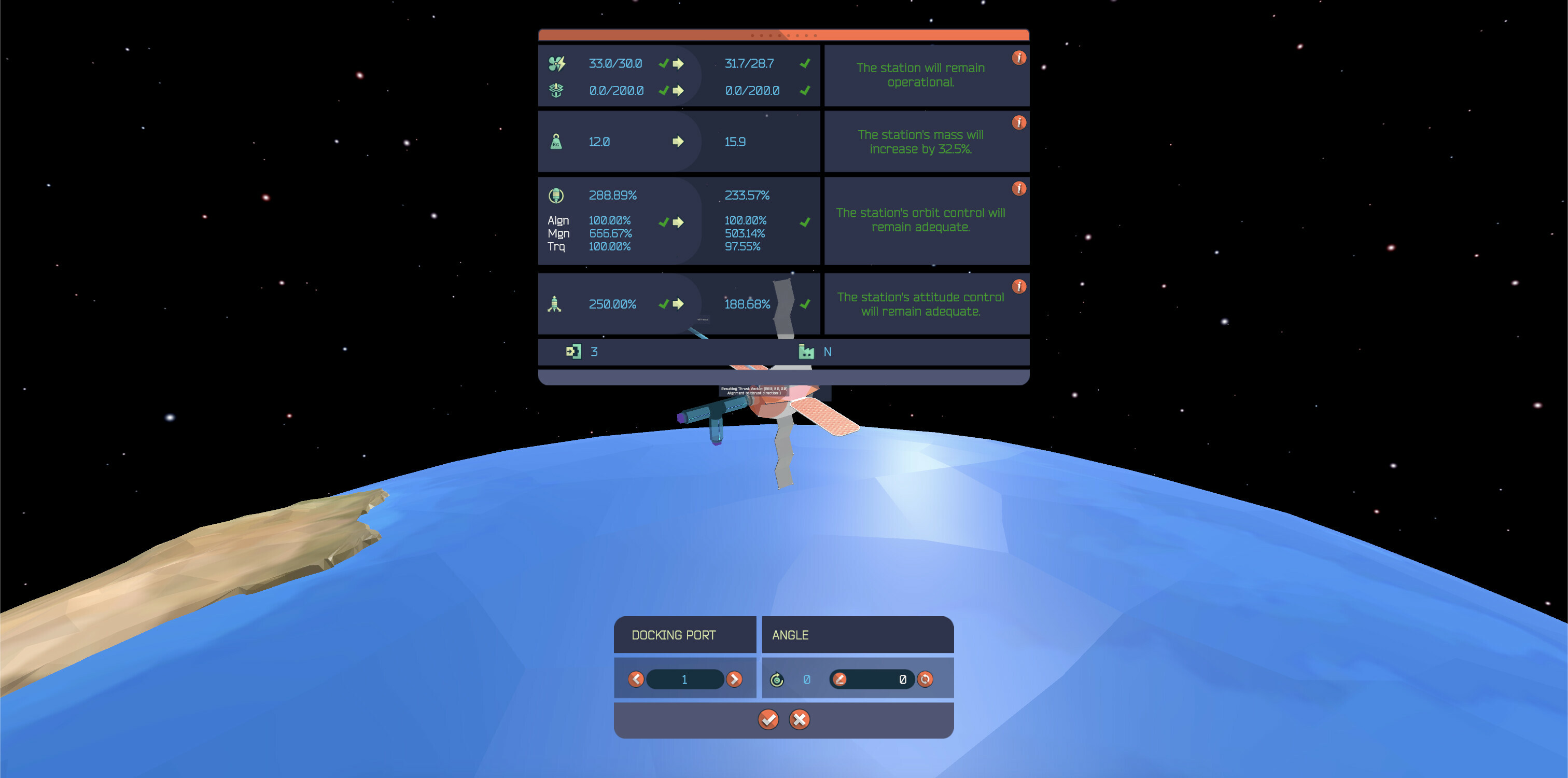
After clicking the target docking port, the game will display a dialog with some key information. More specifically, how the installation of this new module is going to impact the main stats, including electricity, cooling, and propulsion scores.
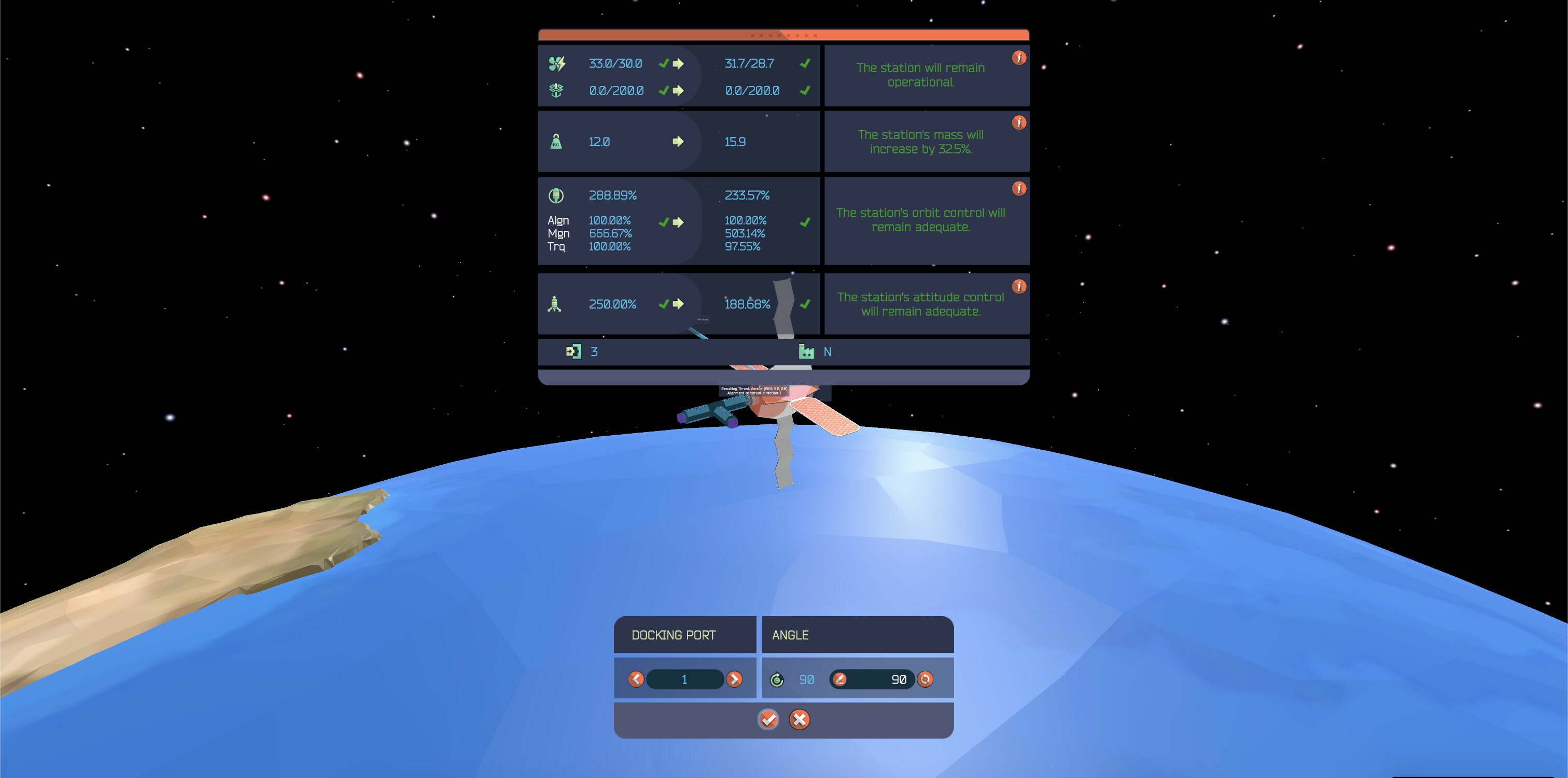
Moreover, the dialog allows you to rotate the module. For example, in this case we're going to rotate this connector by 90 degrees:
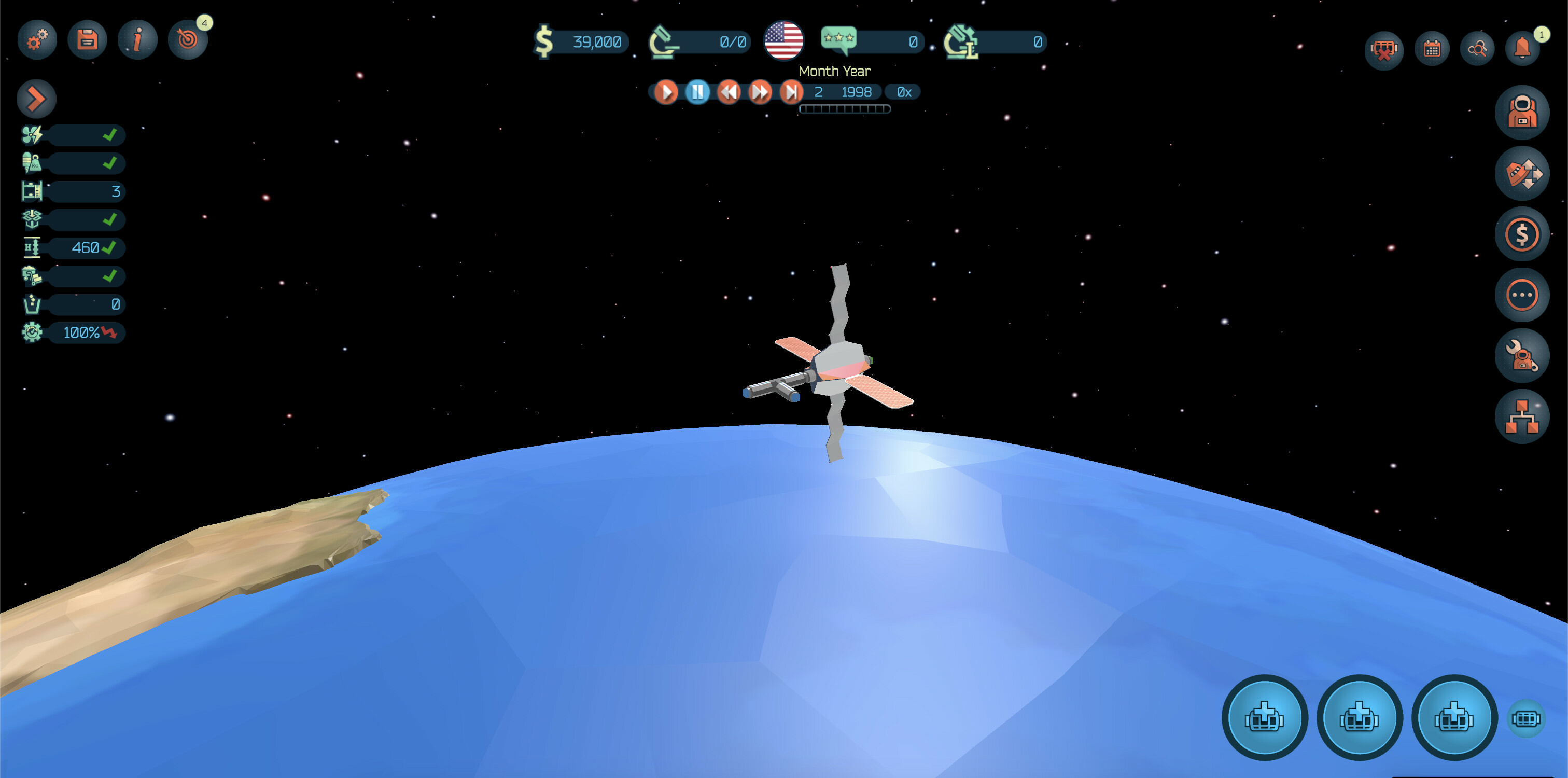
Clicking the 'Check' button finalizes the installation process and returns the control back to the 'Orbital Outpost' screen.
Coming Up Next
Installing modules is only one of the many things that you'll be able to do in 'Space Station Designer'. In the next entry, we'll cover topics such as the in-game currencies, how to conduct research, the concept of maintenance, and how to deal with module failures.
If you like what you're seeing, remember that we have an ongoing closed beta (more information here). Please consider applying if you want to help us shape the future of the game.
--Ignacio, Mauricio, and Nicolas (Polar Motion)
Wishlist Now
https://store.steampowered.com/app/1447650/Space_Station_Designer/