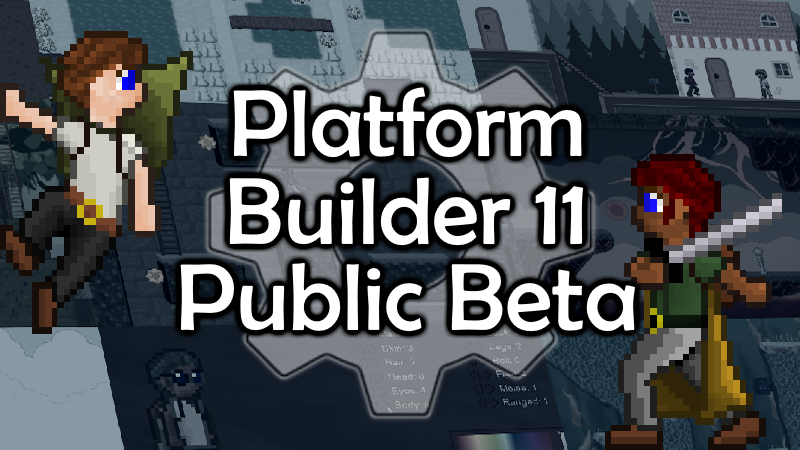
It's ready. Platform Builder 11 Beta is public!!
By default, Steam will stick to the stable versions. To swap over to beta, go to your library, right-click on Platform Builder from the left panel, select "Properties..." then "Game Versions & Betas" and choose public_beta.
As you may know from previous announcements, there is a brand new UI for HUD controls. I'll get to that in a minute. But that's actually not the biggest thing you'll notice. This update is primarily around graphics and visuals. The main menu is redone. Buttons and menus are redone. But more significantly, you can (1) select between several different graphics that use palettes, and (2) with the standard graphics, you can bump everything up from 32x32 to 64x64. That new bump is significant, because I took the time to redraw practically everything with the extra pixel space. So yes, this is MAJOR.
Note that the 64x64 setting could really use your beta testing! I expect most of the issues will be found while working in that mode, since doing so causes everything to be twice as spaced away from each other. Besides redoing all the graphics, I basically had to redo all of the code that involves physics and spatial differences. Also, I'm still busy touching up character sprites with that mode, so you'll see subtle improvements to that over time. Please back up your game before you play around with 64x64 graphics. You can also poke around in the updated example file, which uses the larger graphics.
As for HUDs, the controls have a whole new dedicated page inside Game Setup. Certain older methods for custom huds should still work, but those commands are being deprecated in favor of new ones. As is typical with Game Setup, you'll have a manager to make HUDs with, and then you can add or remove HUDs via commands. You can use multiple HUDs at once if you wish.
I'm not going to update the command webpage until we are out of Beta. Until then, here's the list of new commands:
General new commands
graphics = standard, palette 2, etc., (Note that this is a huge performance hit and is recommended only on level transitions. Also, this is a permanent change unless you change it again later.)
stop all sounds/stop all sfx/stop all sound effects
stop sfx/stop sound/stop sound effect
HUD commands
-All of them need an ID now. (Otherwise it takes the default hud) Also, HUDs require IDs. If the ID is missing, PB will assume the default HUD.
-Unhide/show/reveal huds/all huds (This is the new command for hide hud. Now, "hide hud" is for individual huds and needs and ID.
-Hide huds/hide all huds
-If HUD has separate controls for players, then use for player 1 and for player 2 commands.
-hud position = edge (this is the new name for hud position = left or right. Those commands are depreciated, though they will still work for this command)
-hud position = center/middle
-hud position = custom
-hud position x/hud x
-hud position y/hud y
-hudhpdisplay = icons/health bar/number
-hud lives/stars/money/etc. = visible/invisible/dynamic. This replaces hud show, though it will still work.
-split hud controls = true/false
-the x and y controls for hud elements have depreciated and been replaced with new commands. They should still work though.
-create/spawn hud (ID) (note that only one hud of each ID can be created)
-remove/destroy/delete/hide hud (ID)
-make a note that hud text and hud sprite commands aren't for any specific hud.
-if hud exists
As per usual, the full list of updates are on our update-log channel of PB on Discord.
Since this is Beta, expect to run into issues. Please report any issues you find with the same form you've been using:
https://theplatformbuilder.com/report-bug-error/
Have fun!