■About Version 2.00
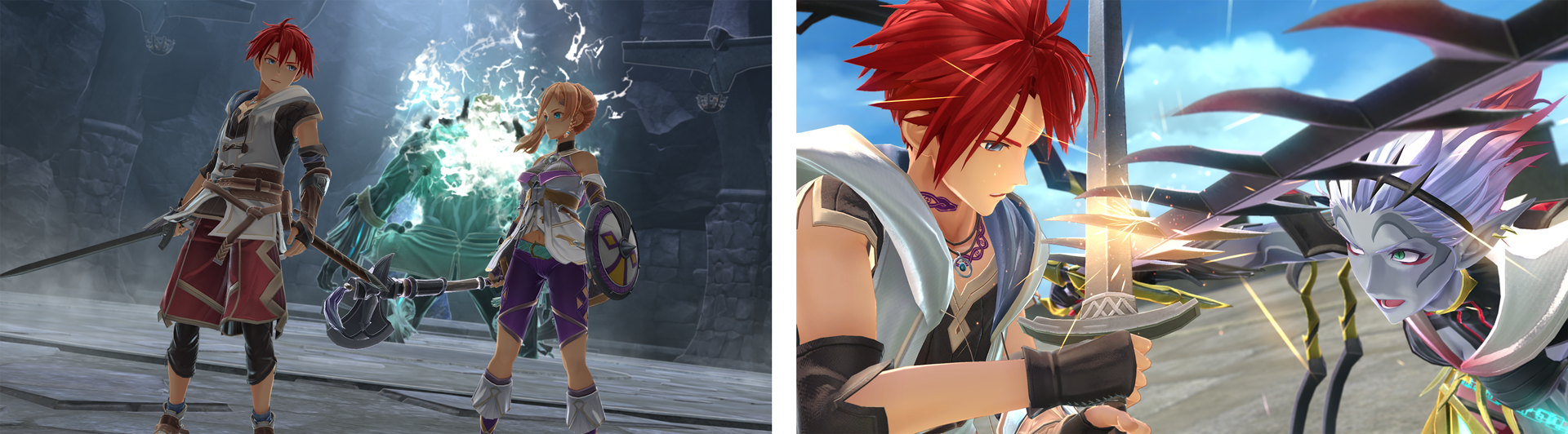
・Optimized for DirectX 12
We rebuilt the port to DirectX 12 from the ground up, resolving all issues from the previous version.
The game has been optimized to further enhance the already high-quality user experience of Ys X: Nordics.
・Removal of the Settings Tool
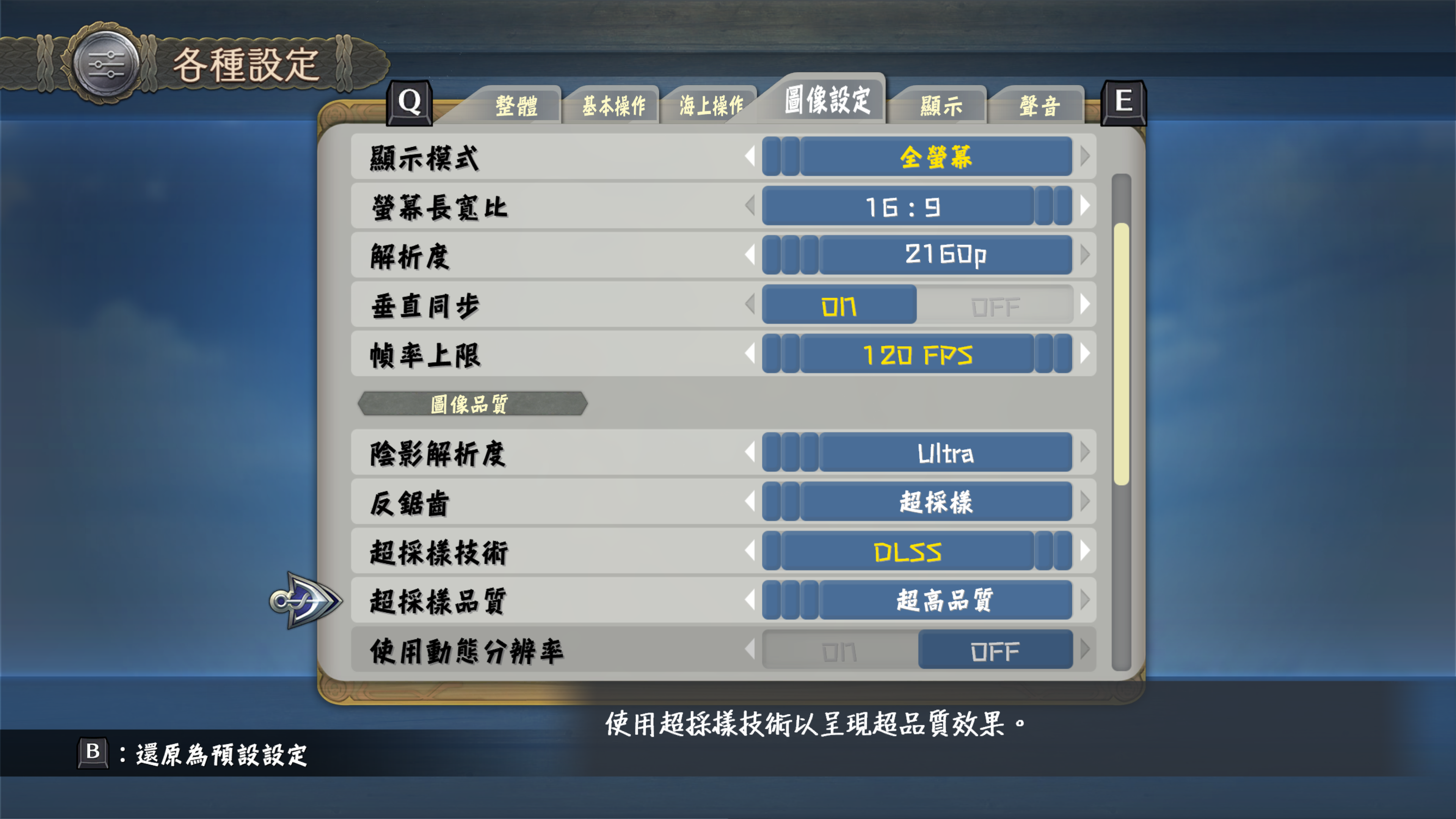
In the previous version, screen settings and other options were configured through a separate settings tool, but starting from version 2.00, this tool has been removed. All settings can now be adjusted directly within the game.
You can switch between windowed and full screen modes, change the rendering resolution, and adjust the aspect ratio right from the in-game options menu.
・Mouse-Based UI Navigation
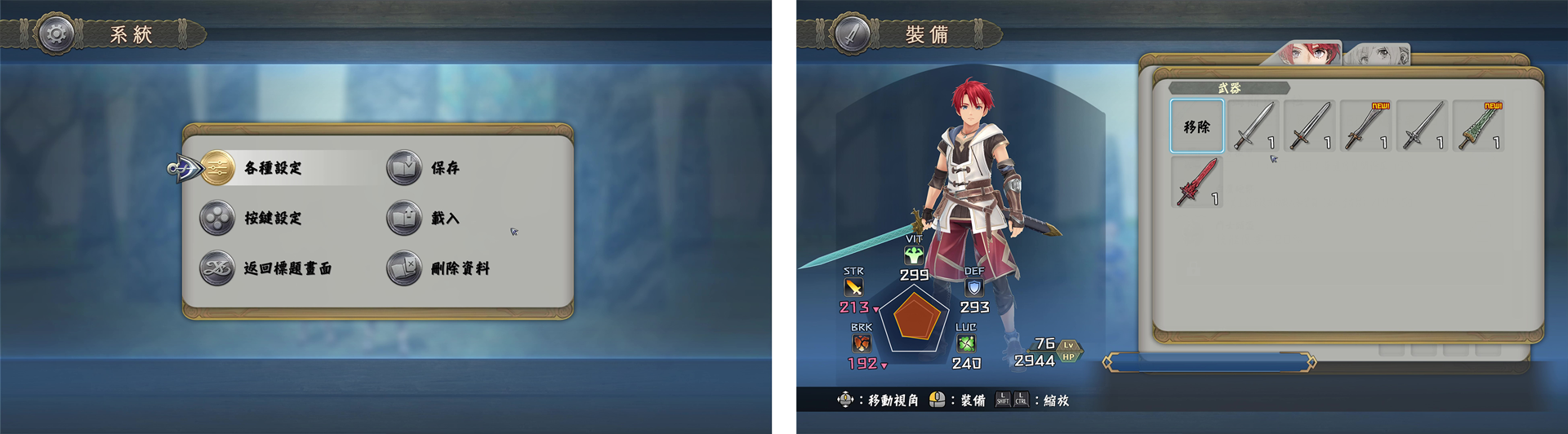
You can now use the mouse to navigate in-game menus and select items.
This makes gameplay with a keyboard and mouse much smoother and more intuitive.
・Implementation of Upscaling Technology
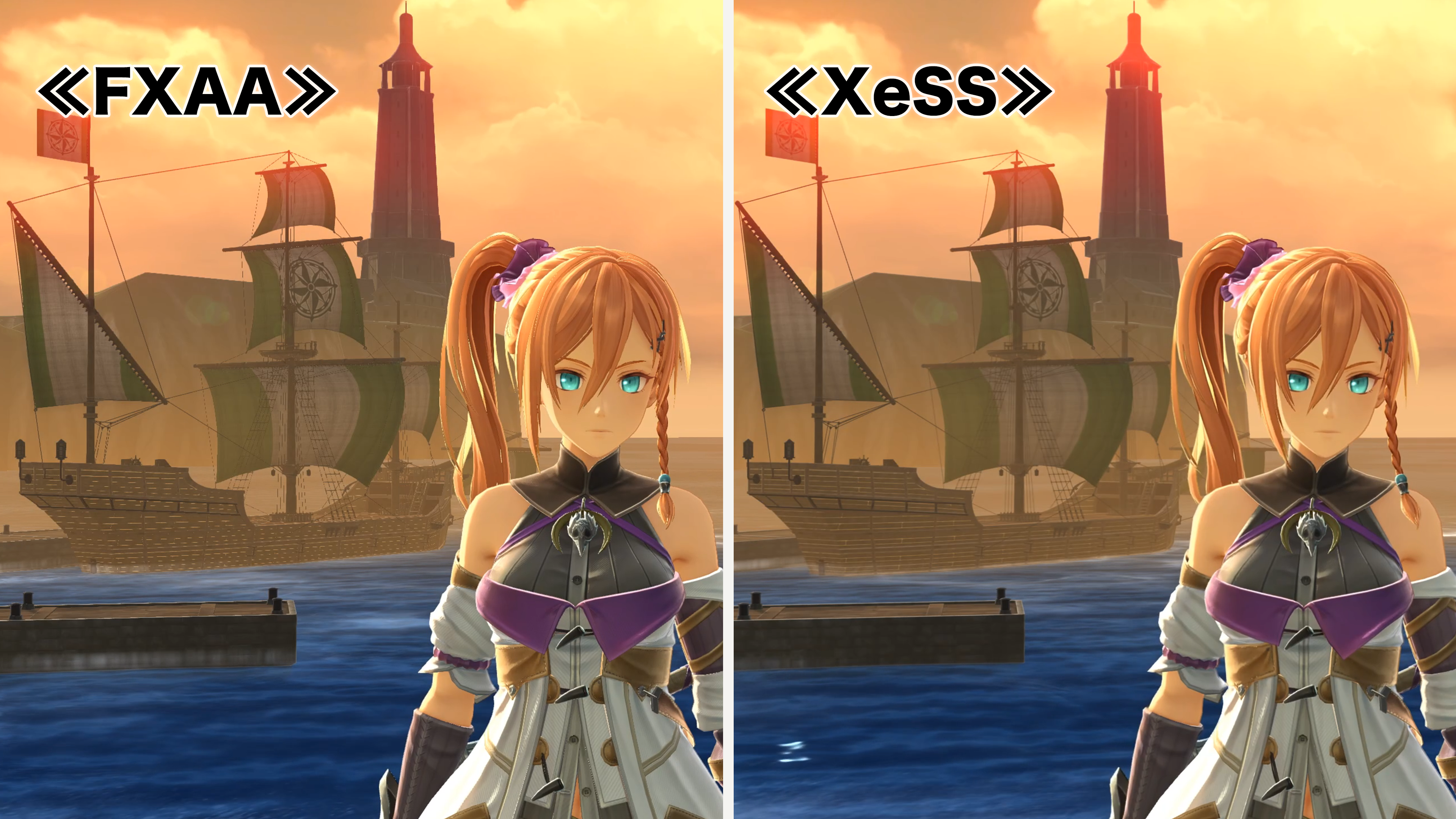
We’re excited to announce the addition of NVIDIA DLSS and AMD FidelityFX™ Super Resolution (FSR), along with the long-awaited IntelⓇ XeSS.
These AI-enhanced upscaling technologies (XeSS, DLSS) boost frame rates while preserving high image quality, allowing you to enjoy the beautiful world of Ys X: Nordics with even greater visual fidelity and smoother performance.
■Steam® Version Relaunch Celebration Campaign
To celebrate the relaunch of Ys X: Nordics on Steam®, we're excited to announce the following campaign:
①Free Exclusive Costume Giveaway
As a special gift, we will be giving away exclusive Karja costumes—Avatar Raven and Battle Dress—to everyone who purchase it by 11:59 PM (JST) on Wednesday, October 9, 2024.
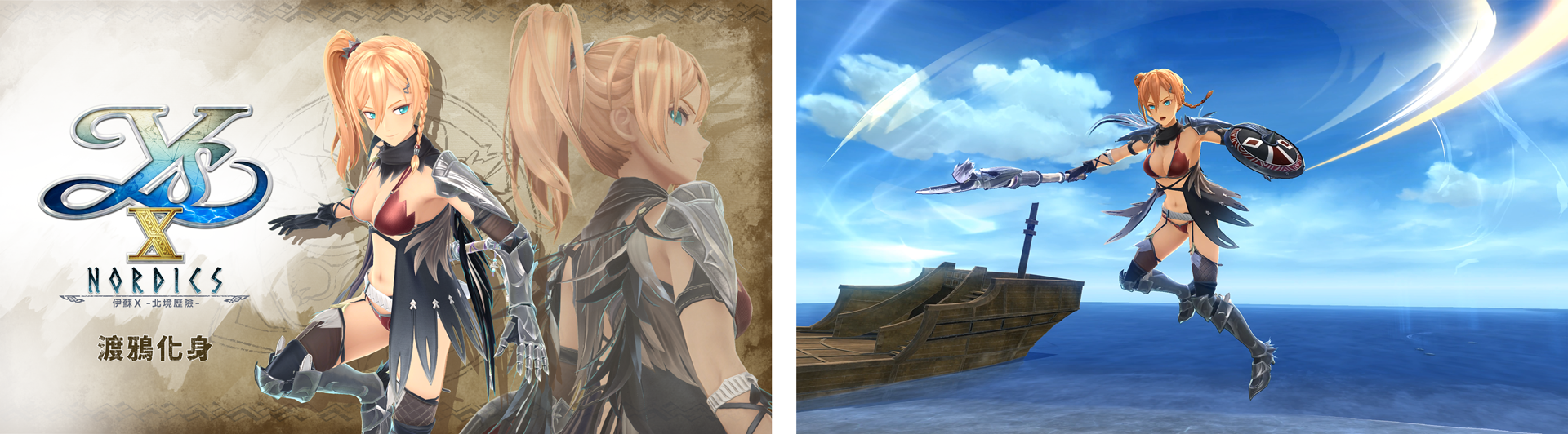
・Karja’s “Avatar Raven” Costume
An outfit designed to embody the messenger of Hal, the incarnation of the raven.
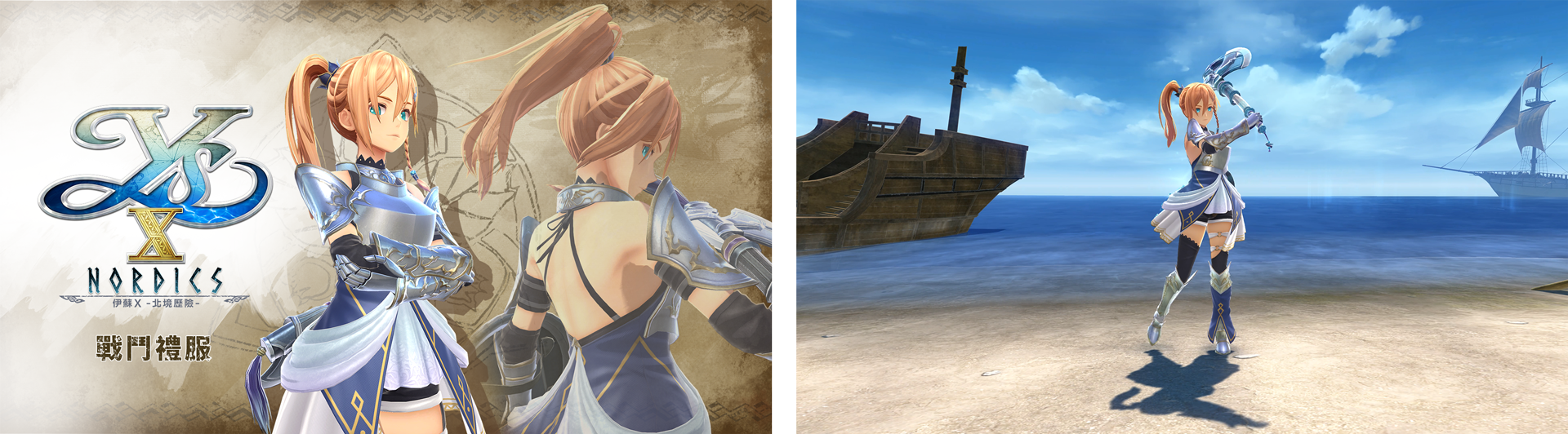
・Karja’s “Battle Dress” Costume
Armor passed down in the Balta Navy, imbued with the blessing of the chief god Hal.
This special outfit for the warrior Karja combines both power and grace.
※May become available for purchase at a later date.
※Bonus end date/times may vary by region.
※Contents of bonus subject to change without notice.
②10% Discount Sale
From Thursday, September 26 to Wednesday, October 9, both the standard digital version and the Digital Deluxe version of Ys X: Nordics will be available on the Steam® store at a special 10% off discount.
※We have processed refunds for all customers who purchased the previous version on the Steam® store.
If desired, please use the refunded wallet balance towards your purchase of Version 2.00. We apologize for any inconvenience this may have caused.
■A Message to Our Customers
We sincerely thank you for your continued support.
We would like to express our deepest apologies to those enjoying Ys X: Nordics on Steam® for not delivering the level of quality you deserve.
Following the game’s release, we received invaluable feedback from many players. Despite our efforts to implement large-scale fixes with the original development team, we regret to say that we were unable to meet your expectations.
After careful consideration, we concluded that a fundamental overhaul was necessary. We decided to completely rebuild the game from the ground up with a refreshed development structure.
With version 2.00, we not only resolved the issues from the previous version, but also implemented enhancements based on your feedback. These include optimization and performance improvements with DirectX 12, the addition of upscaling technologies such as DLSS and FSR, and various improvements to gameplay.
We apologize for the long wait and the delayed communication during this process. Moving forward, we are committed to continually improving and providing content that meets, and hopefully exceeds, your expectations.
We hope you enjoy the enhanced world of Ys X: Nordics.
Yuen-Yuen Chen, CEO
Clouded Leopard Entertainment Inc.