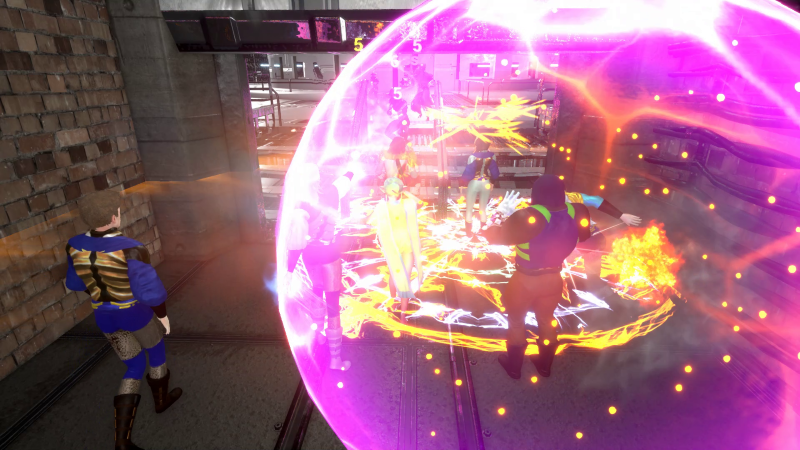
This is a general update on how our program of polishing the game is proceeding. We are currently upgrading the powers visual FX, improving consistency within each powerset. This builds on the ongoing animations upgrade. This video is a sneak peek at the results.
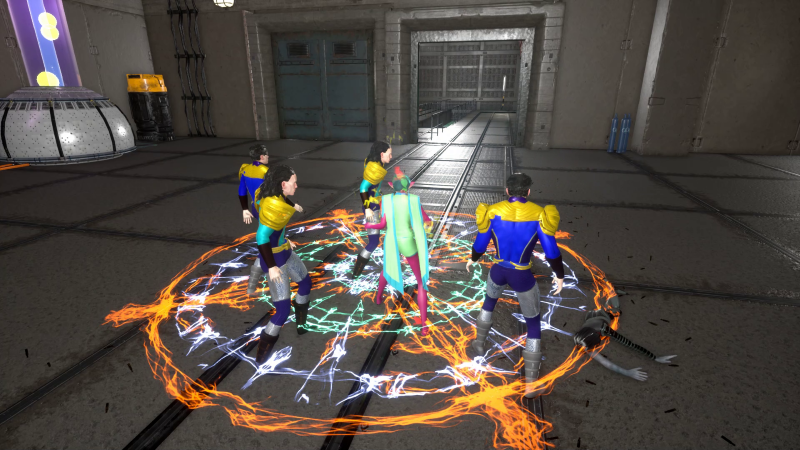
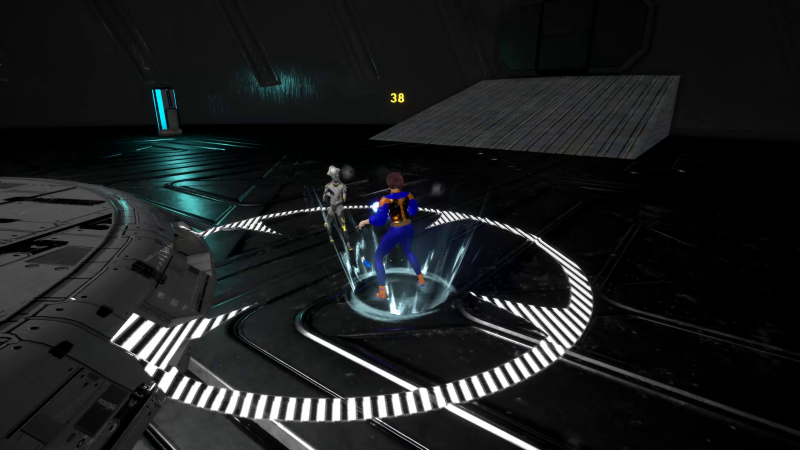
Nothing says "Impending doom" quite like a big, flashy circle on the ground.
At the same time, we've also made quality of life improvements to superspeed, item drop notifications, and the way powers are displayed in the powers and power trainer popup windows.
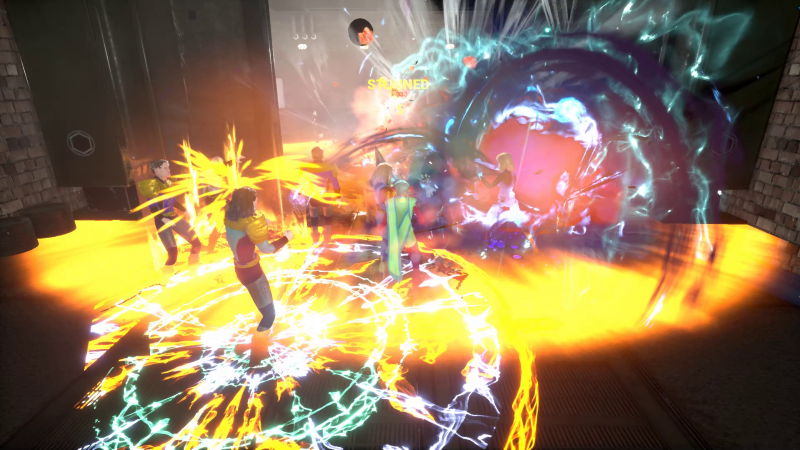
Team fights can get a little intense...
There's good news for team players as well. In Ship of Heroes, when your team leader is speaking with a mission contact, you can stand nearby to hear the voice lines. Everyone on the team can read everything in the dialog tab of the chat window, including what the team leader says to the NPCs. So even if you’re just following a team leader along, you can get the whole story of the mission later by reading the dialog tab, at your own speed. Solo players can also see the dialog in the dialog tab.
Ever finish a battle, and then wonder what the bad guy was yapping about? Wonder no more!
Superspeeding is highlighted with a speed lines effect at the edge of the screen. We received feedback that it induced motion sickness in some. You can now toggle off this effect in the General tab of Interface Settings.
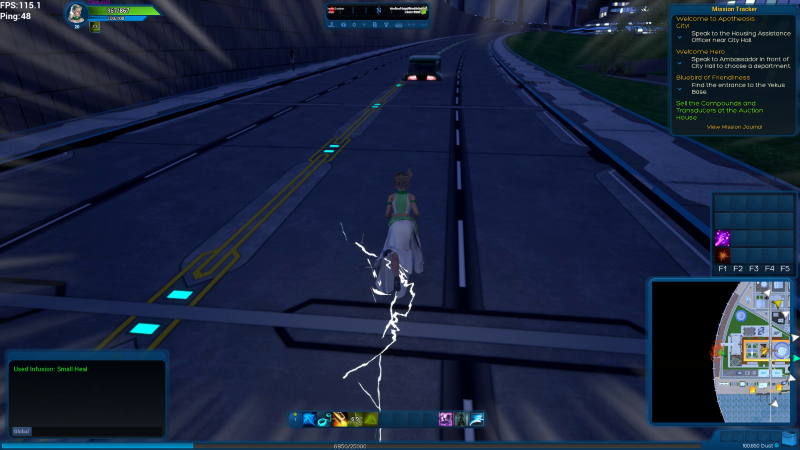
There are many gadgets and enchantments to negate the speed effect, but some heroes think it's cool.
When a ranged, targeted AOE attack power is on cooldown, the targeting decal is black and white stripes, not red, until the power recharges. This is to tell the player that he is targeting an area, but that the power is not yet available. As soon as the power is recharged, the targeting circle turns red, showing that the power is recharged and ready to fire.
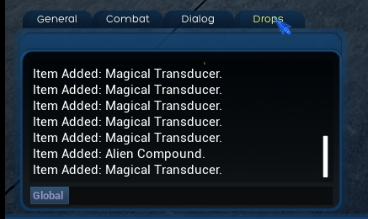
Testers told us that all this helpful text flashing on the screen was a bit much: locations, warning, drops, gained levels… So, we did something about it. Item drops don't flash on the screen anymore, except for the rarest ones. They are all displayed on the “Drops” tab of the chat window, where you can inspect them after finishing the mission or monitor them while playing.
The level-up message will still flash with a badge icon, reminding you to visit a power trainer to select an additional power, and/or an augment vendor to equip additional augments when you have empty slots. Power trainers and augment vendors usually work in pairs, and the one you need to see next will waive at you. The power trainer window now clearly displays the names of your primary and secondary powersets, as well.
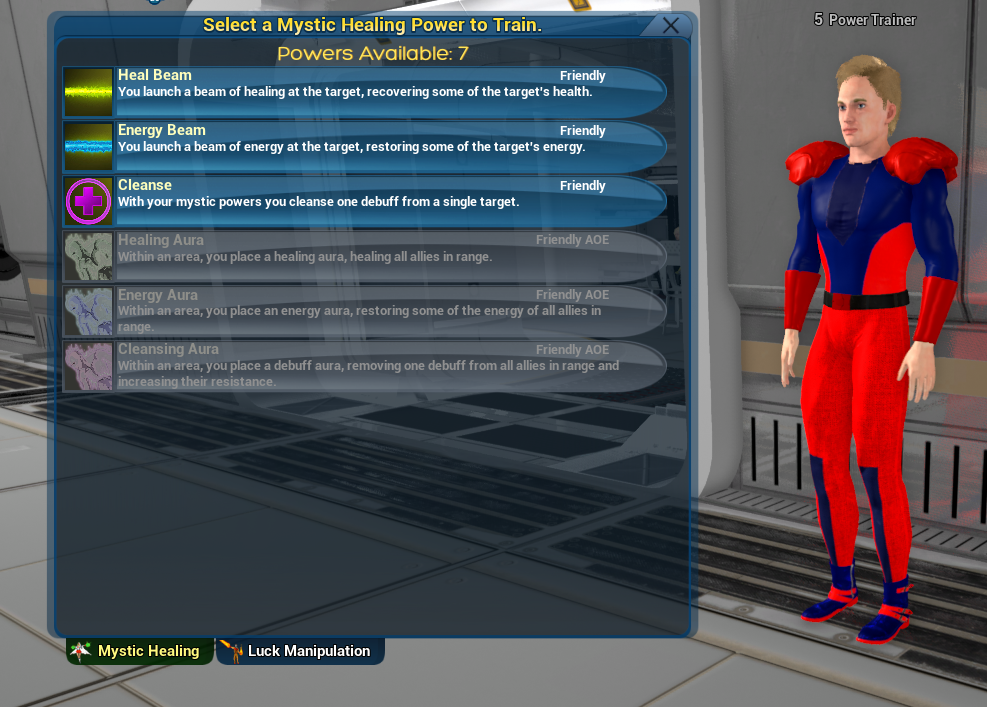
Don't forget to pick a few secondary powers by clicking the tab for them. Some are quite strong!
On the powers window viewed by pressing P, we clarified the mysterious meaning of “P”, “S”, and “M”. “P” means your primary powerset, and “S” means your secondary powerset. Your primary and secondary powersets are now identified by name. “M” used to be limited to movement powers, but now it contains a variety of universal powers. We’ve added a row for temporary powers, too, since these can be quite important in mission gameplay.
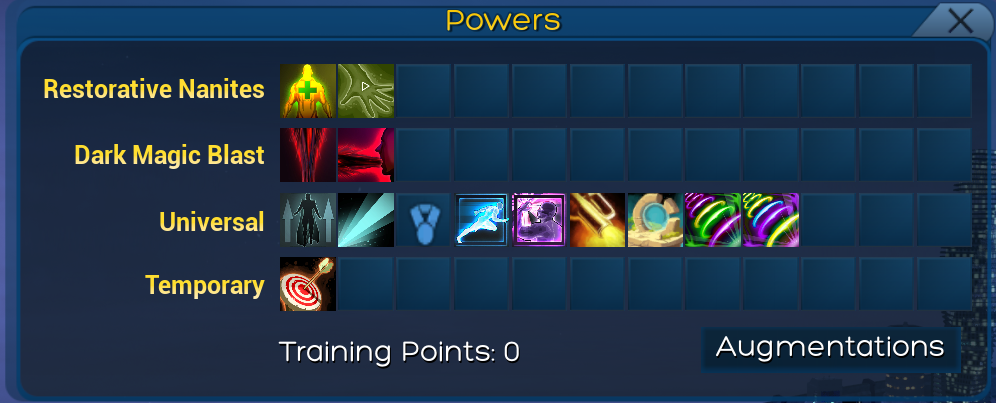
Veterans of our many Betas will recognize some of these powers on sight.
In addition to UI Scaling, more windows can now be individually resized. Players have more flexibility to adapt their UI to their playstyle and screen resolution.
The big map, viewed by pressing M, is bigger and fancier than ever before. Its maximum size has increased, and when zooming out, you can now see the entire map of Apotheosis City. Dragging the map and zooming in bring details into view. The transparency slider lets you monitor the surroundings while getting your bearings.
You can now see other players' catchphrases and hero descriptions, as well as your own. Just click the hero you want to read about, right-click his portrait in the upper-right, and select "Inspect".
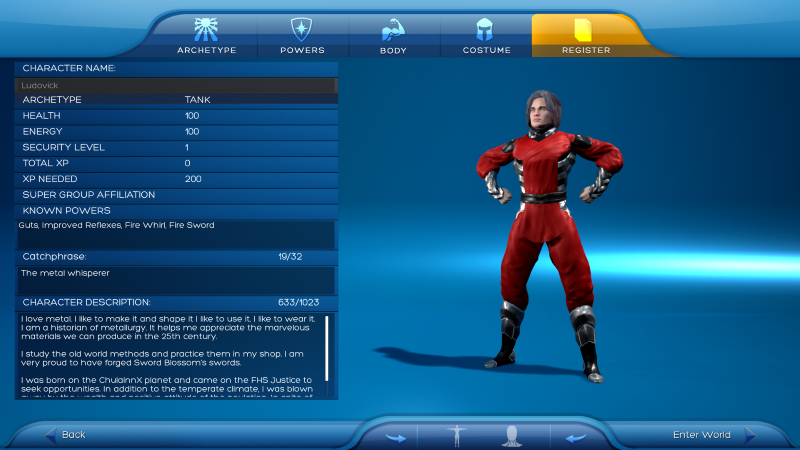
Many people write up little backstories in the CCT for their favorite heroes!
Technical Notes
- All powers up to level 50 are being upgraded as we plan for future expansions. Even though the current plan is to launch with powers up to level 20, SoH is built with growth in mind.
- The character sheet showing the character catchphrase is not shown here as it is undergoing a makeover.
- The new map features are currently implemented only on the Apotheosis City map. We are methodically rolling them out to all other maps.
- The active mission title is green in the mission tracker. This is important, since you're free to take on multiple missions at the same time, and you'll want to keep track of which one the map is pointing you towards.
- As you can tell, our primary focus at the moment is on polishing and perfecting Ship of Heroes for an eventual launch. If you have ideas you want to share with us, please post your idea in the forums or send them to us on a contact form.
Wishlist us and signup for opportunities to play at https://shipofheroes.com/