Hi Dealers. With this update, a Music Player has been added to the game, now you can play the music you want in your store.
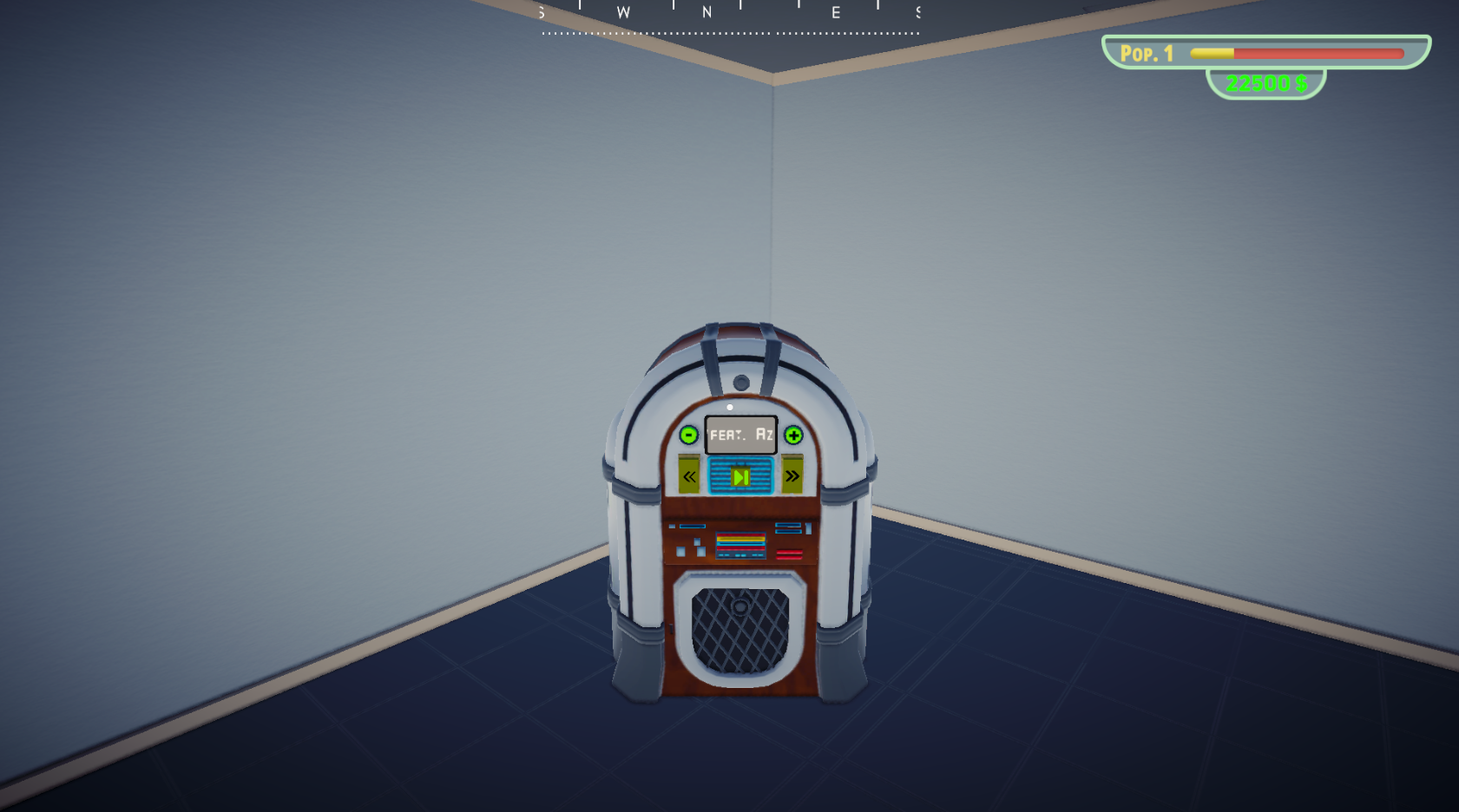
First, you must buy the Music Player from the store.
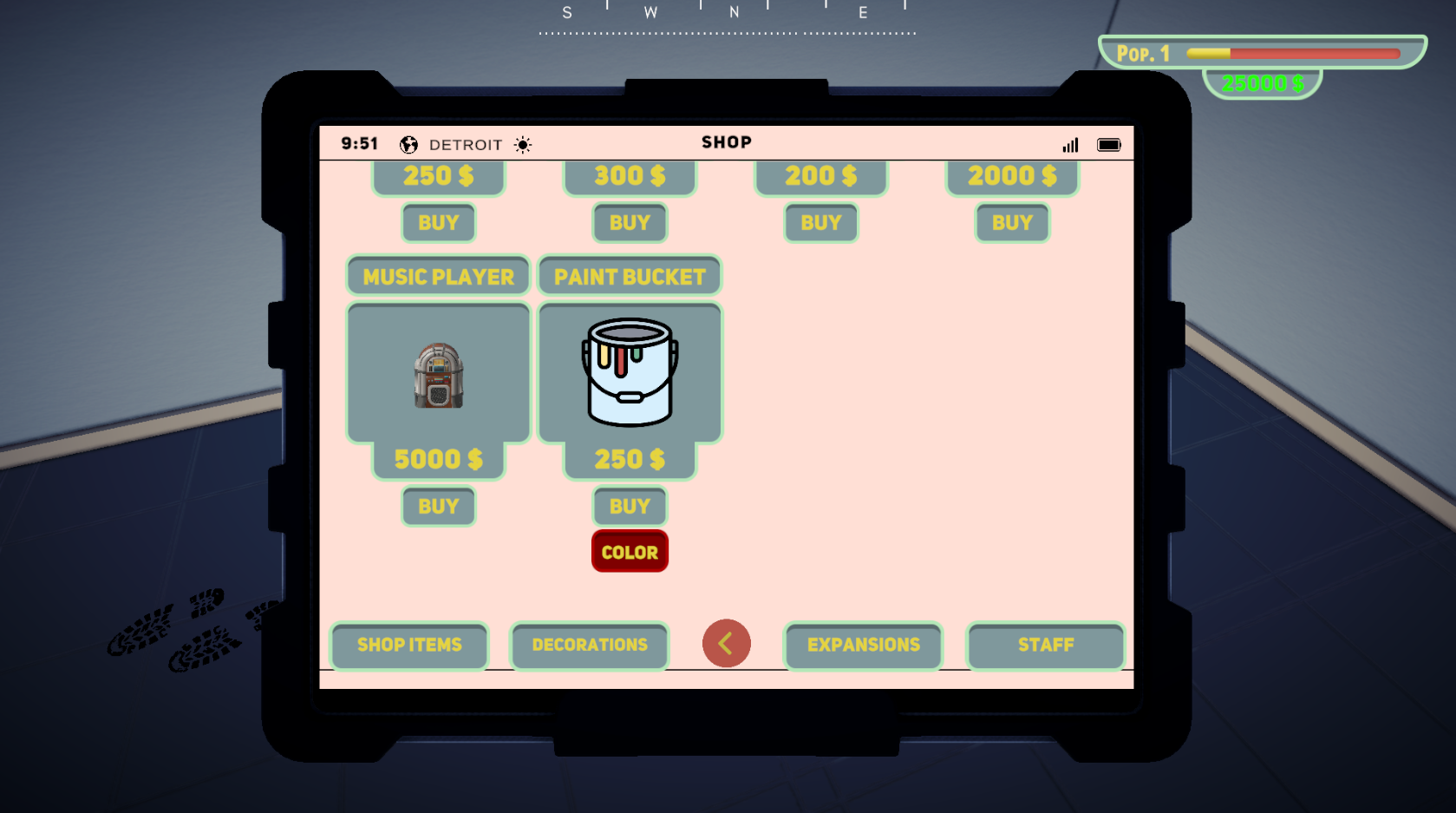
By default, there are 5 songs in it. But if you want, you can add your own music to the game. All you have to do is. Send music files to this path:
Documents/Editmode Studio/Music
Enter and exit the game once for this path to be created automatically. If you don't want to do this you can create it yourself
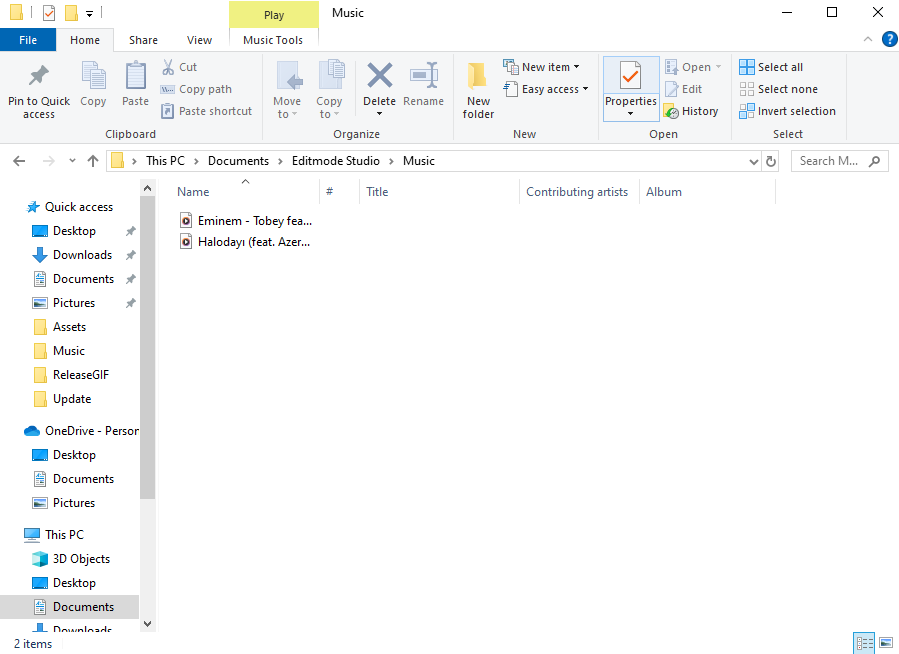
(The songs in the picture are not in the game, they are just examples.)
We hope this update increases your enjoyment of the game.
Here are some issues resolved with this update :
- Fixed the issue of products getting stuck on the floor in the back room of the store.
- The issue where the Pause menu opens when you press the ESC key to exit the Blackjack game has been resolved.
- Vacum Clenaer is no longer labeled
- While in the Casino and in the Bank. The problem of flying upwards when you constantly press the Space key has been resolved.
- The names of some products have changed