Hello!
Update 0.5.0 will be released on November 6, 2023, at 18:00 CET along with a global server wipe.
This update expands old features, changes the balance, and adds new mechanics!
Changes:
- The cost of creating ammo has changed again. This time the cost has been slightly increased.
- The crafts for Plasma Doors and the cost of learning them have been changed.
- The tutorial has been completely redesigned.
- The ion accelerator, which was in the game before this update, has been renamed V2.
Added:
- A new turret has been added to the research tree.
- Added a new Ion Accelerator V1, which is easy to create at the very beginning.
- Added Ship Control Panel.
- Added Engine for the ship.
- Added a Gyroscope for the ship.
- Added an Energy Generator for the ship.
- Added ship power element: Equalization rod.
Read more about the new ship mechanics.
First, you need to build a regular base, but taking into account the fact that the maximum size of the ship that is currently available is a radius of 10 meters around the ship's control panel.
The ship can include all building elements, placeable objects, and crates.
You can update your ship at any time!
Let's look at an example of building a ship!
- Build the foundation.
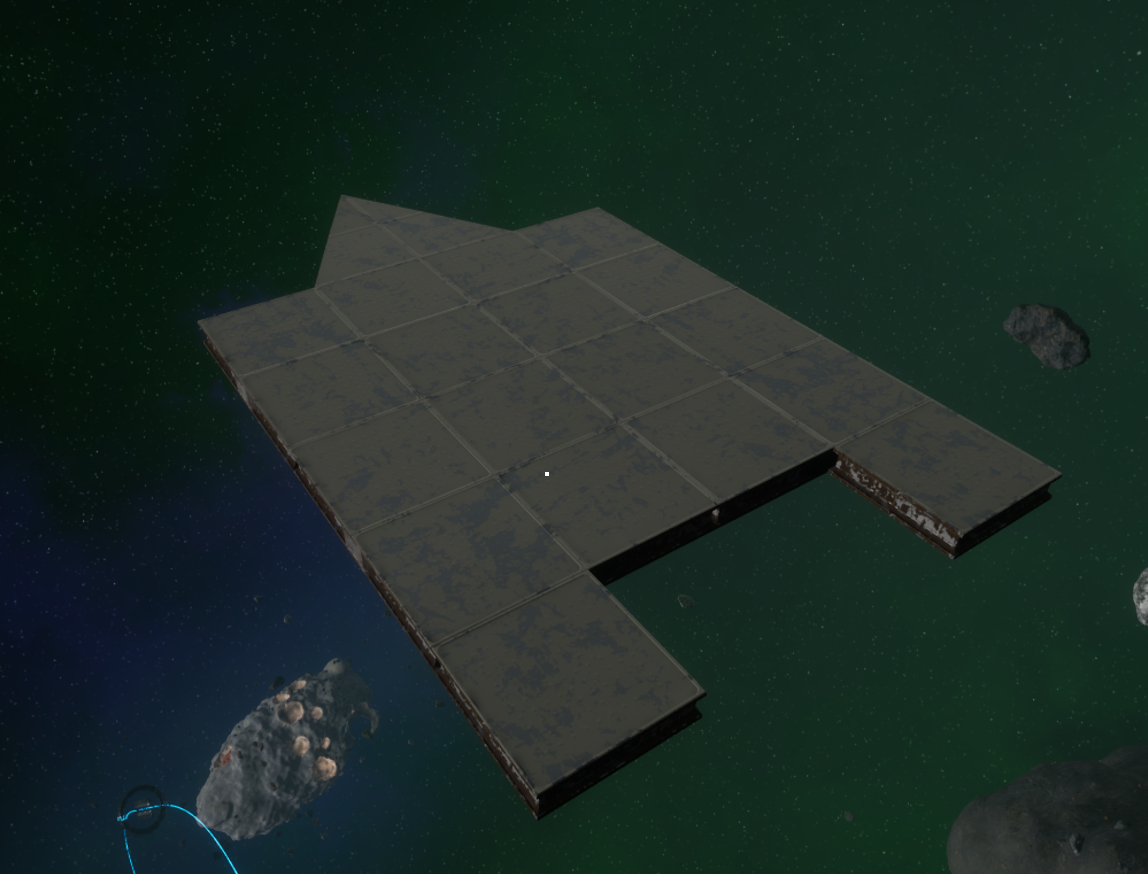
- Next we will place everything we need for survival.
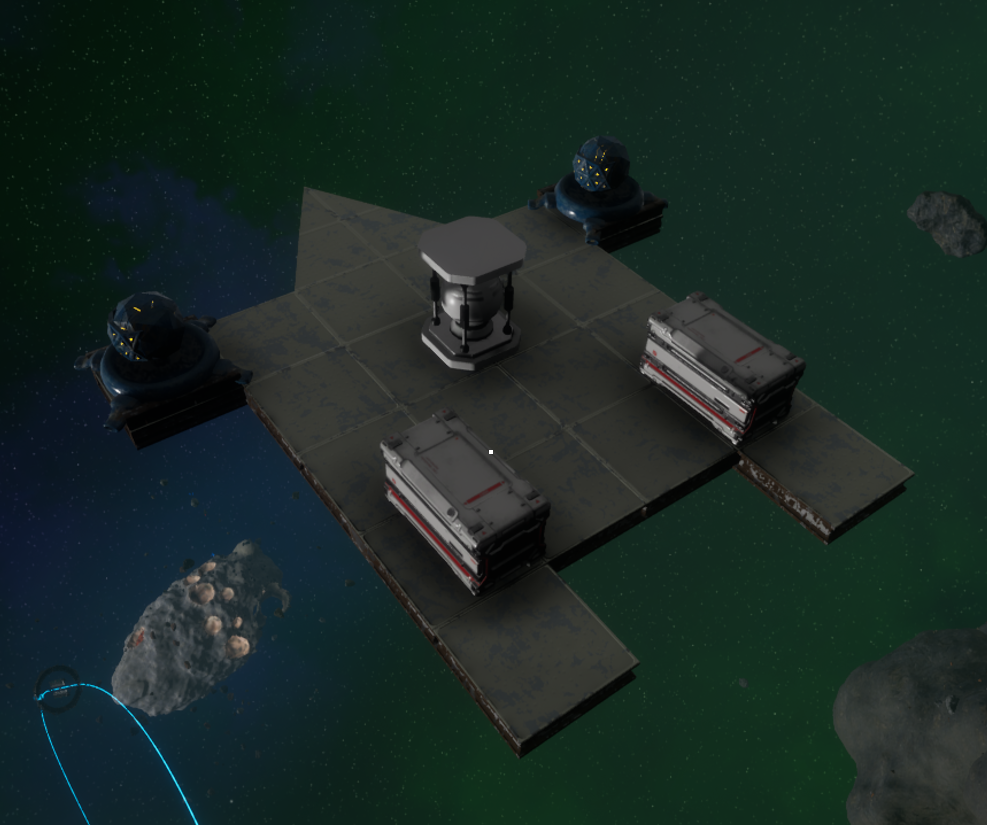
- Let's build the captain's bridge and install the ship's control panel.
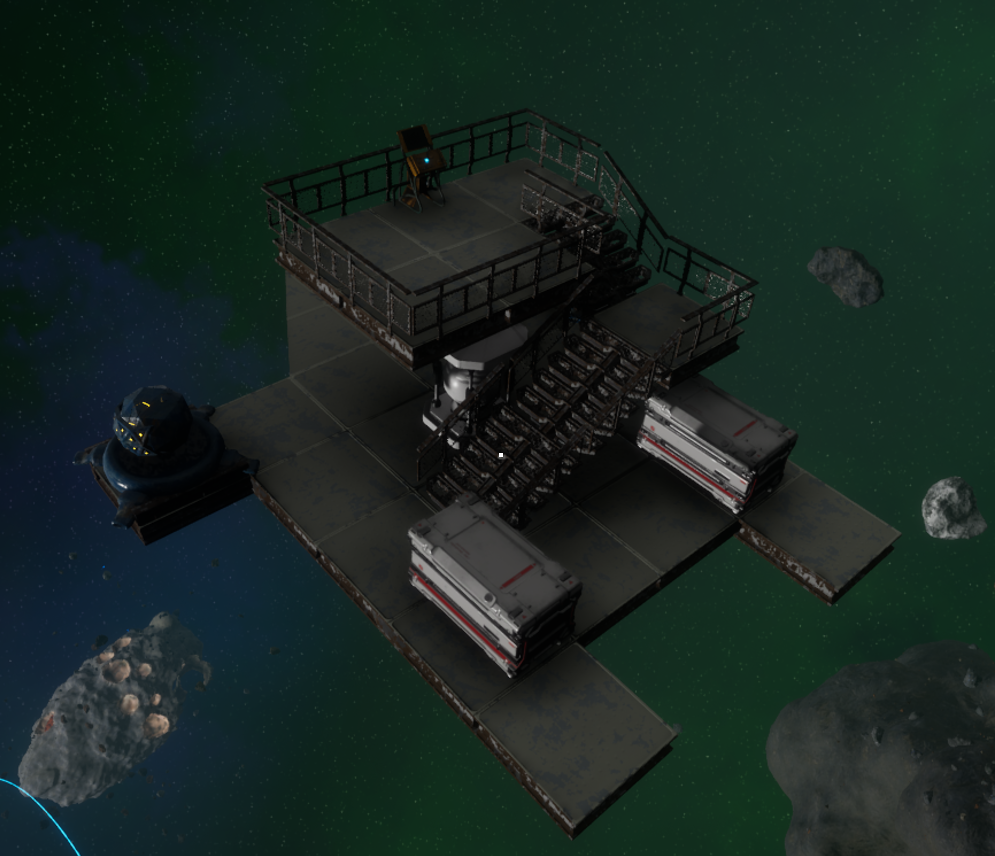
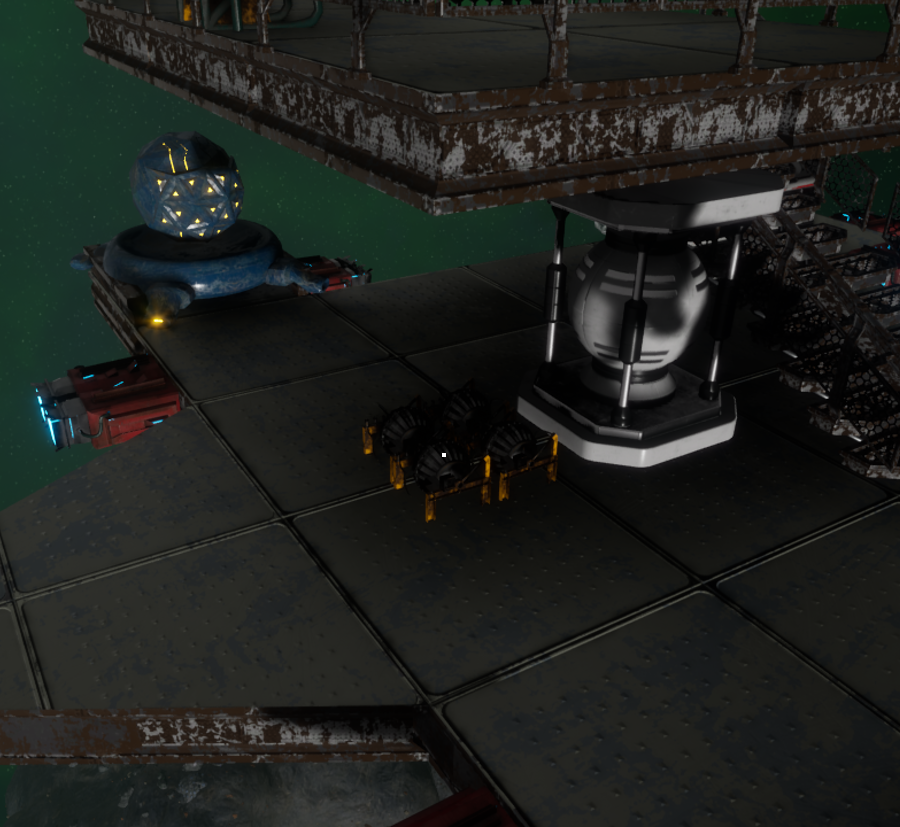
- Let's install engines in all directions:
- If the engine is at an angle, then it will work in all directions in which it can move the ship, but with reduced force
- Each engine has a maximum number of buildings it can pull when operating at 100%. If one engine has to pull more buildings, it will not work at full capacity.
- The ship has a maximum speed. Even if you leave the ship with a hundred engines, it will not fly faster.
- If you do not place the engines in a certain direction, then the ship will not be able to fly in that direction.
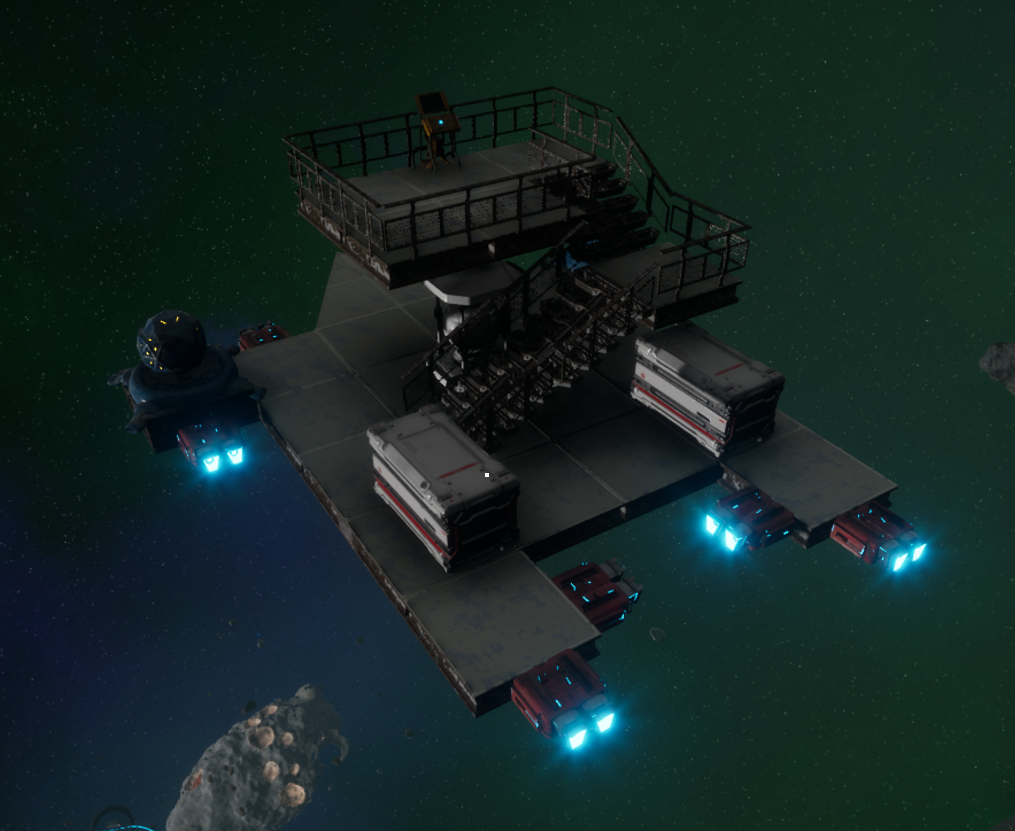
- Let's install Gyroscopes for the ship.
- They also have a maximum number of buildings with which it works 100%; with a larger number, it works with less efficiency.
- The ship has no restrictions on maximum angular speed.
- The absence of gyros will lead to the fact that you will not be able to control the direction of movement.
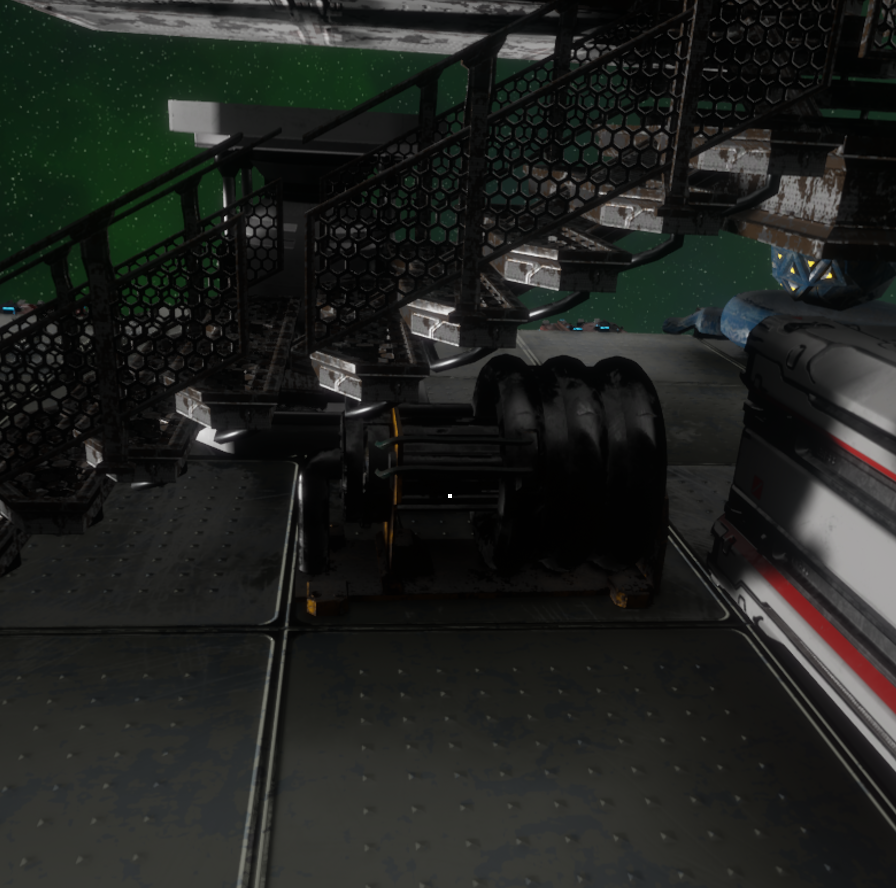
- Next you need to install the Energy Generator for the ship.
- This generator only has one fuel slot.
- If your ship doesn't have a generator, you won't be able to move.
- If the fuel runs out, your ship will stop.
- After everything is ready, for the ship to become a ship, you need to go to the Control Panel and hold . After this, you will see a notification that the ship is ready.
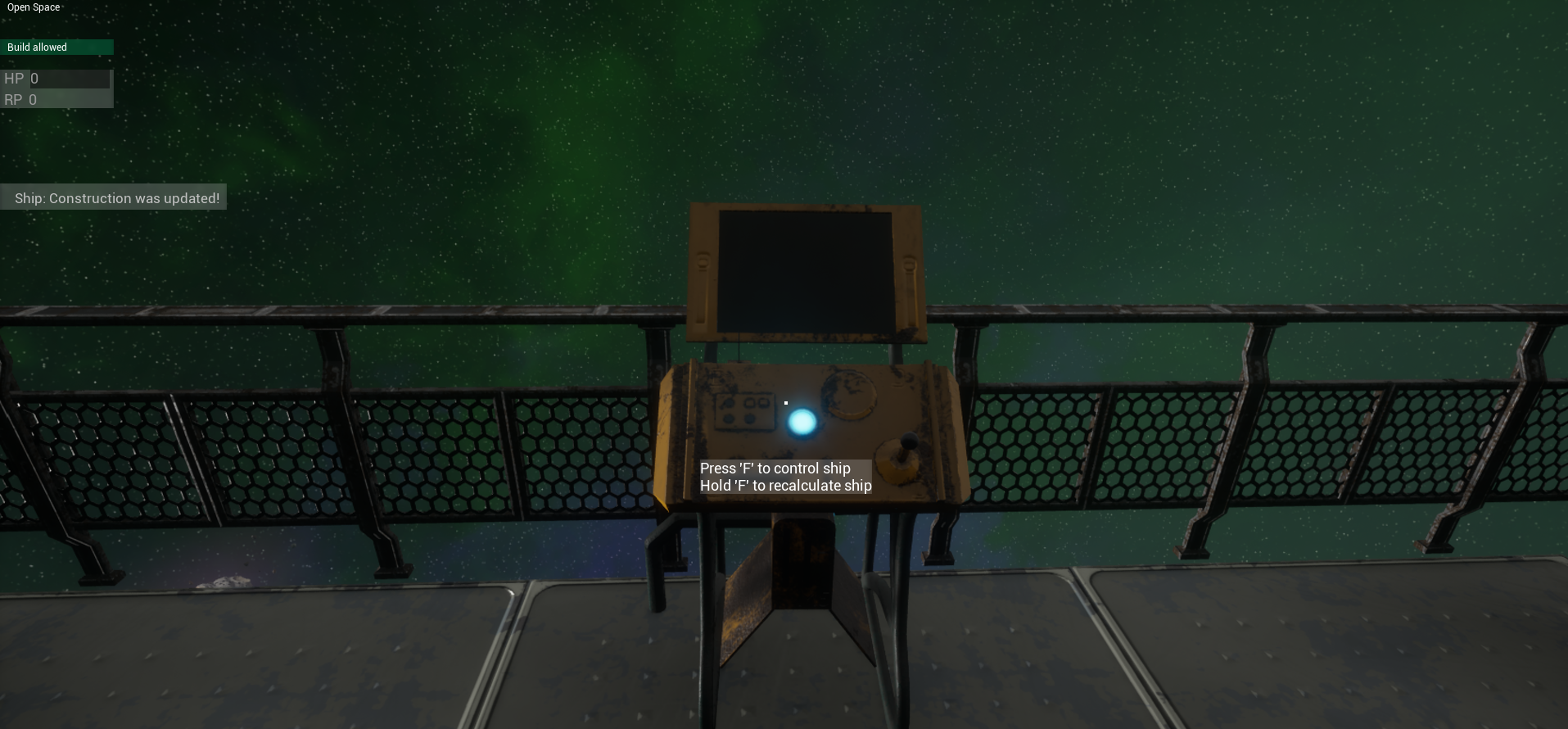
- Then you can control the ship and finish it off. But after changing the design of the ship, you need to recalculate the ship - the previous point.
Ship control:
- for movement.
- and for longitudinal rotation and Mash for rotation along the other two axes.
- If you hold down , you can rotate the camera without controlling the ship.
The most important thing is not to forget that the ship has inertia and that any collision can lead to irreversible consequences...
More from Project Asteroids
Other announcements
Servers wipe & RebalanceHello! Today is the day when all official servers are wiped. Alongside the wipe, I've made a few rebalances to support weak players players who struggled with the AI turrets: · Reduced the number of Wanderers per asteroid from 4 to 2. · Added Ion Accelerator V1 as a default item when spawning into the world. · Increased the experience scaler for all actions from 1 to 2. Who are the Wanderers? W…🎉 GAME IS NOW FREE! 🚀We’re excited to announce that Project Asteroids is now completely free for everyone! Whether you're a longtime fan or a newcomer, now is the perfect time to jump into the game and explore the universe of action and strategy. Tell your friends and join the adventure today – no strings attached, no costs involved! Thank you for your support, and we look forward to seeing you in the game! 🚀Update 0.5.7.2. Achievements and RebalanceHello! Added: · 15 new achievements added. Changes: · Experience required to level up the faction reduced from 1000 → 350 · The number of Wanderers on an asteroid reduced from 10 → 4 · Changed the generation of deep space display on the server Fixes: · Fixed display of random deep space generation. · Modified and fixed the world backup system. · Fixed numerous server errors. · Optimized voice c…