Status
SteamPeaks
ChartsSalesUpcomingPatchesEventsCalculator
New on SteamEvery app, DLC and depot the minute Steam creates itAppsEvery app on Steam, newest change firstPackagesSubs and bundles, and what each containsDepotsDepots, manifests and install sizesTagsSteam's user tags and the games under themDevelopers & publishersCompanies and their cataloguesTechnologiesEngines, SDKs and anti-cheat found in the filesChange historyEvery PICS changelist as it lands
SignalsNineteen readings of the whole catalogueCompareAny games side by sideRecordsAll-time peaks and the days they were setReportsWeekly and monthly write-upsAlerts & newsroomWatch a game, get told when it movesSteam statusIs Steam up, right nowWeb API explorerTry the endpoints in the browser
EventsSteam's own events and the sales calendarCalculatorWhat a Steam account is worth, and its pile of shame
/
Sign in
/
SteamPeaks
The ultimate resource for Steam data.
ExploreChartsSalesSales and festsUpcomingPatchesEventsRecordsTrendingSignals
DatabaseAppsPackagesDepotsTagsDevelopersTechnologiesChange history
ToolsCalculatorCompareSearchAlertsSteam statusAPI
SiteMethodologyFAQDiscordSupportSign in via Steam
Not affiliated with Valve or Steam. Game names and artwork belong to their owners. All times UTC.
PrivacyCookiesFair useStatus
Ion Fury›Events›Ion Fury Aftershock - Photo Mode
Community

Ion Fury Aftershock - Photo Mode

Ion Fury · published 3 years ago

All eventsPlayers around this dateRead on Steam

Boost your screenshot game with Photo Mode!


I’m Katie, community hype machine for Voidpoint and Ion Fury, and I’m here to tell you a little bit about my favorite new feature in Ion Fury: Aftershock — Photo Mode!
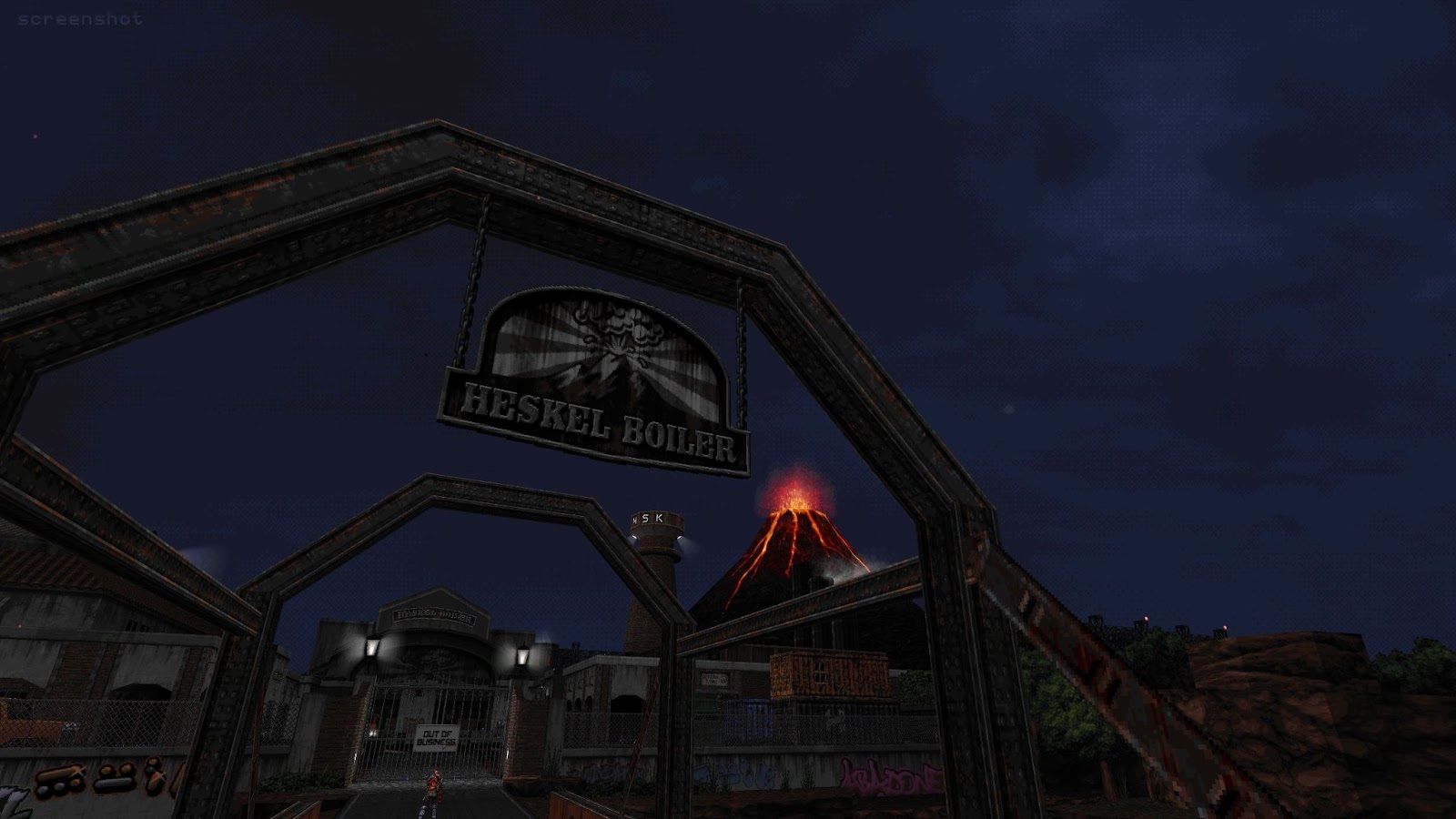
Photo Mode began as a wish. I adore the recent shift in games to facilitate taking screenshots—it’s gone beyond the shortcut keybind to dump a HUD-covered JPEG into a subfolder. Now we’ve got in-game camera tools that make taking dramatic shots incredibly easy. Players and creators have the opportunity to bring their creativity to a lot of games and communities using virtual photography.

Ion Fury is a beautiful game, and I mentioned to the team how it would be helpful for generating screens and media to have an in-game photo mode. I wanted to capture how great it looks, but I was frustrated by having to work around the console. Having easy, accessible photo capture tools in a game encourages players to share their content, either through Steam or through social media channels.

Imagine my excitement when Jonathan Strander, lead designer on Ion Fury: Aftershock, surprised me with a complete photo mode to try. If you’ve enjoyed the videos, gifs, and screenshots Voidpoint has shared over the summer, you have Strander to thank for it.

Let me walk you through the basics of Ion Fury’s newest community tool.

In order to access Photo Mode, you’ll hit the key and the controls will appear on the top of the screen.
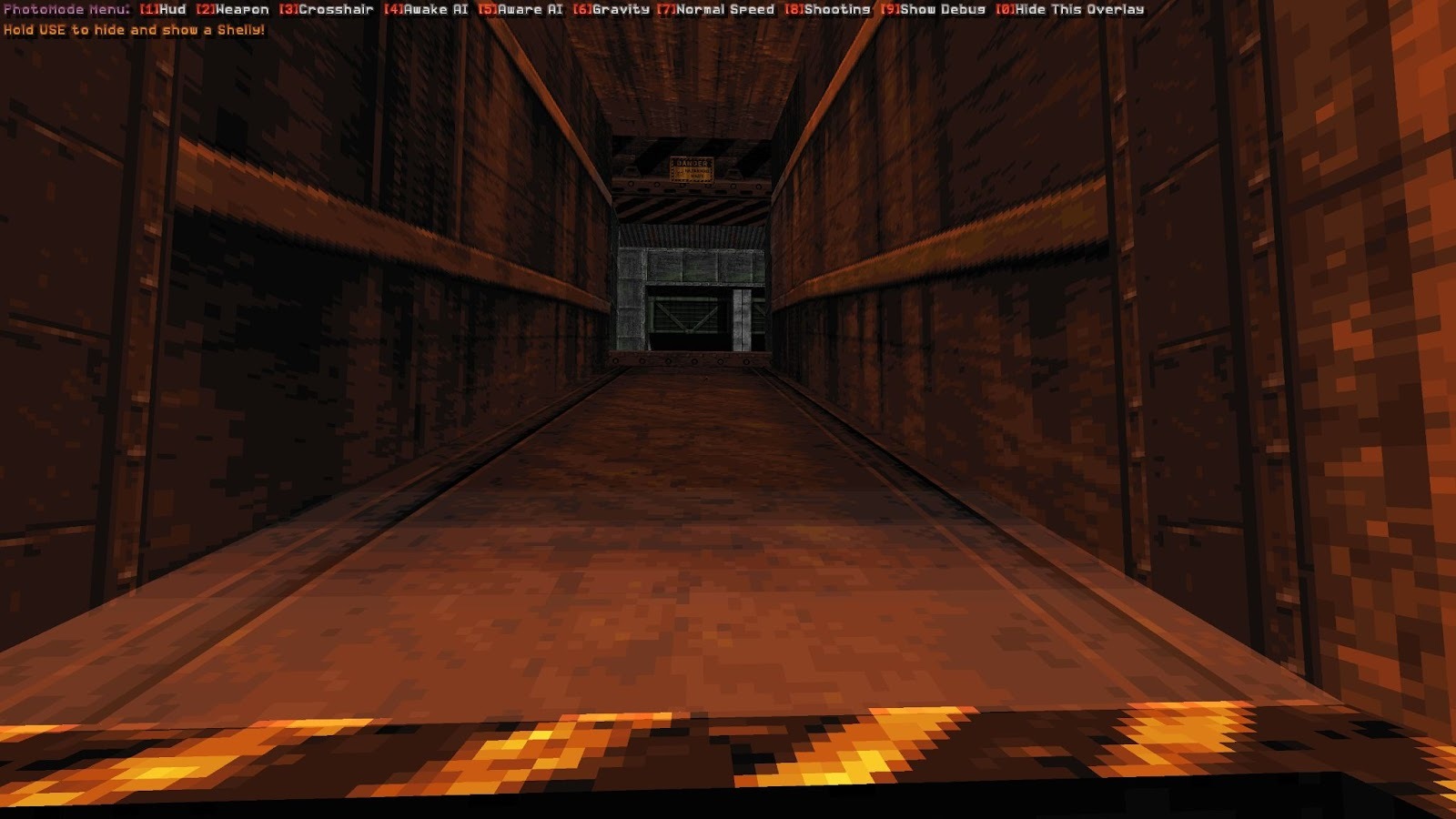
This automatically pauses the action and lets you freely fly to the perfect picture spot, but it’s got some other features that will help you capture what you want, like some toggle options for the HUD, and individual screen elements, like the weapon hands and crosshair. Movement is WASD, but you can move up using and down with . You can go high up and capture a wide cityscape, or crouch down to get some low-angle drama.
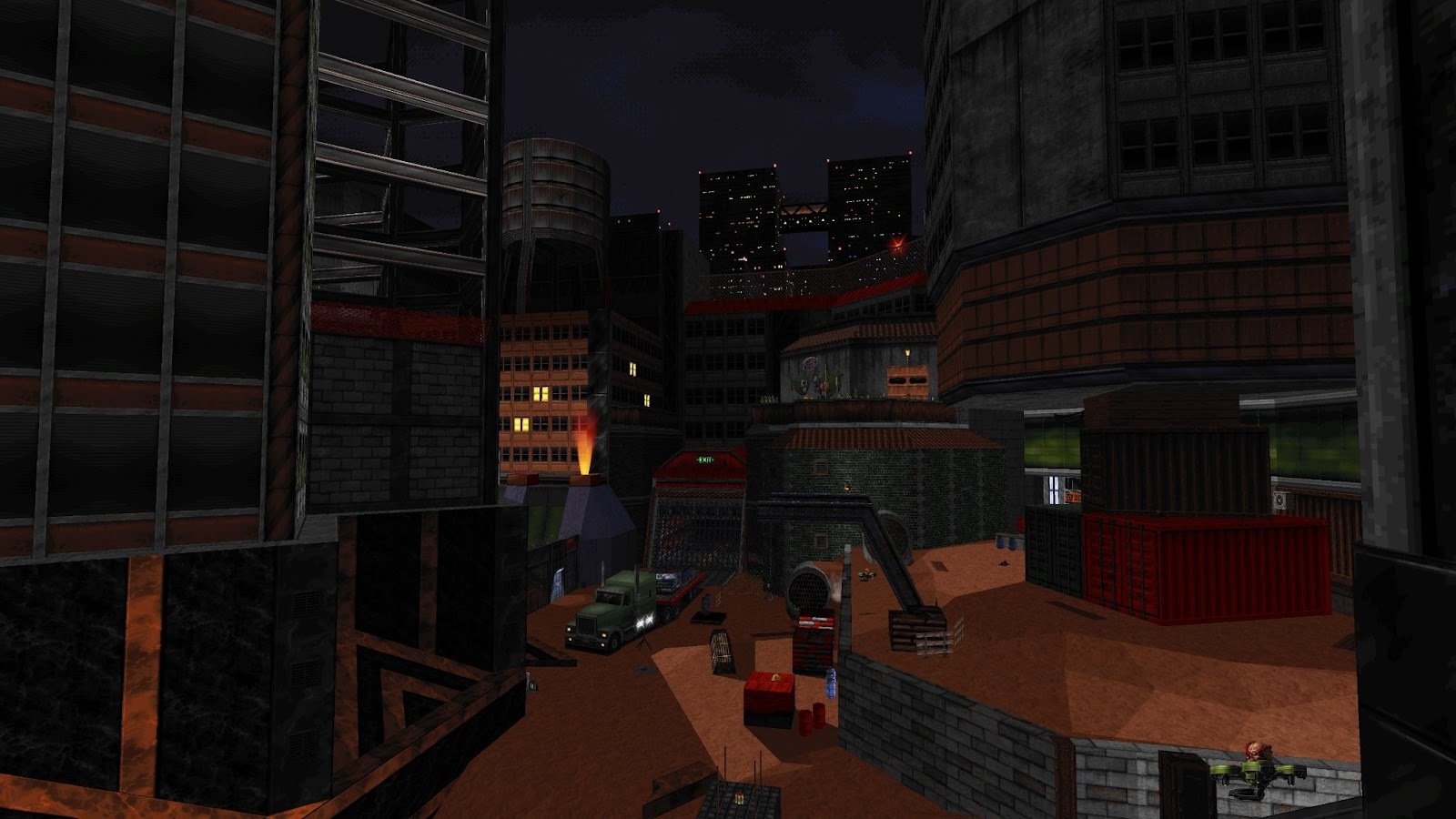
My favorite options control the enemy AI. By default, enemies are dumb to your presence in photo mode. But if you want your screenshot or video to contain some action, you can wake them up and let them move on patrol by choosing [4] Awake AI. If you want them to follow and shoot you (don’t worry—you can’t be killed while in this mode), choose [5] Aware AI. Watch Heskel’s scumbags fire at nothing.
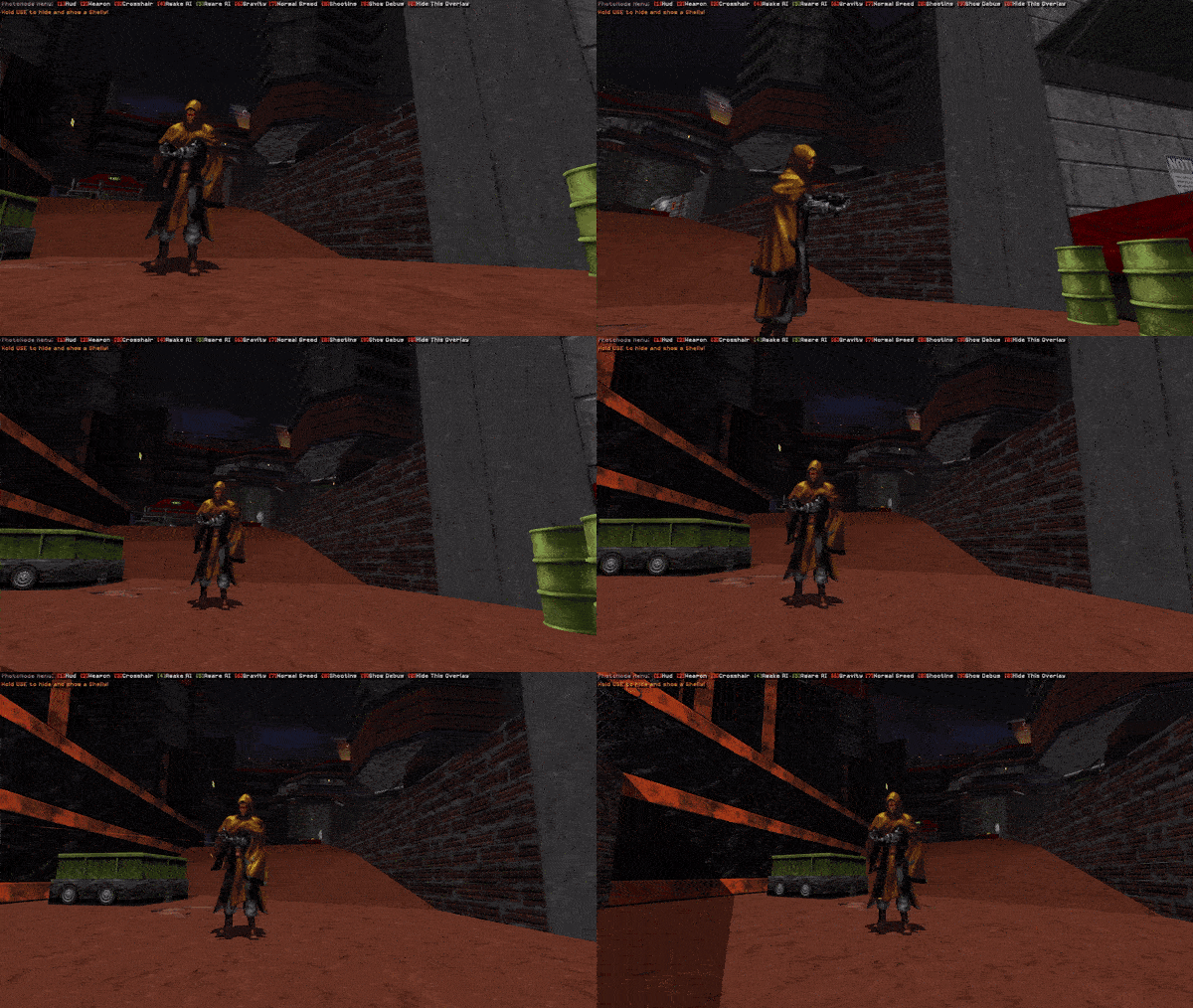
You can also show Shelly’s sprite in third-person. Pair that with the mode’s ability to slow down time by toggling [7], and you can recreate your favorite John Woo movies right in Ion Fury.

When you’ve set up your scene and you’re ready to snap a photo, hide the mode overlay with [0] and hit your screenshot key. If you’re finished with it, you can exit Photo Mode and you’ll go back to where you left off.

It’s so exciting to see the retro tech of Build incorporate a modern virtual photography mode. I can’t wait to see what the community captures with this new tool. Be sure to share all your beautiful new shots with us!

---------------------

  • Have you wishlisted Ion Fury Aftershock? You can do so here.
  • Follow Voidpoint on Twitter here.
  • Join the 3D Realms Discord here.
  • Find 3D Realms on Social Media here.
More from Ion Fury

Other announcements

All events
Community21 Nov 2023Vote for Ion Fury: Aftershock at the Steam AwardsHey everyone, Just dropping by to let you know that we've nominated Ion Fury in the "Labor of Love" category for the Steam Awards 2023. So if you liked Aftershock, please consider voting for us. That's all. Thanks for playing! · Buy Ion Fury Aftershock here . · Follow Voidpoint on Twitter . · Follow 3D Realms on Twitter . · Join the 3D Realms Discord . · Join the 3D Realms Subreddit . · Check o…Community13 Oct 2023The "Hail to the Queen" BIG BOX pre-orders are AVAILABLE NOW!IT'S HERE! With another delay fit for a king, you can now pre-order the Ion Fury "Hail to the Queen" BIG BOX - but be quick; there's only 500 copies! Get it here: What’s in the box? · Shelly Gold Figurine · Double Sided Poster · Alloy USB Key Card · Sticker Sheet · Artbook · Metal Pin · Thank you letter from the dev team · Post Card · Ion Fury and Ion Fury: AftershockCommunity2 Oct 2023ION FURY: AFTERSHOCK - OUT NOWThe day is upon us. After a delay fit a for a King, you can experience Ion Fury: Aftershock ! - More than half the content featured in the original game - New Weapons - New Enemies - New Zones - Arrange Mode - A Hoverbike complete with homing plasma missiles And it's OUT RIGHT NOW on Steam! Better yet, for the first week of the launch there's a 10% discount on Steam! Pick it up here: 3drealms.l…