Cheers folks! We bring you an update which will make the game smoother, easier to use and give you an overall better gaming experience. We will continue to work on making the game better, and we thank you for the suggestions and ideas you give us.
Each new update is well tested before release, but if you happen to find any bugs or technical issues - please let us know. That way we can help you and others to have a great gaming experience.
See you on the desert sands!
Tom
------------------------------------------
What's new in this version
Campaign Saving
We have implemented campaign saving. Now you can save campaign at the point of your choosing (with the Game Menu's SAVE command). You can then reload the desired save later on and continue playing from there. There is always one currently active campaign (opened via Continue Campaign button), but you can now overwrite it with Load Campaign button.
Just be careful with loading a saved campaign - it overwrites the currently active campaign, and if you want to save the old campaign for later, you should manually save it first.
Restart Scenario
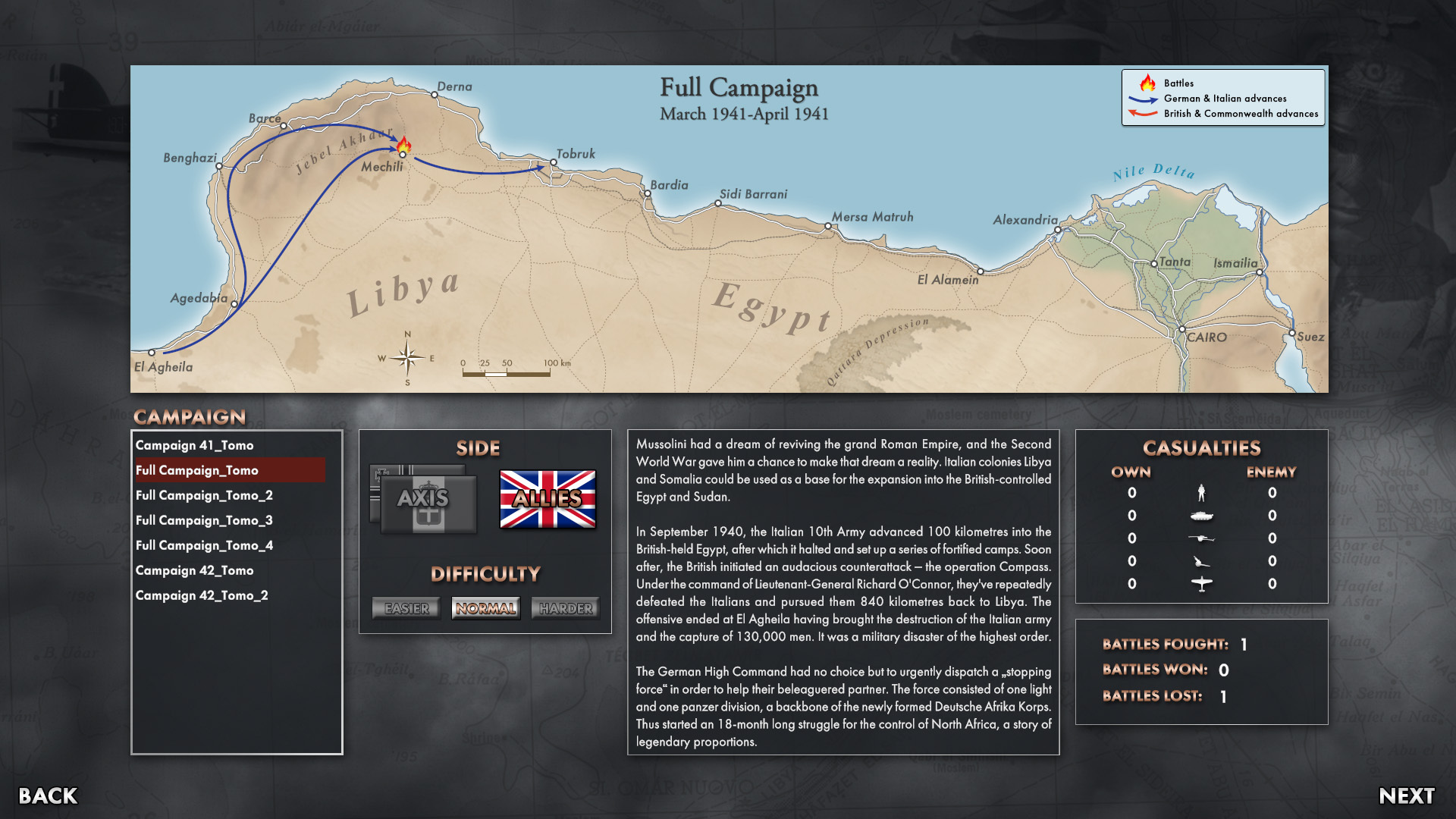
We have added a RESTART button which you can activate in-game from the Game Menu, and restart your scenario from the beginning. It works both in Campaign and Scenario modes of play. You can also restart the scenario in the final Victory Dialog, after the scenario has ended.
Planned Movement
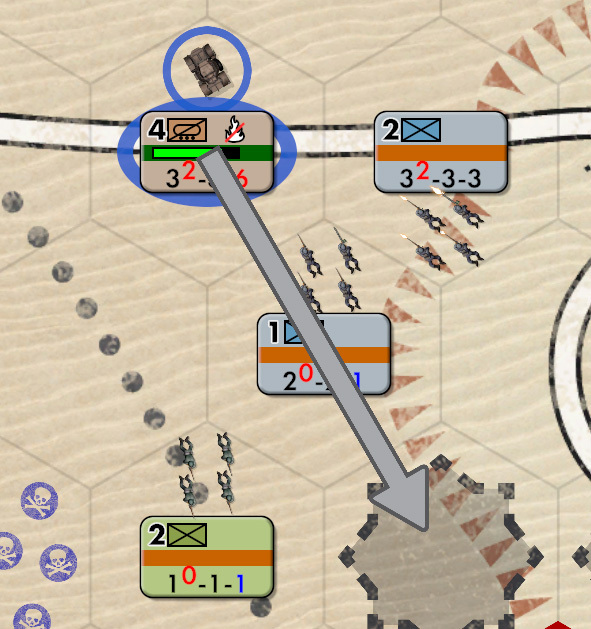
We have added a Planned Movement order, which enables you to give movement order for a unit to be executed later on. That will be very useful in commanding larger number of troops, when it is difficult to view and control the entire battlefield at a glance.
How does it work? We kept it simple, and yet effective: when a unit is blocked in its movement (by enemy unit, for instance), the unit halts but the movement order changes from active to planned. In other words - movement arrow changes from white (active) to gray (planned). When the enemy unit moves away and the path is open, our unit will automatically continue moving (and change the gray arrow back to white, active movement arrow).
You can also use this order on units which are standing next to an enemy unit, to order them where to move when the enemy is routed.
Fire Mode
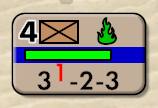
We have added a Fire Mode - giving you options on how and when will your units attack the enemy. Each unit now has its own Fire Mode which you can change via Command Panel. You have following Fire Mode options:
- Default - use Default Fire Mode
- Fire Always - fire at adjacent enemy unit (active enemy units first)
- Fire Active - fire at adjacent active enemy unit (only non-routed enemy units)
- Hold Fire - do not fire
These unit fire modes are shown by tiny fire mode icons on unit counters. If a unit does not have a fire mode icon shown, that unit is using a Default Fire Mode.
You can individually set each unit (which is recommended only for special situations), or leave units on their Default mode in which case all of them use the Default Fire Mode. You can set that Default mode via new button on the Minimap Panel.
If you manually select a target for your unit (by right clicking on adjacent enemy unit) - the unit's Fire Mode is overridden and your unit fires at the manually selected enemy unit.
Hotkey Customisation
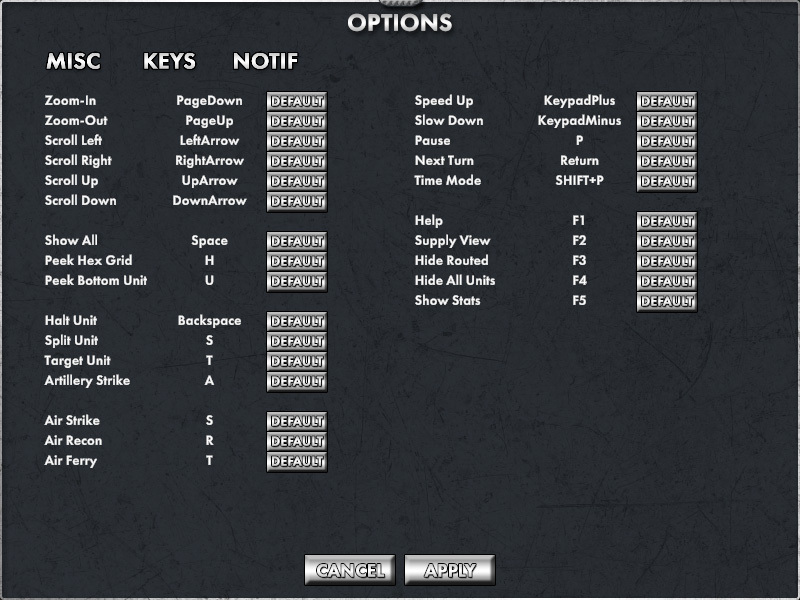
We have added a Hotkey Customisation tab in the Options screen. There you can choose your own hotkeys. If you wish to use WASD instead of cursor keys - this is the place to set that (along with other custom keys).
Routing and Easter Battle Rebalanced
We have revised the Routing Algorithm, to make it more realistic. Routed units will try to stay away from enemy units as much as possible, and they will try not to move back towards the enemy units.
We have also rebalanced Easter Battle scenario, making it bit easier for Axis to win. It still should not be easy to win, but it is much more winnable than before.
One point though - routed units will still sometimes move through enemy Zones of Control if they find this way to be the best way out, but this should happen much less frequent than before.
Notifications
We have added more Notifications, giving you more information on the progress of your fight. New notifications are:
- Unit surrendered
- Unit destroyed
- Air unit destroyed
- Air unit damaged
- Bridge built
- Bridge removed
- Minefield cleared
- Unit routed (turned off by default, turn it on in Options)
- Unit no ammo (turned off by default, turn it on in Options)
- Unit no fuel (turned off by default, turn it on in Options)
We have also added a Notification Log - a new panel which you can open via a new button on the Minimap panel. This panel shows a scrollable notification log with all notifications until now. If the panel is closed, you will have a standard Notification panel (as before) which only shows you the last 3 current notifications, and for a limited time.
We have added Notifications to the Options screen, allowing you to choose which notifications you want to be active. These notifications are turned off by default (and you can switch them on in the Options screen): "Unit routed", "Unit no ammo" and "Unit no fuel".
View Panel
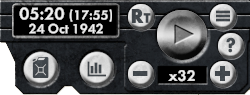
We relocated the time-related commands to the top-right View panel. That way, we uncluttered the bottom-left Minimap panel and made the time commands stand out. We also upgraded those time commands to enable you to view and adjust time in a better fashion.
Combat Bar Options
We added a button for changing the Combat Bar view, to give you more options in how to present combat losses on the screen. Now you can cycle between following options:
- show combat bars on hover/select only (old, default) - this optionc shows combat bar only for selected unit
- show combat bars on Show All (SPACE) as well (new) - shows all combat bars for all units while the SPACE button is pressed
- always show combat bars (new) - always show all combat bars for all units
Other Changes
There have been many other changes. They are listed below:
- upgrade in-game UI panels and buttons - make them more streamlined, understandeable and user-friendly
- add hotkey U - while pressed, show bottom unit in Stack as top unit
- if a friendly Stack contains an HQ or artillery unit - show that Unit on top of stack (HQ first)
- when F3 (Hide routed units) or F4 (Hide all units) is pressed - mouse hovering over hidden units will show data for terrain underneath those units
- adapt game to ultrawide displays (3440 x 1440)
- Manual Targeting - if a player selects target manually (by right clicking the designated target) during pause (in Real-Time) or in We-Go mode - recalculate combat bar immediately and show what would the combat bar losses be for this new target
- allow player to click and select a single enemy unit
- allow players to choose WeGo turn duration between following: one hour (default), two hours, half hour
- save unit's movement path when saving the game
- implement Debug logging for every exception (active when Options->Debug log option is checked)
- Options - change link to debug log folder from opening folder in Windows Explorer to showing the full path; on some antivirus applications opening Windows Folder was recognized as a threat
Issue fixes
- fix issue - Unit redeployment during Battle Preparation - if you change position of unit by dragging, the doubleclick on group icon will not center on the new group center hex, but will remain on the old one (before you dragged the unit to new position)
- fix issue - Campaign screen doesn't show cummulative campaign losses, but only losses for the last battle
- fix issue - you can build infinite number of bridges
- fix issue - scenario Alam Halfa - revise starting area, it runs through some of the Axis divisions and it shouldn't