Features (Home Screen)
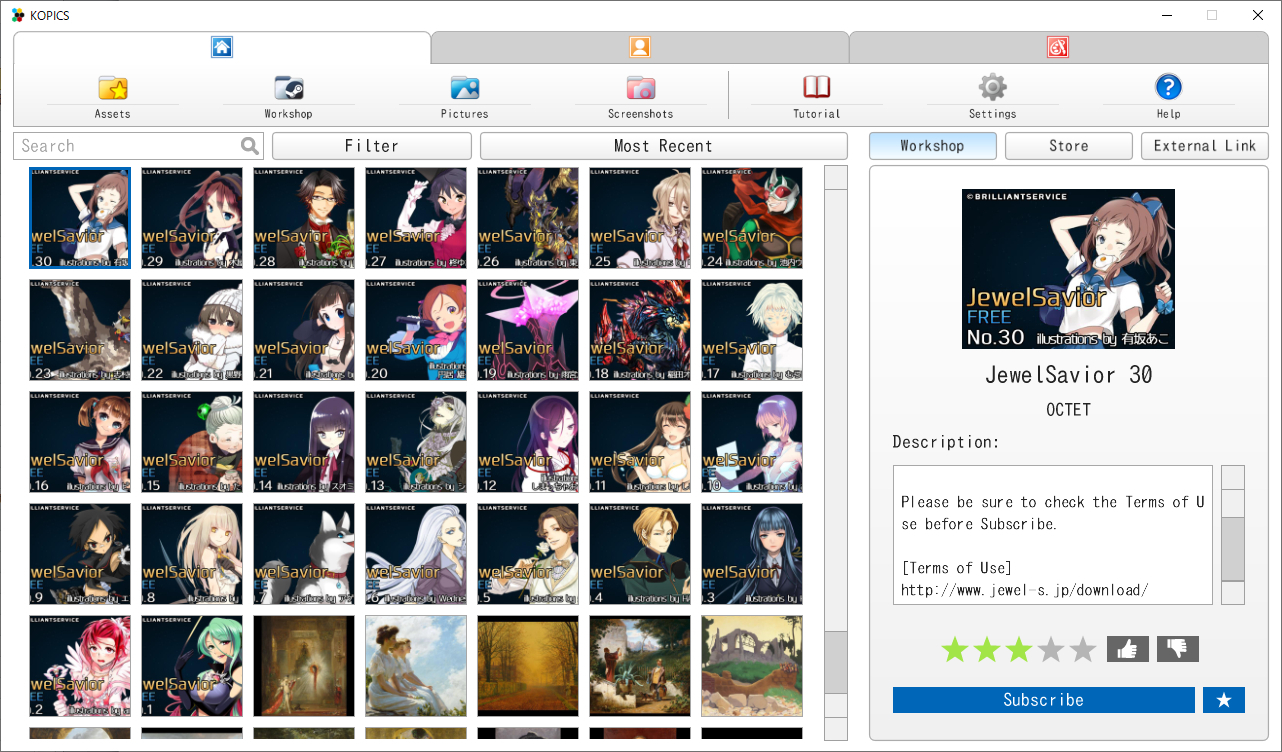
Improved UI layout.
Features (Creator Mode)
Implemented the Curated Workshop and the Item Store.
You can sell your assets on the Steam Item Store now!
How to sell assets on the Steam Item Store
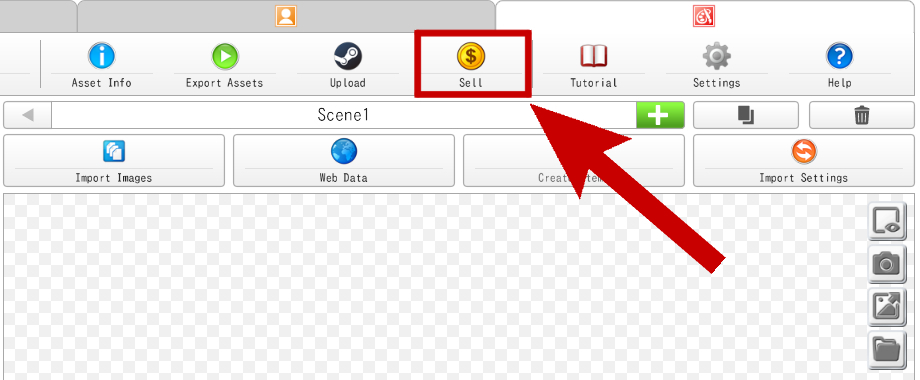
Select the "Sell" button on Creator Mode.
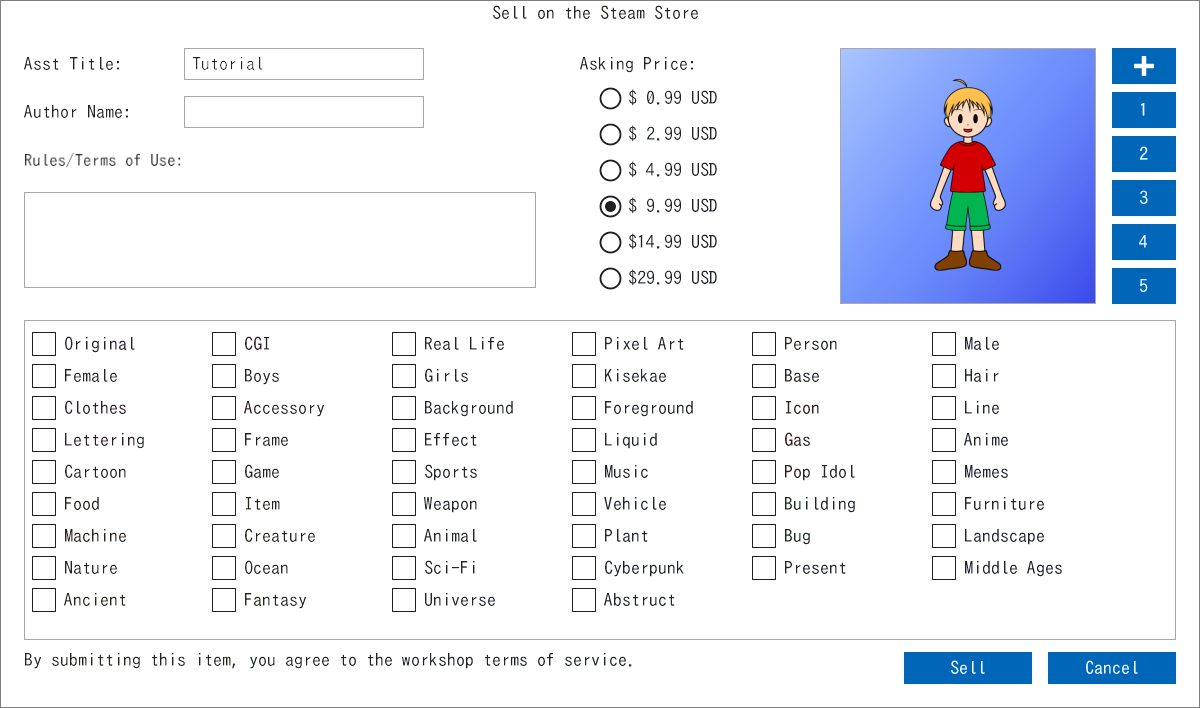
Fill out the required information and click "Sell".
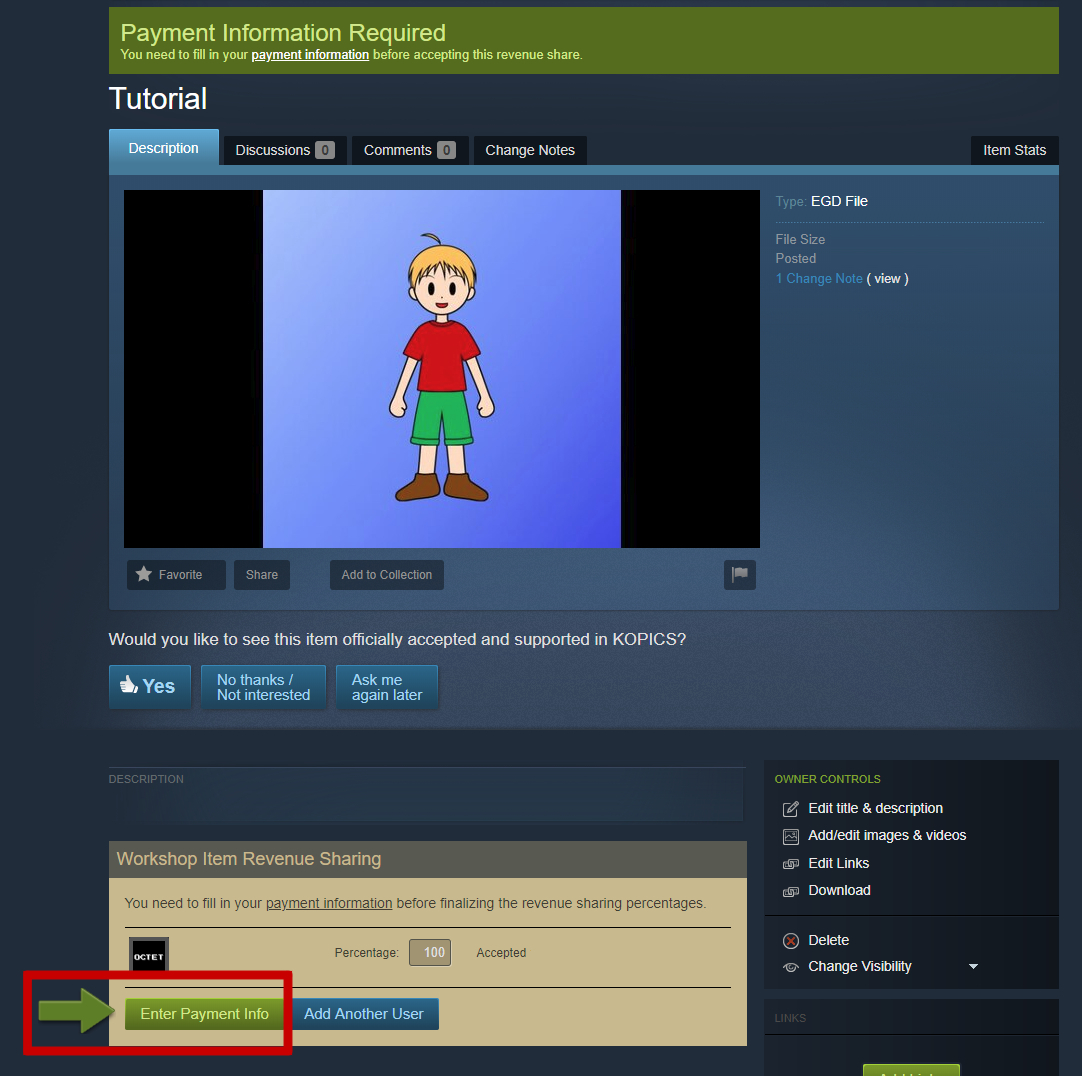
Enter Payment Info
Enter Contact Information
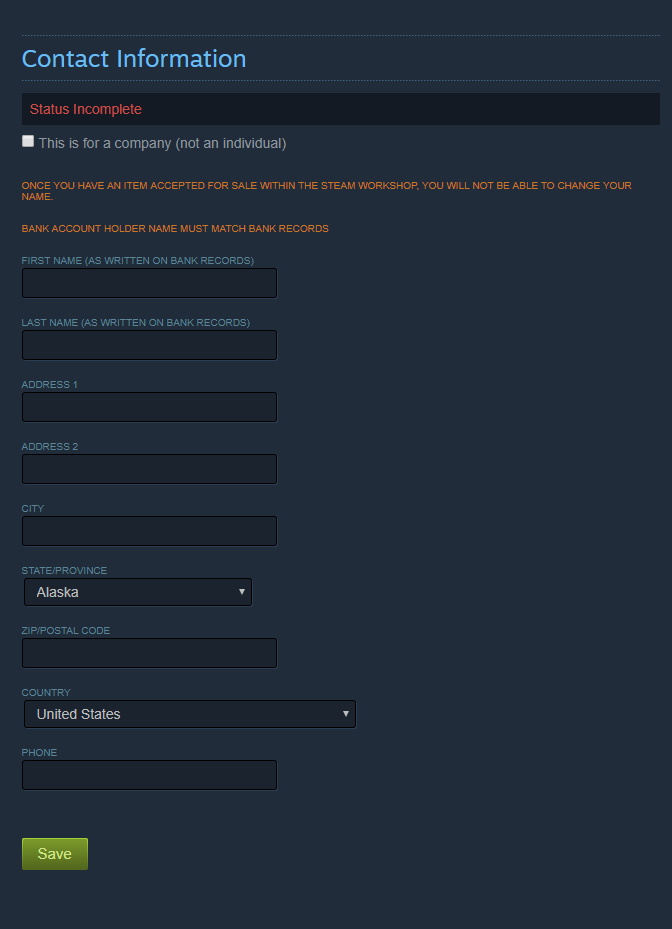
Enter your name, address, postal code, and phone number in alphanumeric characters.
*Bank account holder name must match bank records.
Enter Payment Details
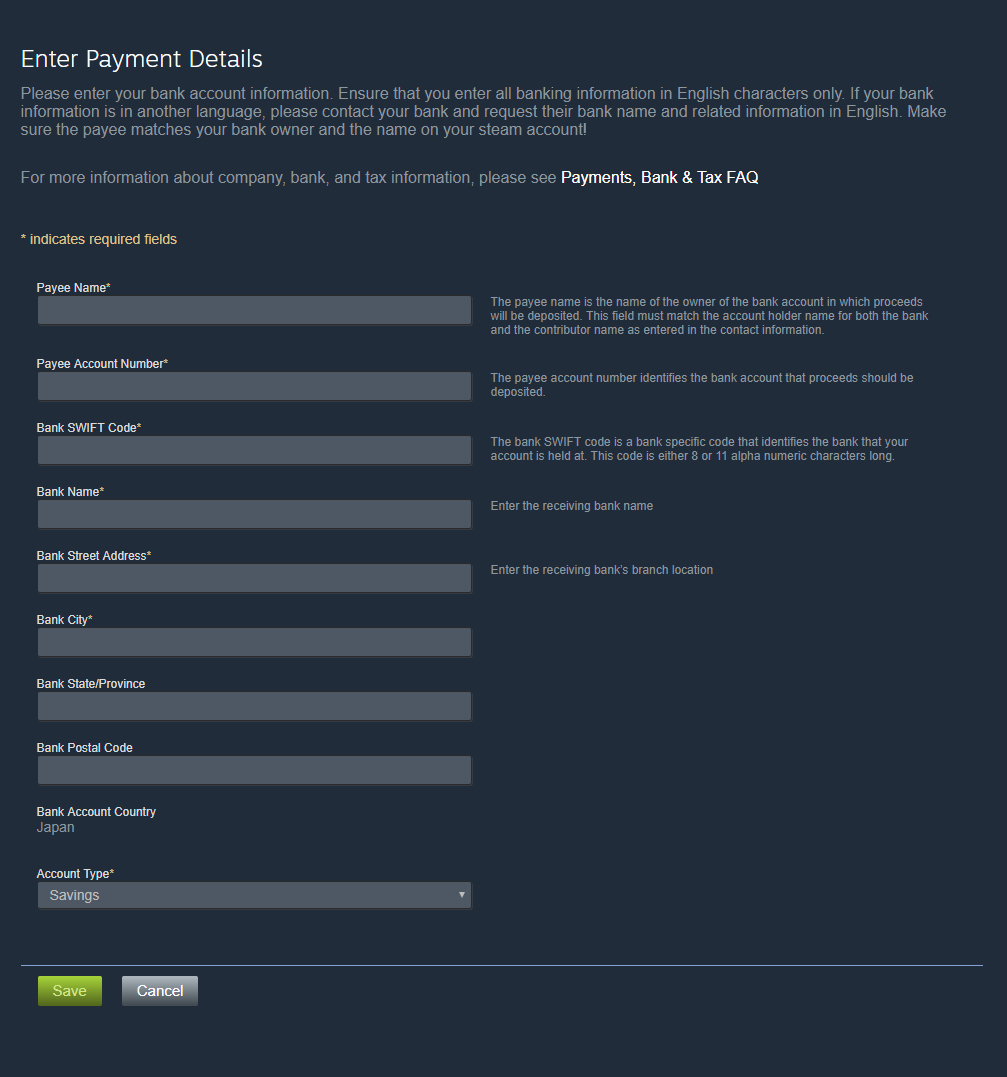
Payee Name: Enter the name of the bank account holder.
Payee Account Number: Enter your bank account number.
Bank SWIFT Code: Enter your bank identification number.
Bank Name: Enter the bank name.
Bank Street Address~: Enter your bank address.
Account Type: Select your bank account type.
Enter Tax Information
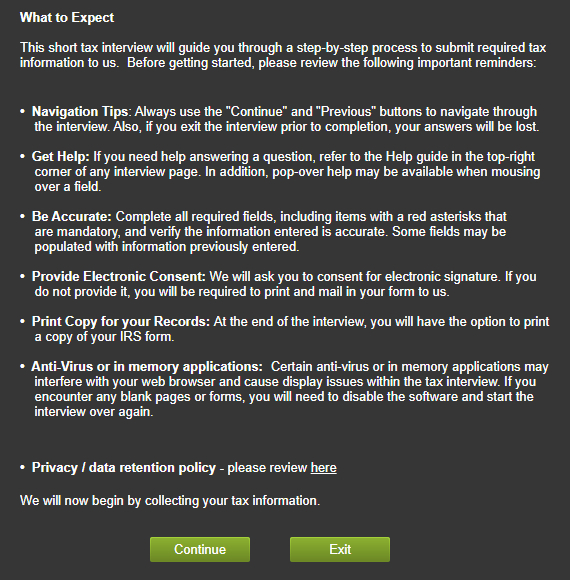
Click "Continue".
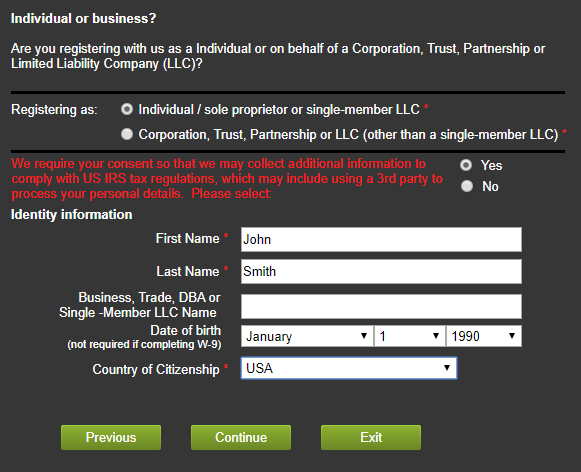
Select "Individual / sole proprietor or single-member LLC" and select "Yes".
Enter your name, last name, and select your date of birth and country.
Click "Continue".
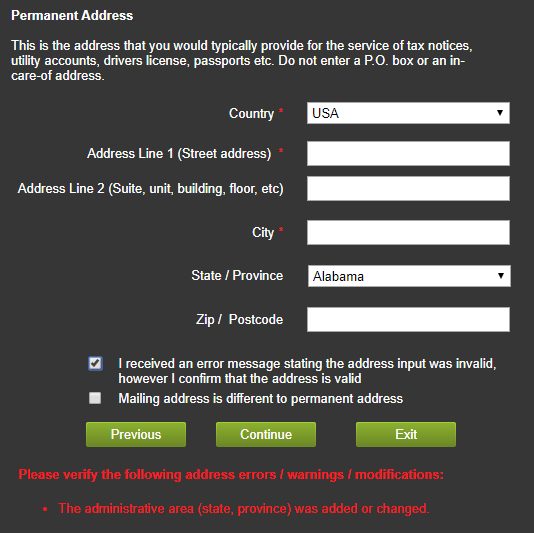
Enter the address in the same way as "Enter Contact Information"
Click "Continue" and the message will be displayed in red at the bottom.
Check "I received an error message stating the address input was invalid, however I confirm that the address is valid" and click "Continue" again.
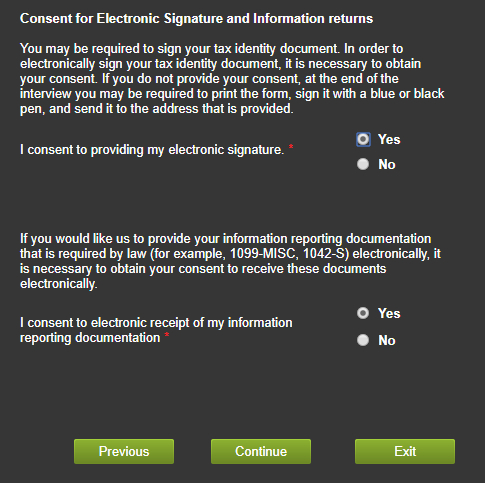
Select "Yes" for both and click "Continue".
*Pattern A: Except United States
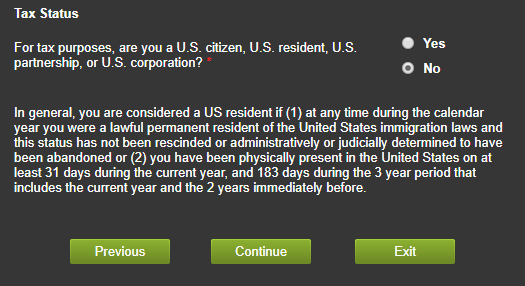
Select "No" and click "Continue".
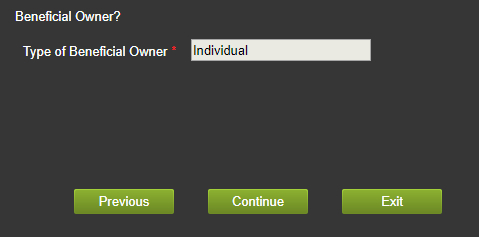
Check that "Individual" is entered and click "Continue".
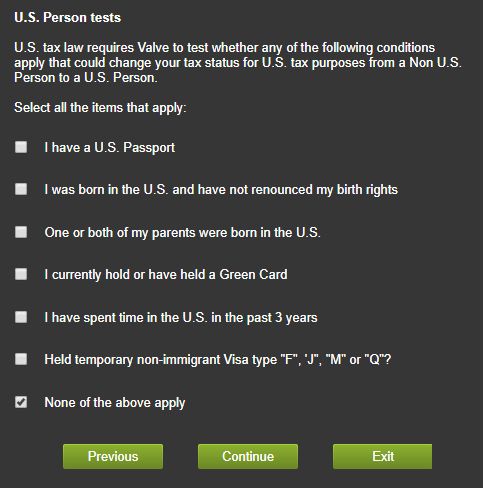
Check only "None of the above apply" at the bottom and click "Continue".
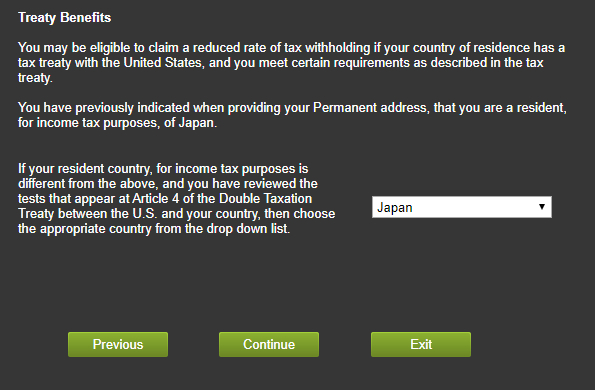
Make sure your country of residence is selected and click "Continue".
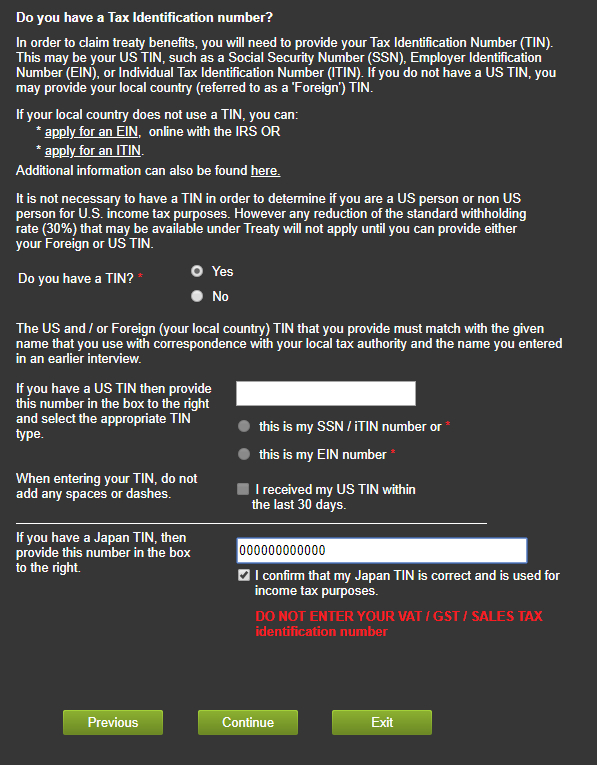
Select "Yes" and enter your tax ID (TIN) in the "If you have a ~ TIN, then provide this number in the box to the right"
*Reference: https://partner.steamgames.com/doc/finance/taxfaq#2
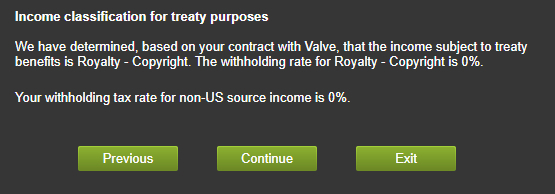
Click "Continue".
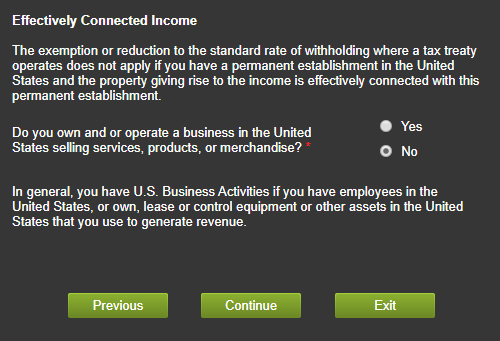
Select "No" and click "Continue".
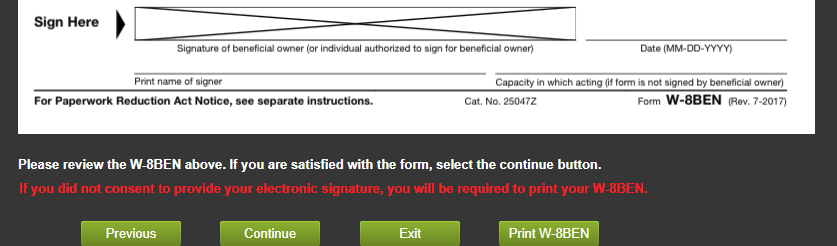
Check the contents of "W-8BEN" and click "Continue".
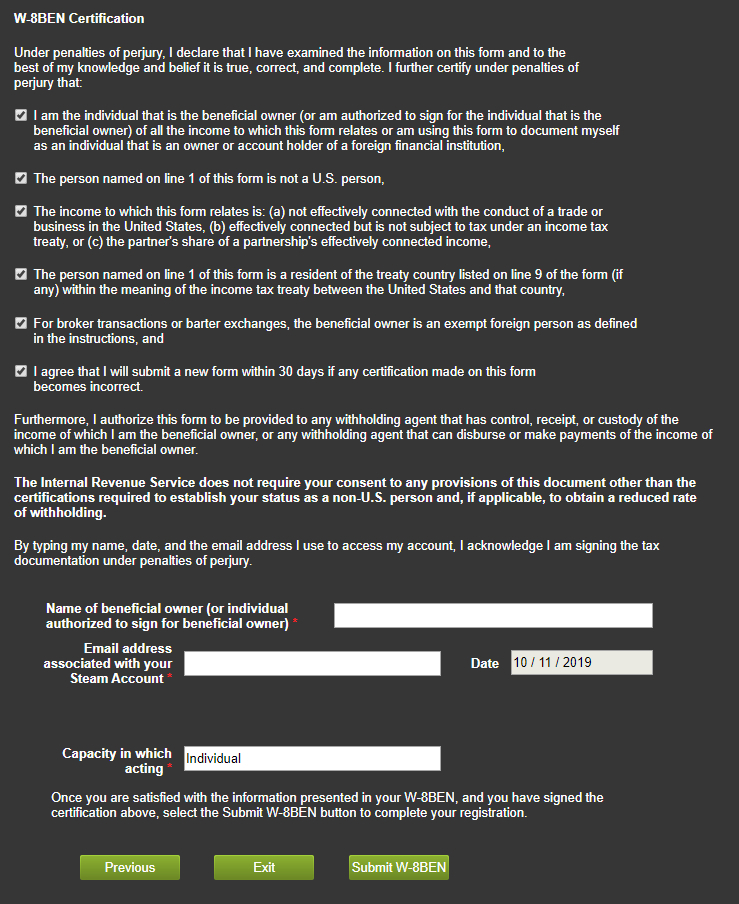
Check all check boxes.
Enter your name in "Name of beneficial owner (or individual authorized to sign for beneficial owner)".
Enter your Steam account email address in "Email address associated with your Steam Account".
Enter "Individual" in the "Capacity in which acting" field.
Click "Submit W-8BEN" after entering all.
Tax information entry (for non-US users) is complete.
*Pattern B: United States
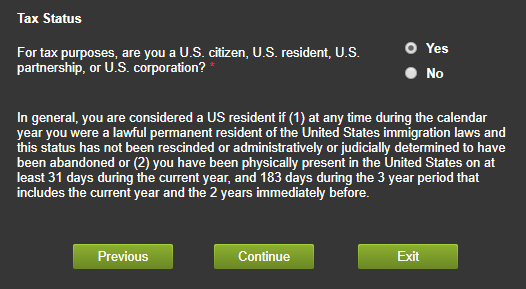
Select "Yes" and click "Continue".
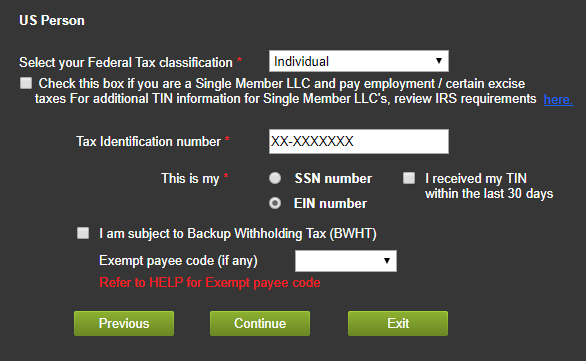
Select "Individual".
Enter a TIN and select whether the number corresponds to SSN or EIN.
Click "Continue".
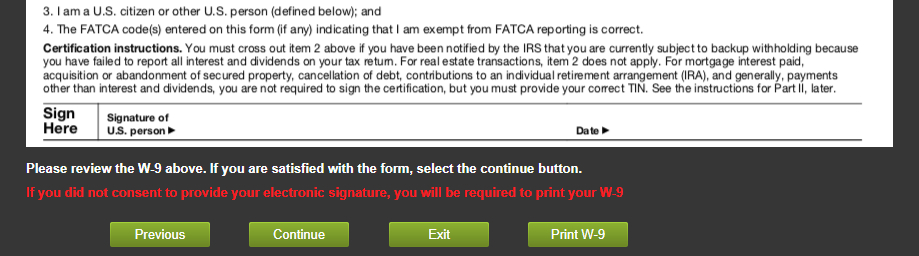
Check the contents of "W-9" and click "Continue".
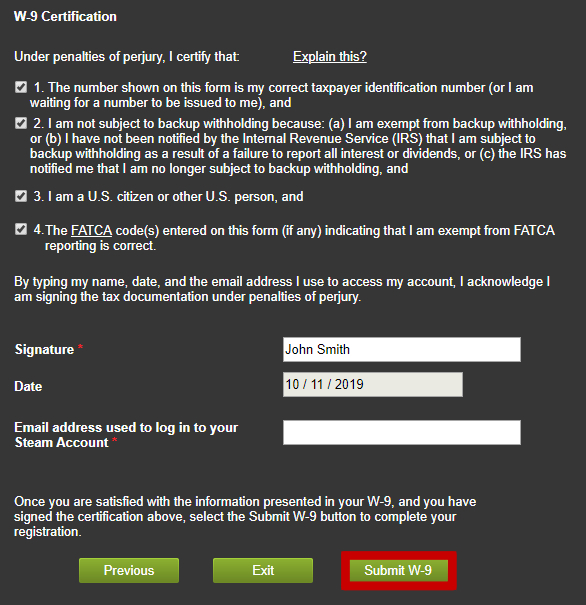
Check all check boxes.
Enter your name in "Signature".
Enter your Steam account email address in "Email address used to log in to your Steam Account".
Click "Submit W-9".
Tax information entry (for US users) is complete.
Finalize item revenue sharing
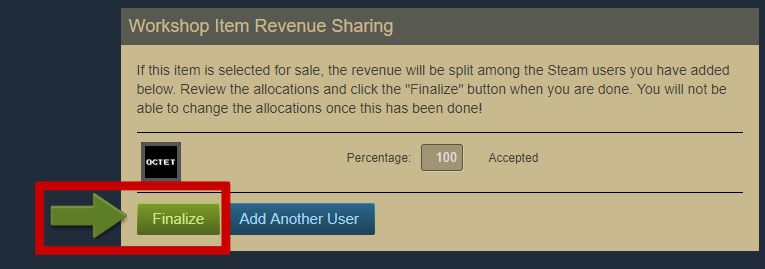
Click "Finalize" to publish the item to the curated workshop.
In curated workshop, users vote for items, which are then sold on the Steam item store.
60% of the sales of items sold in the store are paid to the item creator.
*KOPICS workshop revenue share (60%) may change in the future.