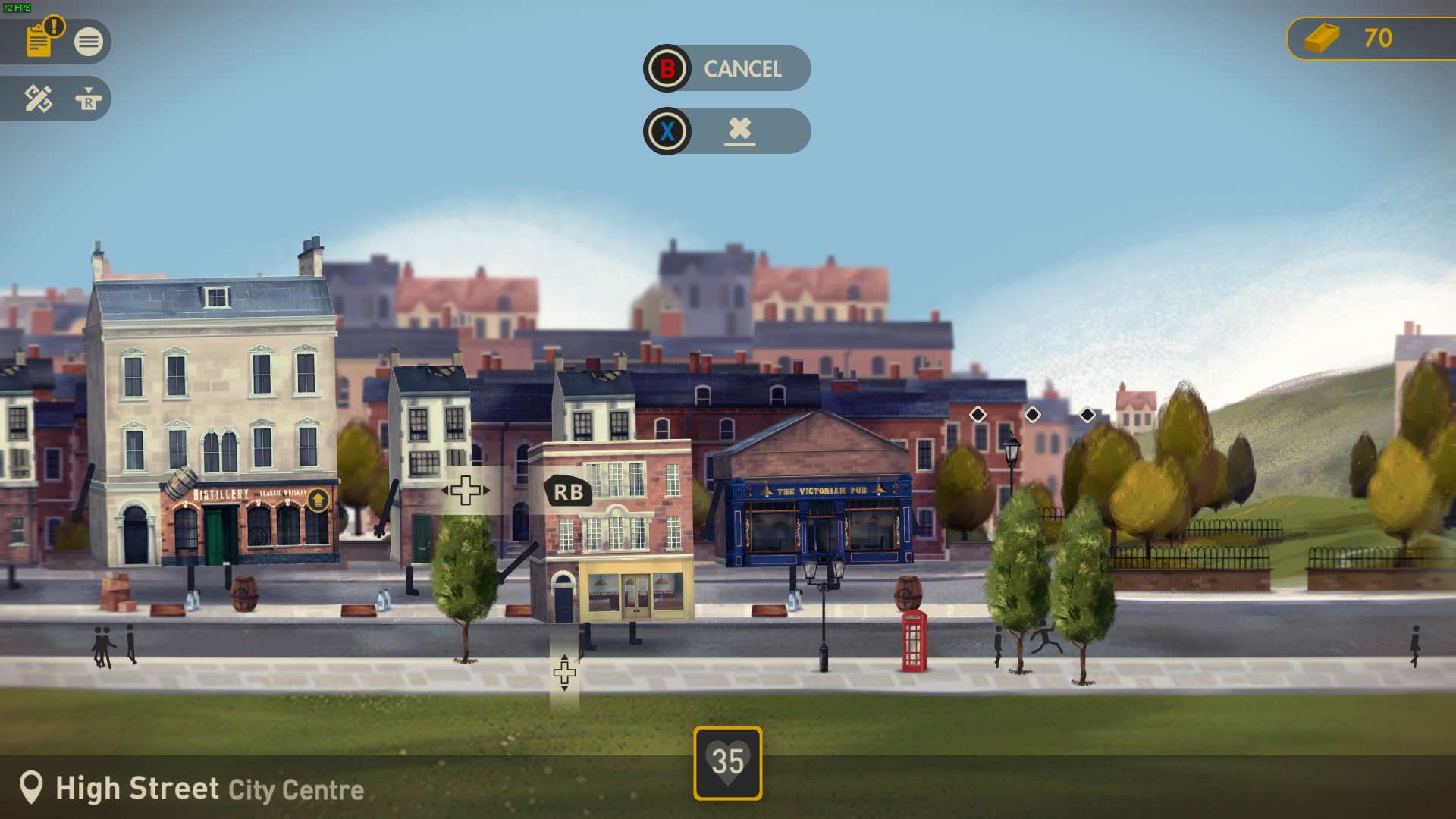
Need a guide to help navigating your way around the city? Maybe you've taken the Halfway Hotel down a one-way street and need a helping hand. Isaac Haslehurst, the game's Producer has some sage-like words of wisdom to get you back on track.
Help! I have run out of Bricks, what can I do?
There are a few ways to obtain Bricks in Buildings Have Feelings Too! completing tasks, upgrading businesses and demolishing buildings. If you are in a pinch and need Bricks fast the easiest way is to find a business you no longer need, remove the business and then skip the repair and demolish the building. This will return the money you spent making the building. Also do not forget you can go back to previous levels too.
I cannot assign the business listed in the task
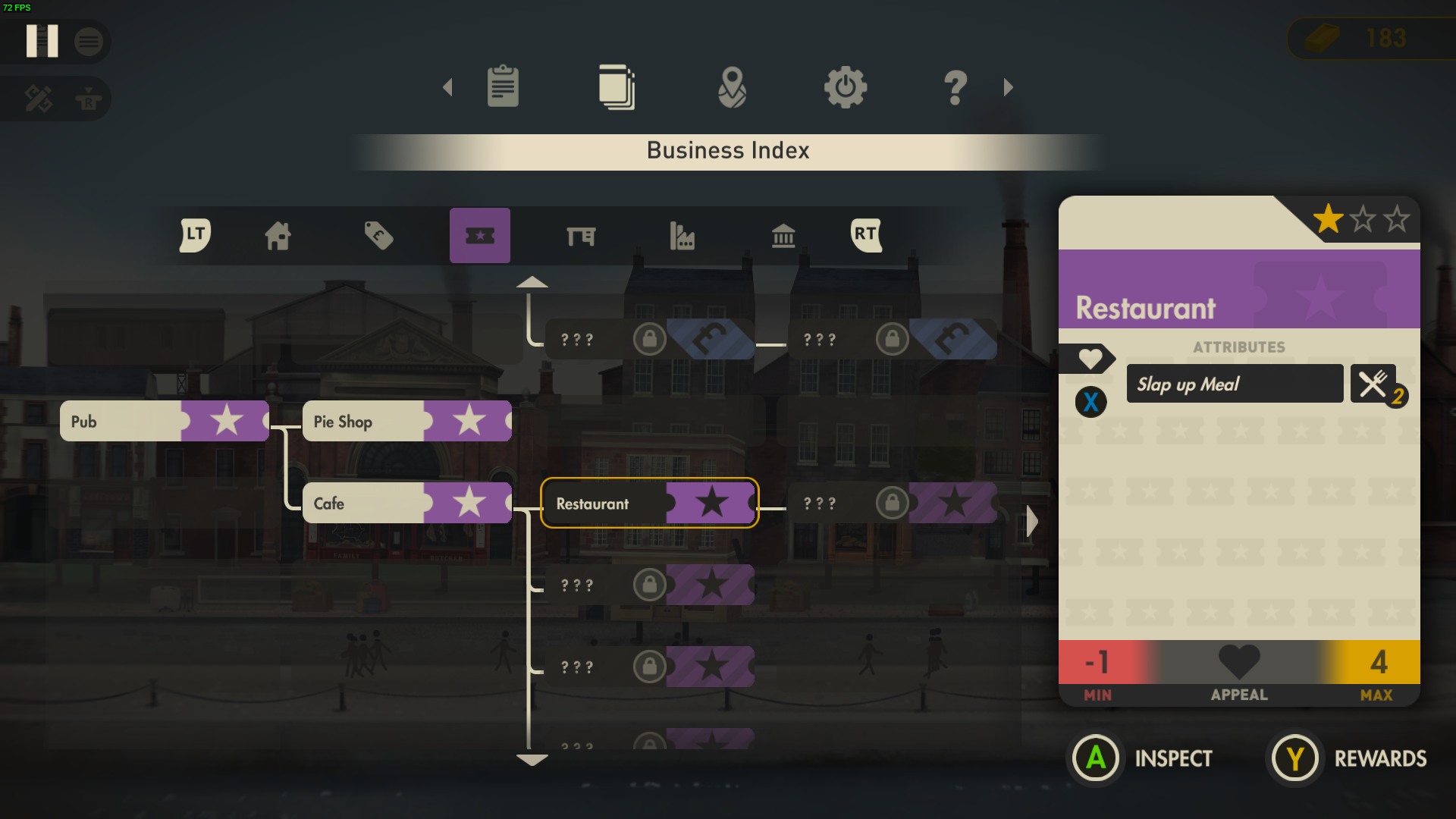
If you cannot assign the business listed in the task you firstly have to check that you have it unlocked. This can be done by opening the pause menu and going to the Business Index tab. In here you will find the business name in the tech tree. If it greyed out it means you have not unlocked it yet. The business which comes before it in the tree will unlock the business you are looking for when its parent is 3 Stars with MAX Appeal.
I cannot assign a *business* to a *building*
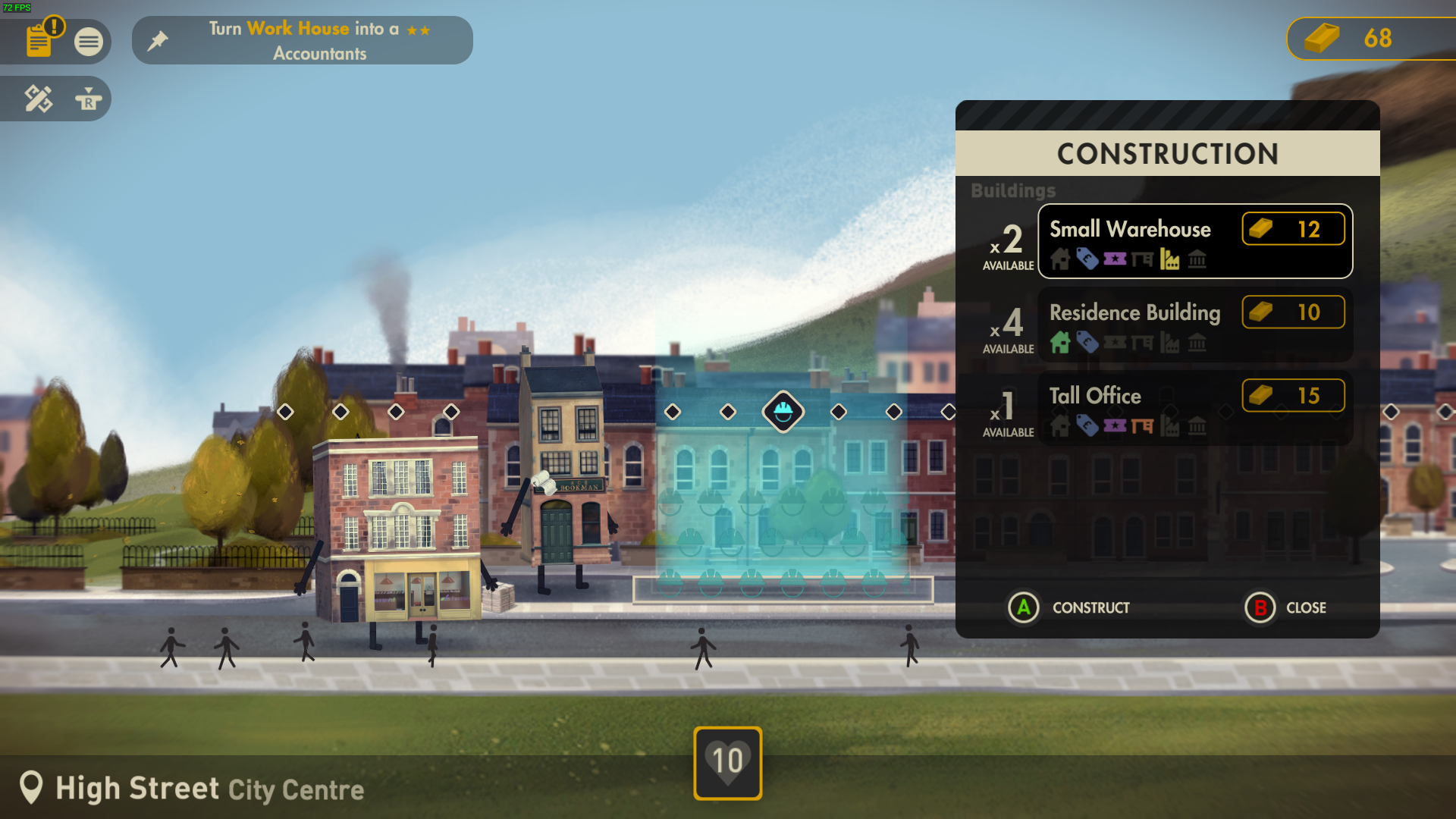
If you know you have the business unlocked you will have to check the building you are using is suitable for that business type. When you open the Construction Menu under each building name it will highlight which types of businesses it can support. View the business you want in the tech tree and make note of which colour and symbol its type has. You can use this colour and symbol to find suitable buildings to host your business.
I cannot figure out why my business Appeal will not increase
If your business is not having the Appeal increased there is usually one of two things. You have an infrastructure card which is giving a negative effect or businesses are not in range of others to increase its Appeal.
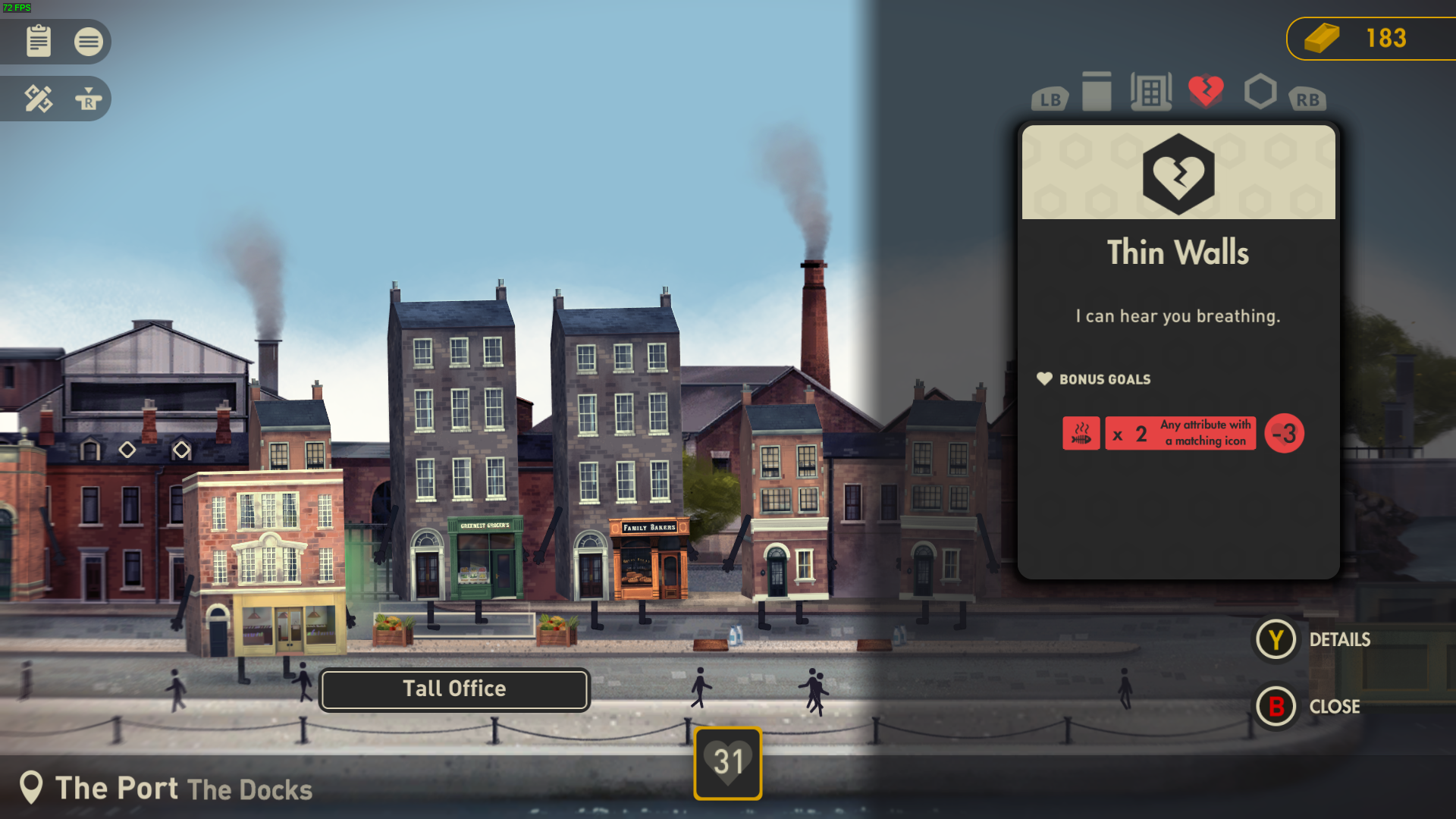
To check infrastructure simply select the building you want to inspect, and use LB/RB to tab between the associated cards for that building. Viewing the infrastructure card will detail any bonus goals the building has.
To check which businesses are in range, select the building you want to inspect and press RT and it will show which business is providing which attribute to the building you are inspecting. Here you can compare these incoming attributes against your Appeal Goals.
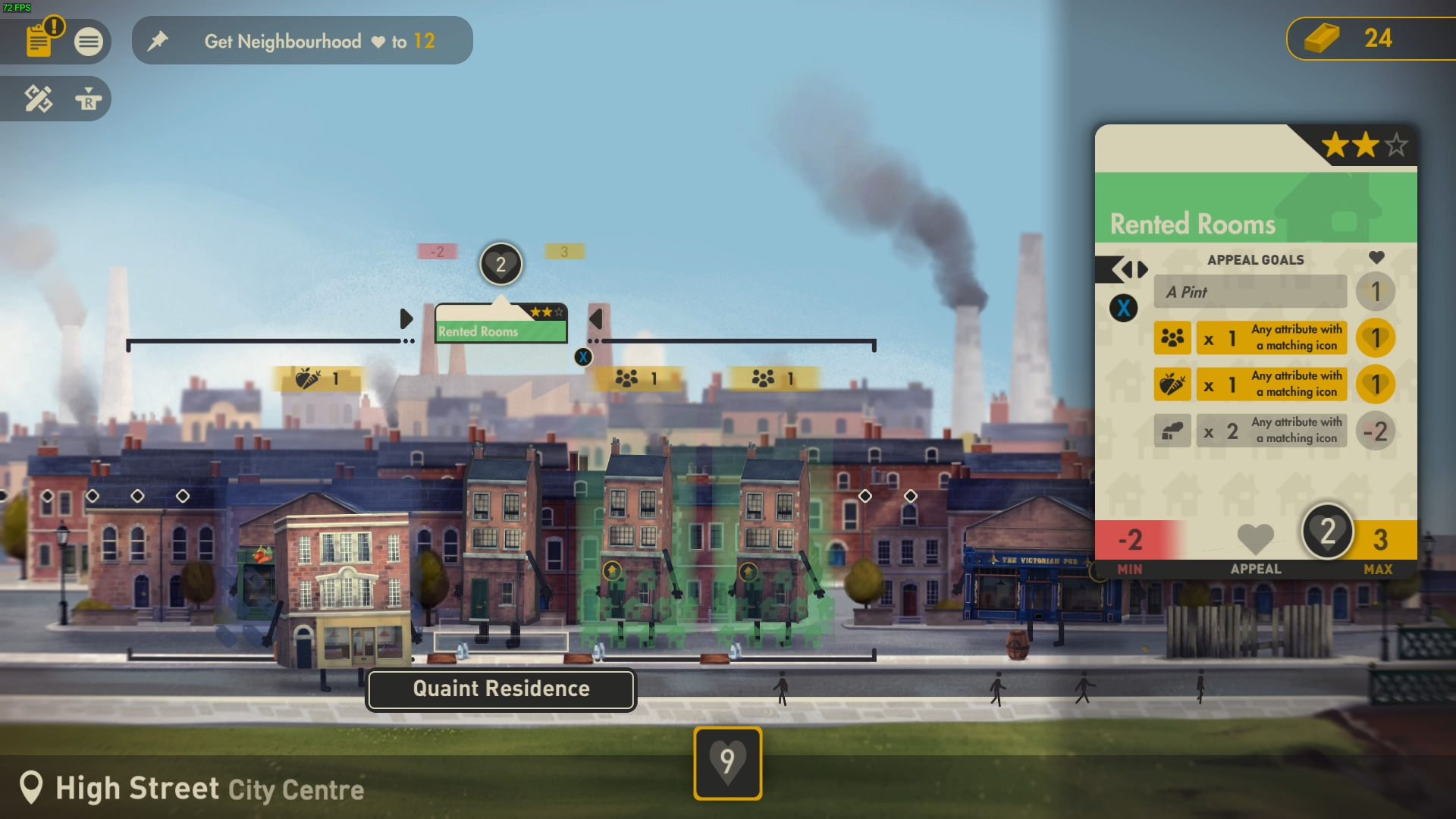
A new neighbourhood has been unlocked but how do I get there?
Once you have completed all tasks within a neighbourhood you will unlock the next neighbourhood. To travel to this new area, open the pause menu and go to the middle header (the globe icon). This will be highlighted gold when a new area is unlocked. On this tab you will be able to see the current neighbourhood you are in and the ones that are available to you.
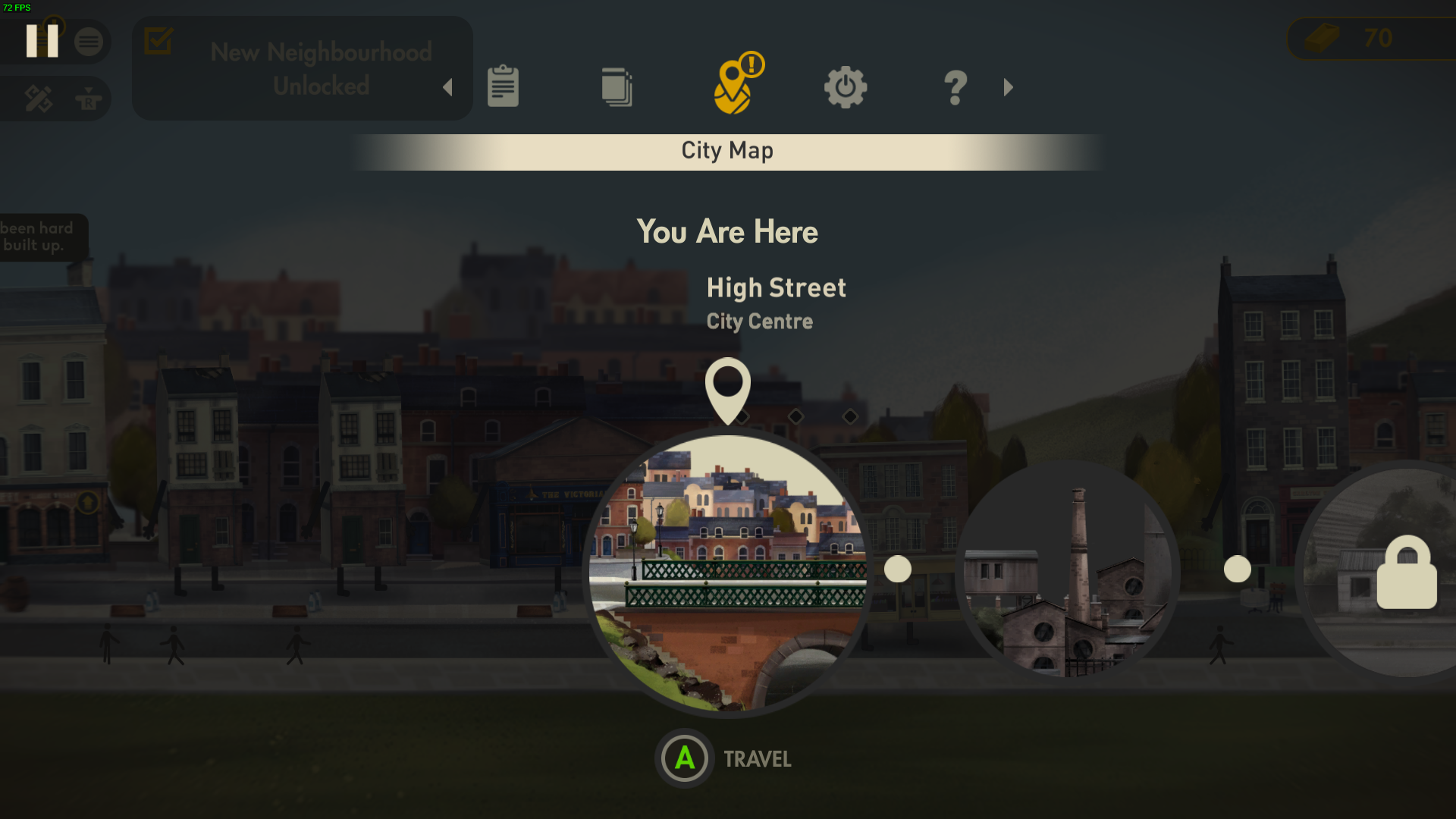
I have built the business as the task requires however the task is not being complete
Sometimes a task requires you to make specific buildings or NPC’s into the business. For example “Turn Work House into 2Star Accountants”. In this task the Work House is highlighted in yellow to show that it is a specific building. If you are unsure which building the task is referencing you can press RT on a business when standing next to it and it will display the building name along with its current incoming and outgoing attributes.
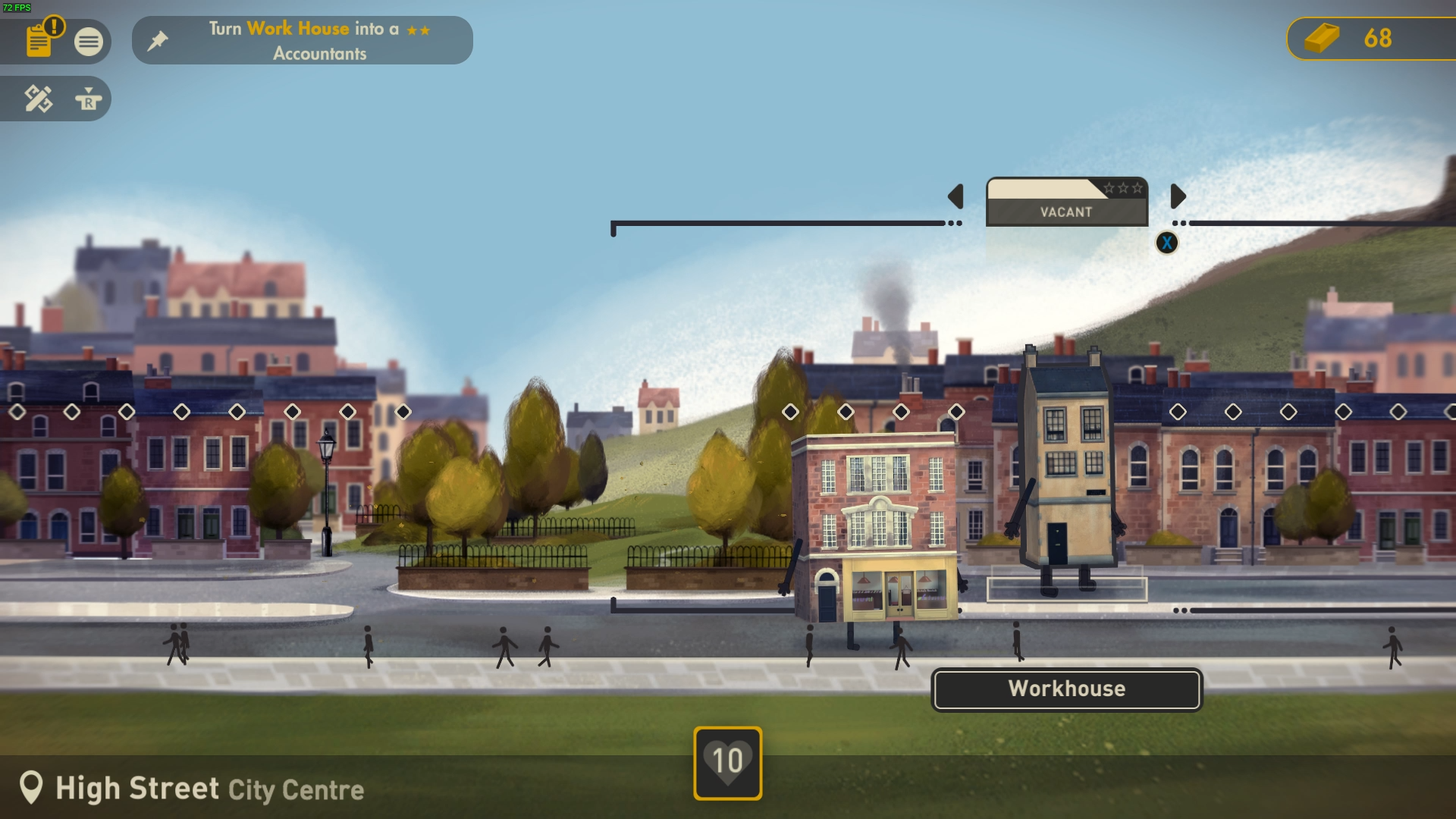
Uh-oh I forgot how to play
Fear not! You can re-read the entire of the tutorial cards at any point in the game by opening the pause menu and going to the Question Mark tab.
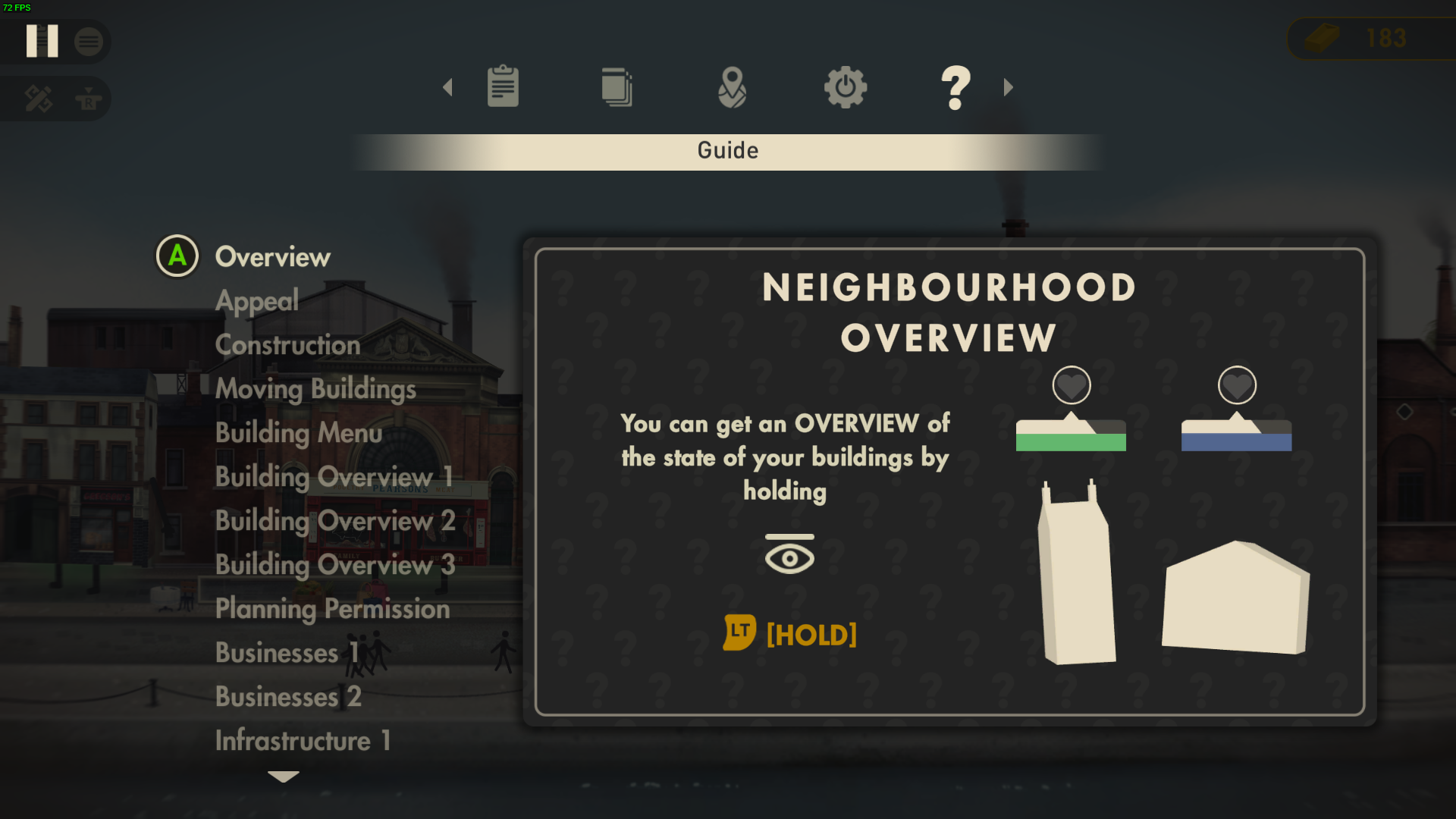
Is there anyway I can style the neighbourhoods with my own aesthetic?
Yes! While you are unable to change the backgrounds of each neighbourhood there is a prop placing feature which allows you to place a variety of trees, benches and miscellaneous items for FREE no bricks required. Using this you can accessorise your street however you like. You access this feature by pressing the Right Stick.