Status
SteamPeaks
ChartsSalesUpcomingPatchesEventsCalculator
New on SteamEvery app, DLC and depot the minute Steam creates itAppsEvery app on Steam, newest change firstPackagesSubs and bundles, and what each containsDepotsDepots, manifests and install sizesTagsSteam's user tags and the games under themDevelopers & publishersCompanies and their cataloguesTechnologiesEngines, SDKs and anti-cheat found in the filesChange historyEvery PICS changelist as it lands
SignalsNineteen readings of the whole catalogueCompareAny games side by sideRecordsAll-time peaks and the days they were setReportsWeekly and monthly write-upsAlerts & newsroomWatch a game, get told when it movesSteam statusIs Steam up, right nowWeb API explorerTry the endpoints in the browser
EventsSteam's own events and the sales calendarCalculatorWhat a Steam account is worth, and its pile of shame
/
Sign in
/
SteamPeaks
The ultimate resource for Steam data.
ExploreChartsSalesSales and festsUpcomingPatchesEventsRecordsTrendingSignals
DatabaseAppsPackagesDepotsTagsDevelopersTechnologiesChange history
ToolsCalculatorCompareSearchAlertsSteam statusAPI
SiteMethodologyFAQDiscordSupportSign in via Steam
Not affiliated with Valve or Steam. Game names and artwork belong to their owners. All times UTC.
PrivacyCookiesFair useStatus
HORROR TALES: The WineEventsAccessibility Options in the HORROR TALES Saga
Community

Accessibility Options in the HORROR TALES Saga

HORROR TALES: The Wine · published 29 Jun 2021, 11:28 UTC

All eventsPlayers around this dateRead on Steam

Hello Players! Let me get to the juicy stuff right away because I have SO MUCH to explain.

First of all, who the fuck I am to tell my players how to play my games? This essentially means that to get the same level of immersion, different players need diferent options activated or deactivated. So, in order to make the life of everyone easier, all games in the HORROR TALES Saga (including of course The Wine) have implemented a series of accessibility options so anyone can play. But actually, it goes beyond that. You can also use the accessibility menu to make the game LESS accessible! We will talk about that later.

Aditionally, PC players get a full video configuration menu. But I'll explain that in a separate post.

These are the main options of the accessibility menu. You can access this menu either from the Main Menu or the in-game pause menu:
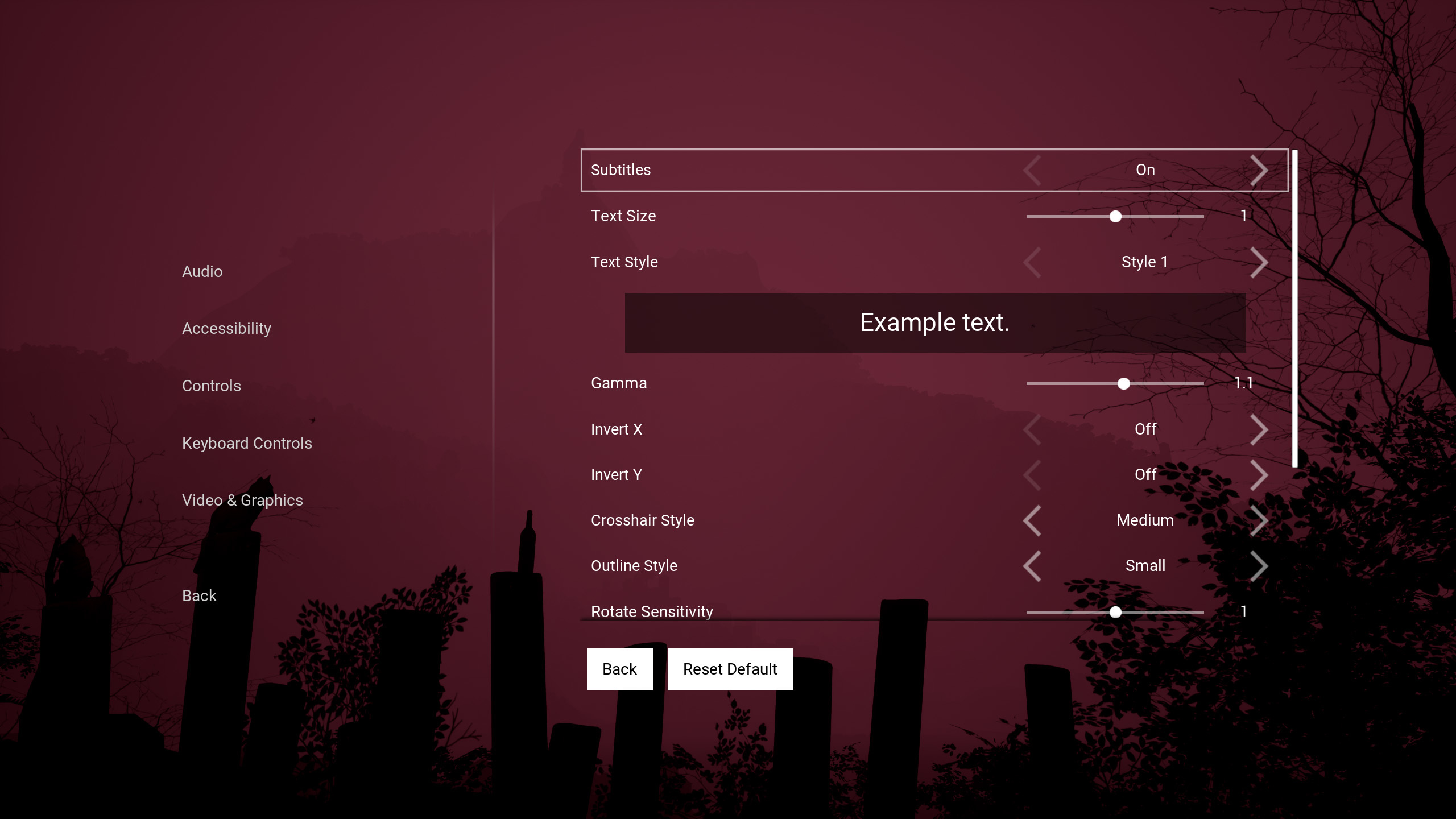
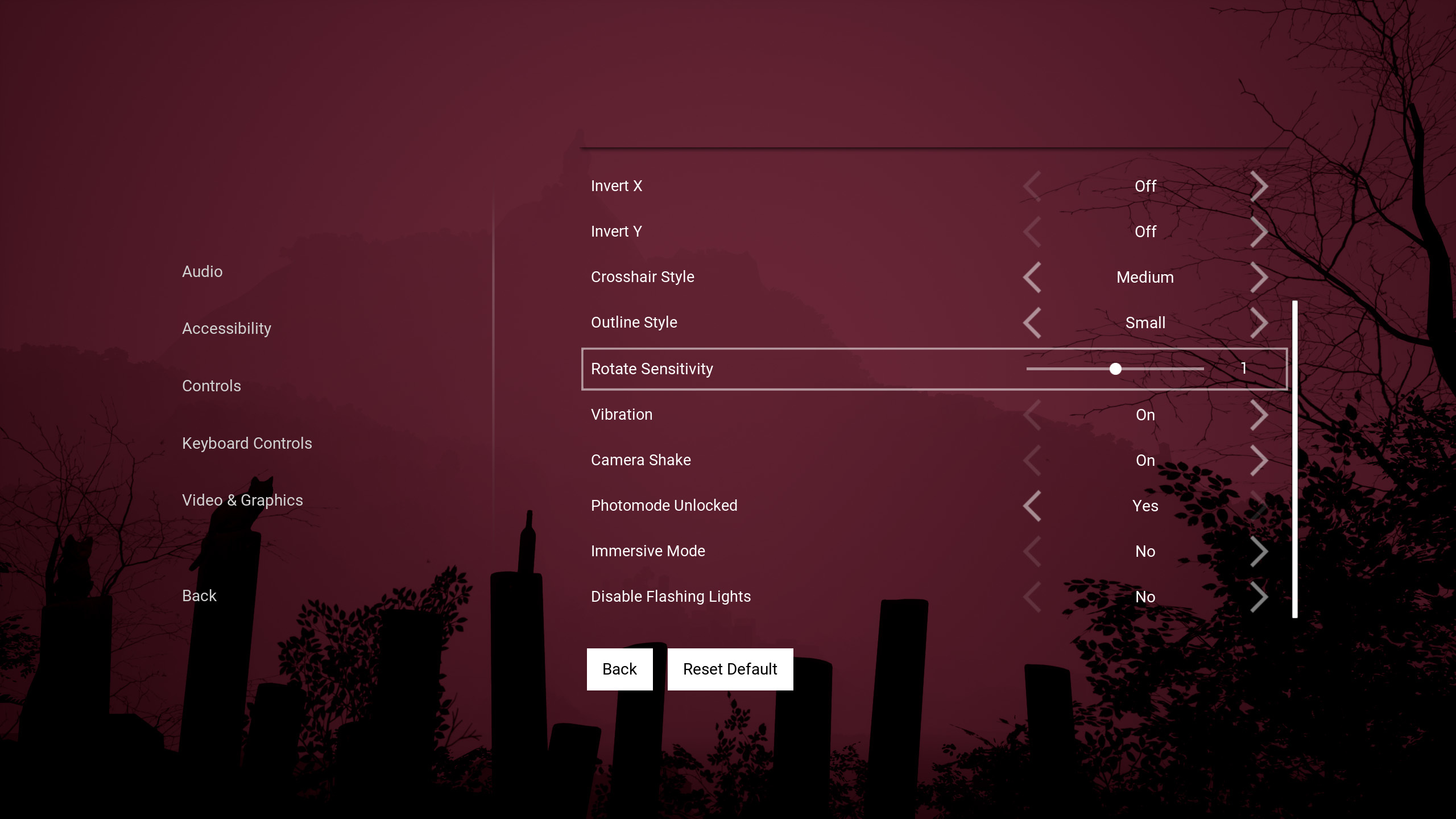
All options are more or less self explanatory but there are a couple of them I'd like to take a deep dive:

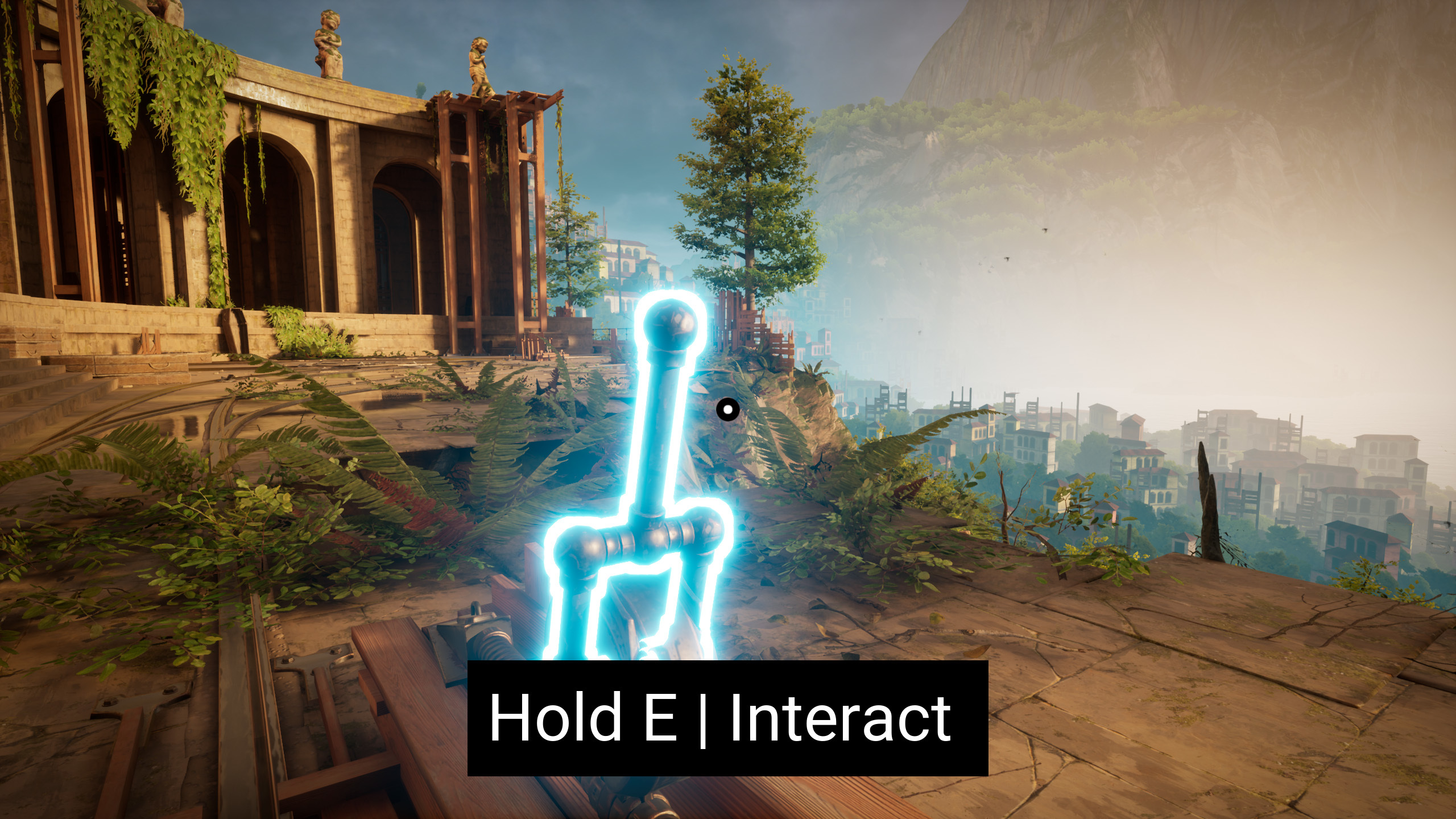
Immersive Mode: Enabling this mode will totally disable all HUD texts. But don't worry, the ingame text on the props is also localized! For maximum immersion, you can also disable the glowing outlines of the objects and the crosshair! Not a single element on screen that isn't part of the gameworld!

Unlock Photomode: When you complete the game, you will gain access to the photomode. I'll talk more about the photomode in a separate post, but you can actually use it for more than taking awesome artsy takes! You can use the photomode to unlock some areas an unveil some secrets there. But if you want to use the photomode straight away, just unlocked in the accessibility Menu and that's it! :D

Full gamepad and keyboardRemapping Options.

The game also has full remapping of buttons in two separate menus: Gamepad Menu and Keyboard Menu. But again, it goes beyond that. Not only you can change the inputs. You can actually change how some actions work like holding down the button to crouch or run or press down to crouch and press again to uncrouch!
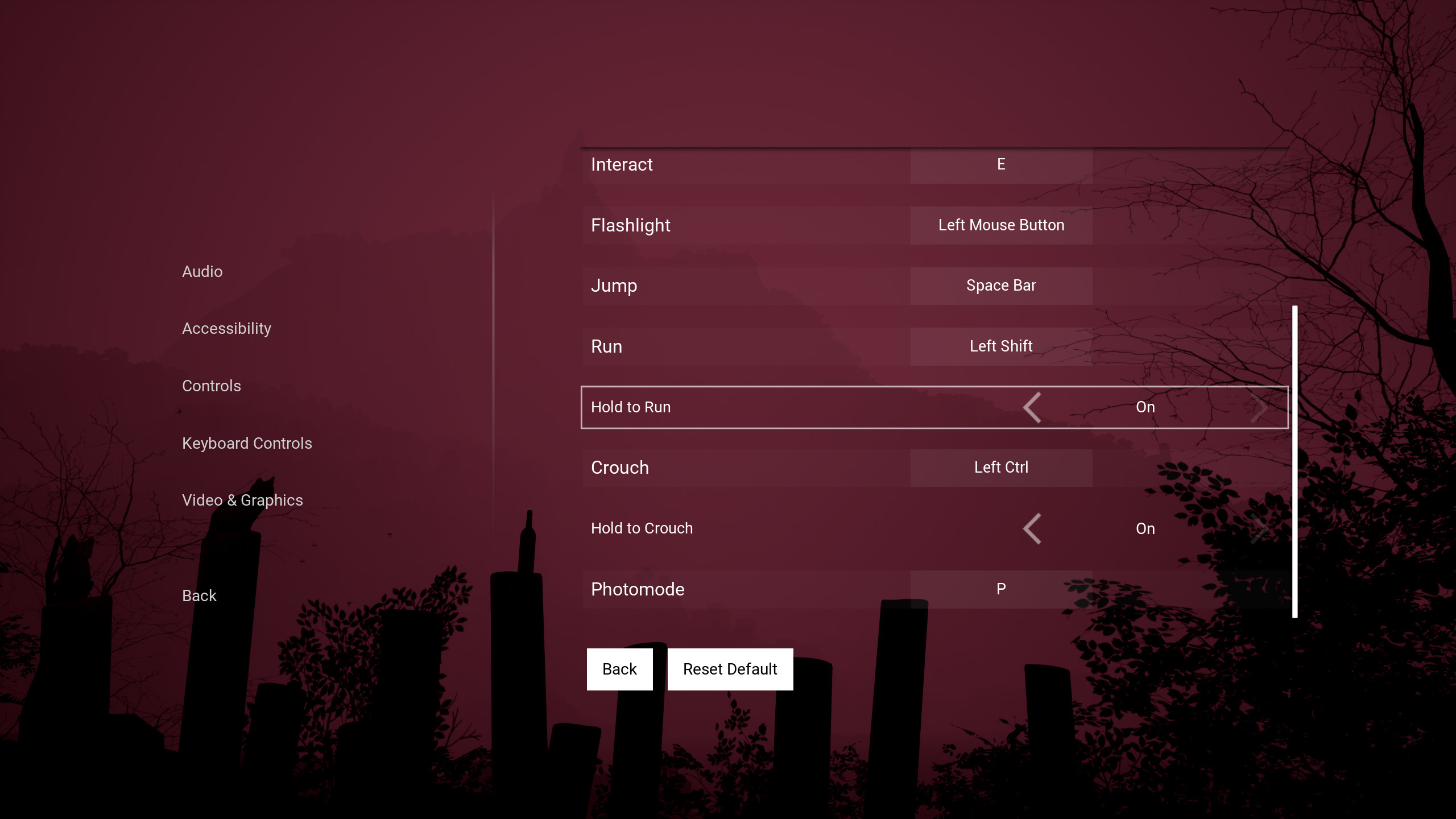
These are just the obvious accessibility features, but the game implements accessibility features outside of the accessibility menu! For example, all the levels of the game are unlocked by default. This means if you buy the game and you just want to take pictures in the third level, you can do it right away! More features are implemented (like separate audio tracks configurators and diferent languages) but honestly, there is a thin thiiin line between accessibility and good game design and I am afraid that is something you will have to judge by yourself once you play the game :)

This features are available across all platforms: Steam, Epic Games Store, Nintendo Switch, PS5, PS4, One, Series X|S

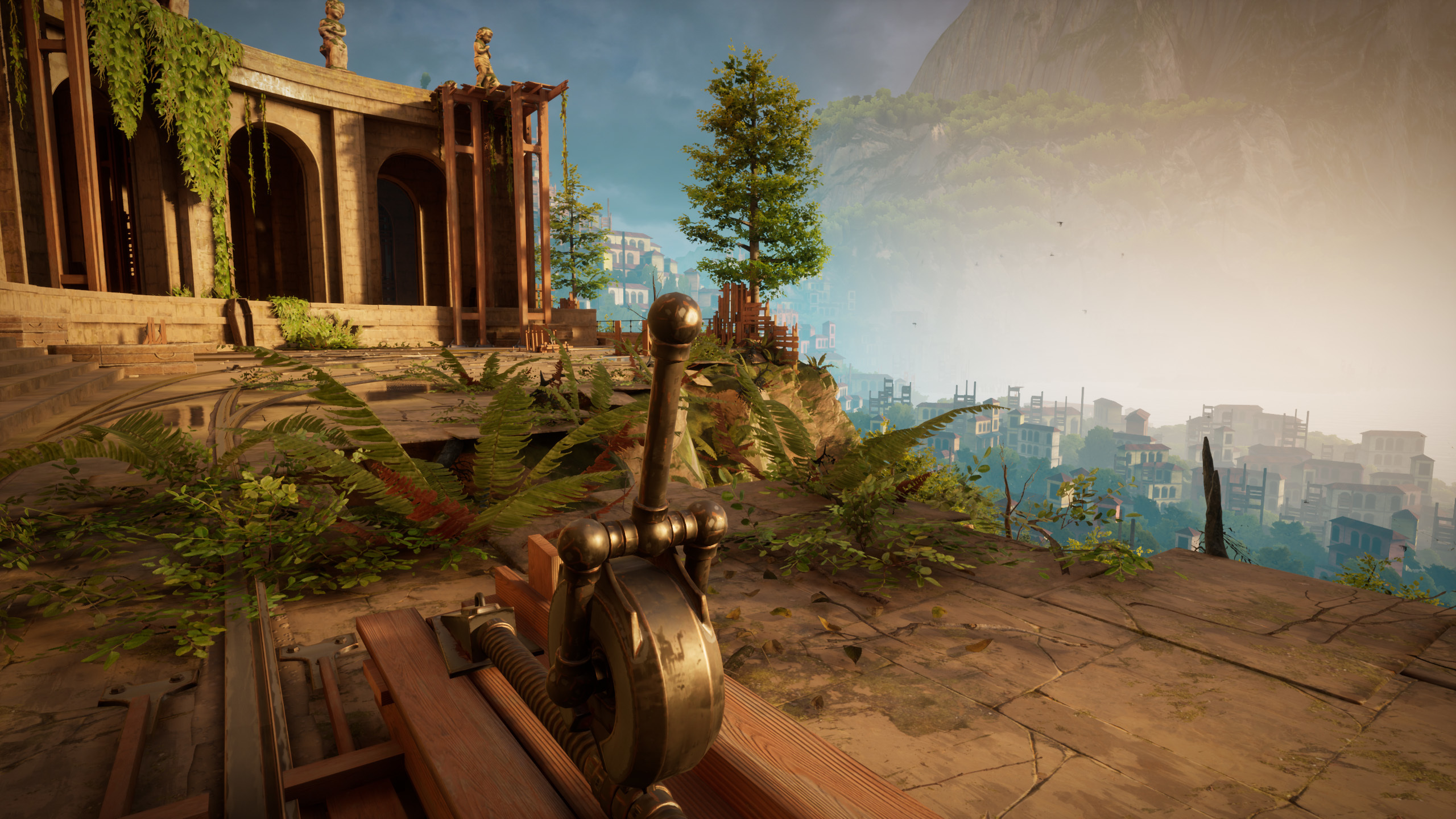
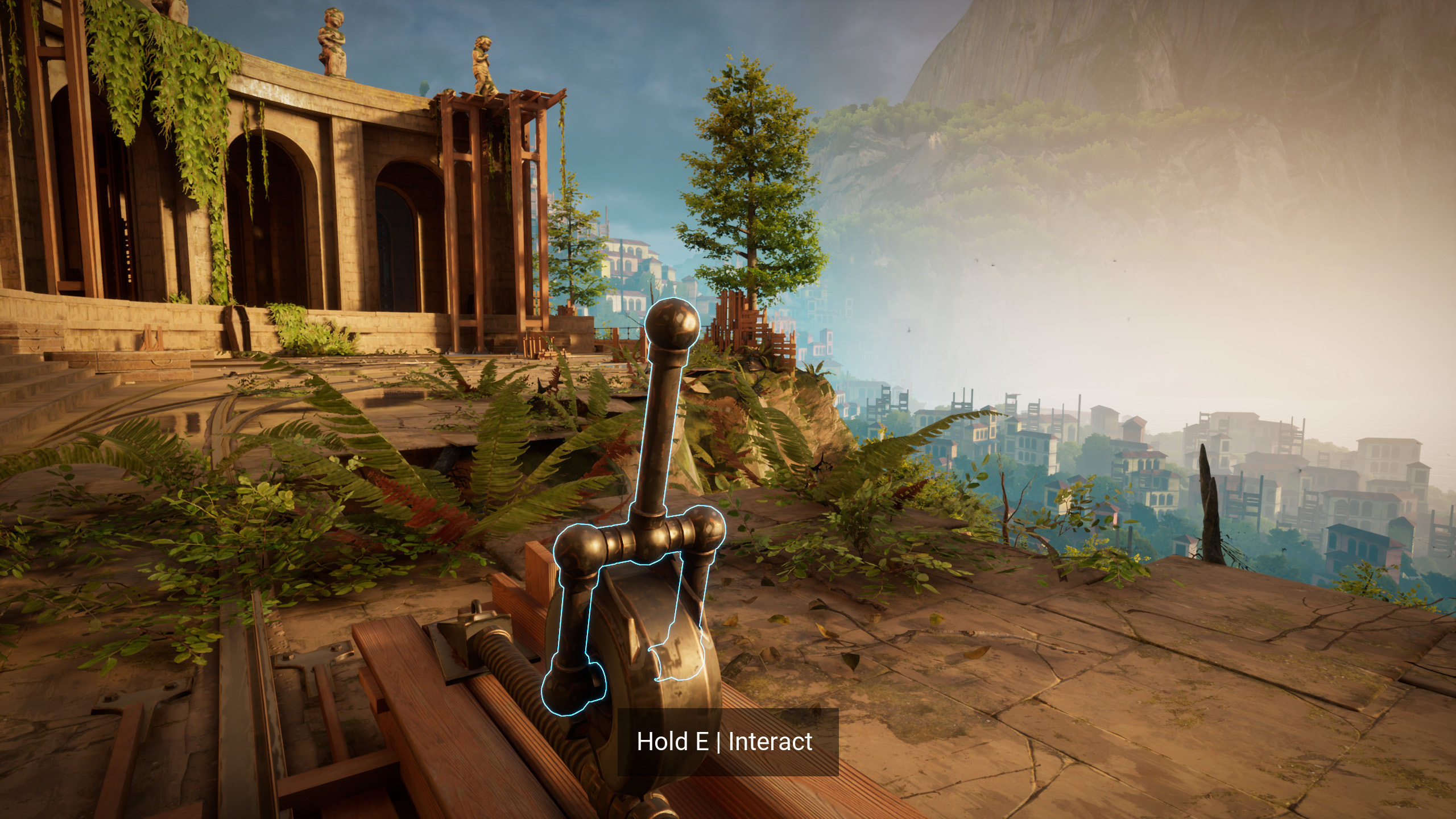
To end this post, you will find here how the game can look tweaking a bit the accessibility options. The first one is the default look, the second and the third one the look after some tweaking!
More from HORROR TALES: The Wine

Other announcements

All events
Esports16 Oct 2025🌑 Together: Moon Escape Has Crashed Into Steam Next Fest! 🚀💥Good news, astronauts! Together: Moon Escape has officially landed in Steam Next Fest — and, against all odds, nothing has exploded (yet). Thousands of players have already signed up to be stranded on the moon with someone who swears they’re “good at puzzles.” Spoiler: they’re not. In Together: Moon Escape , you and your partner share the same oxygen, the same confusion, and the same growing su…Esports16 Jun 202440% Release Discount tomorrow. ARE THE DEVS CRAZY?!?!Tomorrow, Horror Tales The Beggar releases with a ONCE IN A LIFETIME 40% discount . Why would the devs be so crazy to launch with such a DEEP discount??!?!!?!?!?!? Well, first of all, talking about "The Devs" in plural only works if you count my cats Nina and Nus as devs too. You could argue they are fundamental emotional support for the development, though. This game has been developed and sel…Community12 Jun 2024Horror Tales The Beggar releases next week! Play the FREE Next Fest Demo now!Hello Horror Fans! My name is Carlos Coronado and I am the solodev of The Beggar. Next week, Monday June 17th everybody will be able to enjoy Horror Tales The Beggar . Until then, there is A LOT I need to explain during this week! Steam Next Fest For those of you who are seeing Horror Tales The Beggar for the first time during the Steam Next Fest, just know it is the sequel of Horror Tales The…