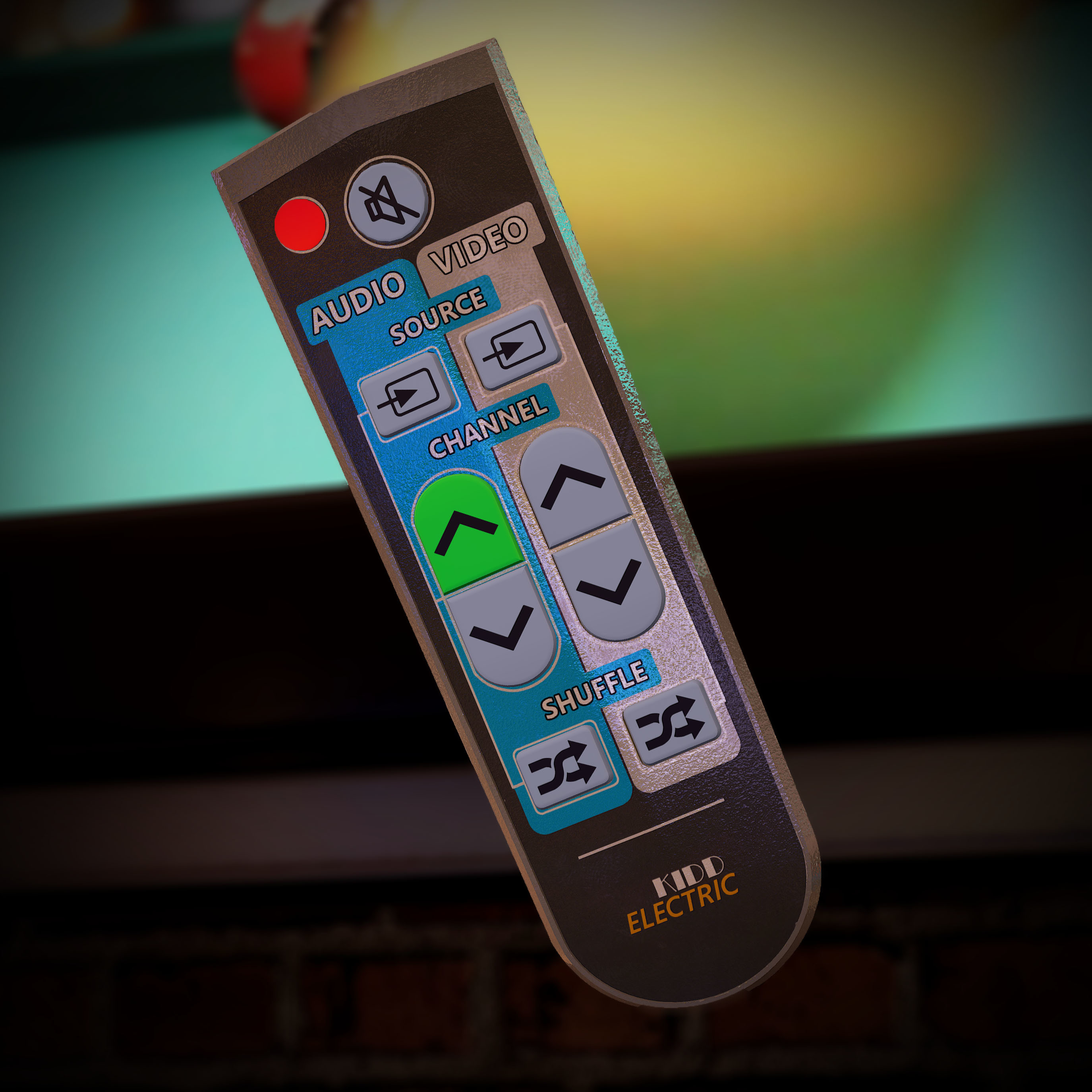
You can now stream videos in the bar!
We've scattered TV remotes throughout the bar that allow you to better control the video and audio in the game.
Use the Vive's touch-pad & Oculus joystick to make the remote:
- Change Songs
- Change Channels
- Shuffle
- Mute
- Change Source
We've consolidated all of the custom content features in SportsBar VR to a folder in your documents aptly named SportsBarVR. Inside you'll see places where you can place .mp3, .wav, .mp4, and .wmv files. Our recommendation is 480p videos given the headset resolution and size of the TVs, but 1080p works great too!
We know a lot of you want to put something on the TV for ambiance but still listen to songs from the Jukebox (either your own, or the default playlist), so you can now control the audio and video sources independently, either listening to music from the jukebox, or the audio from your videos.
For now, media streaming is just for the person with those files on their machine. We're not sharing files between users, so what you see on your TV is your content only.
This is just the beginning of content streaming in SportsBar VR. Let us know what you think, and what you'd like to see next!
Remote Retrieval
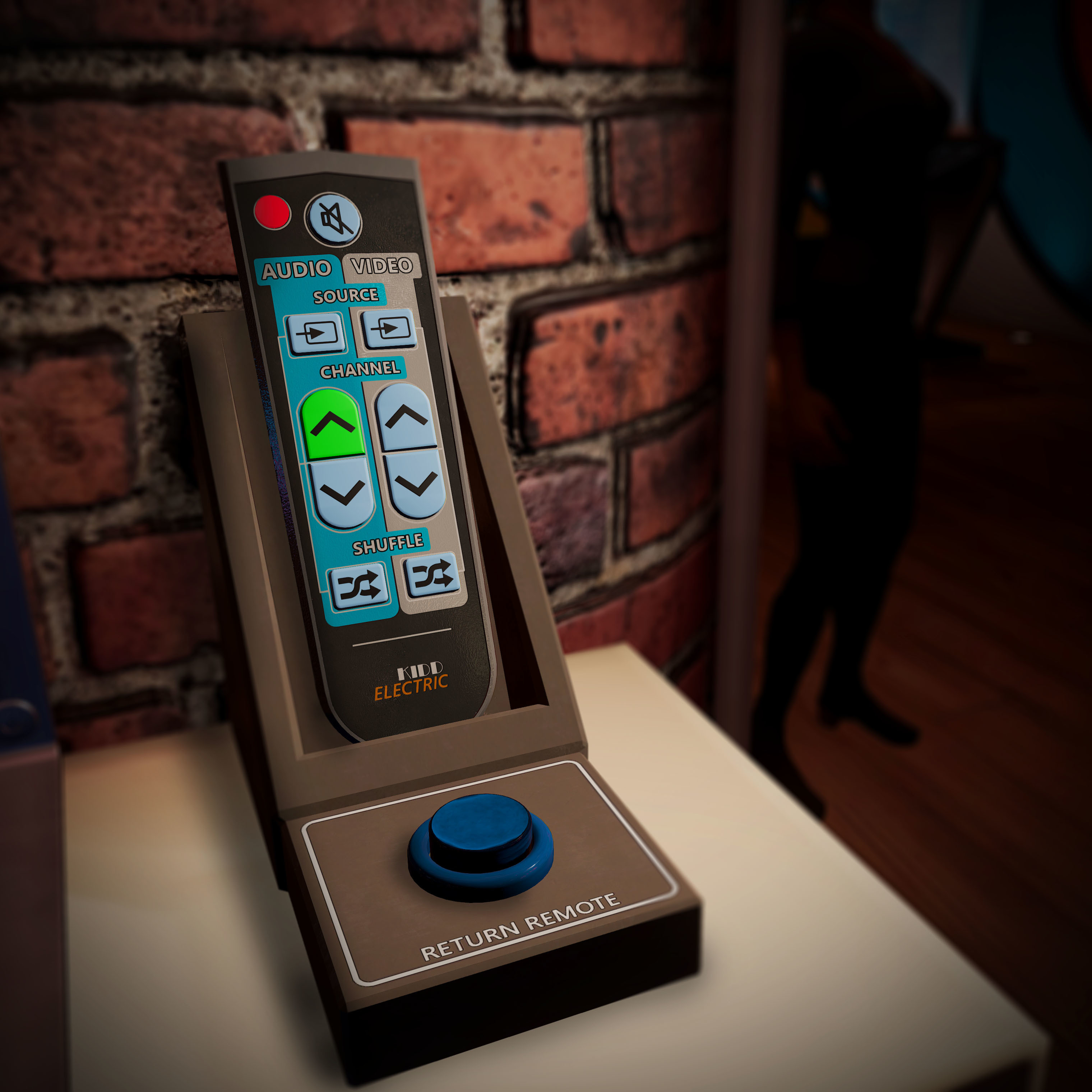
We too all share the same fear of losing the remote. While we can't have one in real life, in SportsBar VR we have a remote holder that will find and return a lost remote at the push of a button!
Swap hands in the hand menu
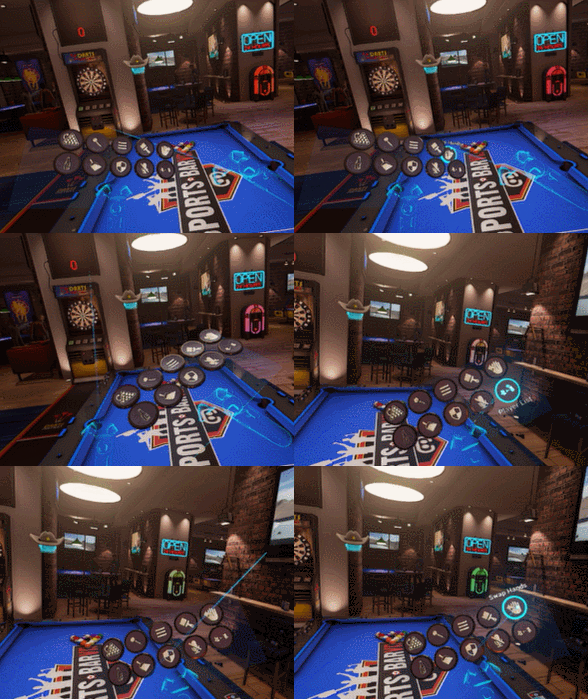
Thanks to community feedback, we discovered we have a lot of ambidextrous users who want to be able to switch from right to left hand play on the fly. We've added a 'swap hand' option in the hand menu. This will change your dominant hand in both pool and darts.
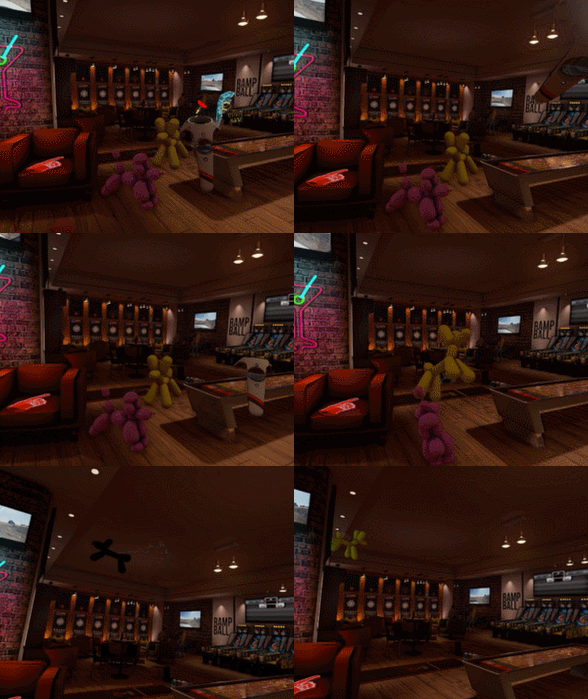
Balloon Dogs go pop
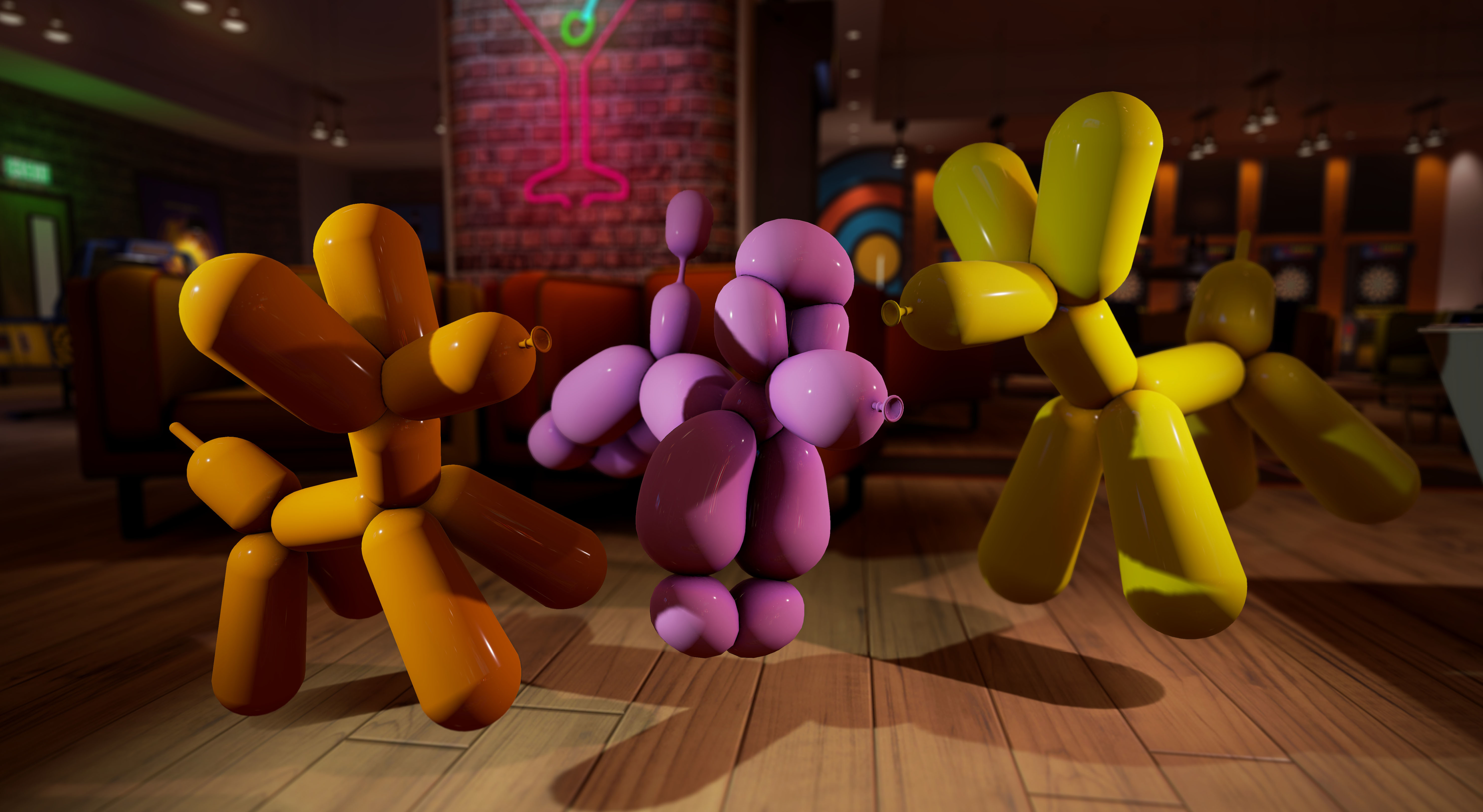
Need to play with a giant balloon dog in VR? We got you covered. Oh, do give them a poke with a dart!
Open media folders from within the game
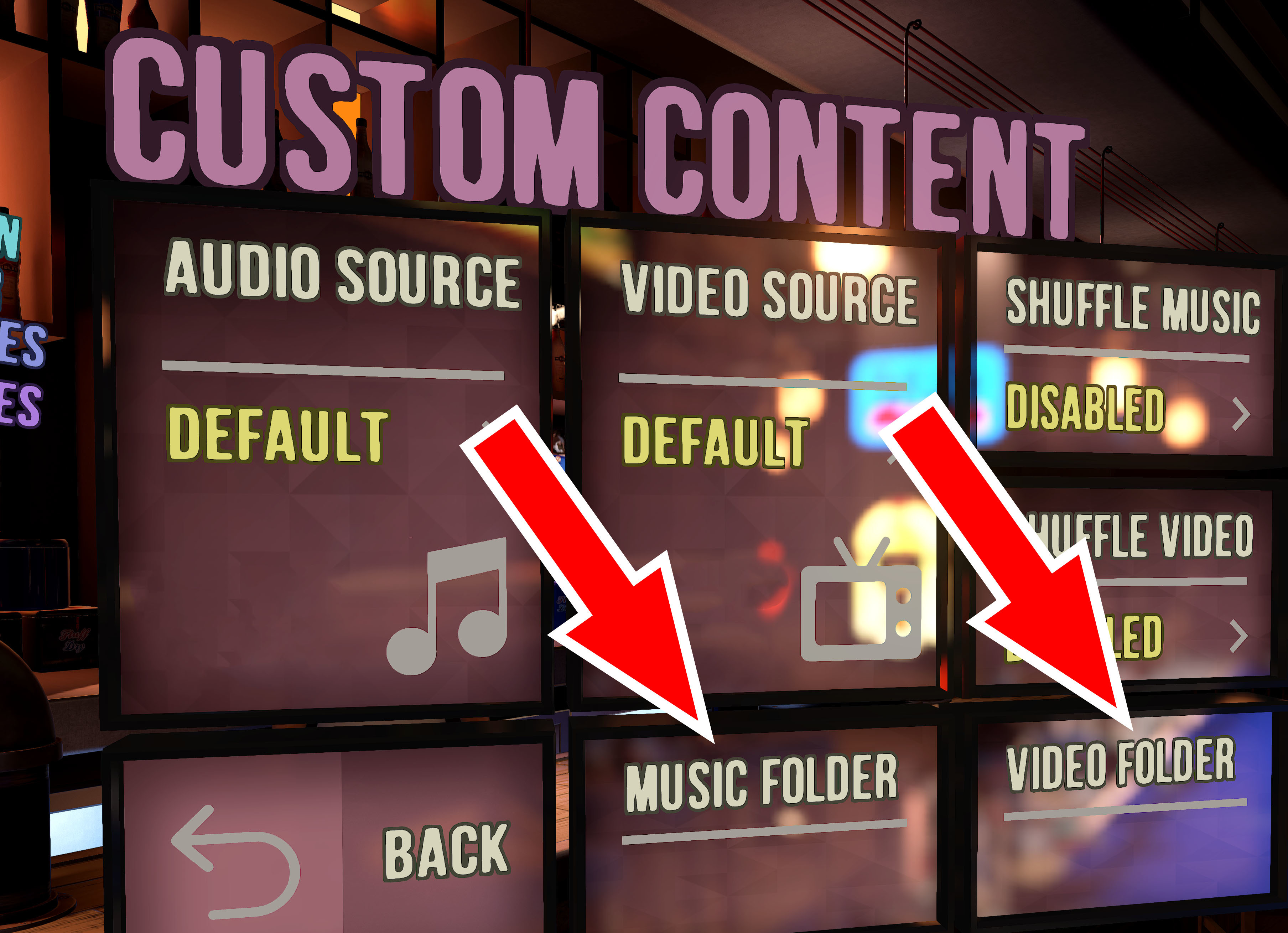
To speed up adding music and videos, or if you're having trouble finding the media folder in your 'Documents' folder, just click one of the buttons in the Custom Content menu (found in the Settings menu). You can then easily drag files into the folders, restart the game, and you'll have a whole new playlist. If you're not using the shuffle feature, and care about an ordered playlist, make sure to arrange your songs or videos alphabetically or name them 01, 02, 03, etc.
Oculus Haptics
- Haptics work a little differently on the Oculus vs Vive. For our Oculus users we're glad to say that haptics are now working great with SportsBar VR on Oculus!
Updated Tutorials
- We've updated the tutorials to better explain the controls to new users. Once you've learned the game, you can easily disable the tutorials from re-appearing in the settings menu.
Set Grip Distance
- We've added the ability to save your pool cue grip distance in the settings menu. Now, when you do a 'backhand' adjustment to fine tune your shot and slide your hand backwards or forwards on the cue, the game can remember where you left off and treat that as your 'default' hand position.