Status
SteamPeaks
ChartsSalesUpcomingPatchesEventsCalculator
New on SteamEvery app, DLC and depot the minute Steam creates itAppsEvery app on Steam, newest change firstPackagesSubs and bundles, and what each containsDepotsDepots, manifests and install sizesTagsSteam's user tags and the games under themDevelopers & publishersCompanies and their cataloguesTechnologiesEngines, SDKs and anti-cheat found in the filesChange historyEvery PICS changelist as it lands
SignalsNineteen readings of the whole catalogueCompareAny games side by sideRecordsAll-time peaks and the days they were setReportsWeekly and monthly write-upsAlerts & newsroomWatch a game, get told when it movesSteam statusIs Steam up, right nowWeb API explorerTry the endpoints in the browser
EventsSteam's own events and the sales calendarCalculatorWhat a Steam account is worth, and its pile of shame
/
Sign in
/
SteamPeaks
The ultimate resource for Steam data.
ExploreChartsSalesSales and festsUpcomingPatchesEventsRecordsTrendingSignals
DatabaseAppsPackagesDepotsTagsDevelopersTechnologiesChange history
ToolsCalculatorCompareSearchAlertsSteam statusAPI
SiteMethodologyFAQDiscordSupportSign in via Steam
Not affiliated with Valve or Steam. Game names and artwork belong to their owners. All times UTC.
PrivacyCookiesFair useStatus
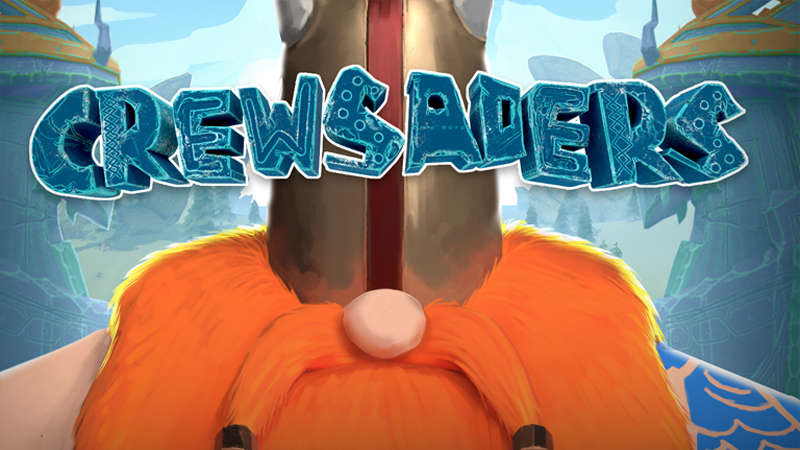
CrewsadersEventsOnline multiplayer now available with Remote Play Together!
Community

Online multiplayer now available with Remote Play Together!

Crewsaders · published 21 Oct 2019, 18:53 UTC

All eventsPlayers around this dateRead on Steam

Hi everyone!

Steam just added a new feature called "Remote Play Together" that will allow you to play local games, but online with friends!

You can now control the same robot, but not from the same room!

You only need 2 things: the game (one person is enough) and a good Internet connection

How to play with Remote Play Together?

Right click on a friend in your Steam friend list, and pick the "Invite to Remote Play Together" option, it's that easy. You'll be connected through the cloud to the same game, like if you were playing locally together.

However, the Remote Play Together feature is still in beta, and requires to be on the beta channel of Steam updates.

How to enable Steam beta?

Go to your Steam settings.
In the Account tab, click on "Change" and opt-in for Beta participation. Steam will then restart and you should be good to go! It is also the occasion to see the new Library if you haven't seen it yet.

More from Crewsaders

Other announcements

All events
CrewsadersGame update3 Dec 2016Patch note of 03/12/2016Hello ! Here's the details of this update : - You can now enable/disable Armageddon in the settings menu ! - 2nd keyboard player now use the IJKL keys on both AZERTY and QWERTY layout instead of OKLM / OKL;. - In some rare cases, the dwarfs can fall outside the golem between two rounds. This should be fixed with this update. Dont hesitate to contact us if you still have any problem of this kind…