Update: Local multiplayer and more
major updateWizard Of Walls · published
The most important thing first:
Local multiplayer
You can finally enjoy Wizard Of Walls with more players on one computer. Select "Start Multiplayer" in the main menu. To add or remove local players, move one of your joysticks to any direction and hold it for 1 second*. You can use up to 4 game controllers and the keyboard.
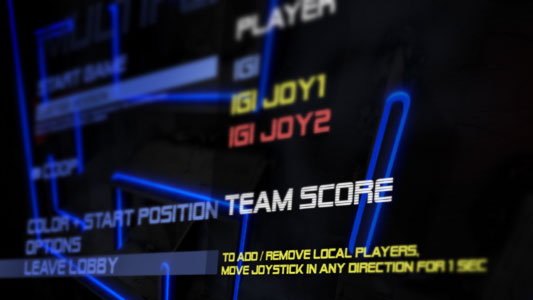
*The first joystick (or keyboard) that you use first in the main menu will stay the master controller and cannot be removed.
Local and online together!
You can combine online and local multiplayer. For example two players on one computer can play together with other two players on another computer via internet.
Start position and color selection
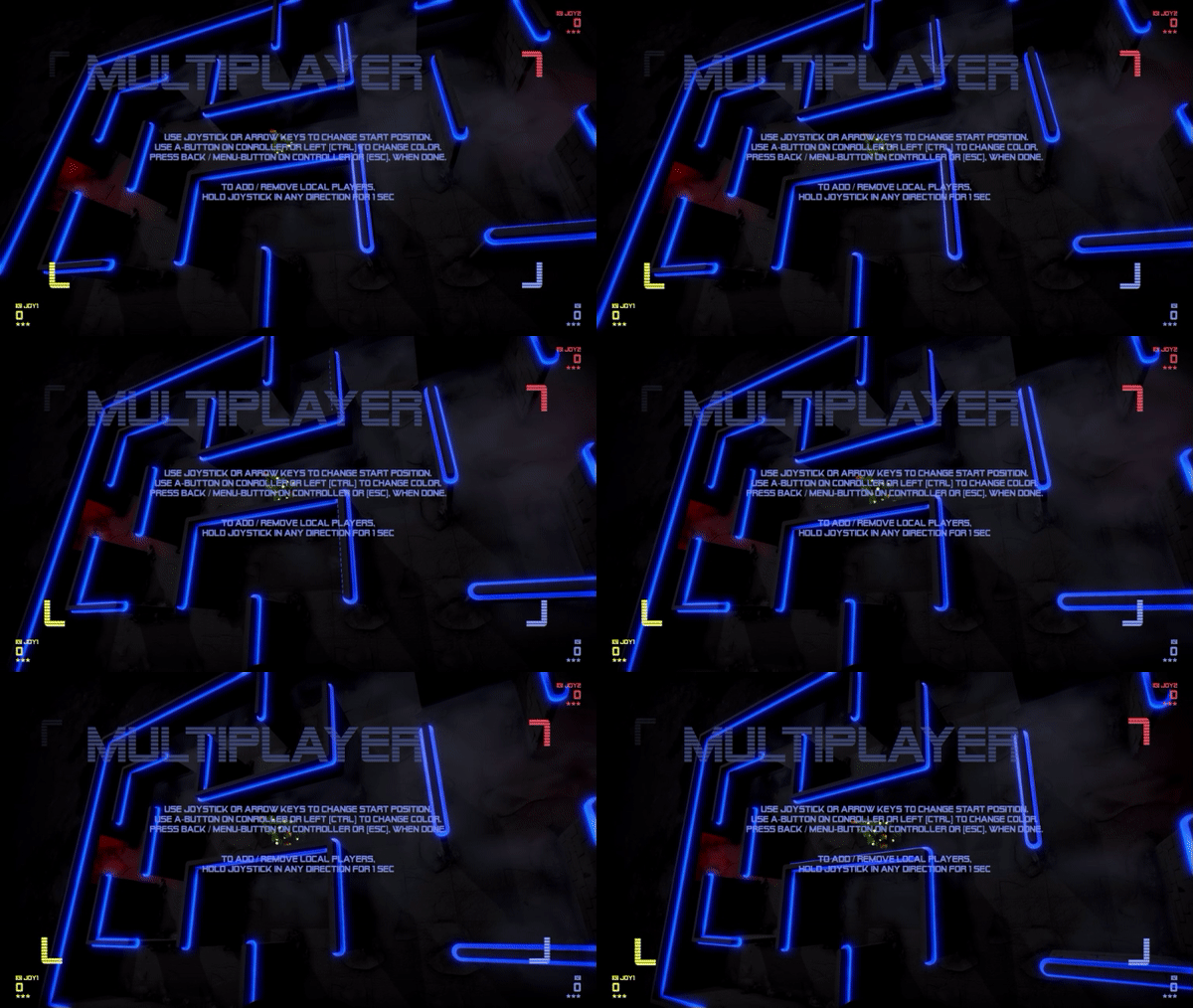
In multiplayer games you can select your start position and your color. Select "Color + Start Position" in the lobby and select your desired position by moving your joystick (or keyboard) and change color by pressing your fire button (A-Button on controller or left on keyboard).
Press Menu-/Back-Button on controller or on keyboard when you are done.
Keep in mind, that players cannot use the same start position or color.
Chat
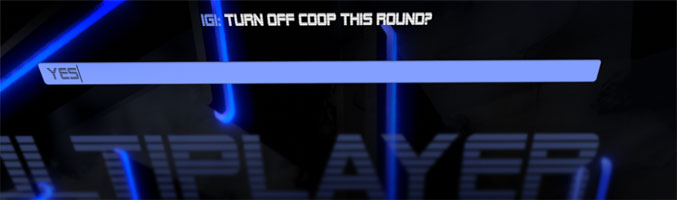
In the lobby and during gameplay, you can press on keyboard to enter a chat message. Chat messages will be shown at the top of the screen.
Controls
Improved controls and reduce some of the "jankyness". Hopefully. Let me know.
D-PADs supported now!
Pause/Back now on the Menu/Back-Buttons of your controller. Not B-Button like before.
Minor fixes and tweaks
- Fixed the UI navigation with joystick (leaderboard and lobby list)
- Removed the "anti camping camera zooming in" mechanic.