Fix for Quest play area problems in SteamVR
Stop Sign VR · published · build 8659155
When using a Meta Quest connected to a PC using (Air) Link and playing a game in SteamVR, you may experience misaligned play spaces or SteamVR play areas that are larger than your physical room.
Games that rely on correct play areas can become unplayable, which is the case with e.g. The Thrill of the Fight.
Stop Sign VR Tools has a feature to correct this Quest+SteamVR problem.
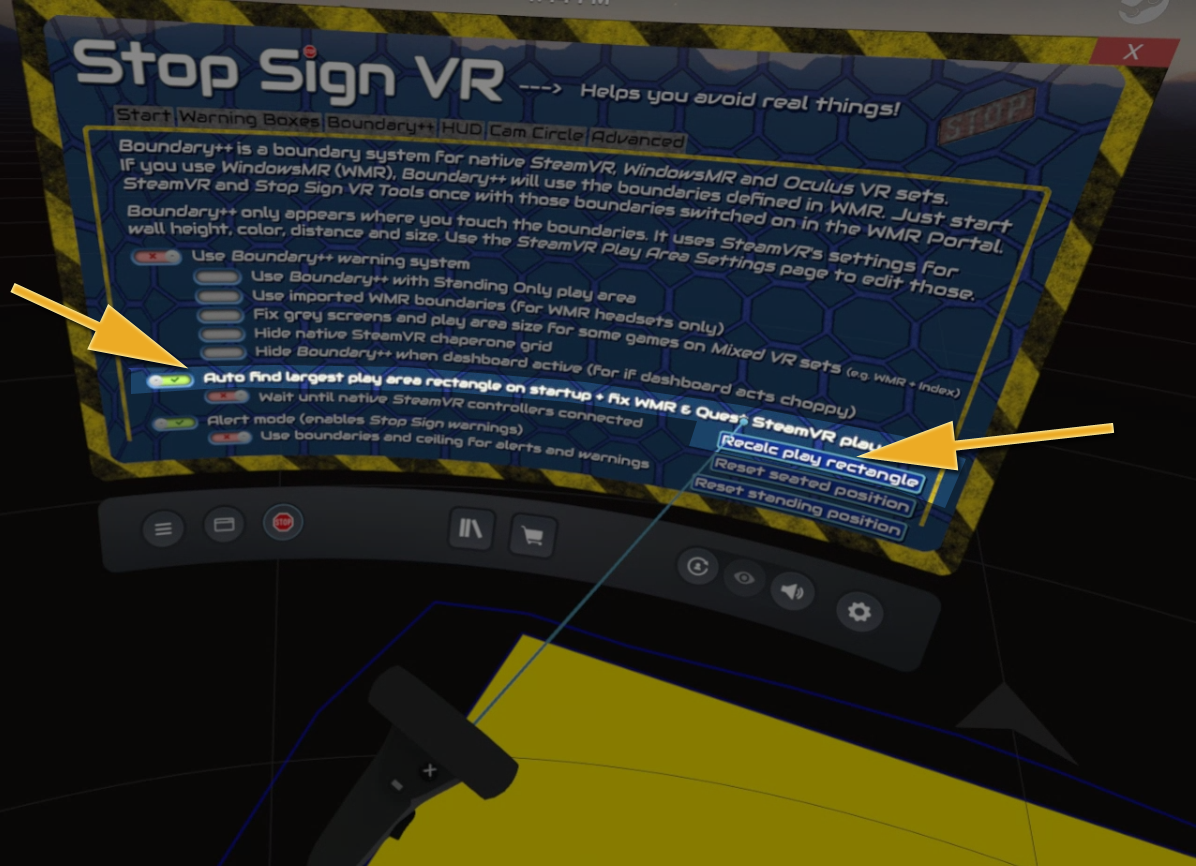
Just tick this checkbox:
[✔] Auto find largest play area rectangle on startup + fix WMR & Quest play area
Or press the button "Recalc play rectangle".
Please note: Quest and Oculus app on PC must be on version 39.