Task Force 0.7.10.2234
Task Force · published · build 26739220
Language Support
Task Force is now fully translated. Every menu, every page, every dialog, the in-game menu, the HUD and the side panels are available in six languages:
- English
- Español (Spanish, Latin American)
- Français (French)
- Português (Portuguese, Brazilian)
- Deutsch (German)
- 한국어 (Korean)
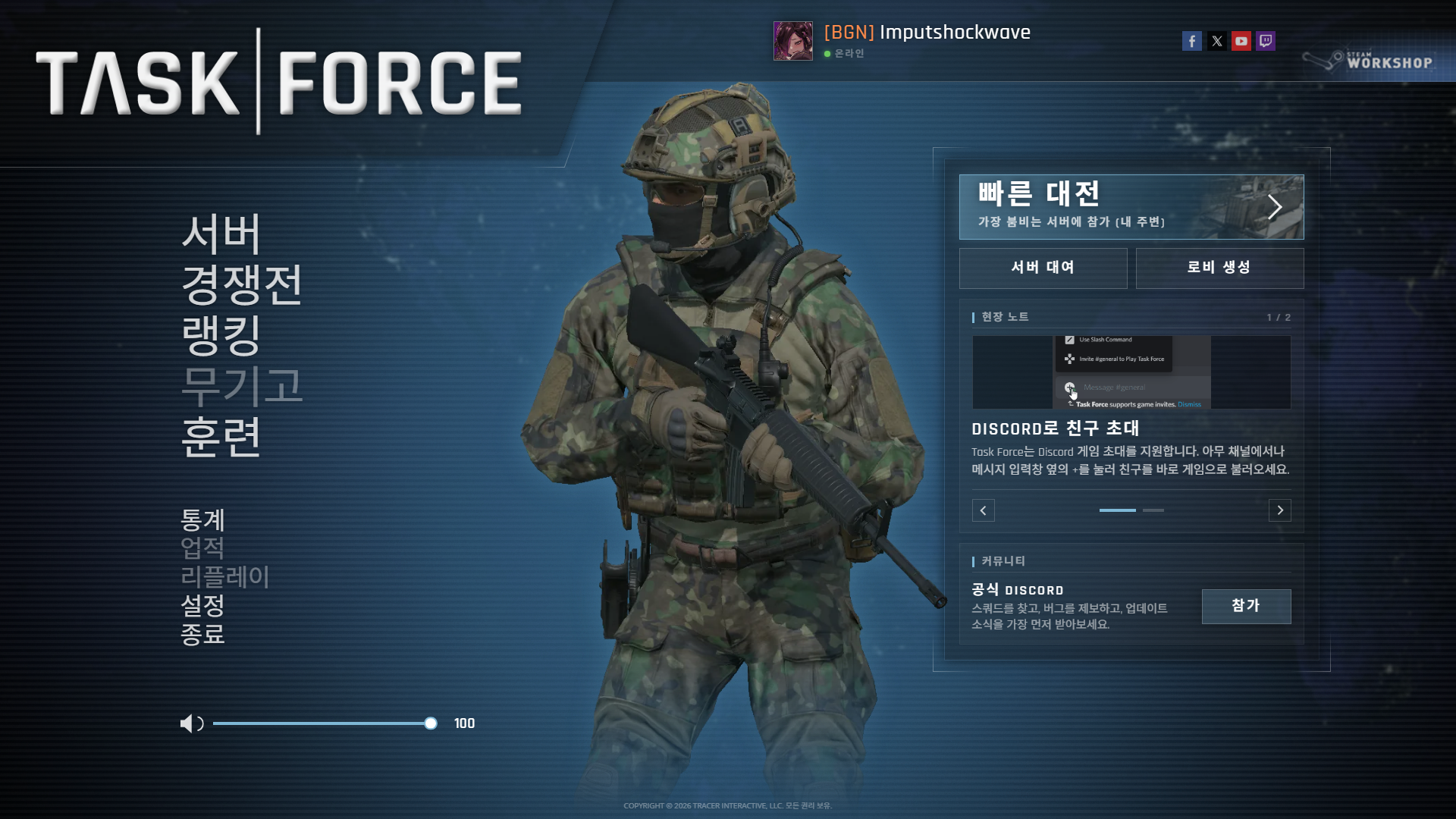
It just follows Steam
There's nothing to set up. Task Force uses the language you've chosen for it in Steam, so if your Steam client is in Korean, the game greets you in Korean. To pick a different one, right-click Task Force in your Steam library, open Properties > General, and choose it under Language.
More than swapping words
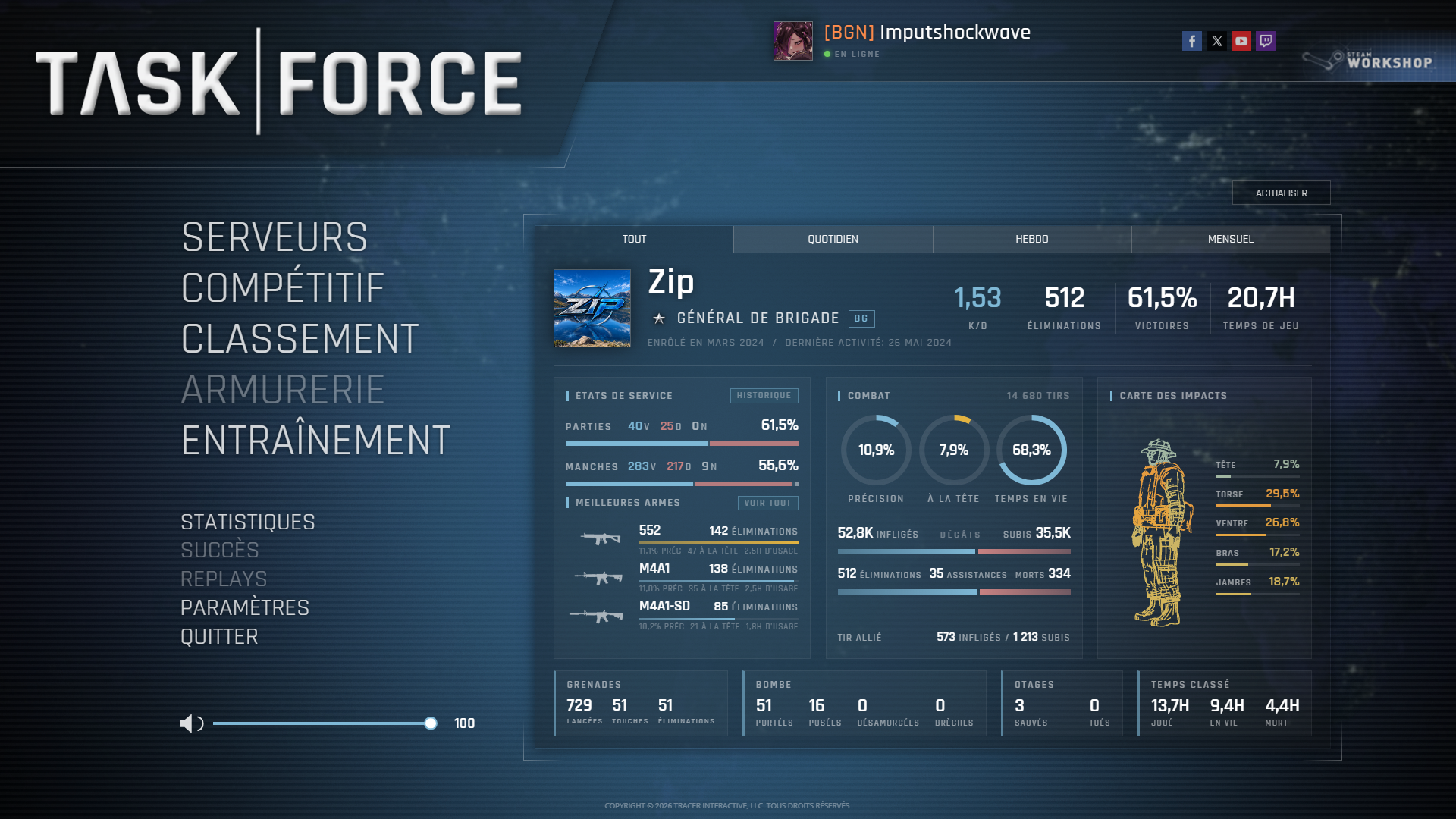
Each language gets its own formats, not just its own words. Numbers use the right decimal and thousands separators (1,53 K/D and 61,5% in French, 1.53 and 61.5% in English), dates come in each language's own order, and times use a 24-hour clock where that's the norm.
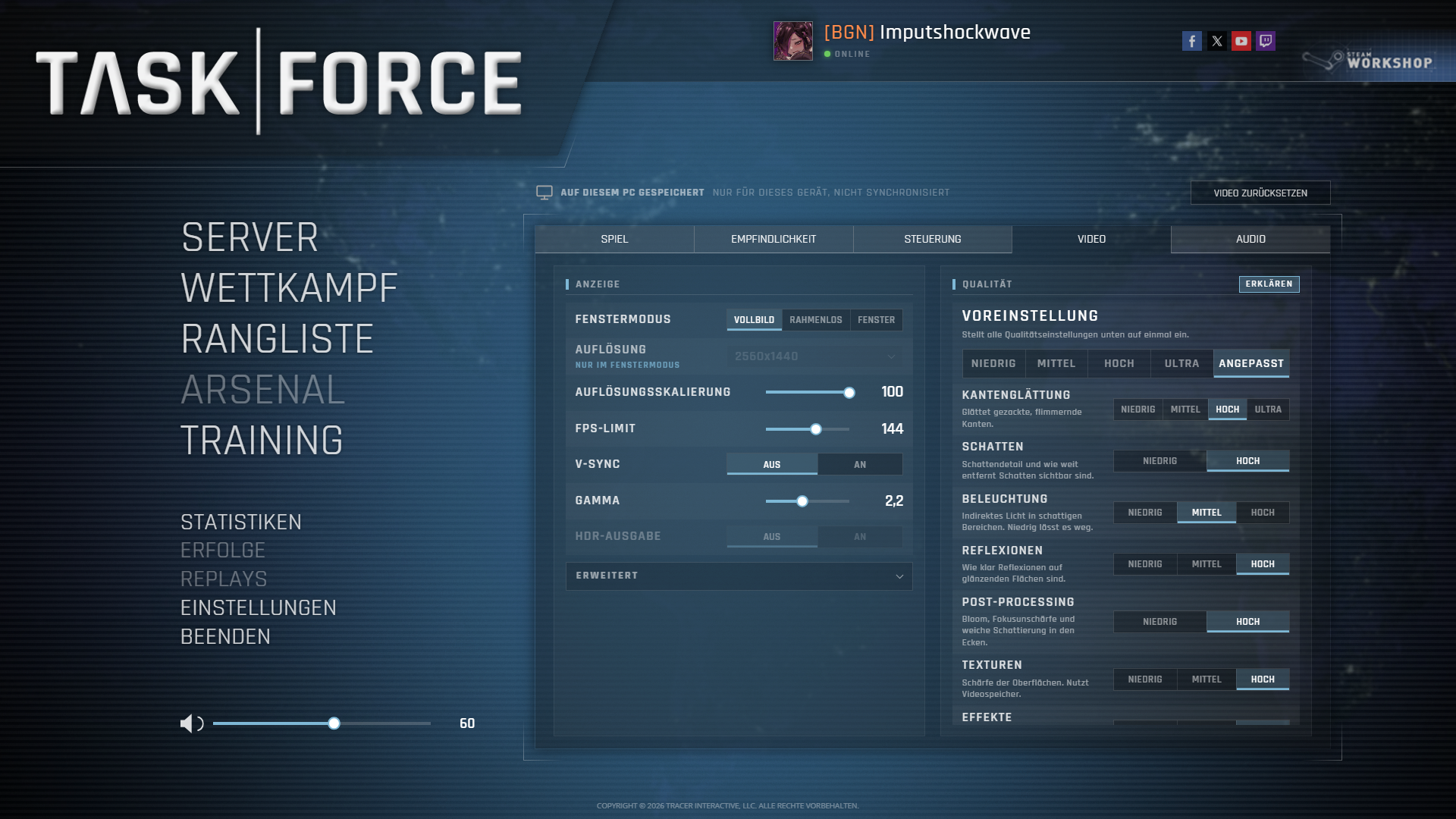
German famously likes its long words, so wherever a label didn't fit we found a shorter natural wording instead of shrinking the text until it's hard to read. Even the detailed explanations in the video settings are fully translated.
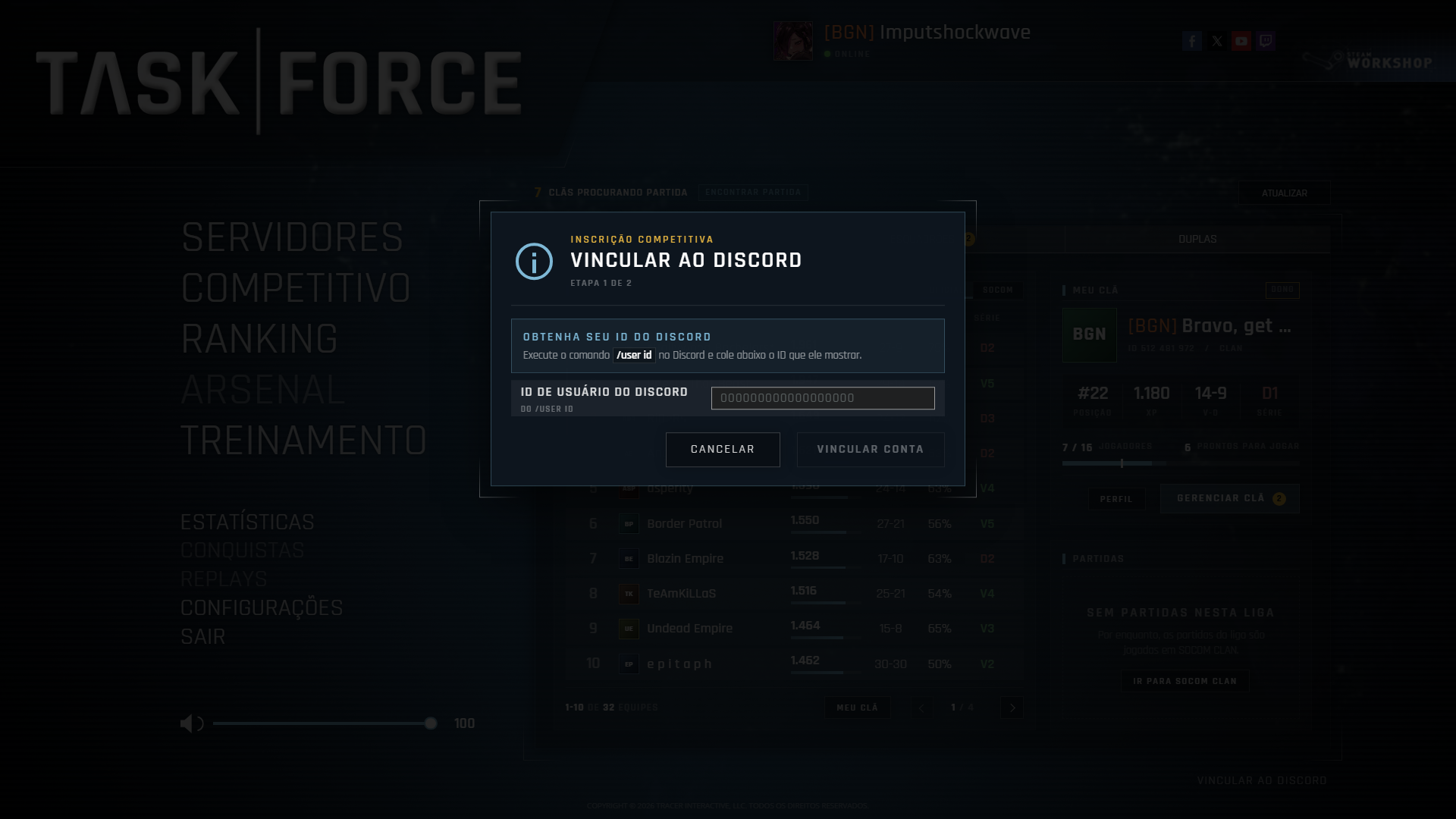
Competitive, in your language
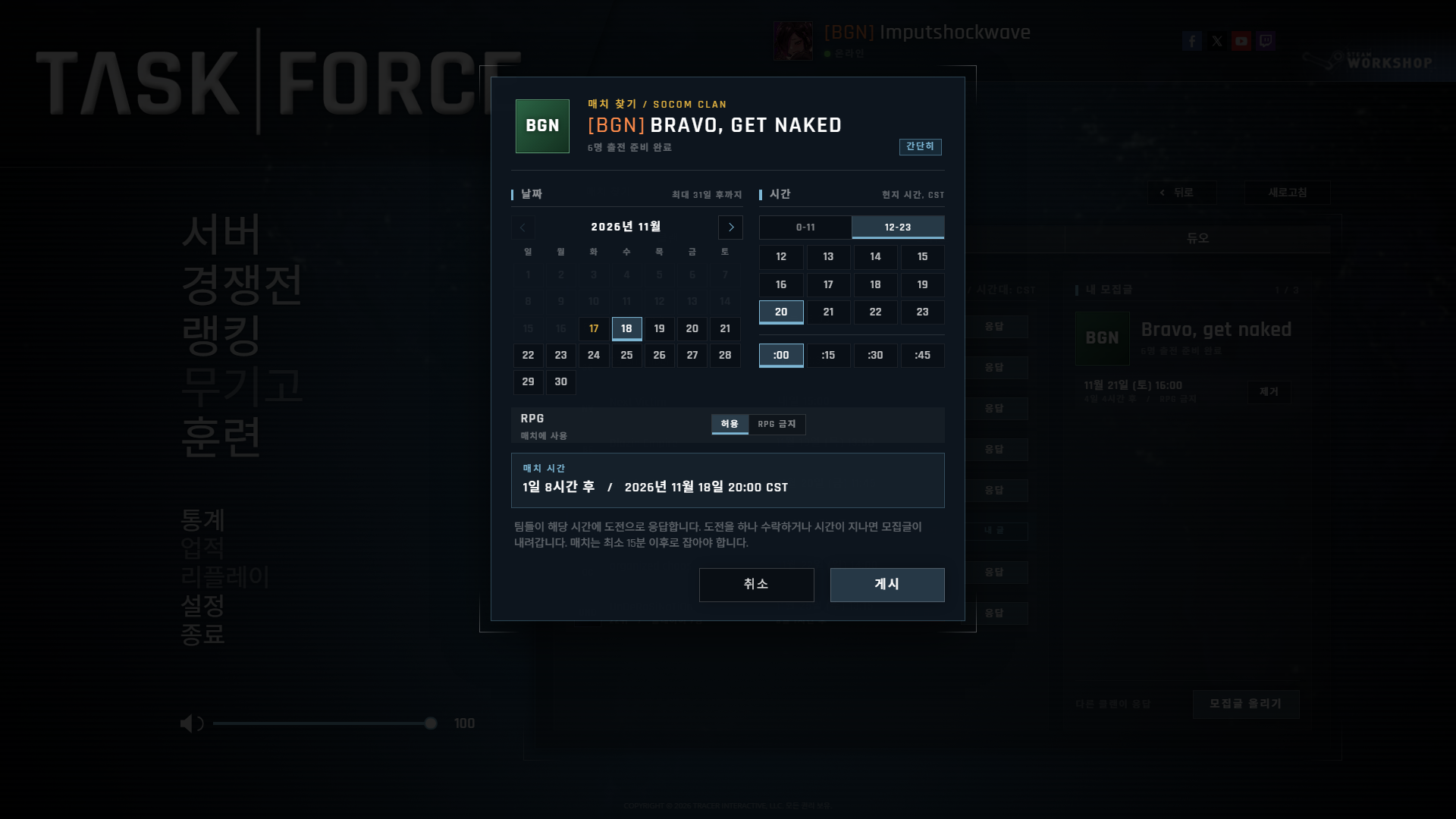
The competitive ladder is translated from top to bottom: the standings, your clan, the match finder and every dialog along the way. Clans from anywhere can register, link their Discord accounts, post open match times and challenge each other in their own language.

Scheduling a match shows off the details: the calendar uses each language's month and day names and its first day of the week, and the times follow the local clock.
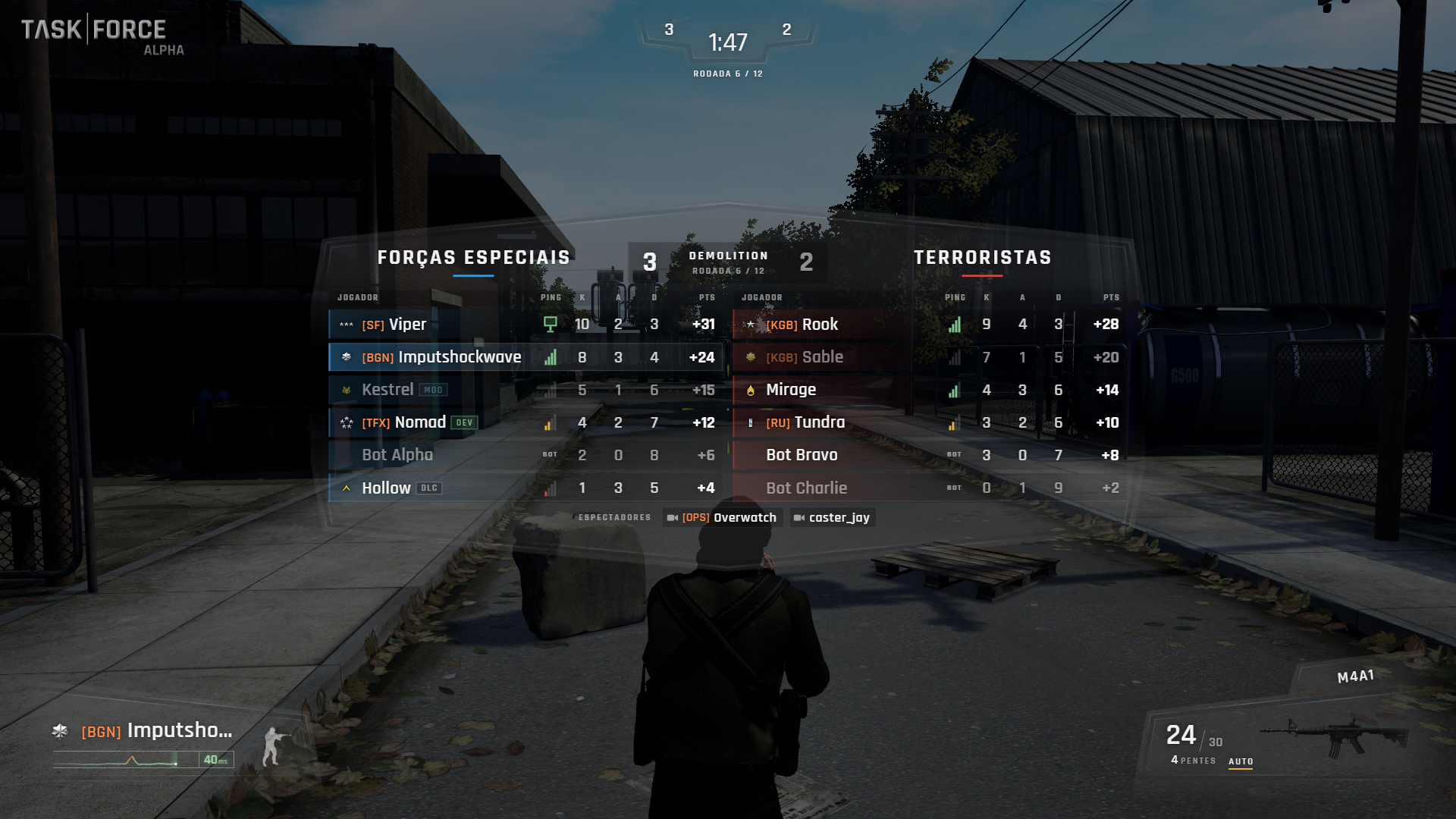
In the middle of a match
The translation goes all the way into the game itself: the scoreboard, the round and match summaries, MVPs, the kill feed, chat messages, rank-ups and the end-of-match screens.
Press Escape and the in-game menu follows suit: the players list, voting, reporting and the armory, where you pick your loadout for the next round.

Why this matters
Task Force players come from all over the world, but until now everyone had to read the game in English. Plenty of great players never gave a game a fair shot because they couldn't comfortably read its menus. That's a barrier we don't want between anyone and Task Force.
- More players, fuller servers. Every language we support opens the game to whole communities that were on the outside looking in. More players means more populated servers in more regions, and better matches for everyone.
- Stronger communities. Clans, scrims and the competitive ladder thrive when people can organize in their own language. A Brazilian or Korean clan can now run its whole team from inside the game.
- More people building. Task Force is a sandbox at heart. Custom maps and the Steam Workshop are a huge part of what keeps it fresh, and every player who can comfortably find their way around the game is another potential creator making something for all of us to play.
Help us get it right
These translations are brand new. If something reads oddly, means the wrong thing, or doesn't fit on screen in your language, please tell us on our Discord with a screenshot. Native speakers are the best judges of their own language, and every report helps.