Low Mode is now available — How to enable it
カスペナ~カスタムペナント野球 · published · build 26194930
Thank you for playing Kaspena!
The latest update (build 26194930) adds Low mode to reduce rendering load and memory used for player portraits. Please try it if the game feels sluggish.
How to enable Low mode
- Update the game through Steam.
- Open Settings at the top right of the game screen.
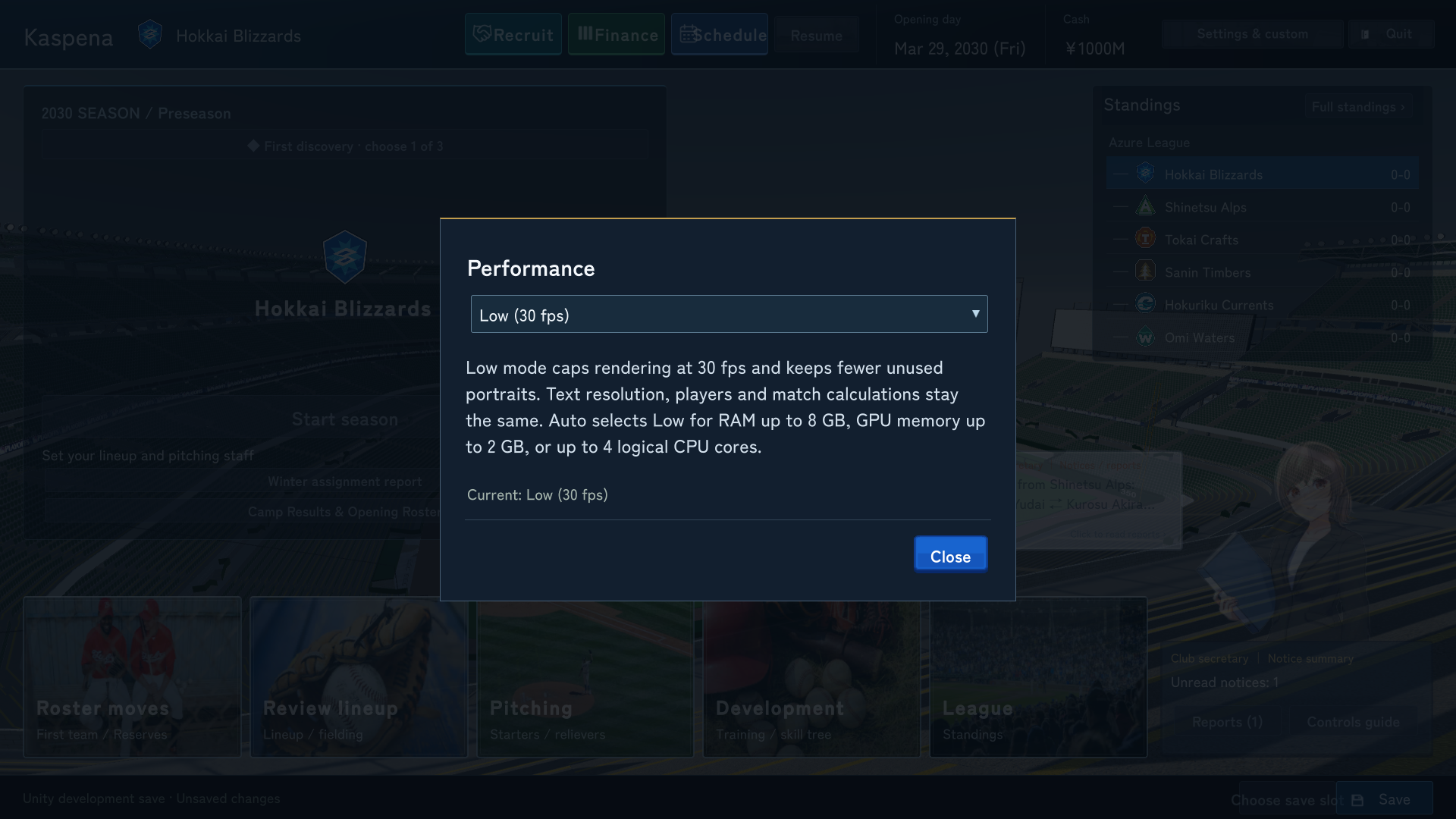
- Under “Performance”, choose “Low (30 fps)”.
- The change takes effect immediately. Close Settings to return to the game.
Which option should I choose?
- Auto (default): Selects Low or Standard based on your PC’s memory and CPU specifications.
- Low (30 fps): Caps rendering at 30 fps and keeps fewer player portraits cached in memory.
- Standard (60 fps): Allows up to 60 fps for smoother on-screen movement.
Text resolution, player counts and match calculations stay the same. This setting is saved automatically on this PC; you do not need to save your game. You can switch back to Auto or Standard at any time.
If Auto still feels slow, try selecting Low manually. If the option is missing, update and restart the game.
We will continue optimizing the game. If it still slows down or freezes, please let us know which screen or action triggers it and your PC specifications.