Update notes for October 24
Bravemech: The Century War · published
These are today's changes to Bravemech: The Century War, from version 0.73.378 to 0.73.387.

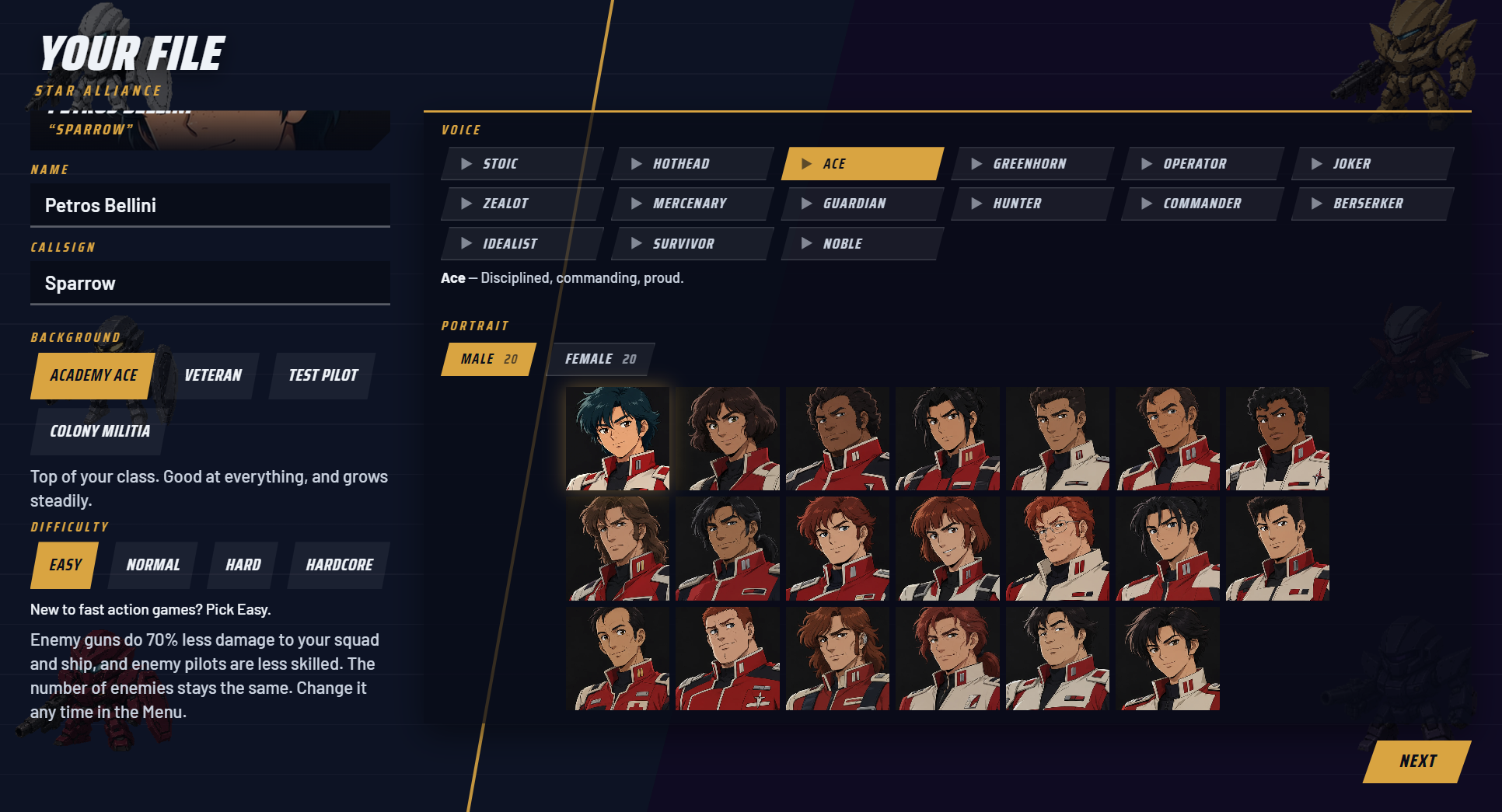
v0.73.387
- On the sector map, the first officer's gold ring now lands on the hex to move to and then on Move Here, so the first move can be finished by following it.
- When you attack, the ring points at the Attack button in the confirm window instead of End Week.
- The first officer now says what to press on the way to your first mission: Travel, then End Week, then Attack.
- The first officer's speech bubble steps aside while a menu or a move is open, so it no longer covers the map.
- During the first Hangar and Bridge visits the map shows no other orders buttons.
- Pressing Enter on an empty hex no longer ends the week by accident.
v0.73.386
- New: in Hangar > Squads you can take the commander out of a squad. Tap your slot, then Pilot: choose another pilot to fly your mech, or leave it aboard, and you command that squad's fights from the bridge.
- The Pilot / Command choice at launch now remembers it for each squad.
v0.73.385
- Battle lessons now sit on the button they teach: a short gold tag shows the action and your key, and the first officer's full line plays as a radio line.
- The move lesson draws arrows around your mech, and the aim lesson draws a line from your mech to your target.
v0.73.384
- Shadow Blade, Storm Hawk and Phoenix Blade have reworked sword and melee animations.
- Carrier flak guns have their own sounds now, and rifle and autocannon shots sound new.
v0.73.383
- Overdrive has a new power-up sound.
v0.73.382
- The first officer no longer shows a Show me button. Follow the gold ring and press the control it lights up.
v0.73.381
- Fixed: orders you put off with Not now now wait for you at Comms on the ship. The Comms room lights up, lists them, and Read orders takes you straight to them.
- Fixed: the Ship's Manual contents page shows each page's picture again, and the Pay and money card shows its icons.
- Fixed: in Hangar > Squads you can now tap your own slot and put the commander in any mech. The mech's pilot takes yours.
- Every squad slot now shows the face of the pilot flying it.
v0.73.380
- Your ship now always sits on a glowing hex on the map, so you can find it at a glance.
- Selecting your ship or a mech now lights up every hex it can reach this week.
v0.73.379
- Fixed: in the opening fight, before you make your commander, your pilot now shows your side's pilot portrait instead of a random face, and stays quiet on the radio.
v0.73.378
- The D-pad and stick now move to the button that is in the direction you press, and the same press always lands in the same place.
- At the end of a row the cursor stays put with a soft rumble. It no longer jumps round to the far side, and SYSTEM no longer loops back to MORE COMMANDS on the ship.
- The title menu, the Menu and dropdown lists still loop from the bottom back to the top.
- New in Settings > Controls: Button prompts. Pick Auto, Controller or Keyboard to choose which buttons the game shows.
- Playing with a controller and a mouse? Turn off "Mouse switches prompts" and your controller's buttons stay on screen while you use the mouse. Pressing a key still switches to keys.
- Controller mode shows the button symbols of the pad you hold, the same as Auto does.
- New Aim mode option in Settings, Controls. Cycle is the lock you know: hold the trigger and step through targets.
- Stick lets the aim stick move the lock to the enemy closest to where you point. Let go and the lock stays. The trigger cycle still works too.
- Back now returns you to the screen you came from. Leave the Bravecore picker and you land on that mech's loadout, on the Bravecore row, instead of the ship.
- The same goes for Manage mech from the Barracks, the Bravecore row in the Hangar's loadout, and Doctrine in the Pilot Campaign.
- The button that takes you back to the ship is now a solid plate with a bright border, and it shows your Back button on it (B, Circle or Esc).
- In the loadout and the Garage, the weight and EN bars now show what a weapon would change before you equip it.
- Hover a weapon, or move onto it with a controller, and the bars show the change.
- A striped piece is what the weapon adds, a hollow piece is what it frees, and the numbers read now, after and the limit.
- If a weapon is too heavy or needs more power than the reactor gives, the piece turns red and says by how much it won't fit.
- Mech paint jobs are now ready before you open the Armory. You no longer see the factory colours first and then watch the paint change.
- While you're on the ship, the game paints your hangar's mechs in the background, and a painted mech stays painted for the rest of the session.
- If a paint job isn't finished yet, the mech shows as a dark outline until it is, never in the wrong colours.
Thank you for playing, and please keep telling us what you think in the Discussions.