Demo update: controls, graphics and fixes
Mike goes on hike · published
Thank you to everyone who has played the demo and shared feedback! This update focuses on smoother controls, more graphics options and fixes for problems that could interrupt Mike’s journey.

Fixes and stability
- Fixed a black screen that could appear when resuming the opening car ride, including when skipping it.
- Fixed freezes caused by repeated attempts to connect to Steam when it was unavailable or offline.
- Mike no longer keeps walking on his own after getting up from a rest.
- Earl’s next radio call now waits until the first descent is completed, rather than interrupting it.
Camera and controls
- Added optional camera comfort settings: mouse smoothing, camera sway and shake, field of view, and quicker stopping. Choose what feels best for you.
- Fixed the controller’s vertical look direction and a problem where the camera kept turning after releasing the stick. Added separate controller sensitivity and smoothing settings.
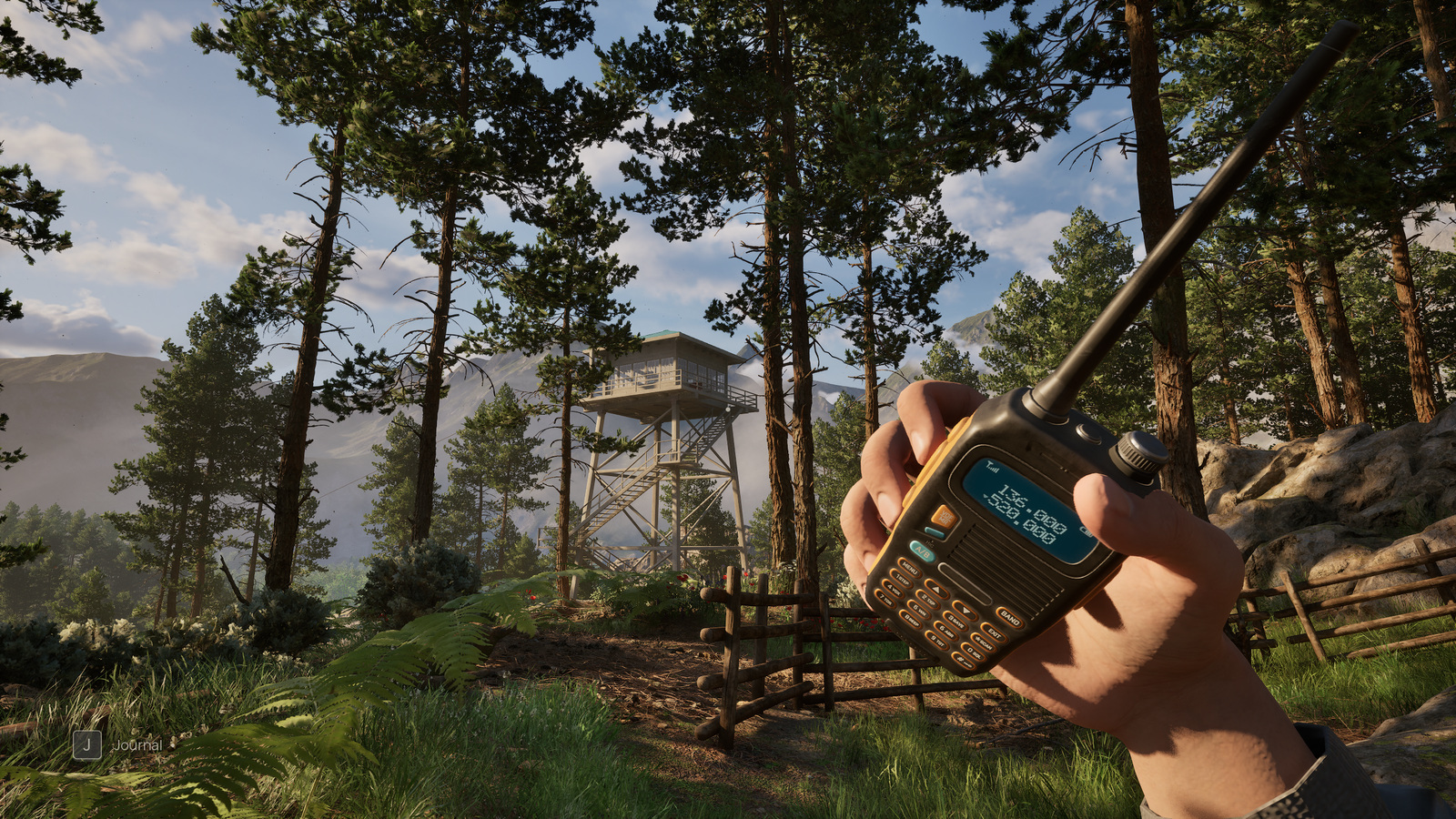
Graphics and lighting
- Added NVIDIA DLSS, DLAA, Frame Generation and Reflex. Available options depend on your graphics card and hardware support.
- Expanded graphics settings, including textures, shadows, lighting, reflections, vegetation and resolution scale.
- Improved lighting in the apartment on Low settings. The transition to sunset and changes in shadows are now smoother.
- Improved ground texture stability when changing graphics settings, and refined the apartment and vegetation.
Please keep sharing your impressions in the Steam discussions. If you encounter a problem, tell us where it happened and what you were doing. For performance issues, your PC specifications and graphics settings also help. See you on the trail!