Build 26486158
buildWooferBeat · public · first seen
Video backgrounds, Slideshow, Geometry mode and more
WooferBeat 1.4.8 is here, and your background can finally move.
Video & GIF backgrounds
Drag a video or GIF onto the background box, just like an image. The song decides the length: a short clip loops by itself. Pick which part plays (start–end), set the speed from 0.5x slow motion up to 2x, and keep the video's sound or mute it. Press Apply and the preview plays smoothly. Blur, color and dimming work on video too.

Slideshow mode
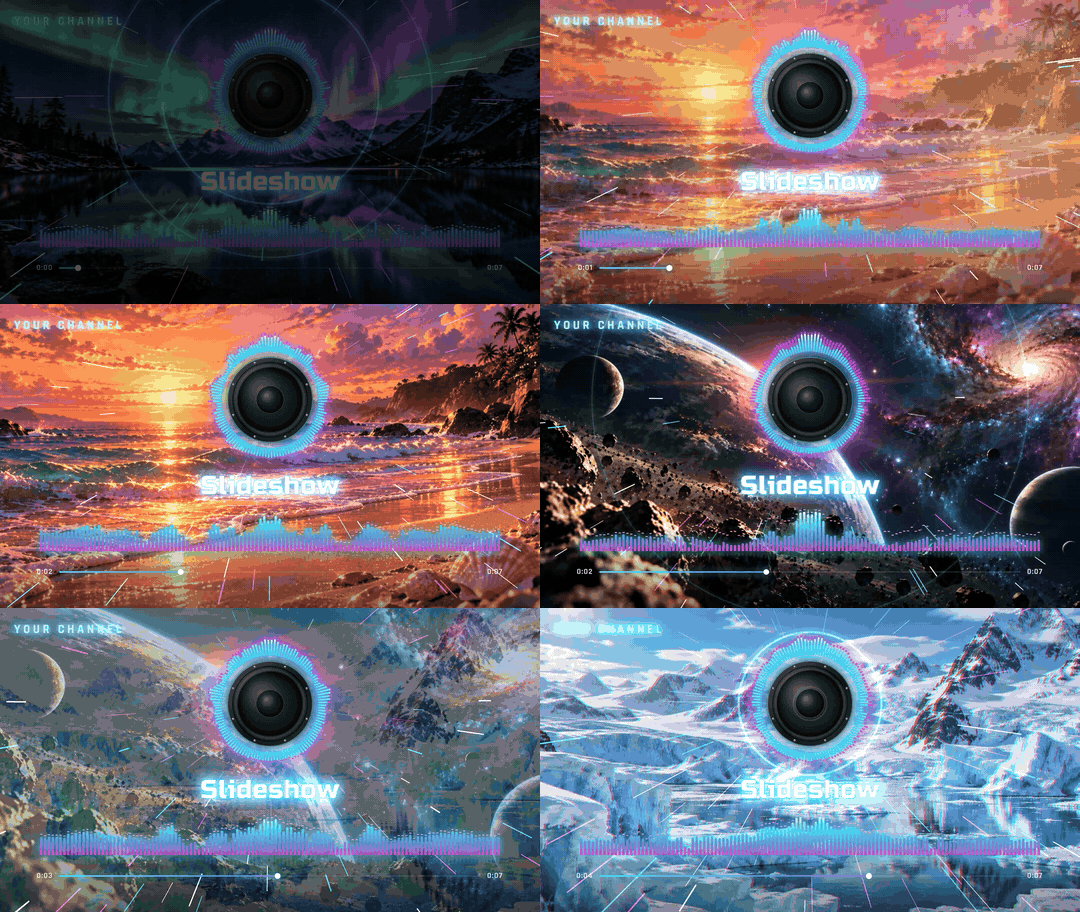
Press "Make a slideshow" and drop up to 30 photos at once. Choose how long each photo stays and a transition mood:
- Calm — soft fades and slow zooms
- Bright — white flashes, light leaks, shine sweeps
- Punchy — zoom punches, whip pans, flash + shake
Random or always the same transition — your choice. Switch between slideshow and image/video with one click.
NEW: Geometry mode
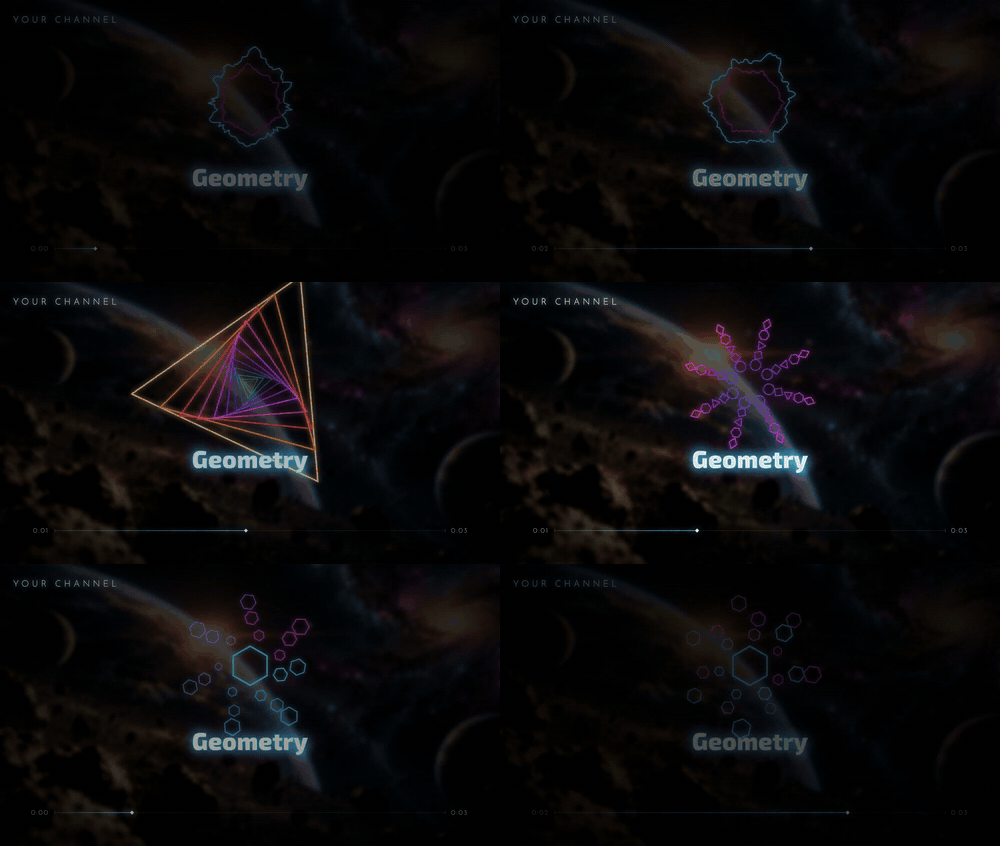
A brand-new style: shapes that pulse, spin and vibrate with your music. 6 layouts (Pulse rings, Spectrum shape, Tunnel, Grid, Orbit, Kaleidoscope), 7 shapes, density, size, edge thickness, vibration and spin. Color it with your theme, a rainbow or a color that changes on every beat. Left / center / right — and top / middle / bottom for Shorts.
More for Podcast mode
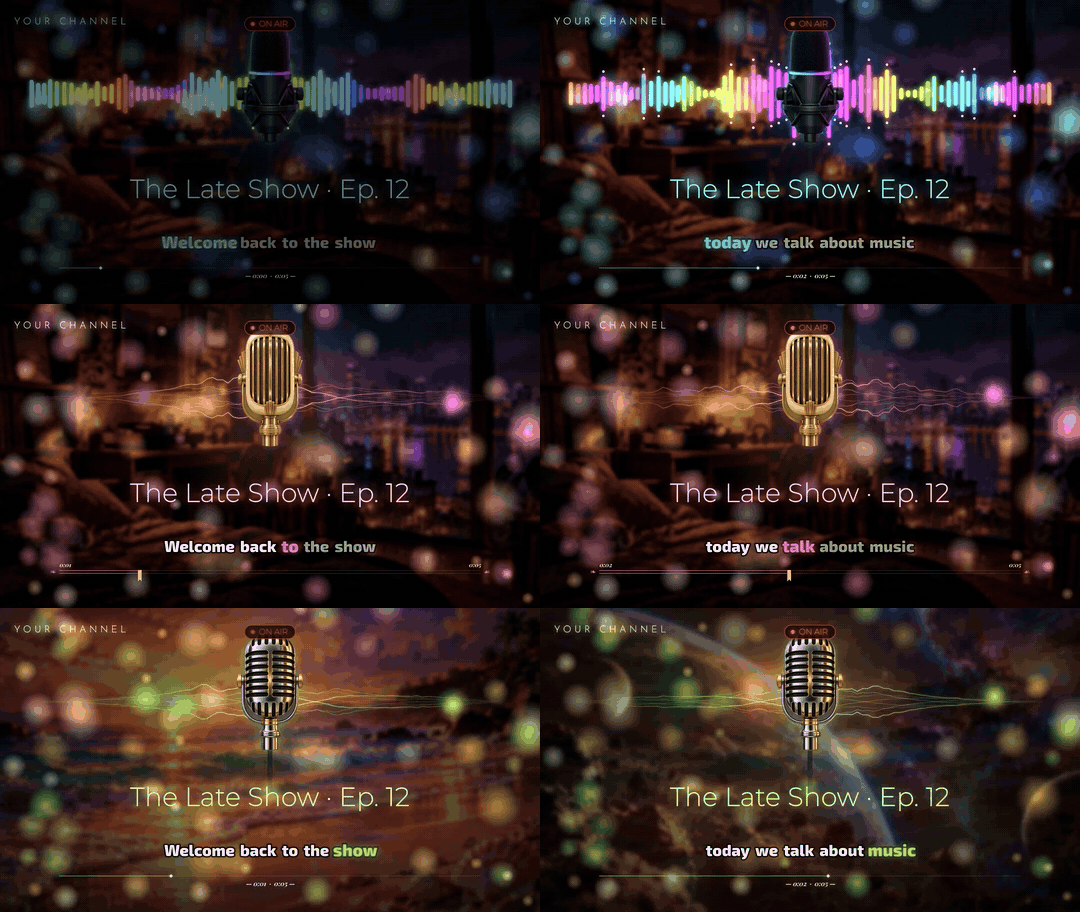
3 new color themes (Ocean, Rose, Forest) plus a "None" option, 2 new sound waves (Crazy and Noble) and 2 elegant "novel" progress bars. 3 more sound waves: Role-play, Dystopia and Romantic. The "None" theme now gives a clean look with no glows.
Also new
- Reset buttons for background effects, subtitle look and podcast settings
- An empty song title now stays empty
- Every new feature is translated into all 6 languages
Thanks for the first store review and the video background request — this update started there.
Depot changes
| Depot | New manifest | Previous manifest |
|---|---|---|
| 5437581 | 4065699847847953189 | 4002991891236735225 |