Build 26443087
buildMinimalist Desktop · public · first seen
Big Update: Wallpaper Engine Support
Your background, with your workspace on top
Wallpaper Engine support is here. Keep your animated background running while you arrange and interact with your Minimalist Desktop app cubes, 2D icons and widgets above it.
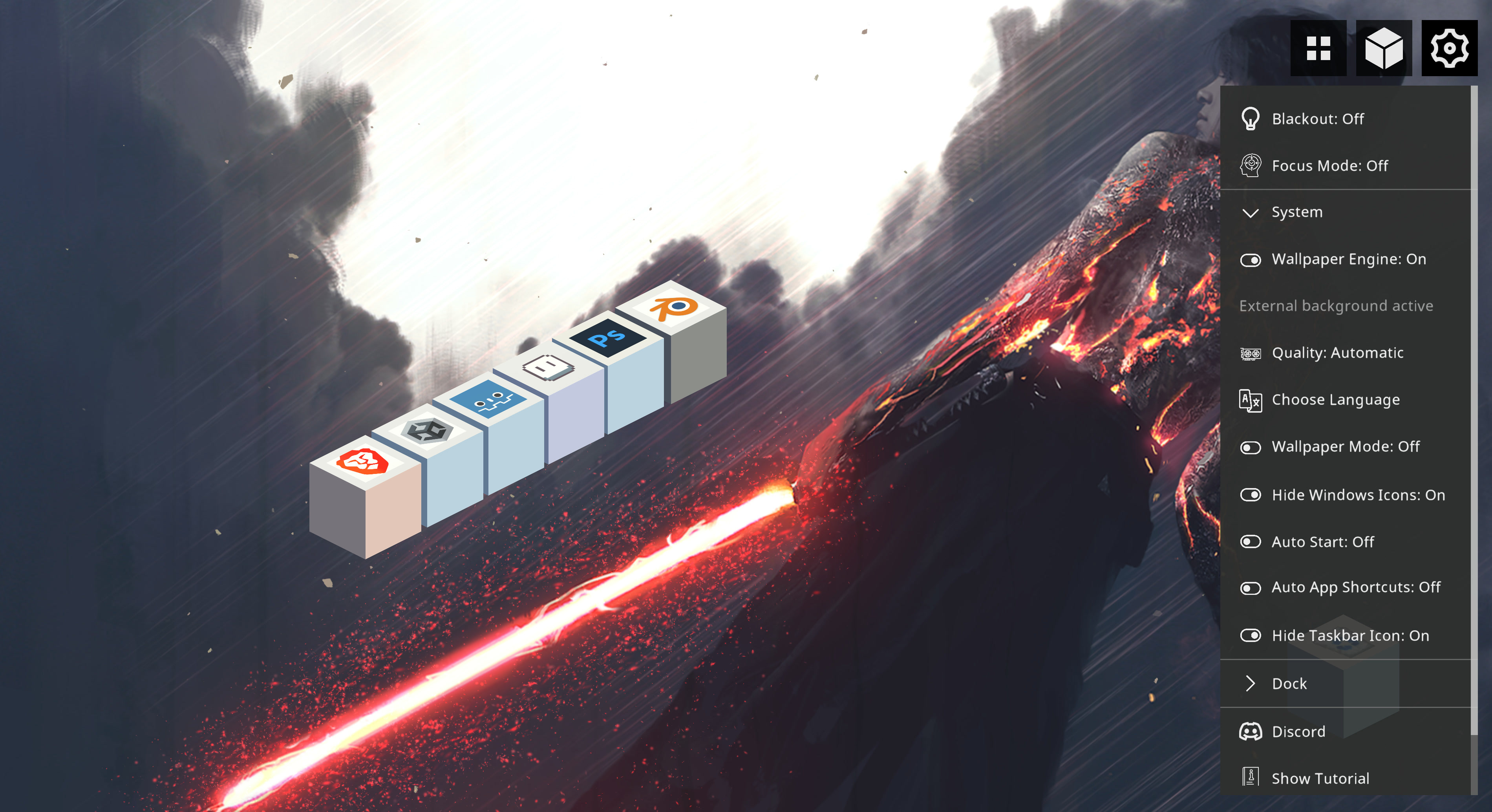
Example desktop with Wallpaper Engine mode enabled. The wallpaper shown is not included with Minimalist Desktop.
Get started
- Run Wallpaper Engine with your preferred wallpaper.
- Open Minimalist Desktop's Settings → System.
- Enable Wallpaper Engine, then arrange your cubes, icons and widgets.
Minimalist Desktop pauses its own wallpaper presentation while this mode is active. Switch the mode off to return to your internal background; your wallpaper choices stay saved.
When you enable this mode, Minimalist Desktop adds its own Wallpaper Engine application rules so animations can keep playing while you click and drag cubes. Wallpaper Engine may briefly restart once to apply missing rules. Close its settings window if setup is waiting, then toggle the mode again.
Your workspace still brings your apps, tasks, Pomodoro timer and widgets together. Choose the layout that fits the way you use your desktop.
Requirements: Windows and Wallpaper Engine, sold separately. Wallpaper Engine and its wallpapers are not included with Minimalist Desktop.
Depot changes
| Depot | New manifest | Previous manifest |
|---|---|---|
| 3937751 | 7320878665817036026 | — |