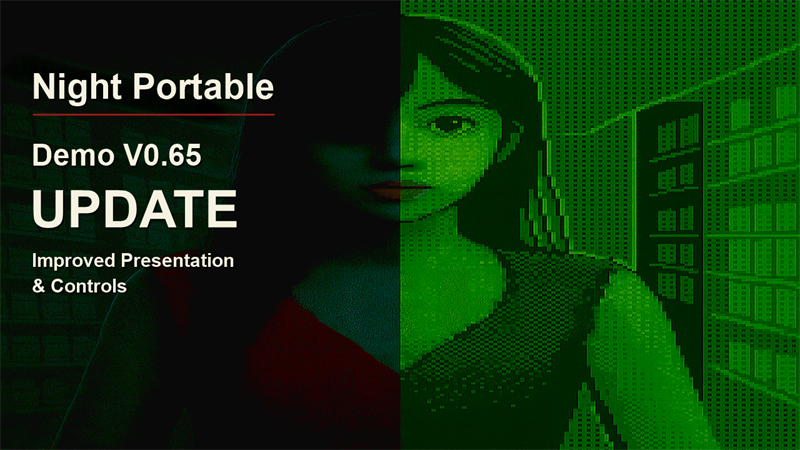
The Night Portable demo has been updated to V0.65.
This update focuses on jumpscare presentation, controls, and gameplay fixes.
Jumpscare presentation
- Adjusted lighting, facial expressions and movement, camera motion, sound effects, and screen effects.
- Updated how held items are shown during jumpscares so the handheld console and work tools no longer obscure the face.
Control improvements
- Added an option to swap the left and right mouse buttons. Control icons and instructions change to match the setting.
- Dialogue at the start of the game, during inspections, in the tutorial, and in the recollection sequence can now be advanced with either mouse button. Also fixed unintended flash use during dialogue or immediately after closing it.
- Improved flash prompts to make it clearer when the flash is charging and when it is ready to use.
Bug fixes
- Fixed cases where touching an enemy in the handheld shooting game did not cause damage.
- Dialogue, visuals, audio, and effects in the recollection sequence now pause with the game. Also fixed a loss of control that could occur when pausing while receiving an item reward.
- Fixed the pace of the clock display at the start of the recollection sequence, including its timing after resuming from pause.
- Fixed cracks from a previous playthrough remaining on the handheld screen when starting a new game from the title screen, including after completing the demo.
Thank you for playing and sharing your feedback and bug reports.
After updating, please check that the title screen shows V0.65.
If you encounter a problem, please let us know in the comments or Steam Discussions, along with the version number and what was happening when it occurred.
More from Night Portable Demo
Other announcements
Demo V0.642: Retry Screen Bug FixThe Night Portable demo has been updated to V0.642. · Fixed an issue where cracks remained on the handheld screen after retrying. Thank you for reporting this issue.Demo V0.64: Make more time for handheld games during your shiftThe Night Portable demo has been updated to V0.64. Based on gameplay videos and player feedback, this update brings changes to the handheld games, the tutorial, and UI readability. The main idea is simple: play a little, get back to work, then pick up where you left off. These changes are designed to make earning items more manageable while you keep up with your duties and watch your surroundin…Demo V0.633: Fixed controller scrolling in PC emailsFixed an issue that prevented scrolling through email messages on the PC screen with a controller. With an email open, move the right stick up or down, or use the D-pad, to scroll through the message.