v1.8.2 BETA Live: Interface Upgrade, Backend Improvements + Smarter Multilingual
Hi everyone,
v1.8.2 has now been released into BETA on the Beta branch so I can make sure there are no widespread compatibility issues before moving it to the main branch. To access the beta branch:
Right-click CielChan in your Steam Library → Properties → Game Versions & Betas → select the beta branch.
This update includes some significant backend changes, particularly an upgrade to CielChan's base harness and local model framework. This allows newer local models, such as Gemma 4, to now run within CielChan.
The previous Llama 3.2 3B base model has also been replaced with Gemma 4 E2B, which offers improved intelligence, generation speed, and memory efficiency. Multilingual response quality is also substantially improved with this model.
Startup time and general memory usage have also been reduced with this update.
Once v1.8.2 moves to the main branch, the original Llama build will remain available as an optional Legacy branch for anyone who prefers to continue using the previous model and framework.
UI Updates
The main vertical sidebar, chat box, and several other areas of the UI have been updated and reorganized.
A new Home button has been added to the vertical sidebar. Selecting it opens a quick settings menu containing shortcuts to areas such as:
Activities
Microphone
Performance
Brain
Other commonly used settings
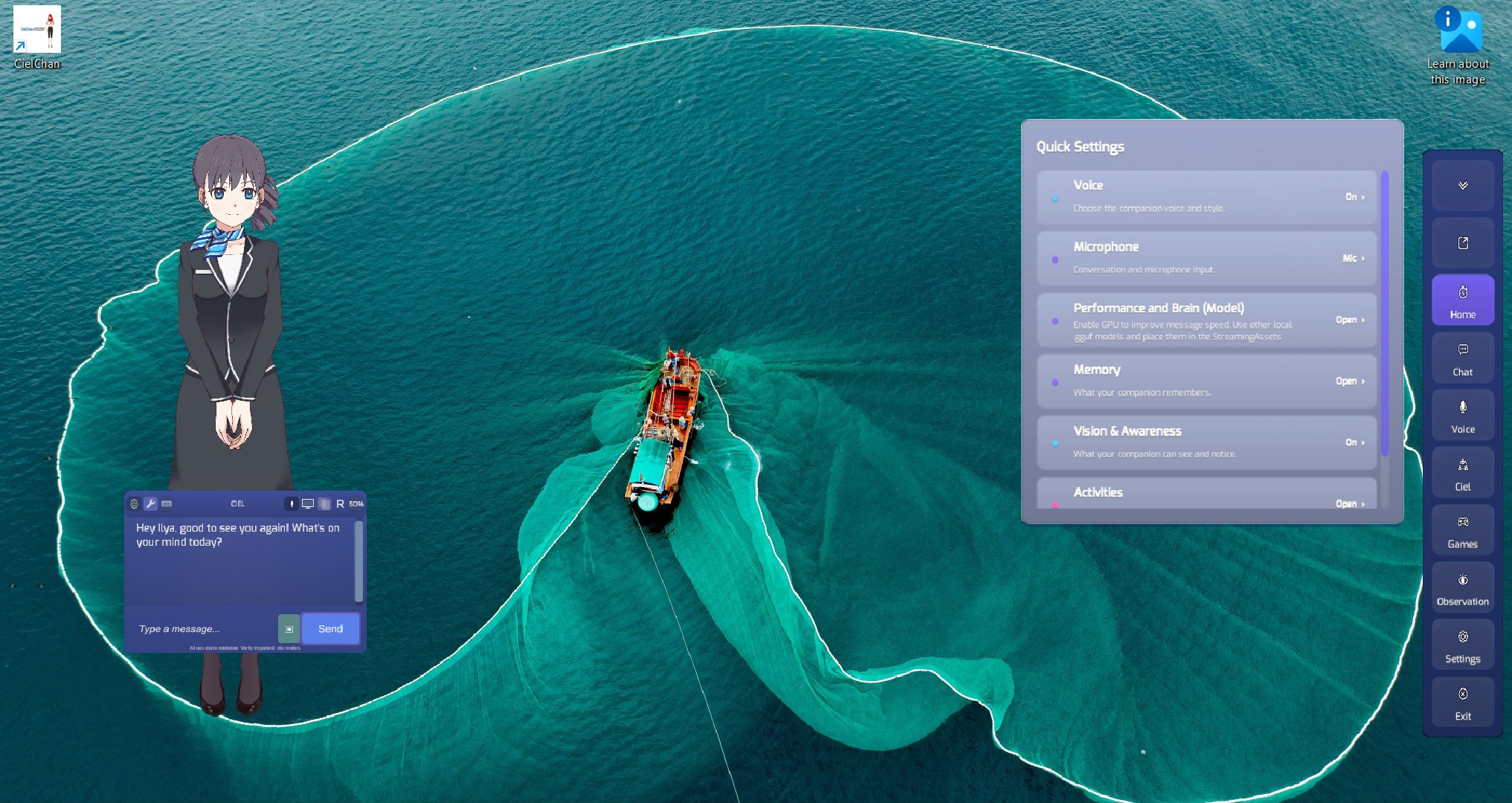
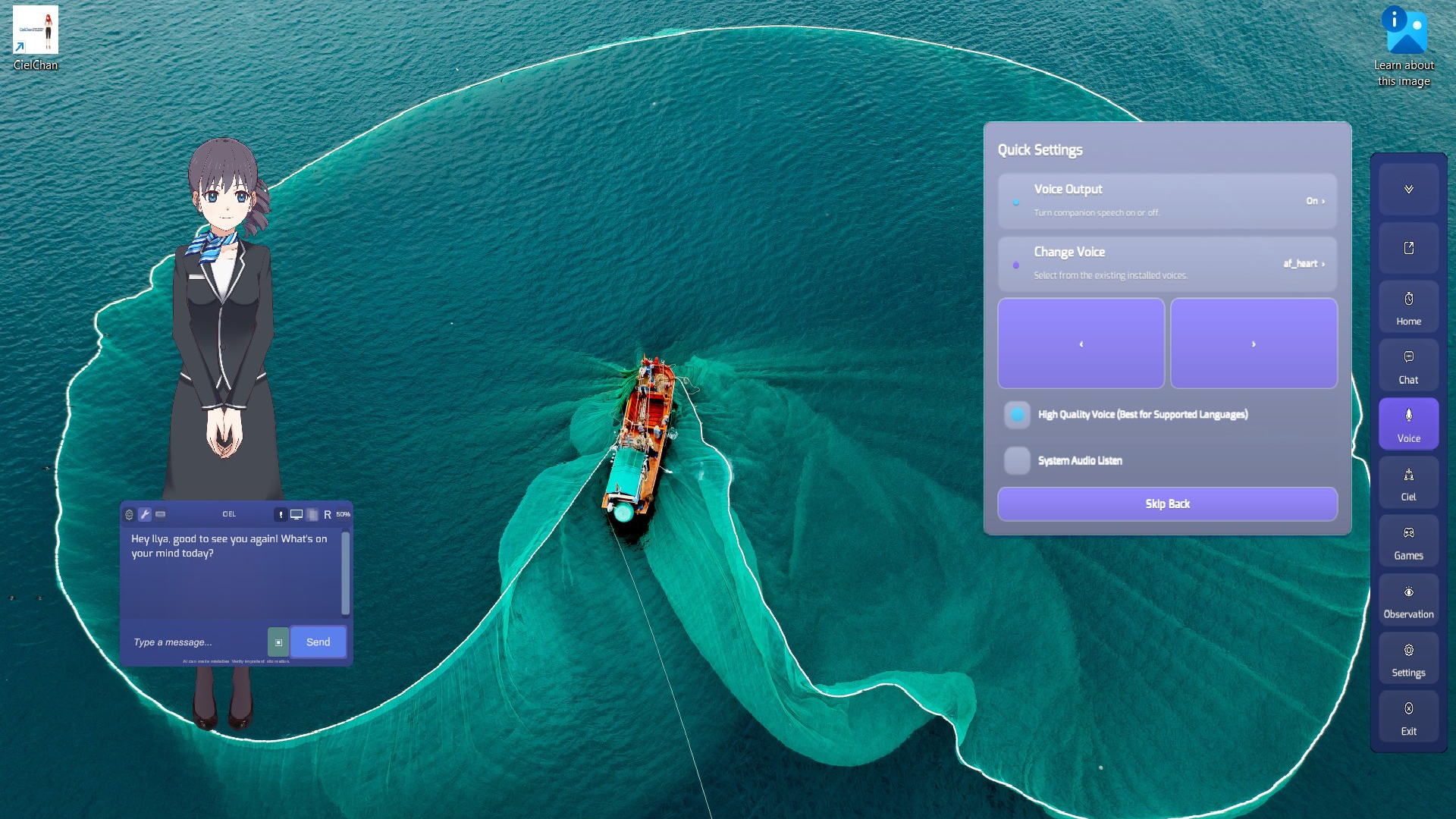

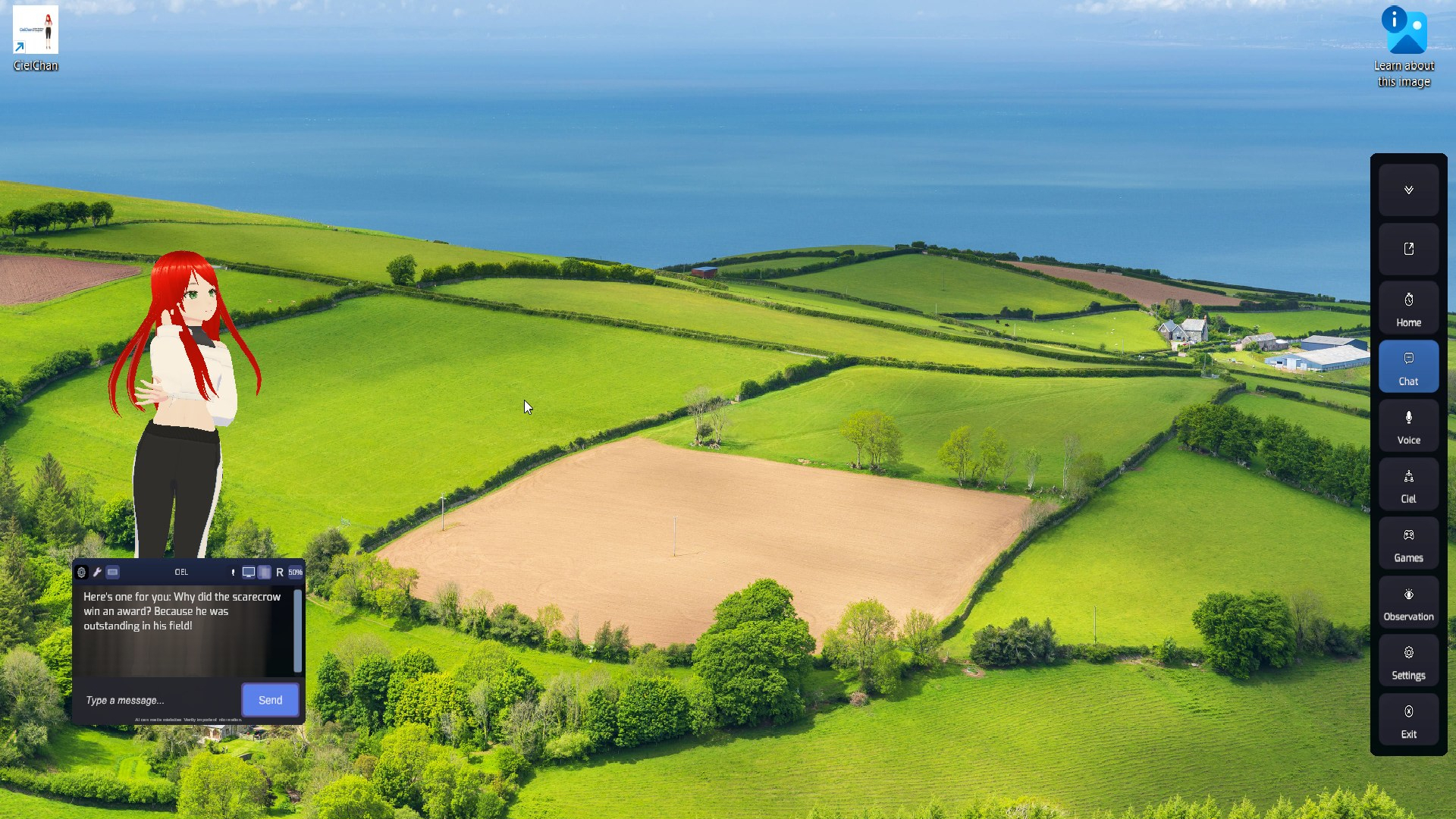
Selecting one of these options will take you directly to the related settings section. This has been introduced to make it easier for newer users to understand where different features and settings are located.
The UI has also received some additional visual polish and expanded color customization. Previously, changing your UI Color primarily affected the vertical sidebar and chat box header. As of v1.8.2, your selected UI color is now applied throughout the interface for a more consistent appearance.
A new UI Color shortcut has also been added to the bottom of the Settings menu for quicker access.
Additional Changes
Cloud LLM Updates
When using a Cloud LLM instead of a local model, the local model will now be unloaded to free up additional RAM.
Observation and Watch Together Refinements
Further refinements have been made to improve consistency and the quality of contextual comments.
Avatar Model Settings
Your avatar model settings can now also be accessed from the bottom of the Companion tab, directly beneath the Personality Cards section.
New Voice Button
A new Voice button has been added to the main vertical sidebar. When additional voices are available for your current language and setup, this allows you to quickly change your AI's voice directly from the main interface.
You can also enable the recommended voice settings from this section based on your currently selected language.
Microphone Button
You can now enable your microphone directly by pressing the Microphone button on the chat box header bar.
Additional Improvements and Bug Fixes
Various other improvements, bug fixes, and refinements have also been included throughout the update.
As this build includes significant changes to the underlying local AI framework, v1.8.2 will remain on the Beta branch initially while compatibility and stability are monitored.
Thanks, everyone!