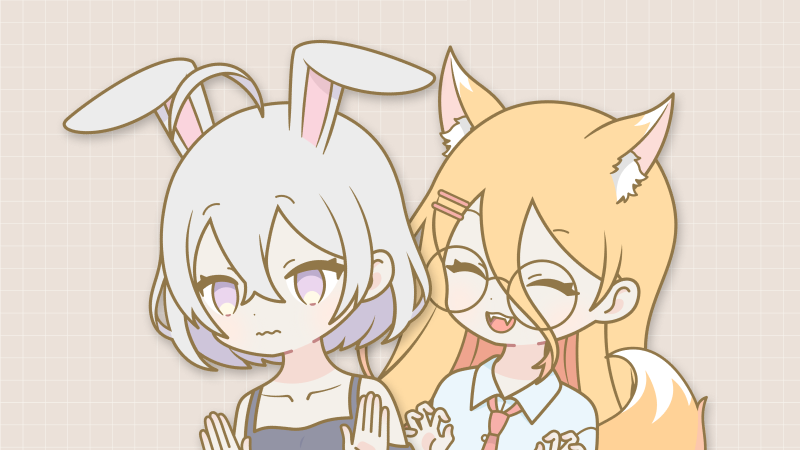
Your custom avatars have a wardrobe now
In custom avatar mode, there's a new wardrobe button next to the uploader. Upload PNG or GIF clothing and props straight onto your own character, drag them into place with the cursor, scale and rotate them with the corner handles, and flip them from the right-click menu. Your character counts as a layer too: right-click any item to move it forward or backward one step at a time, so wings can sit behind you while a scarf sits in front.
Everything saves per character
Each avatar keeps its own wardrobe. Switching characters switches their outfit with them, duplicating a character copies its wardrobe, and .cminiko exports carry the whole wardrobe inside the file, so a character you share arrives fully dressed.
Upload more than one file at a time
The clothing picker takes multiple files in one go, and animated items get a small "gif" tag on their tile so you can spot them at a glance.
A limit that protects your quality
You can wear up to 3 GIF items at once. Trying to equip a fourth shows a prompt explaining why instead of quietly making every animated item choppier. PNG items have no limit.
Under the hood
A large refresh of Miniko's internal libraries, plus small cleanups to the avatar upload window.