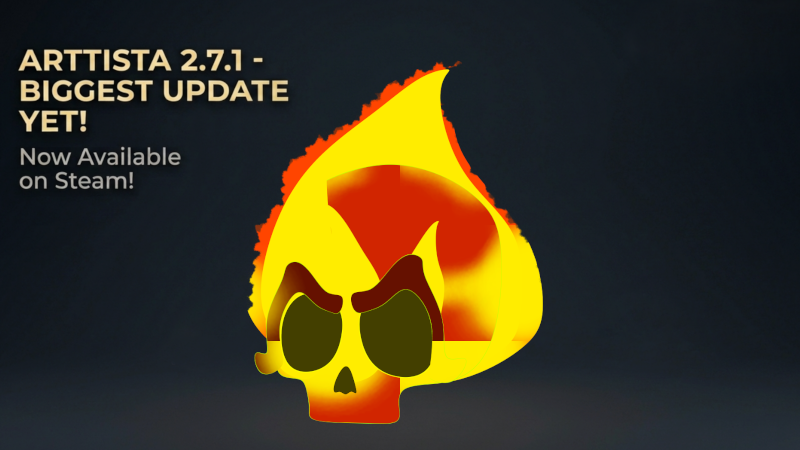
Discover what's new in Arttista 2.7.1!
This update introduces several improvements designed to make illustration and animation faster, easier, and more comfortable. In this video,
we'll take a look at:
• New grouping options with Lock and Staple support
• Staples for quickly selecting groups of objects and points directly on the canvas
• New and more precise value controls in the Edit Panel
• Double-click color editing for fill and outline colors
• New GPU rendering options to help balance performance and visual quality
• A new setting for controlling the number of Undo (Ctrl+Z) actions Arttista keeps in memory
These features are designed to give you more control while working, especially in complex illustrations and animations. This video is dubbed in multiple languages! Check the audio options on YouTube to see if your preferred language is available. Now it's time to create.
Also, there is a new tutorial: How to Draw & Animate a Flaming Skull
In this tutorial, we’ll create a skull from scratch and bring it to life with smooth vector animation, flames, lighting, cracks, and perspective movement.
You’ll see how to use Arttista’s drawing and animation tools to:
🔥 Draw a stylized skull
🔥 Animate the skull turning from side to side
🔥 Create and animate cartoon flames
🔥 Add firelight and glowing colors
🔥 Use keyframes and interpolation
🔥 Add subtle movement to make the animation feel more natural
If you enjoyed the tutorial, like and share the video. It really helps Arttista grow!
👉 Learn more about Arttista: https://arttista.com.br
Arttista is vector drawing and animation software designed for artists who want to draw, animate, and experiment without getting lost in complicated workflows.