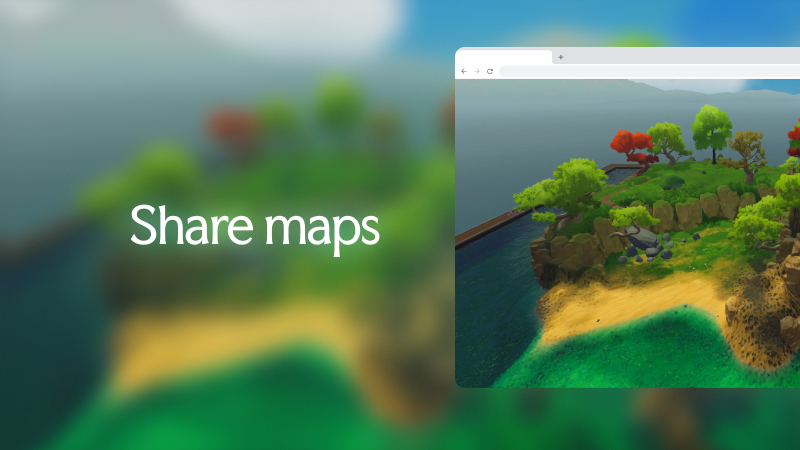
This update makes it easier to build, save, and share your maps. It adds a saved map library, cloud sync, smoother camera controls, and trackpad support, with better performance and fixes throughout Worldmage.
This work lays the foundation for future VTT integration. The aim is to let you edit maps in Worldmage and seamlessly see those changes directly in web-based VTT tools... or vise-versa.
🧭 Biggest changes this build
Added web map sharing URL links to all maps.
Added a saved map library with autosaves, background cloud sync, import, rename, duplicate, delete and Steam account auth based access.
Improved camera control with better camera limit handling and zoom/pivot options.
Added laptop trackpad support with two finger panning, pinch to zoom and ALT for orbit.
Improved performance with major TerrainV3 upgrade.
Added basic settings menu with cloud synced user settings and device specific settings.
🌎 Build the World
Added Alt/Option-drag duplication for placed objects.
Improved automatic cliffs, cliff blending, terrain layers, the terrain grid, and path painting.
🌦️ Bring It to Life
Improved the day-to-night transition so colours change smoothly.
Improved ambient colour, shadows, wind normals, grass stability, snow on foliage, and foliage rendering.
Improved terrain, cliff, snow, weather, and grid rendering after the TerrainV3 upgrade.
🎲 Run Your Adventure
Added map sharing. You can copy or open a share link for the current map.
Added Steam sign-in and cloud synced map access in the app.
🛠️ Creator Tools
Added the saved-map library. It shows local and cloud maps together with thumbnails, paging, and update times.
Added reliable local autosaves and background cloud sync. Worldmage saves to a local workspace first, retries interrupted syncs, and protects unsynced work during app close.
Added map actions for open, rename, duplicate, delete, share, import, and export.
Added a map-name field to New Map. New maps now use Untitled when no name is set.
Added account settings that sync between devices. Machine settings stay on the current device only.
Added Graphics settings for VSync, frame-rate limits, and texture quality.
Added Controls settings, adjustable camera look sensitivity, and a reset-to-defaults action.
Added Screenshot settings with direct capture and current-resolution options.
Added the Settings menu in the Steam build.
Improved camera pan, orbit, and zoom. The camera now follows pointer movement more closely and keeps a stable orbit and zoom point.
Increased the camera zoom range.
Added faster vertical camera movement when you hold Shift with Q or E.
Added trackpad navigation on Windows and Web, including pointer-centred orbit and zoom.
Camera orbit input now automatically exits the orthographic top-down view.
Fixed the Q and E camera-height shortcuts so they do not conflict with rotation for a selected object.
Added clearer basic instructions and adaptive trackpad instructions.
Added local map recovery. Worldmage keeps the current and previous complete save, so it can use a valid copy after an interrupted, failed or damaged save.
Windows screenshots now save to Pictures/Worldmage. The saved-image dialog shows the file path and an Open folder button. It stays open until you close it.
⚡️ Performance
Improved large-map rendering, terrain rendering, cliff-rendering, GPU batching, map loading, and cache reuse with TerrainV3 upgrade.
Added local caches for map files, thumbnails, and the saved-map library. Repeat map loads and copies now need less network and file work.
Improved saved-map library response by letting the panel appear before loading previews and reducing repeated archive checks.
🐛 Fixes
Fixed camera zoom around high terrain and corrected immediate zoom-limit changes.
Fixed fence connections, terrain-grid rendering, grass flicker, shadow cascades, cliff seams, and blurry output.
Fixed the selected-object Delete button and prevented rotate, scale, and height handles from starting an object move by mistake.
Fixed repeated sync requests for deleted maps after recovery had already failed.
Fixed path handles and brush cursors so that they don't show up in map thumbnails.
🔧 Development
Added a local map library, save lifecycle, and map import for standalone development builds. Local development maps are kept separate from account maps.
Added usage and exception reports to help identify faults and tool use. Exception reports omit message text and remove file paths and arguments from stack traces.
🔮 What's Next
Adding a public development branch on Steam so you can access changes sooner.
Continue to add and polish procedural building system and building editing.
Continue to improve cloud-map reliability and saved-map clarity.
Continue to tune camera controls, performance, and tool feedback from playtests.
Ship map editing on Web builds.
Continue UI redesign and start implementation.