Hi there!
Since our last update, we've been set on making progress with SkateLab's Object Dropper. Our primary goals were to add the abilities to spawn new objects, and to save & load map layouts.. and of course to add more placeable objects to the game. This necessitated reworking a lot of the object dropper's back-end to enable more flexibility for us and modders. In the time it took to do that, we managed to accomplish a few more things.. and today we're stoked to be sharing the progress with you! Here's a (mostly) full list of what's new:
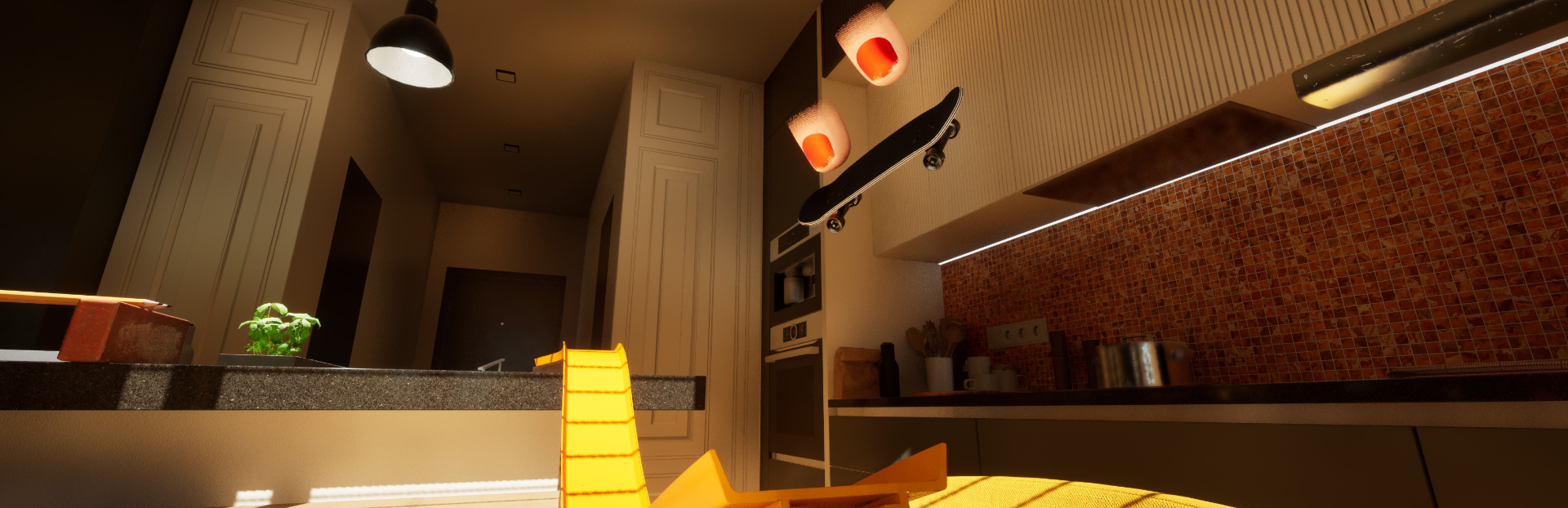
New Content
- Added new map - The Flat
- Added new "shoes" - Fingertips
- Added new Create & Skate layout to include many of our new placeable objects
Object Dropper
- Added ability to spawn new objects (press X/Square while in Object Dropper with no object selected)
- Added ability to save & load object layouts (press Start button while in Object Dropper)
- Added a number of new placeable objects to the system
- Added new options for placeable lights
- Added ability to Add & Remove points from Shapeable objects
- Added movement speed adjustment (Dpad Left/Right)
- Added camera zoom adjustment (LB + LS up/down)
- Changed ground snapping to an on/off toggle where the object will snap to ground while moving
- Changed Z axis rotation from world space to local space
- Added ability for modders to add their own custom objects as placeables in a similar way to adding custom maps currently. (Custom objects will be added to their own tab in the Spawn Object menu, tutorial coming soon)
Physics
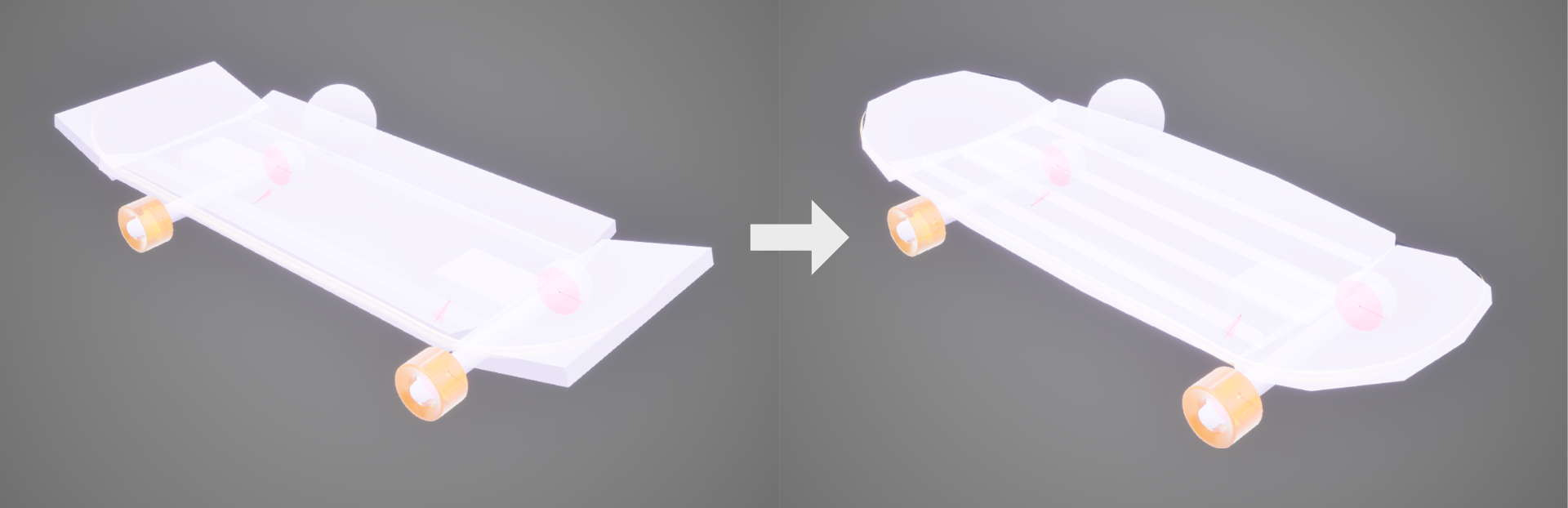
- Changed the board's Collision bodies to more closely match its actual shape. This is most noticeable during scooped tricks, which previously would pop in unpredictable directions from hitting sharp corners.
- Changed ollie leveling torque pivot, resulting in slightly more natural in-air movement
Performance Optimization
- Added LODs to the board & many objects resulting in a significant performance improvement across the game
- Reworked collision in Amphitheater map, which was previously causing some hang ups & lag
Misc
- Replaced 'Long' camera preset with 'High' preset
Known Bugs
- If MP host cancels from moving an object, said object has no collision for clients until placed again
For a reminder on how to enter the Object Dropper: you can enter Board Placement at any time by pressing Y/Triangle - from Board Placement mode, press X/Square to enter Object Dropper & follow the on-screen UI to manipulate objects & create your own spots. We hope you'll enjoy these changes!
What's next?
Over the time we took working on these features, we've had a lot of new ideas about Physics & Mechanics - so that's where our focus will be pointed in the coming weeks - and we're hyped for it. Along with that, we've already been putting some effort into exploring new game modes & adding in-game tutorials. It's a strong goal of ours to not only improve our mechanics, but to better teach these mechanics to new players, and keep gameplay fun & engaging for those returning to the Lab.