Update: 1.0.100 (Fast Forward, Pause, ...)
Approximately Up · published · build 24864928
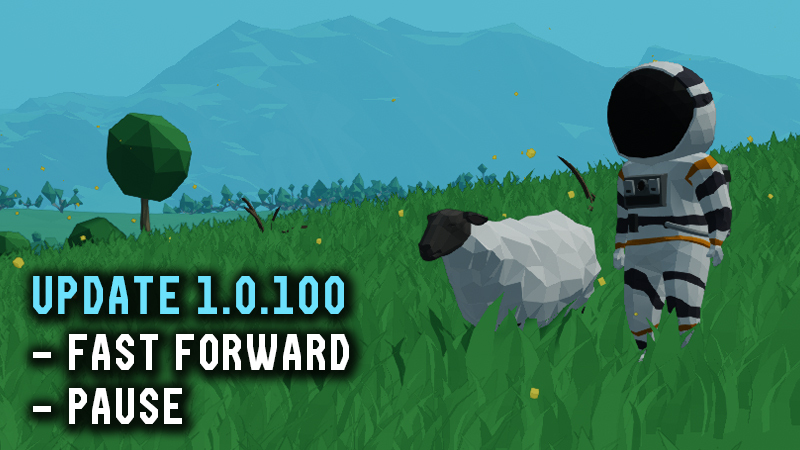
Hey guys! New update 1.0.100 is out:- Added Pause and Fast Forward to the Time Controls menu (default: P), alongside Time Rewind.
- Both Pause and Fast Forward work in singleplayer and multiplayer.
- Fast Forward speeds up the entire simulation by 3x. Nothing is skipped or simplified—the whole simulation simply runs faster.
- Because the game has to simulate 3x as much, Fast Forward uses more CPU resources and may reduce FPS.
- Added a blinking sound when you are about to complete an objective, when the required item starts glowing.
- QoL: Right-clicking an item in the inventory list now puts it directly into your hand without needing to assign it to the hotbar first.
- Highlighted the middle line of the Gyro-Line to make the center of the screen easier to see.
- Changed Fullstar/Halfstar into 3 individual stars.Performance & Simulation:
- Improved overall game performance by around 10%, most noticeable with very large spaceships. In my test case, FPS increased from 126 → 138 in Build Mode and 80 → 87 in Fly Mode.
- Improved simulation determinism.
- Improved player and package depenetration. Packages such as the Tree Lid or Hazard Barrel should no longer glitch out of the spaceship while being moved by hand.
- Fixed movement artifacts that could slowly push you out of a spaceship while it was landed.
- Improved Long Range Distance Meter calculations from float to double precision, which should help detect extremely distant and small planets.Balance & Gameplay:
- Slightly decreased the strength of solar storms.
- Lowered gravity inside the Black Hole Tunnel by 100.
- Reduced the radiation radius of the Hazard Barrel.
- Simplified Solar Shield absorption. It previously used flux values, which could be confusing; it now works in degrees as expected.
- Changed the tutorial ship to use only one electric circuit instead of multiple. This should prevent new players from being confused when the Radar, Display, and RCS Thrusters shut off after roughly 13 minutes of flight because those two front batteries died.Fixes:
- Fixed the Seat outline.
- Fixed some components not appearing in the Objectives inventory tab.
- Fixed knobs on some components not having reduced sensitivity while holding Control.
- Fixed incorrect tree colliders at the Moonstep base.
- Fixed the default FOV of the Camera With Zoom and Rotational Telescopic Camera.
- Fixed an integer overflow when placing an extremely large amount of mass in the building area.
- Fixed thruster heat areas being offset by 0.01m, which could cause floating-point precision issues at their edges.
- Fixed the Red Tank description.
- Fixed packages disappearing from the spaceship after a Time Rewind if they were outside the spaceship before the rewind.
- Fixed packages not being able to take out from the spaceship during spacewalks.
- Fixed Wind Shield wind absorption being incorrectly applied to physics.
- Updated the description of the Ducted Fan speed port.