Fix: the game could reinstall itself after uninstalling — and how to clean it up
Desktop Driller · published
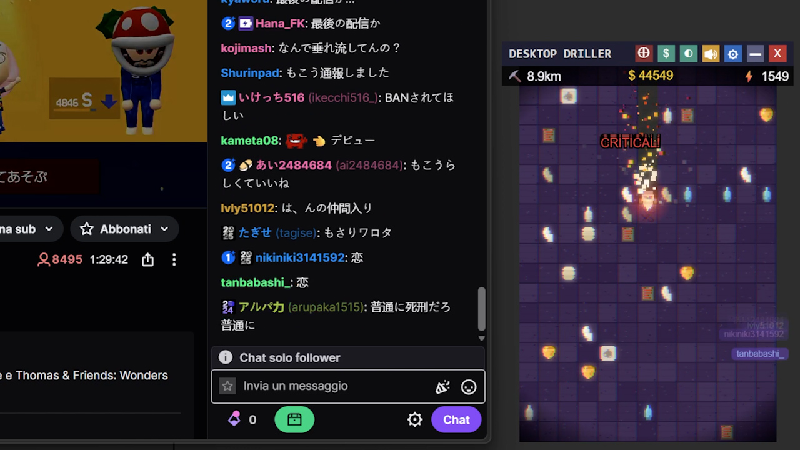
We shipped a fix for a serious bug, and we owe some of you an explanation and an apology.
What went wrong
On first launch, Desktop Driller used to automatically enable the "start with Windows" option, and it registered that startup entry in the following way: instead of pointing to the game's own executable, it pointed to Steam with a command telling Steam to launch the game.
Steam's uninstaller does not disable that entry, so it stayed behind after uninstalling. At every login, it told Steam to launch a game that was no longer installed, and Steam responded by adding it back to your library and queuing the download. Because the game is free-to-play, it could even re-add the license to accounts that had removed it.
This was a bug, not a dark pattern. It was never meant to survive uninstalling, and we are sorry for the time and trust it cost you.
What we changed
The startup entry now points to the game's own executable, so it stops working the moment the game is uninstalled. Windows ignores it.
Starting with Windows is now opt-in. New players choose during the tutorial, existing players are asked once the first time they launch the updated game, and the option can be changed anytime in Settings. The Settings toggle also used to display the wrong state for Steam players, showing "off" while the option was actually on. That is fixed too.
If you still have the game installed
You do not need to do anything. The next time the updated version runs, it repairs the old entry automatically.
If you already uninstalled the game and it keeps coming back
The leftover entry is still on your PC, and the update cannot reach it. There are two ways to deal with it. Both take about a minute, and you can pick whichever you are more comfortable with.
Option 1: stop the entry yourself, without reinstalling anything
1. Press Ctrl+Shift+Esc to open Task Manager, then open the "Startup apps" tab.
2. Right-click the column headers and enable the "Command line" column. This matters: the entry launches Steam, so it may be listed under the name "Steam".
3. Find the row whose command line contains steam://rungameid/4529840 and disable it.
4. Do not disable the plain "steam.exe" entry with no command after it. That one is Steam's own startup entry, and you probably want to keep it.
Option 2: let the game fix itself, if you would rather not touch Windows settings
The game is a small download, and the updated version cleans up after itself. You can remove it again immediately afterwards.
1. Reinstall Desktop Driller from your Steam library and launch it once.
2. The game will ask whether you want it to start with Windows. Answer No. If you see the tutorial instead, uncheck the "Start with PC" box on the last page before pressing Start. This is the step that matters: it deletes the leftover entry completely.
3. Close the game and uninstall it as usual. Nothing is left behind.
Whichever option you choose, the game will stay removed until you decide otherwise. If it was re-added to your library, you can remove the free license again from your account page.
Thank you to everyone who reported this issue, including in reviews. That is how we found it.
If you get stuck, post in the Steam Discussions for this game or email us at [email protected] and we will walk you through it personally.