Hey everyone!
A new major update (v1.8) is now live with a lot of new features! 🎉
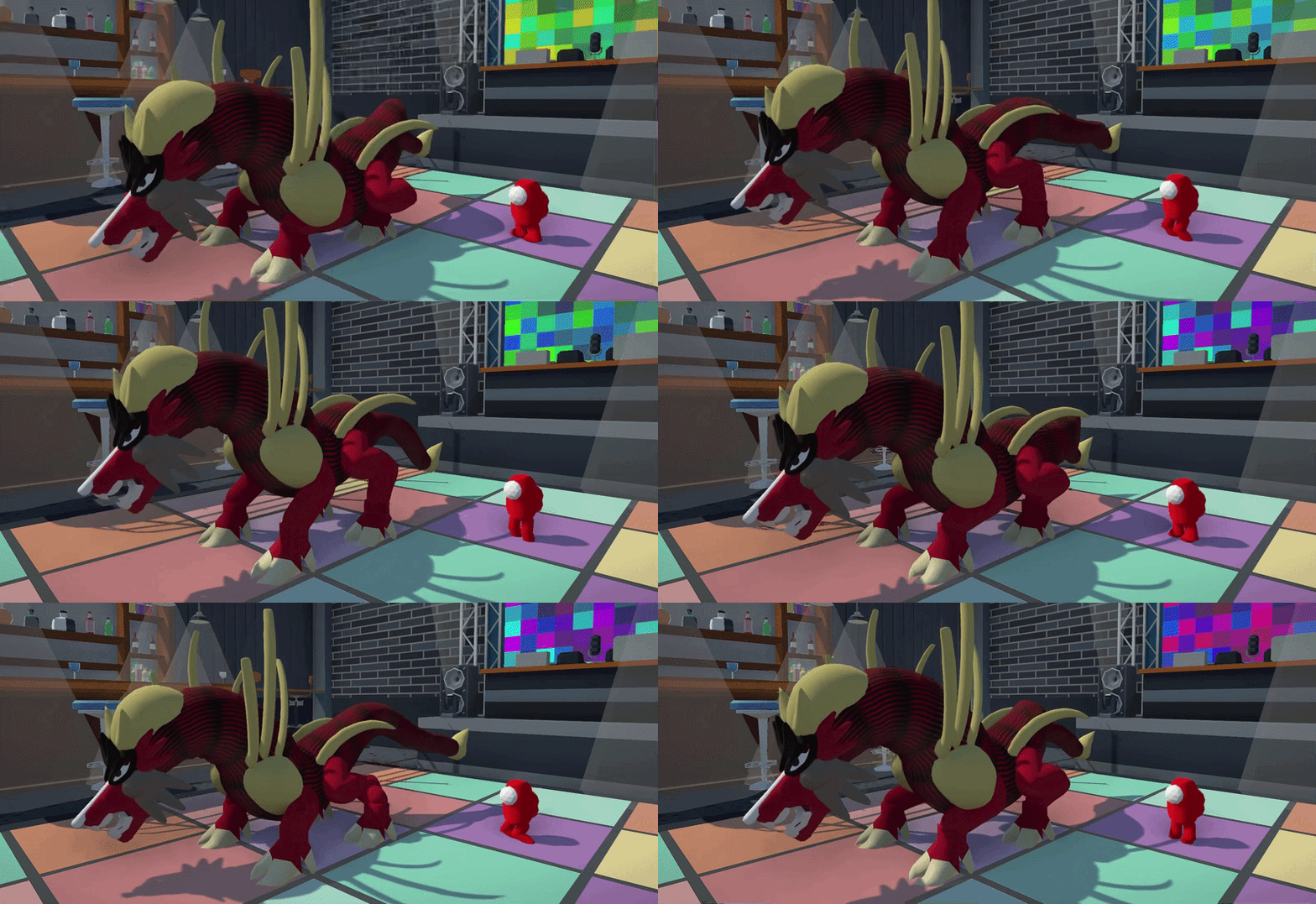
Minigames Mode
The old “prioritize minigames” option has been replaced with a full Minigames Mode.
In this mode, players are automatically taken through all the minigames on a map. When one minigame ends, the next begins right away. Once all minigames on the current map are finished, the game rotates to a new map and keeps going.
I’ve also fixed several issues with minigames and even implemented creature scaling, which now also scales up Kaijus in the Kaiju Hunt minigame!
Multiplayer Player Options Menu
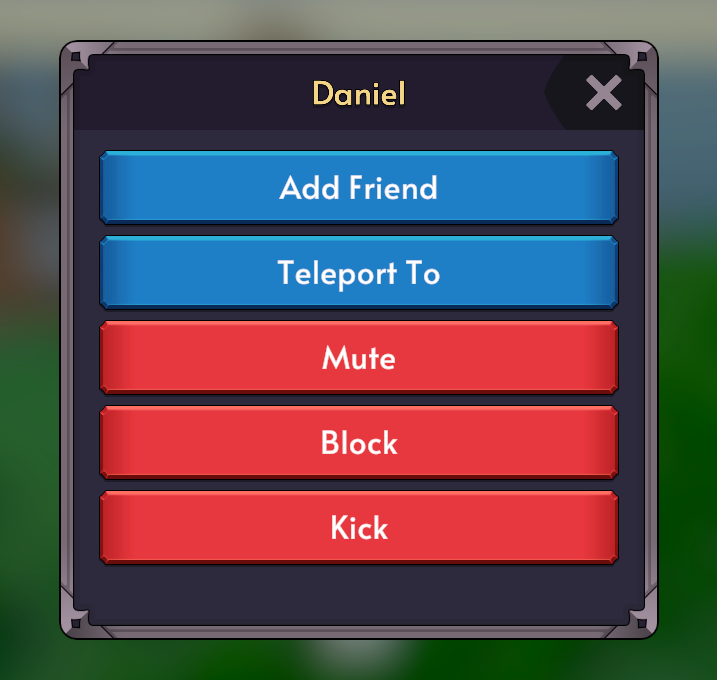
Clicking a player’s username now opens a proper interaction menu instead of only sending a friend request.
From this menu, you can:
- Add/Remove Friend (send a friend request like before or remove them from your friends list)
- Mute (hide messages from that player)
- Block (prevent all interactions and blocks them from joining your public worlds)
- Teleport to Player (send a request to teleport to them)
I’ve also fixed several issues with the friends system in-game and added a popup dialog to show when you have the reached the limit of 50 friends.
Emotes Menu
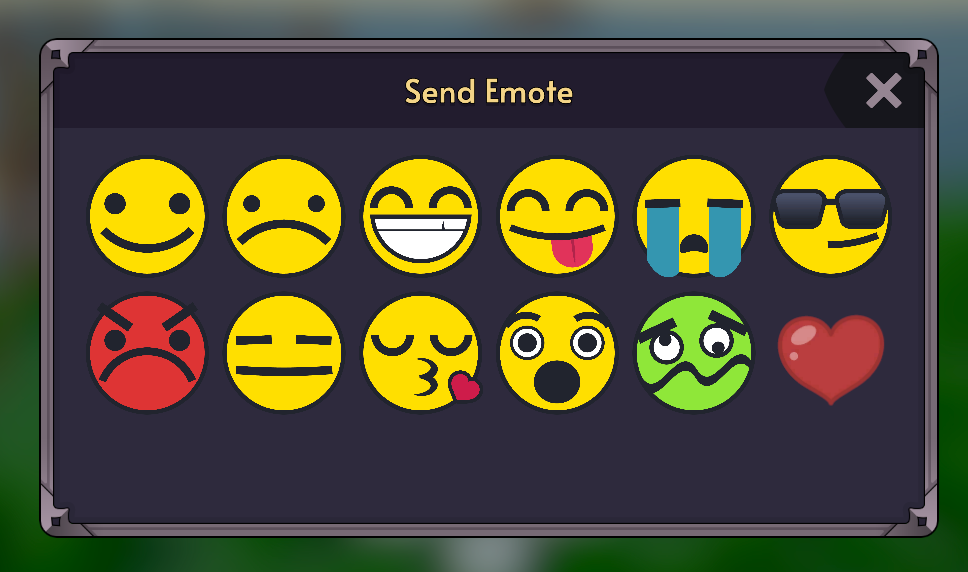
You can now send large emojis in addition to speech bubbles when chatting with your friends.
For younger players, emote chat is now the default option, however this can be overridden in the settings menu.
Chat Censor Option
There is now a client-side chat censor toggle in settings. When enabled, profanity is censored while the message itself is still shown. If you click on the message in the menu, however, it will reveal the full message.
For younger players, this is enabled by default, however, this can again be overridden in the settings menu.
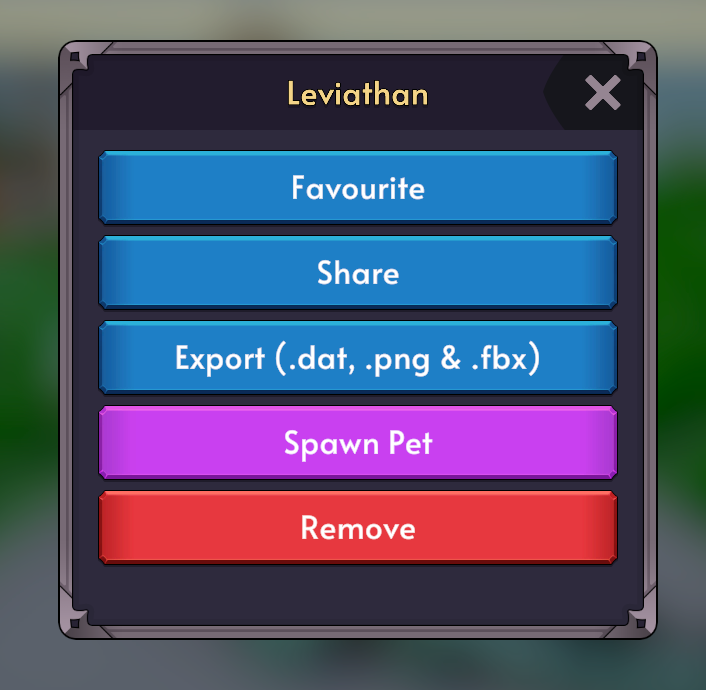
Creature Options Menu
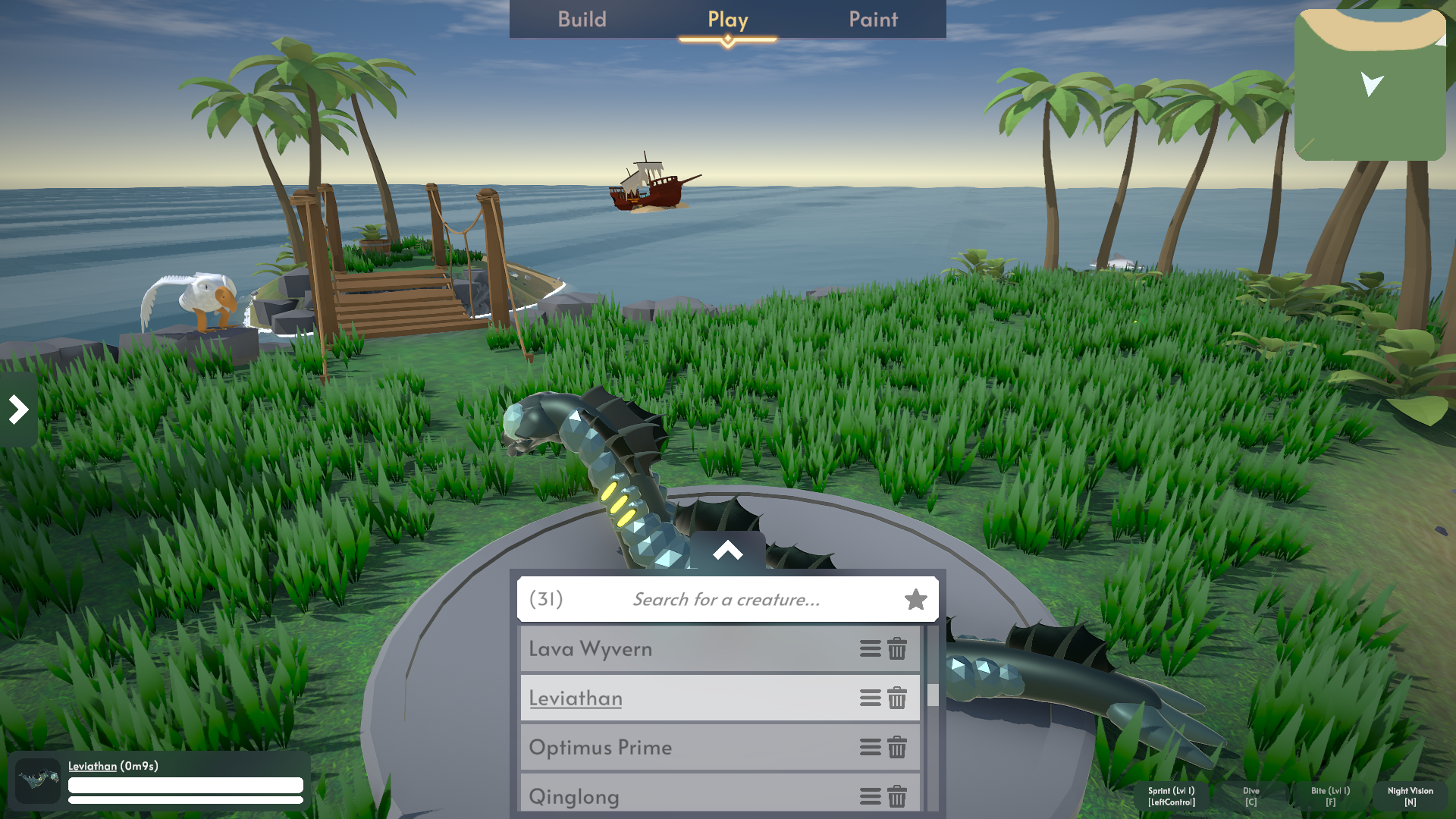
I’ve significantly improved the options menu UX, which previously would have been difficult to navigate for newer players.
Clicking on the options button next to a creature’s name will open up a menu with all the relevant options. I also added:
- Favourite creatures (which can be filtered in the search by entering “*”)
- The number of creatures shown
Custom Map SDK Improvements
The custom map SDK has had a major upgrade.
New and improved tools include:
- Holdable interactables
- Edible interactables
- Object spawners
- Creature display spawners (that can be copied from for themed maps)
- Zones
- Kill zones
- Out-of-bounds behaviours
- Bounded objects
- Custom water types
- Post-processing volumes
- Better layer handling
- NavMesh support and automatic baking when needed
- Better backwards compatibility for older custom maps
- Improved custom map security validation
Custom maps should now be able to support much more dynamic gameplay.
Creature Abilities
Several abilities have been added or improved:
- Smell (shows edible items nearby on the minimap)
- Sense (shows unlockable items nearby on the minimap)
- Throw objects (added to all hands)
- Dive underwater (added to feet and fins)
- Whistle (added to bird mouths)
Creature Sounds & Animations
This update adds several new animations, including swimming, falling, and gliding, along with some dynamic sounds that are I’ve also adjusted biting sounds so they now change based on a creature’s size and weight.
Pets
Turn any of the creatures you’ve created into a pet that joins you on your adventures! Take them anywhere, watch them interact with the world, give them commands, care for them, and even dance together as you explore the world side by side!
You can check out the Pets DLC on Steam here: https://store.steampowered.com/app/4845920/Creature_Crafter__Pets/
Note: Pets are essentially treated like additional players in a lobby, which means they add extra server load and ongoing hosting costs. Because of that, this feature needs to be paid so I can keep supporting it sustainably. Thanks so much for understanding!
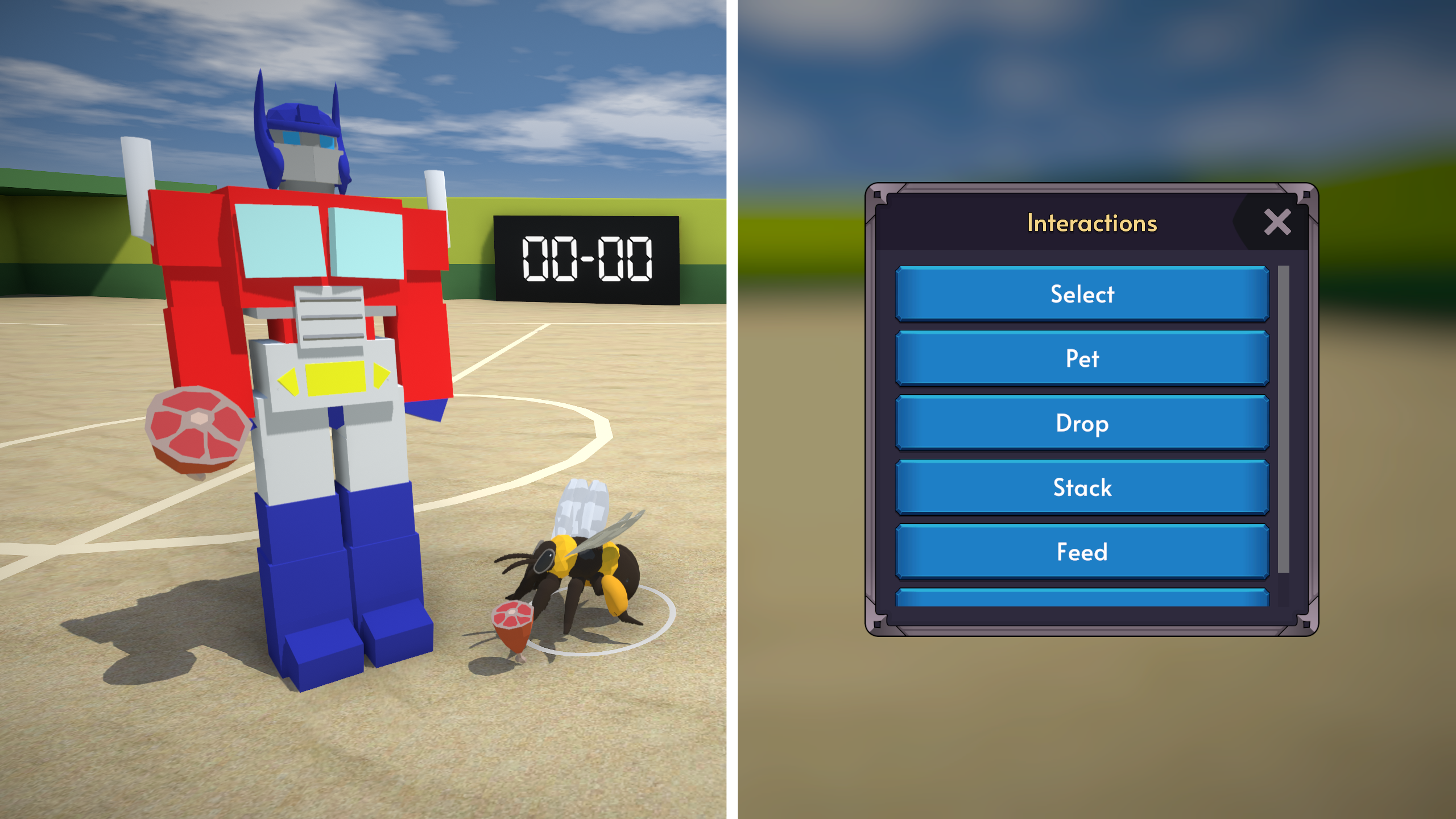
Interactions system
The interactions system had a big upgrade!
On mobile, you can now click on any interactable, and a menu will be shown with all the possible interactions! You can show this menu on PC as well by right clicking on an interactable.
This is also especially useful for the pets update to give commands to your pets (move to, eat, feed, etc.).
Special Days
I just thought it would be a fun idea to add some decorations for seasonal events! Be on the lookout for them throughout the year!
Performance, Security, and Fixes
As always, there are many smaller bug fixes and polish changes.
Some optimisations include:
- Optimised netcode
- Device specific optimisations that classify your device based on your hardware and choose a recommended settings preset.
- Experimental creature optimization setting and mesh baking
Importantly, I’ve fixed the exploits that could have allowed cheaters to perform brute-force attacks to discover private and password-protected lobbies.
I’ve also significantly improved the game’s protection against players using scripts or modified game clients to cheat. Many additional validation checks have been added to detect and prevent these exploits in-game.
Most importantly, if you’re the host of a world, you shouldn’t have to worry about these players disrupting your experience.
Thanks so much for your support!
I’ve spent nearly five years working on this game and I’ve poured so much time, care, and energy into it, so your continued support means a lot!
I hope you enjoy the new update! 🎉
Cheers,
Daniel