TinyTD Devlog 01: Routes aren't one-way anymore, and results that explain more
Tiny TD · published
This update is mostly about how Gauntlet plays, plus a redo of almost every screen in the game. Here's what changed.
Gauntlet: branch off from where you've been
Before, Gauntlet only let you move into an unvisited room next to the one you were in. Now you can pick any unvisited room that touches the map you've built so far: the hero walks back through the rooms you've cleared by the shortest path, then steps into the new one. Each room on the way costs 1 step and counts toward your safe steps as usual.
The new room's road connects to the room the hero walked in from, so the more of the map you explore, the more the spawn points branch out like a tree. Gauntlet is still about making the most of the tower spots you already have, so towers in earlier rooms stay where they are and keep defending, and monsters from every spawn walk the roads to the front line.
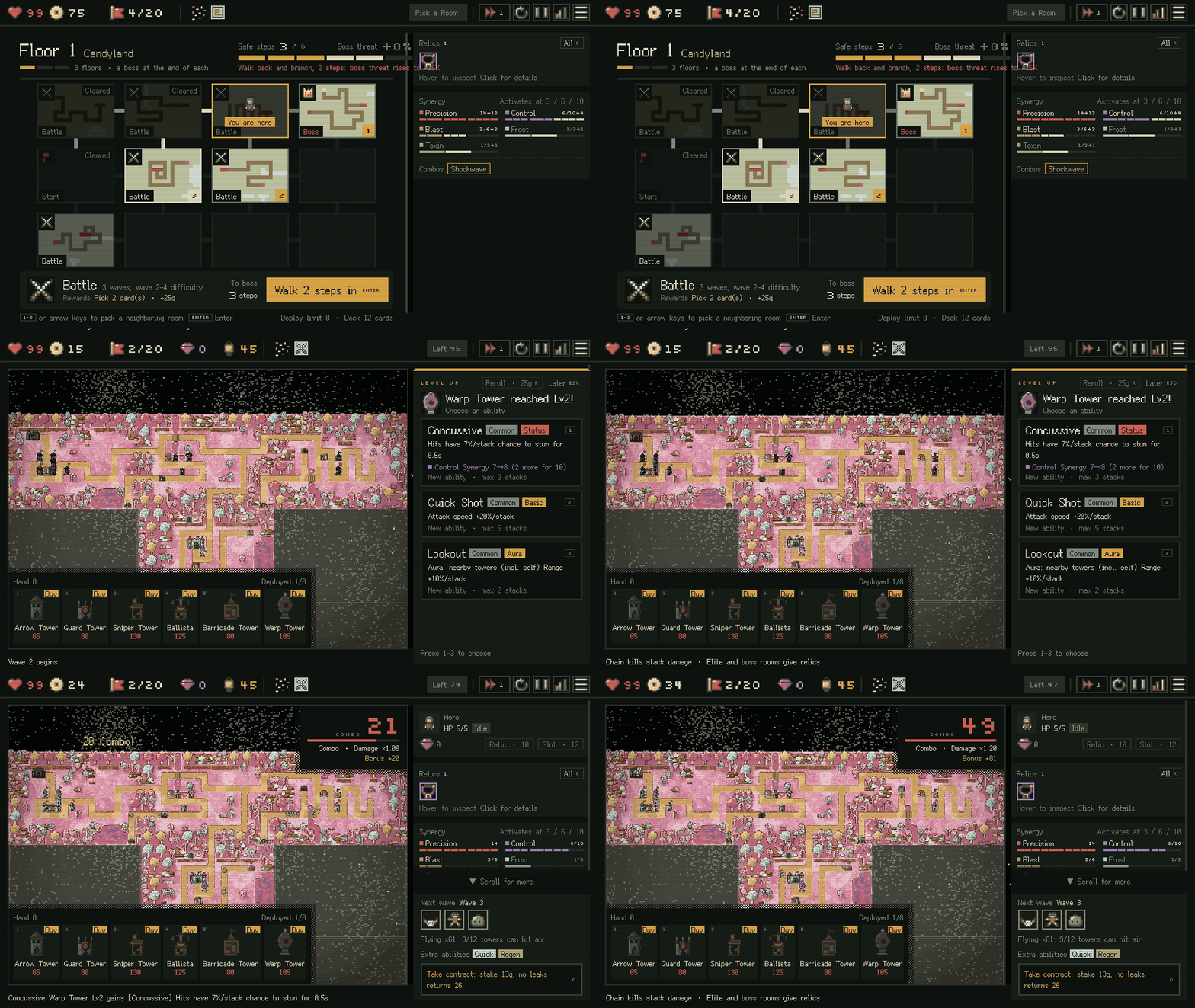
New room picker
The floor map is now one big panel. Each room shows a thumbnail of its paths and its room type, and once you've been through a room it gets a clear "Cleared" mark.
Rooms you can enter have a number key, so you can pick one with the number or arrow keys and press Enter to go in, or just click it. When you select a room, the whole walk there lights up, so you can see right away whether it puts your safe steps at risk. The bar under the map tells you how many waves the room has, what the reward is, and how many steps you are from the boss. Rooms you'd have to walk back to show the step count on the button, like "Walk 2 steps in", so try not to double back for branches too often.
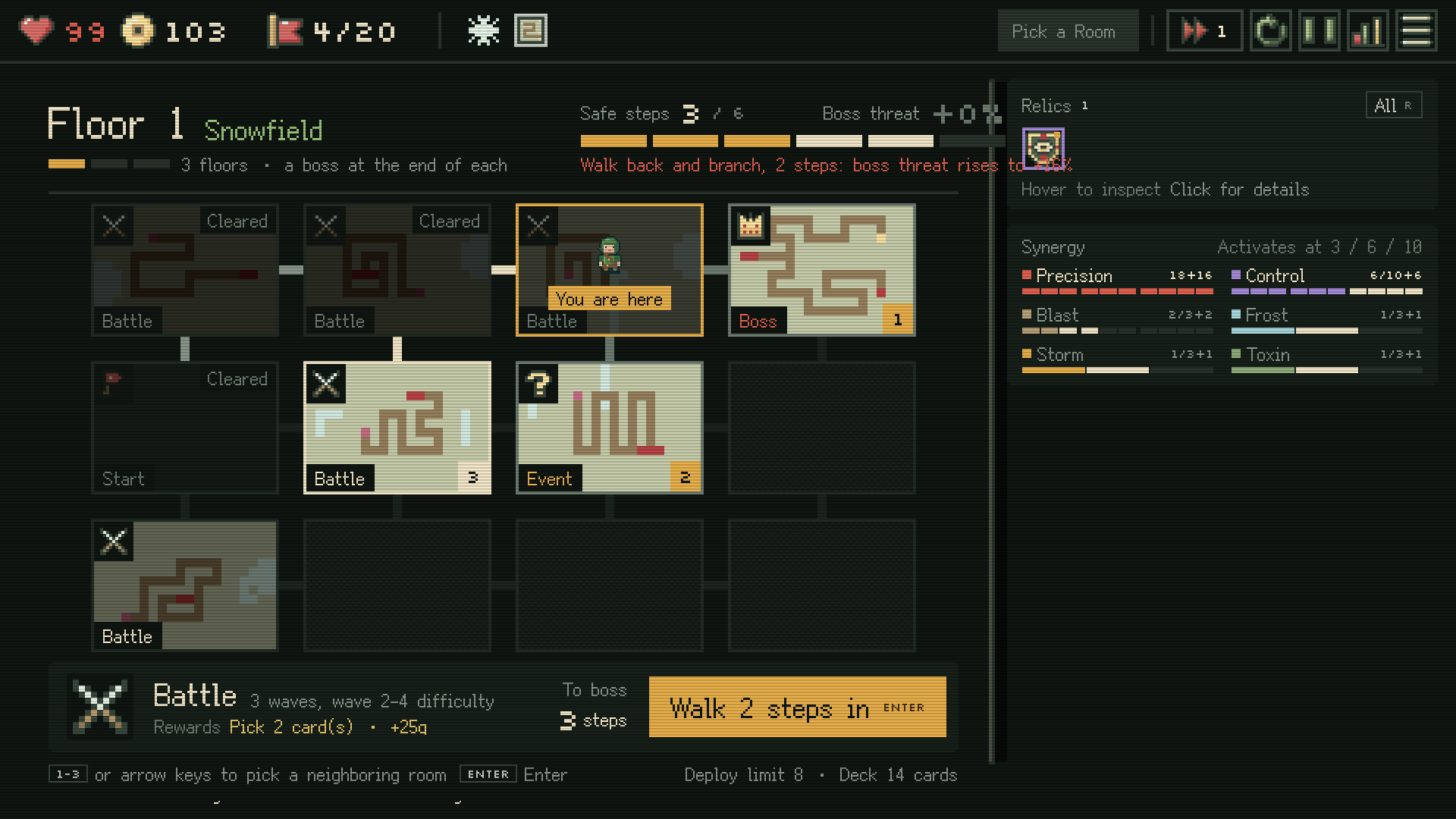
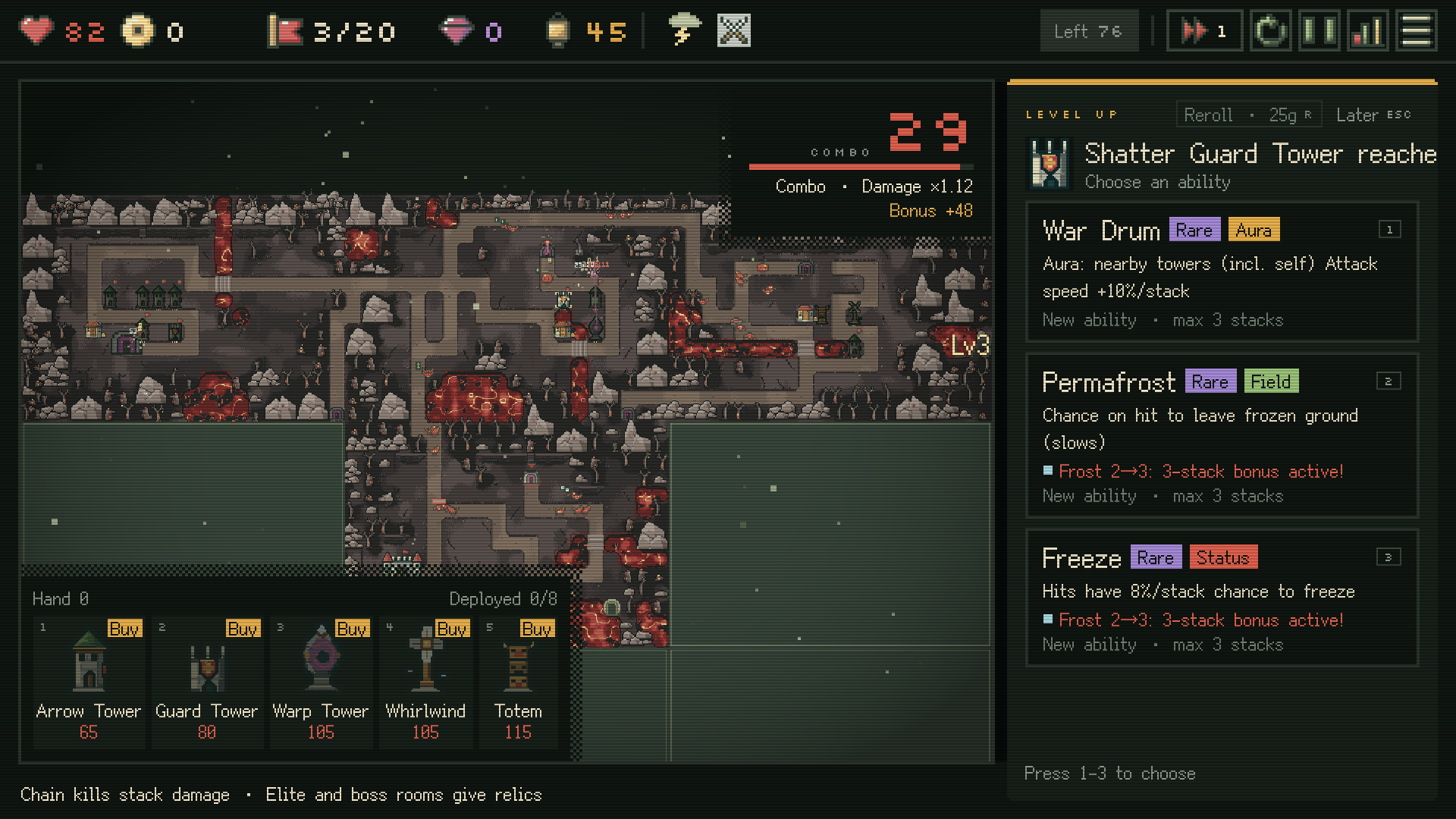
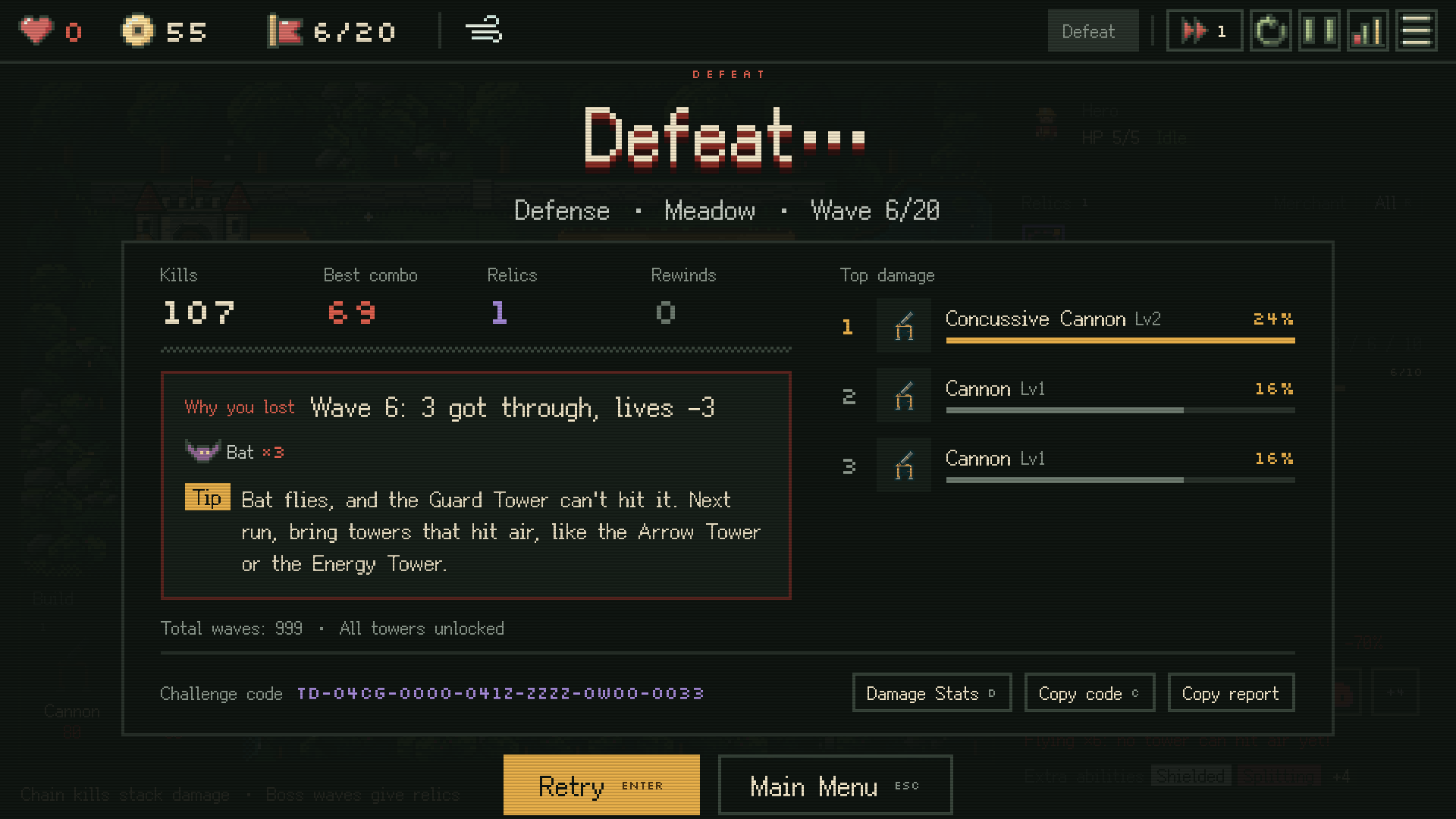
New results screen
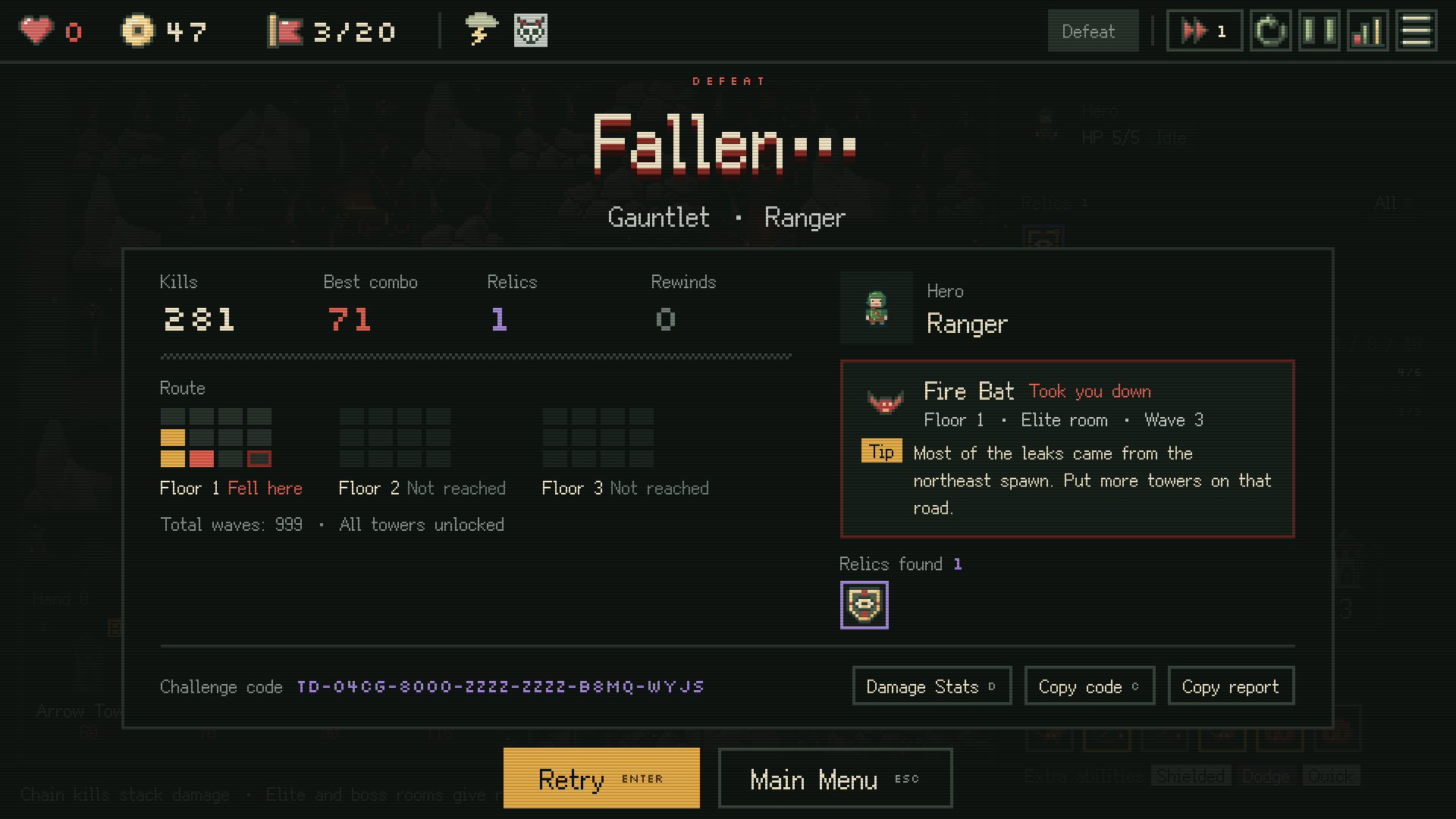
In the closed alpha, losing only told you that you lost and how much damage each tower did. Now the results screen tells you why: which wave let monsters through, how many, and what they were, plus one tip picked from the game's tip pool to best fit what happened. For example, if flying monsters got through and most of your towers can't hit air, the tip names that tower and reminds you to bring towers that hit air next run.
Gauntlet results also draw the rooms you walked on each floor, show the floor, room and wave where you were taken down and by which monster, and list the relics you got this run. When you win, it shows your main build and its share of tower damage, so you know what to adjust in your tower picks next time.
The results screen has more hotkeys too: Enter to play again, E to continue into Endless (after clearing Defense), C to copy the challenge code, Esc to go back to the menu.
Menus redone
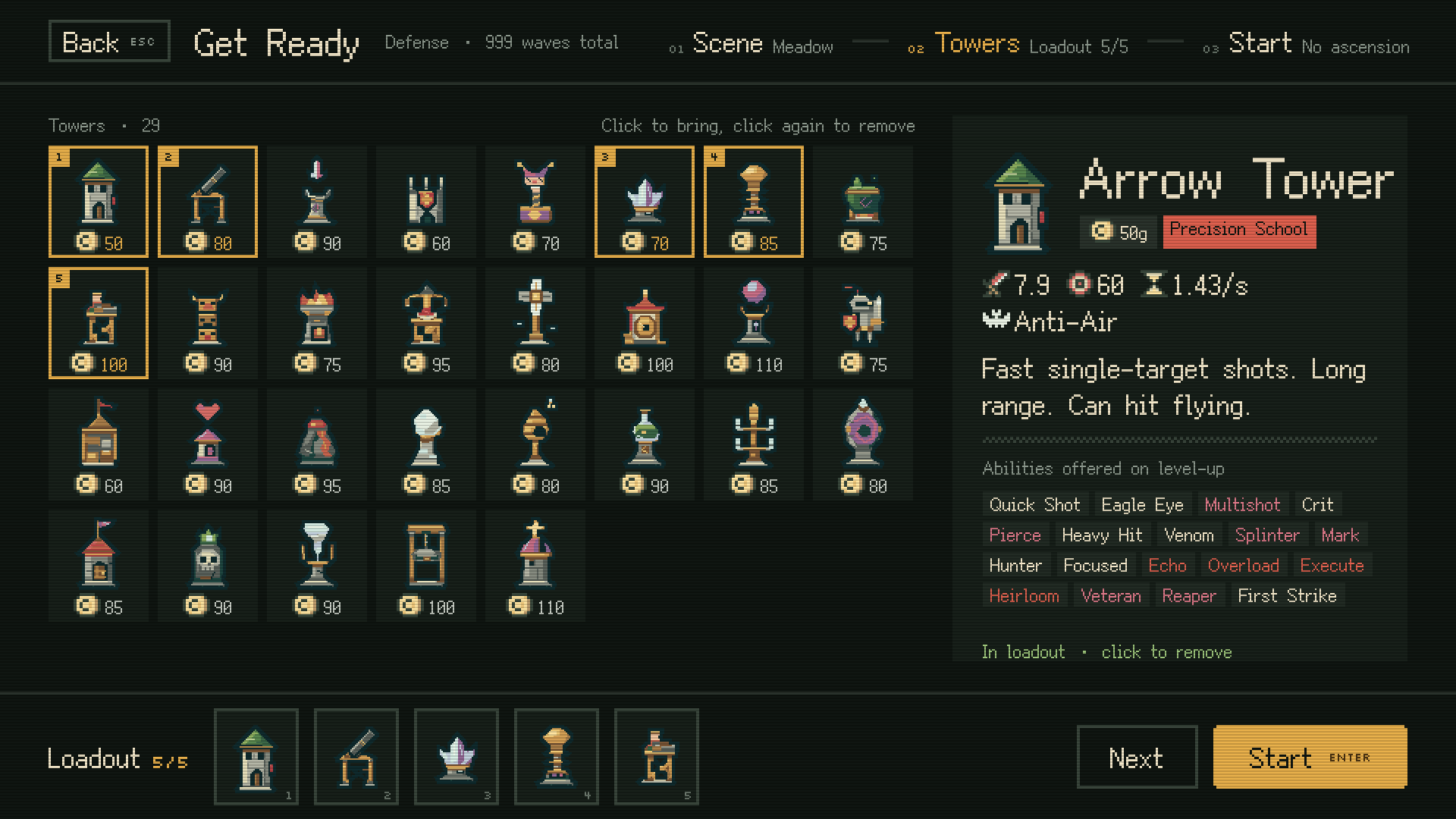
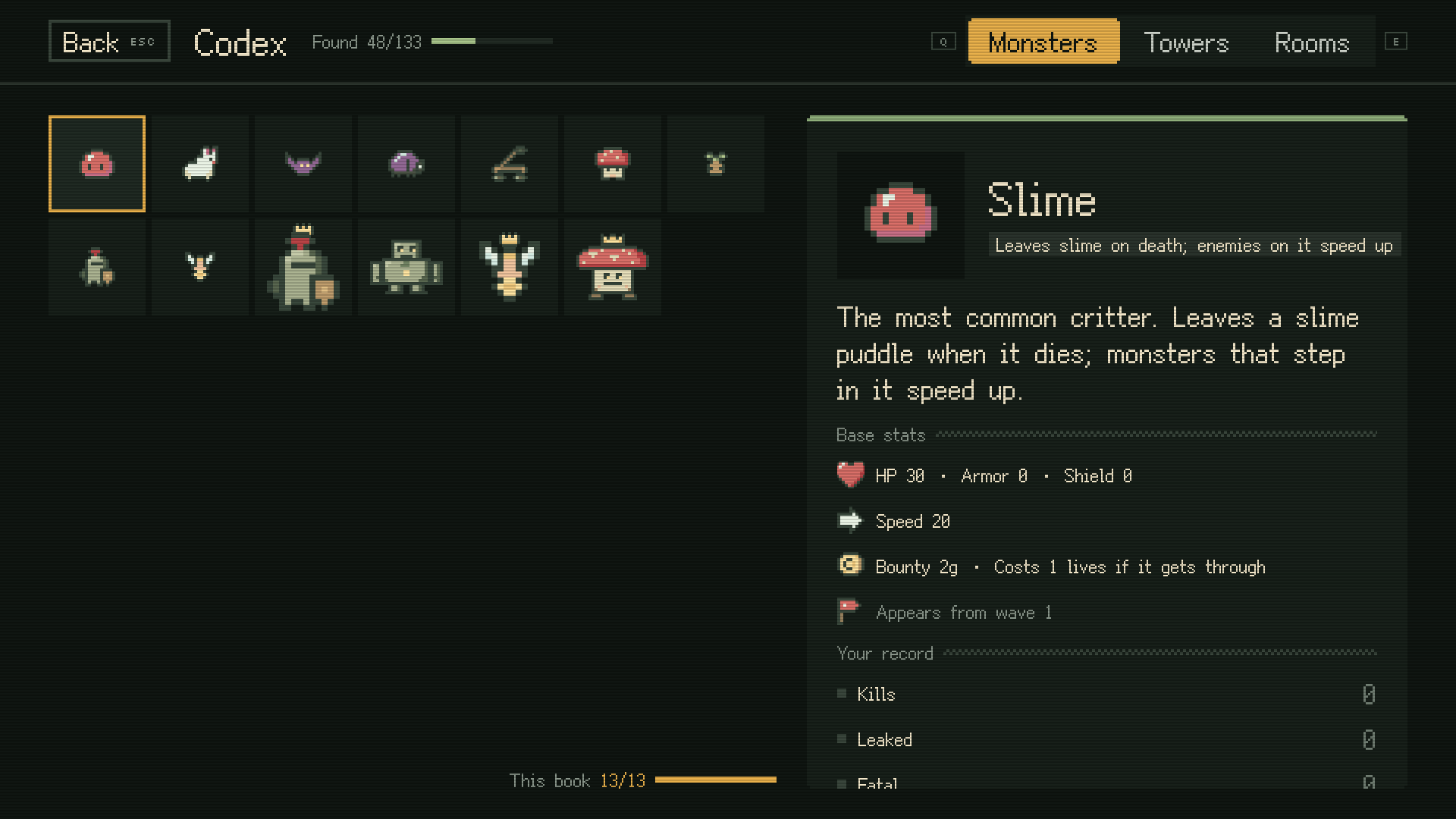
The main menu, setup, Codex, Career Stats and Settings are now full-screen pages in one retro pixel style, with a lot less saturated color and a palette that fits together better.
To give you time to prepare before a run, setup is now split into steps: in Defense you pick a scene, then towers, then start; in Gauntlet you pick a hero, then start.
The in-run relic picks, tower card picks, pause menu and damage stats got the same look, and the small English labels and numbers in the game use a new pixel font.
For modders
There's a new experimental Mods page. Put a mod in the mods folder and enable it in the game, and you can use its towers, monsters and maps in Defense. Mod towers and monsters can have idle, attack and walk animations, and towers can have their own attack sound.
Runs with mods enabled don't count toward official progress or achievements.
Other changes
- Defense now uses the same battle screen layout as Gauntlet, so you build towers from the same place in both modes instead of two different corners.
- Hold Alt to show tower levels above the towers. A tower that just leveled up flashes briefly.
- The title screen has a new, cleaner logo.
- The game engine is now Bevy 0.20. Chinese and Japanese text wraps by word, so a word no longer gets split across two lines.
If you run into a problem or have a suggestion, click "Feedback" in the top right of the main menu and let us know.