Hello Ship Destroyers!
Breaking apart a ship is not just about cutting steel into smaller pieces.
Some elements are simply too large, too heavy, or too dangerous to move by hand.
In Ship Graveyard Simulator 3, heavy machinery is a core part of the dismantling process.
Large engines, ship sections, industrial equipment, generators, and some structural fragments all require proper lifting and transport systems. This is where the crane comes in.
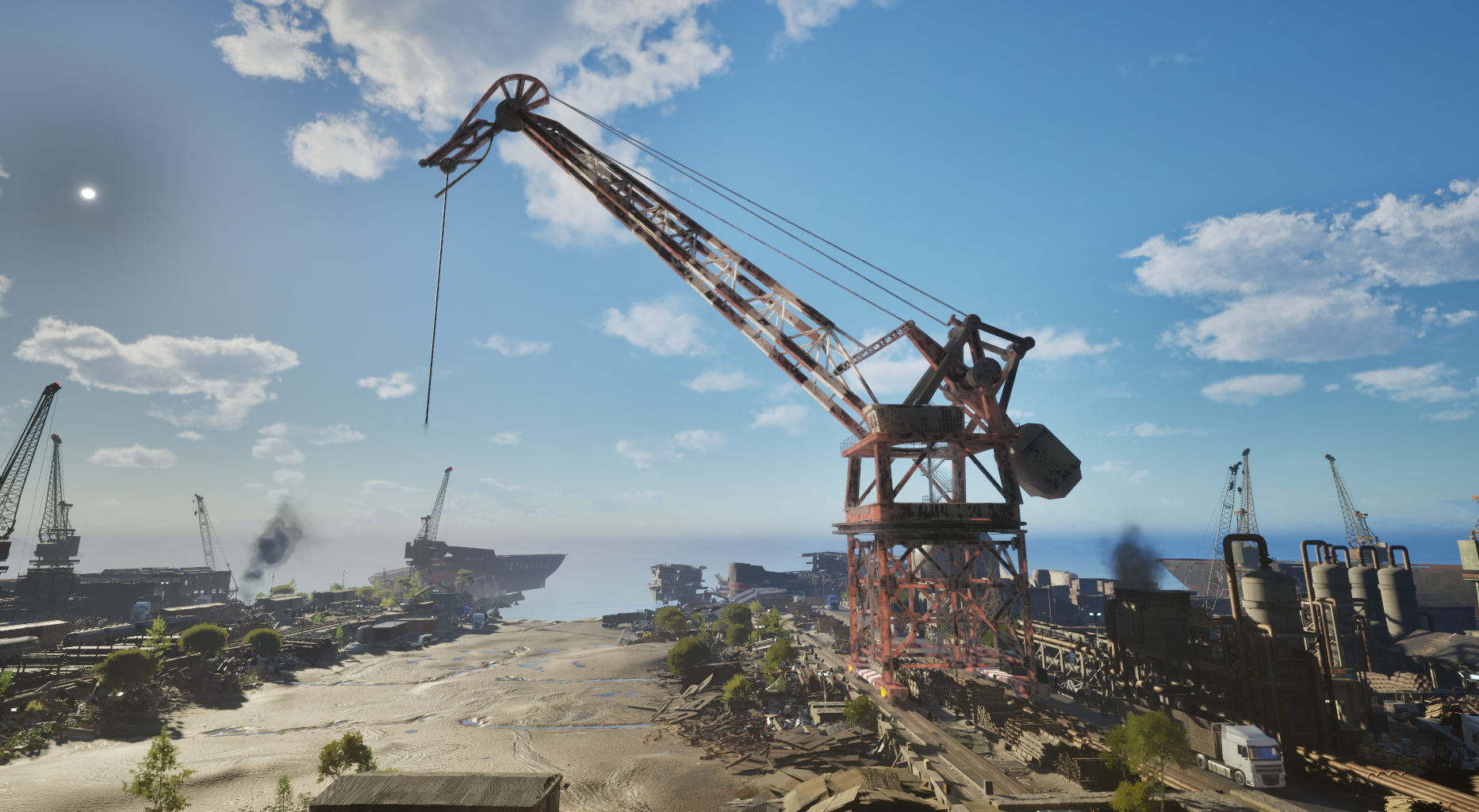
Part of the ship structure
In SGS3, heavy objects are not “special scripted props.”
They are fully integrated into the ship’s physical structure:
- They have weight
- They require support
- They can become unstable
- They can collapse together with surrounding construction
- They may damage or damage other elements if dismantled incorrectly
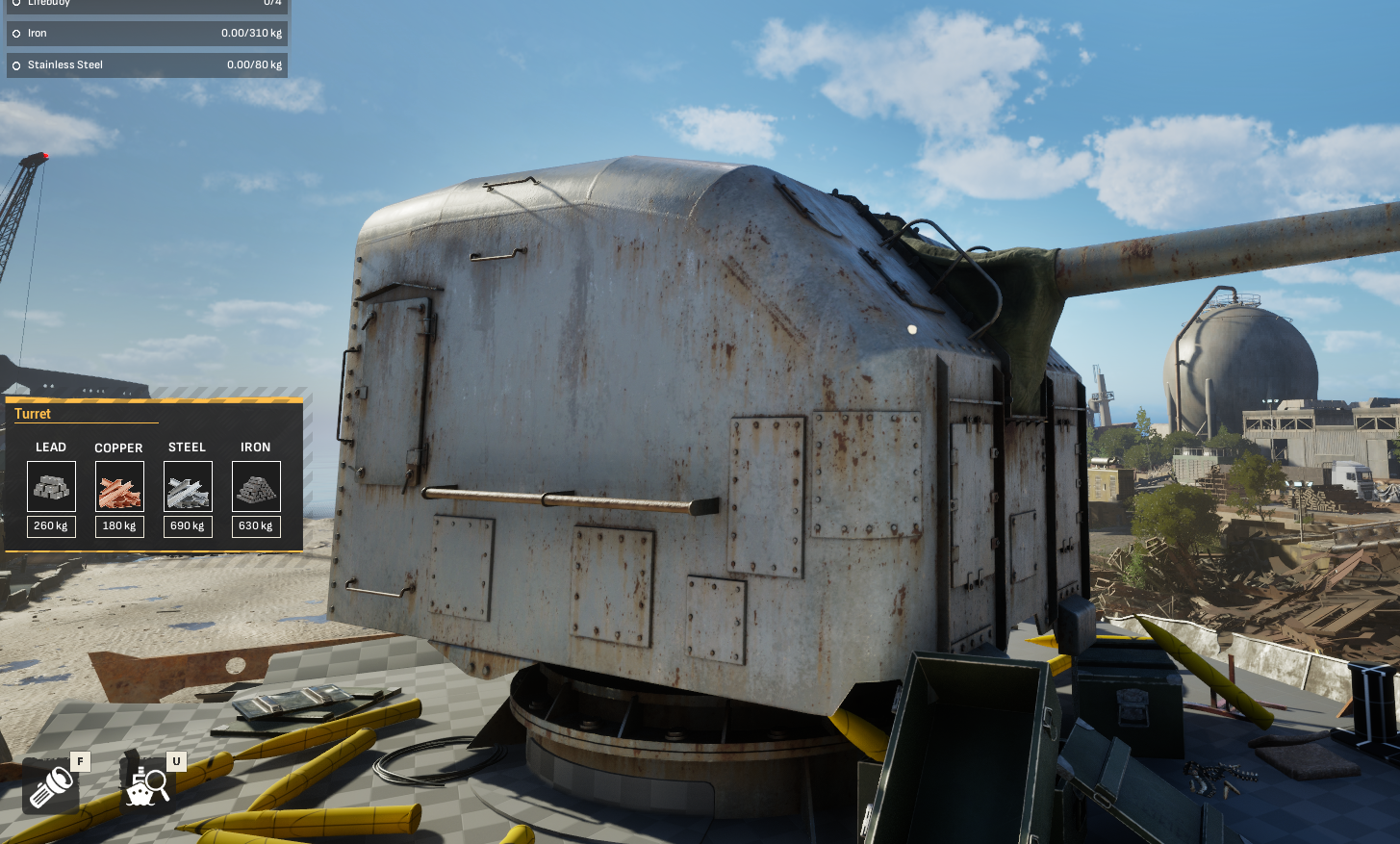
Removing a massive engine block is not just pressing a button.
You first need to prepare the structure around it.
That means:
- Cutting connection points
- Removing supporting walls or floors
- Clearing access paths
- Making sure the crane can actually reach the object
If the element is still attached somewhere, the system will tell you.
If the object is unsupported, physics can take over.
And sometimes… that may not end well.
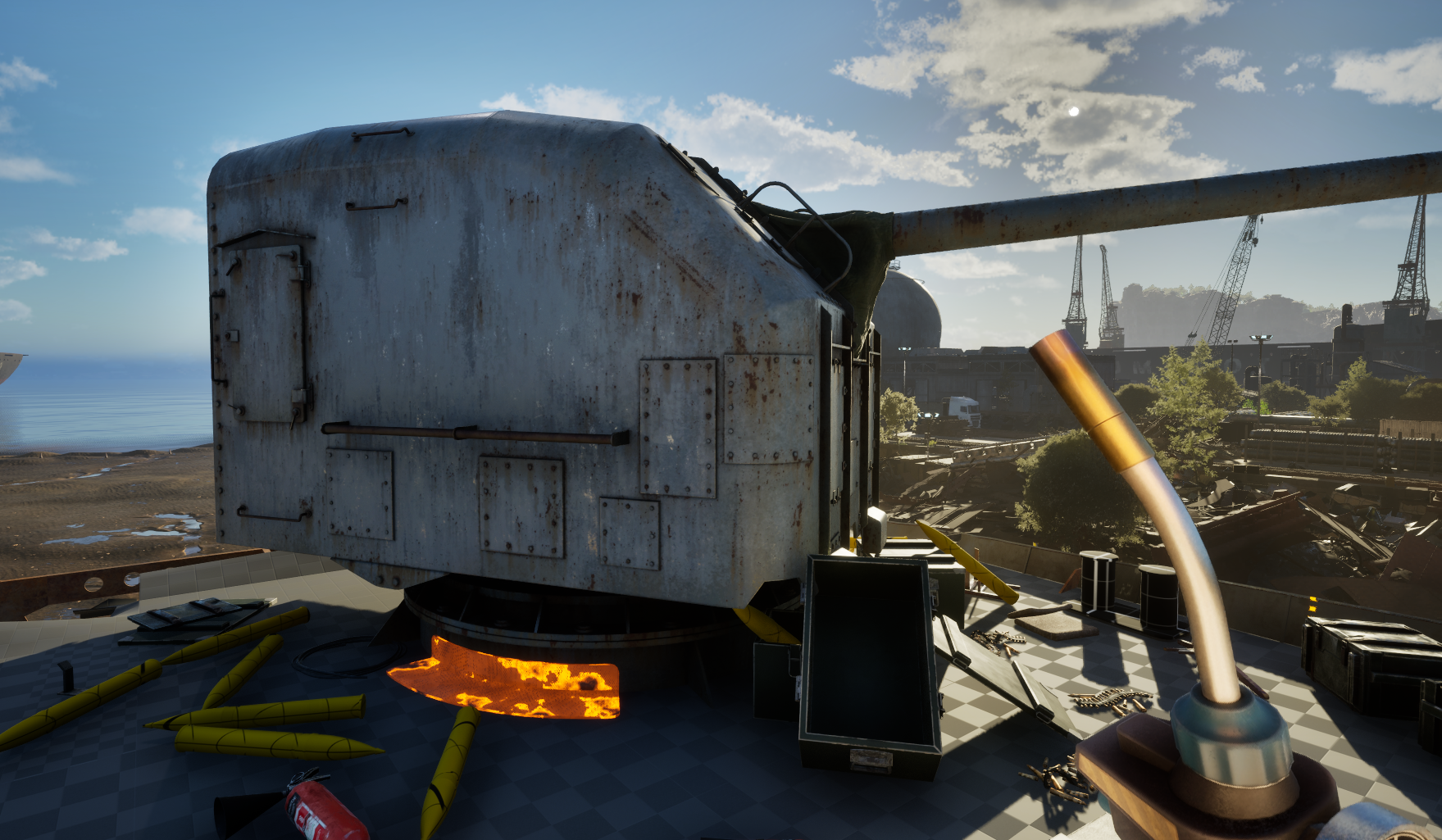
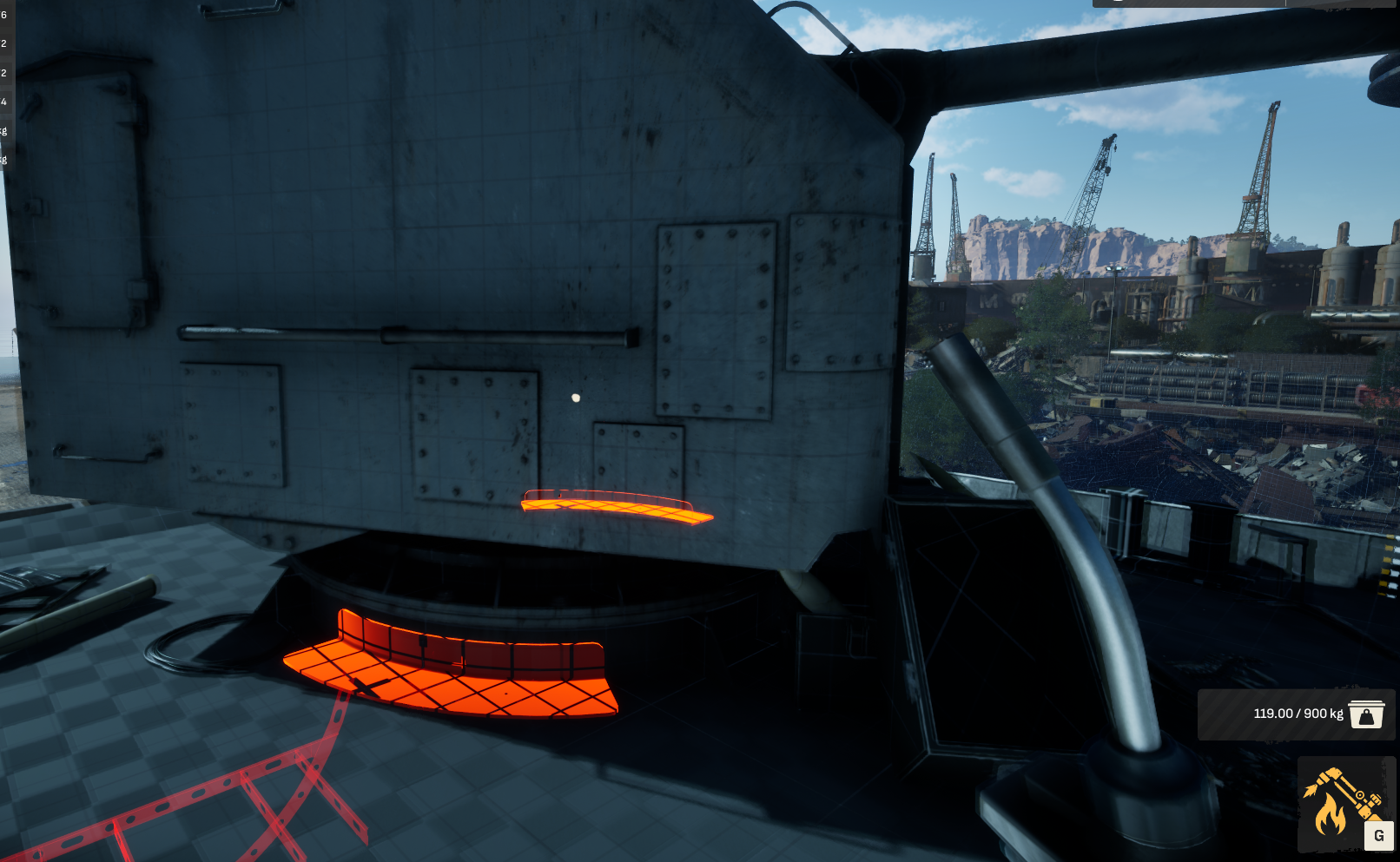
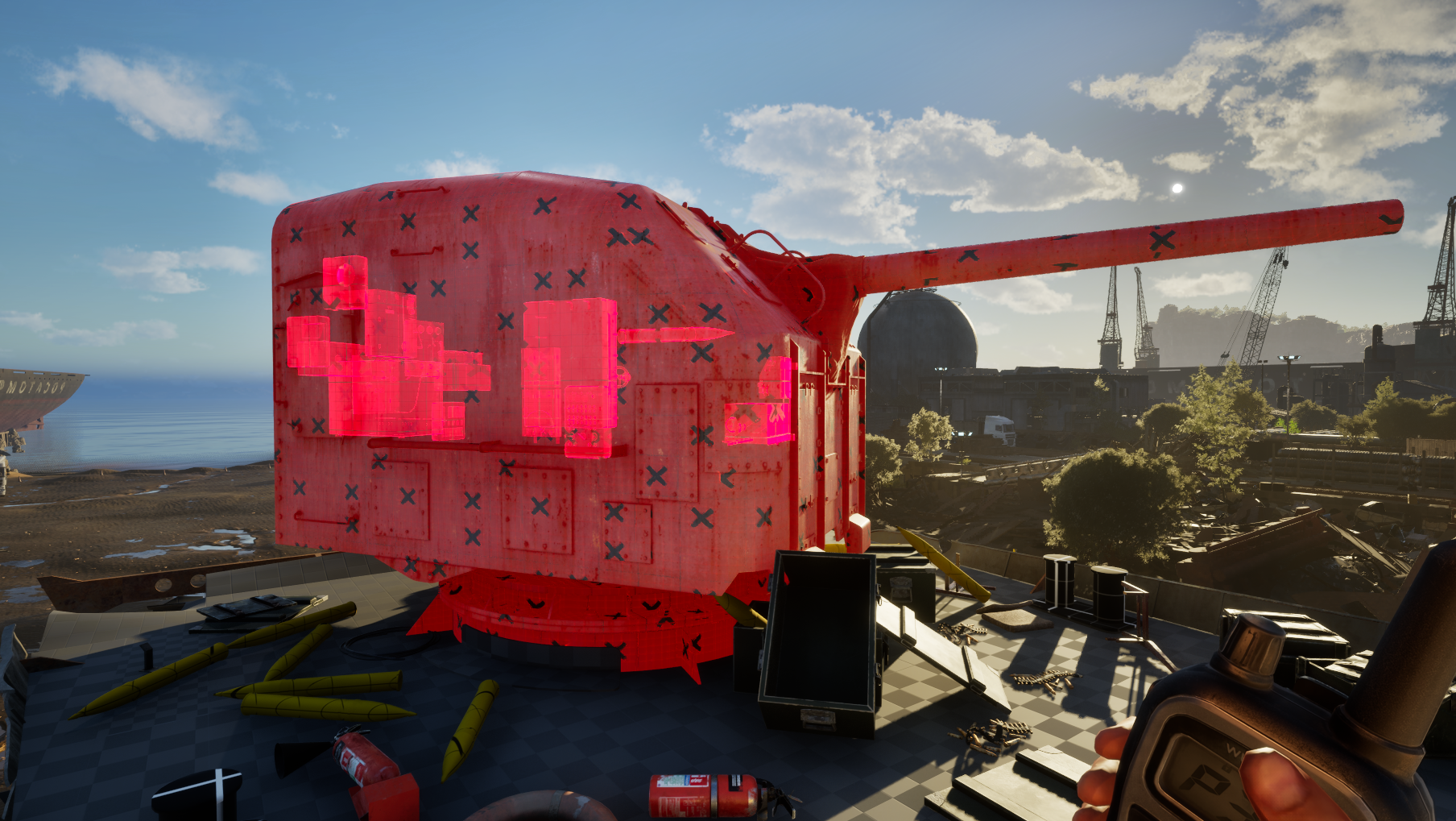
Walkie-talkie and marking system
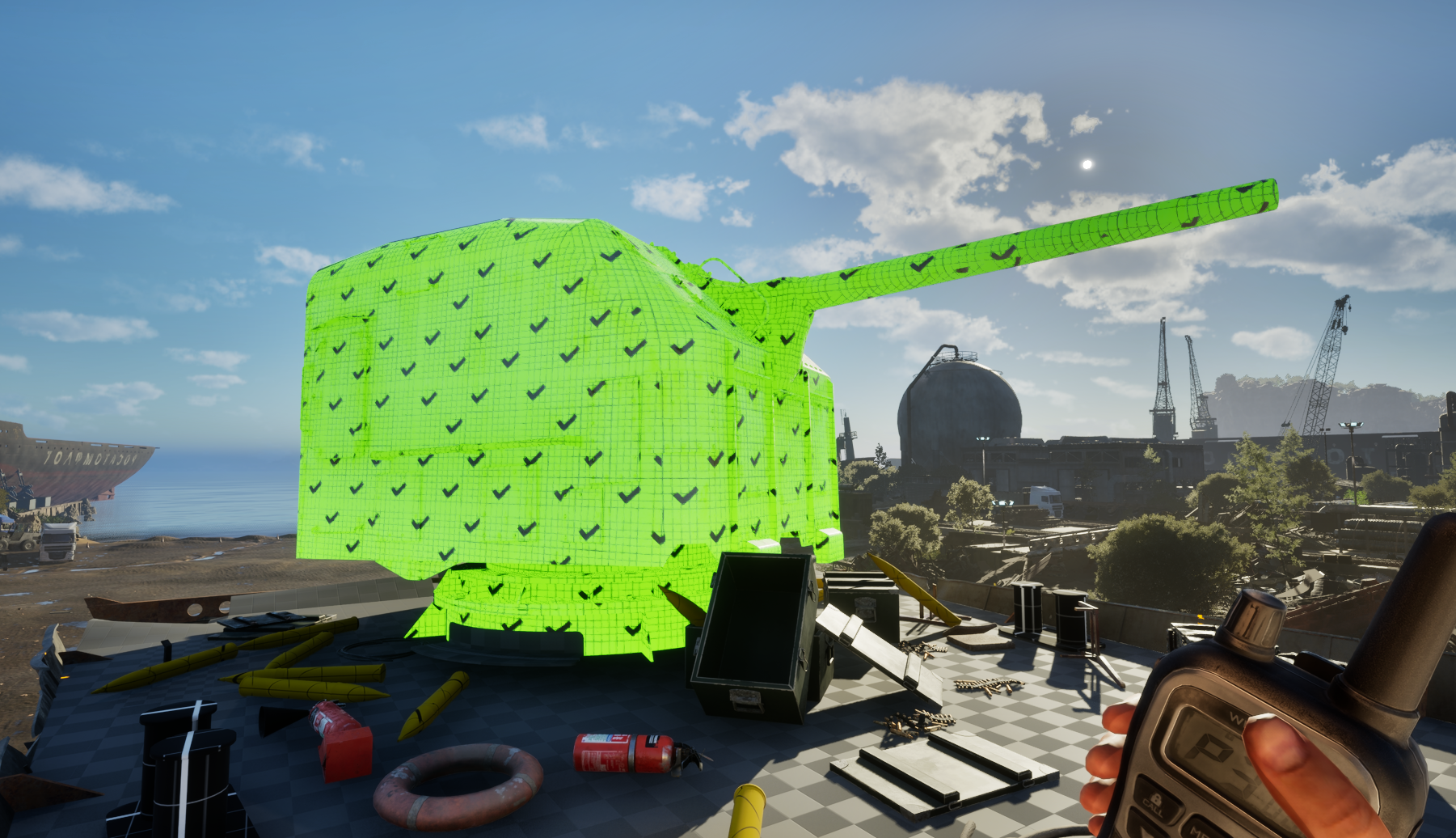
Heavy elements are handled through the walkie-talkie system introduced in the previous devlog.
Using the walkie-talkie, you can:
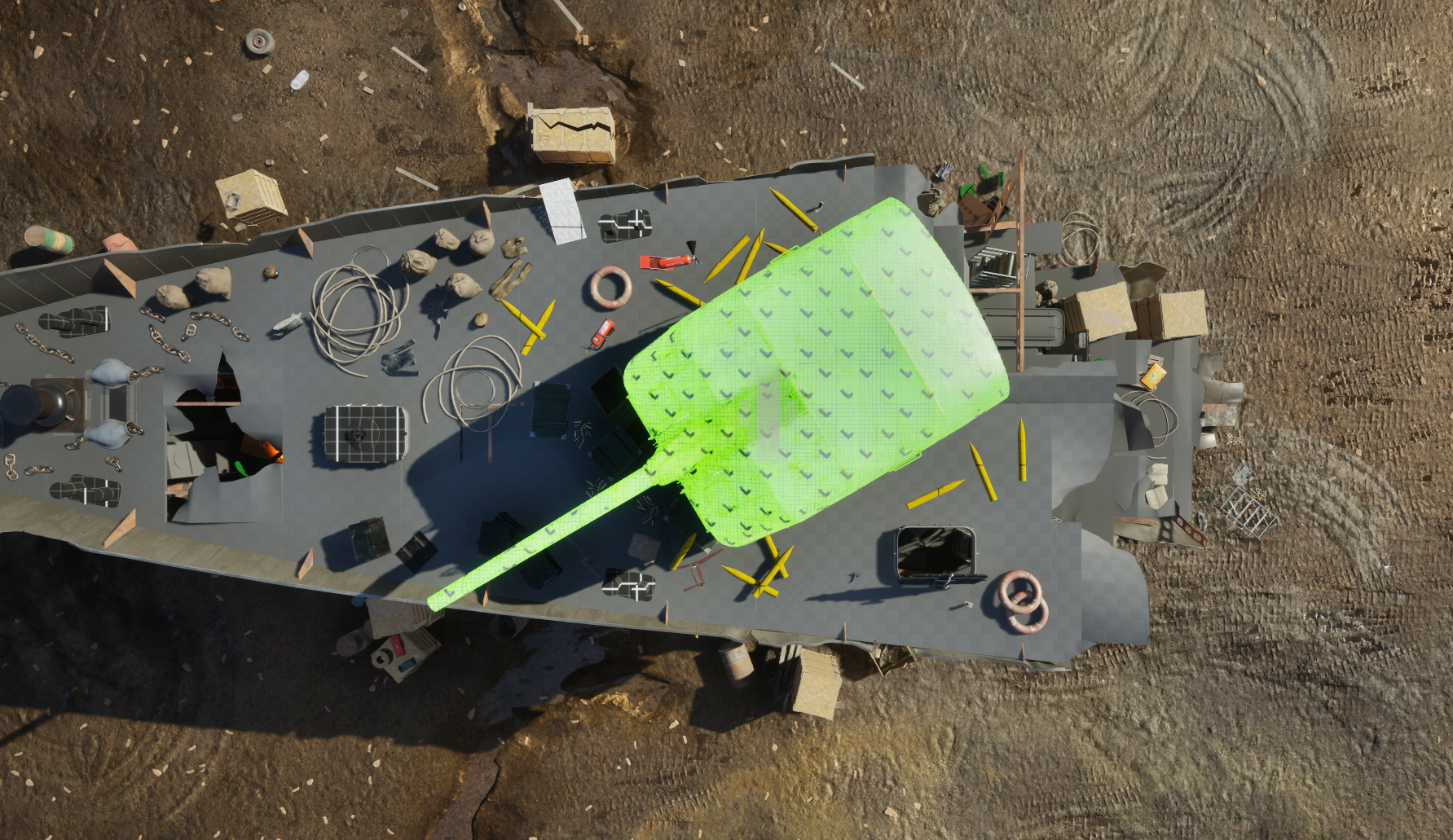
- Mark heavy objects
- Check if they are ready for lifting
- See whether additional cuts are still required
- Coordinate lifting operations
- Track marked elements visually during dismantling
Marked objects are visible:
- During normal gameplay while holding walkie talkie
- To workers
- and while operating crane
The system is designed to make large-scale dismantling readable without removing player control.
Liftable elements
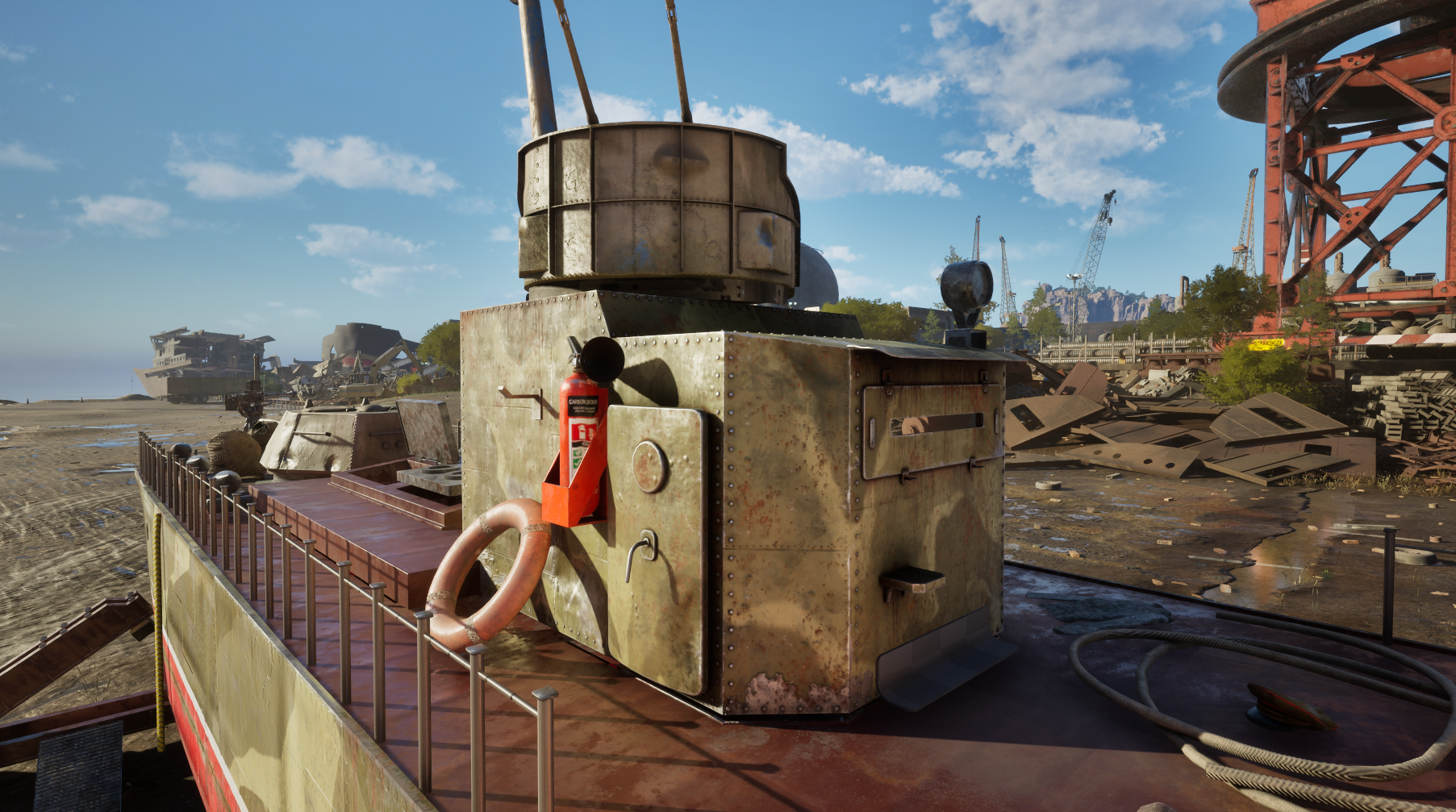
Heavy elements in SGS3 are classified as “liftable.”
These are usually:
- Engines
- Generators
- Heavy industrial machinery
- Hull fragments
Liftable elements can:
- Require multiple cuts before extraction
- Depend on surrounding support structures
Those objects may also require specific transport equipment after extraction – more on that in the next devlogs.
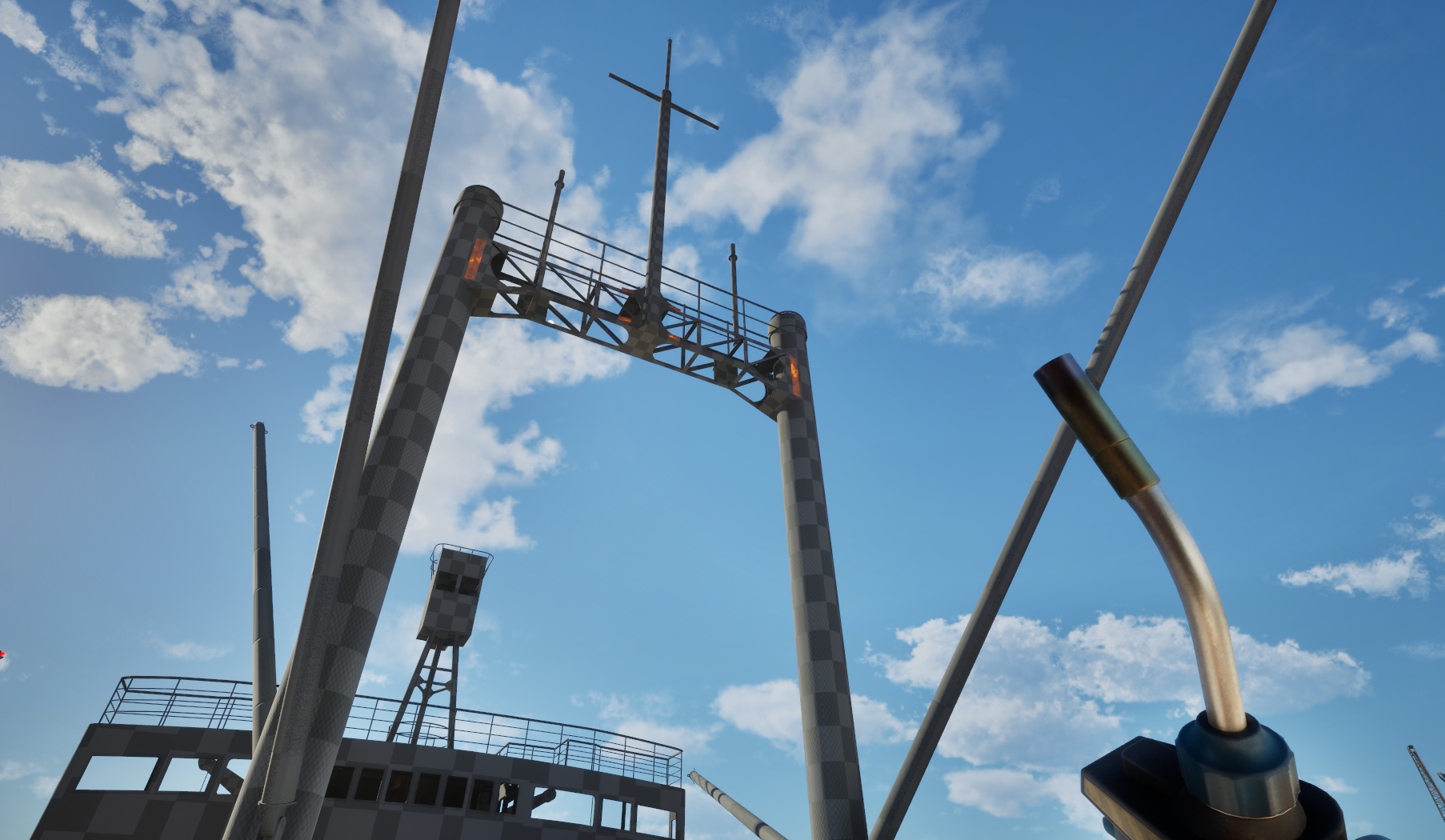
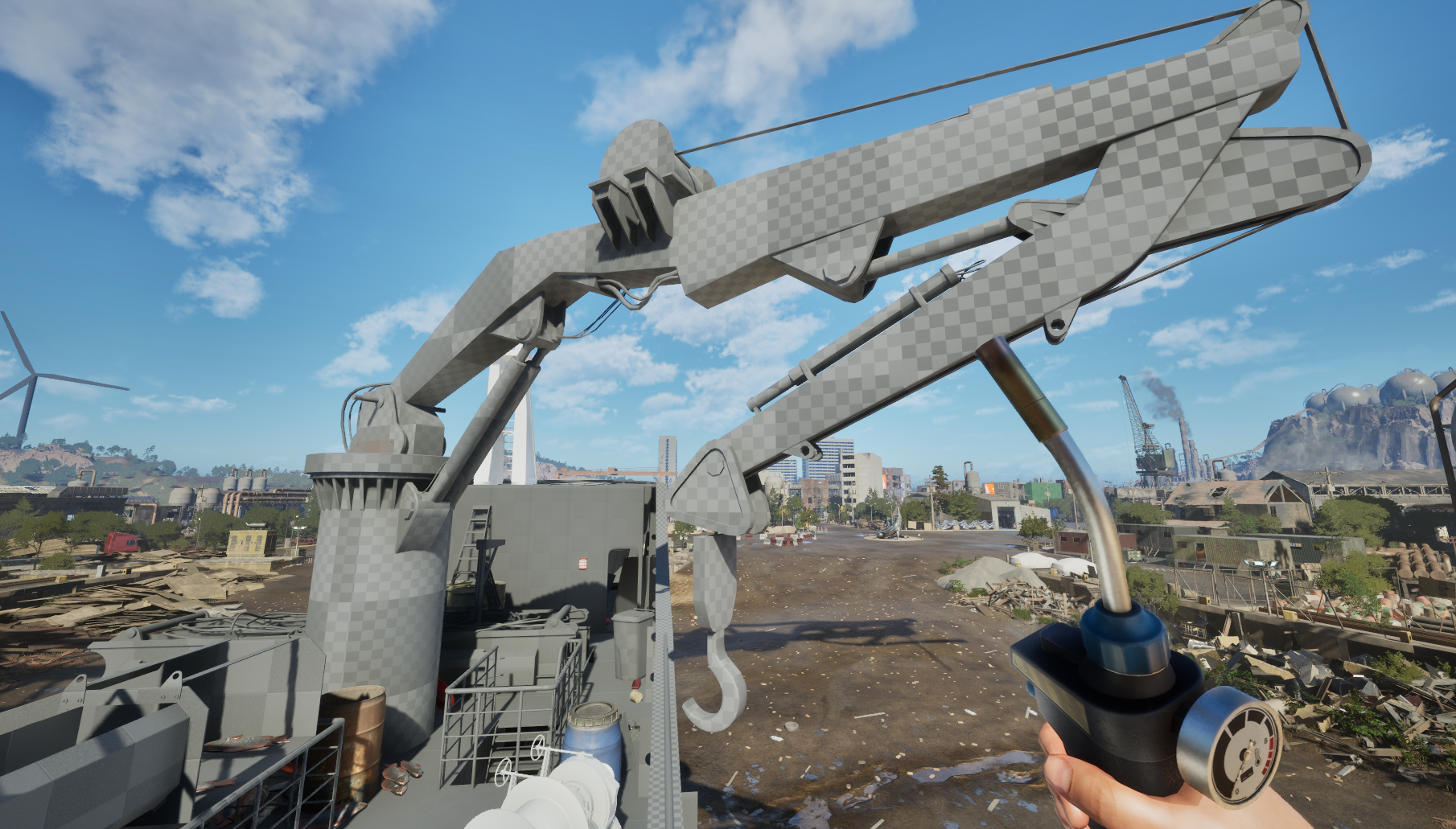
The crane is part of the workflow - not a minigame
In many situations, dismantling the ship efficiently means planning how and when to remove heavy components.
Sometimes doing it too late may destabilize the structure.
As a player you will operate the crane manually to extract liftable objects and transport them directly onto trucks for further processing.
However, as your operations grow larger, you will also be able to hire a worker to handle crane operations for you.
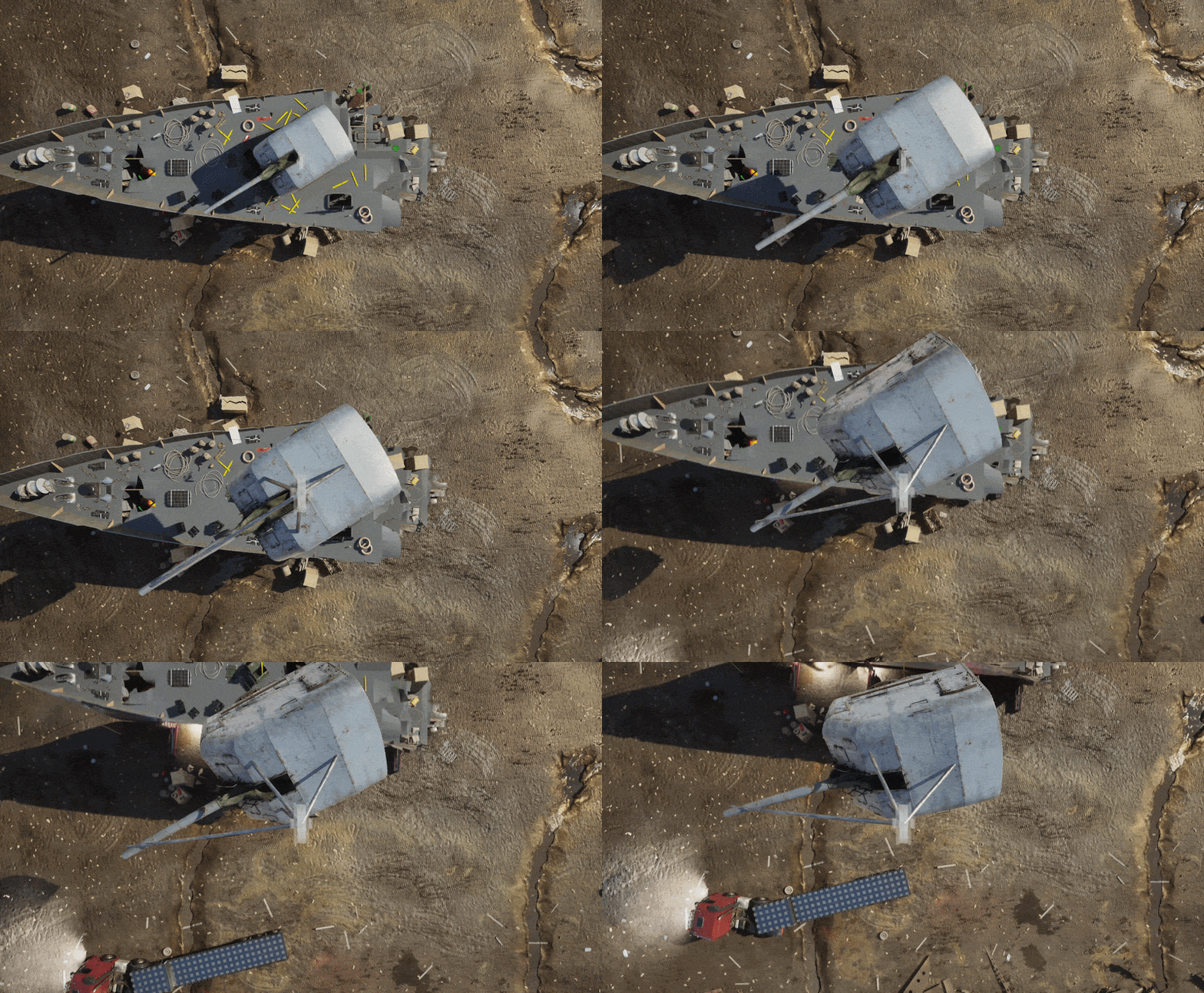
Summary
Heavy machinery in SGS3 is built around the same philosophy as the rest of the game:
- Systems over scripted interactions
- Physics over predefined animations
- Player decisions over fixed solutions
The crane is not just visual background equipment.
It becomes part of the dismantling process itself.
Every large object you remove changes the ship:
- Structurally
- Physically
- Visually
- and sometimes economically
Your feedback really helps us shape the game, so feel free to share your thoughts 👇
More details soon,
Ship Graveyard Simulator 3 Team