Hello Ship Destroyers!
In Ship Graveyard Simulator 3, tools were redesigned to better support the dismantling process. The goal was not just to improve them, but to make their behavior clear and predictable, while giving the player more freedom than in previous games. Each tool solves a specific problem and follows its own logic.
Once you understand the rules, you know exactly what to expect.
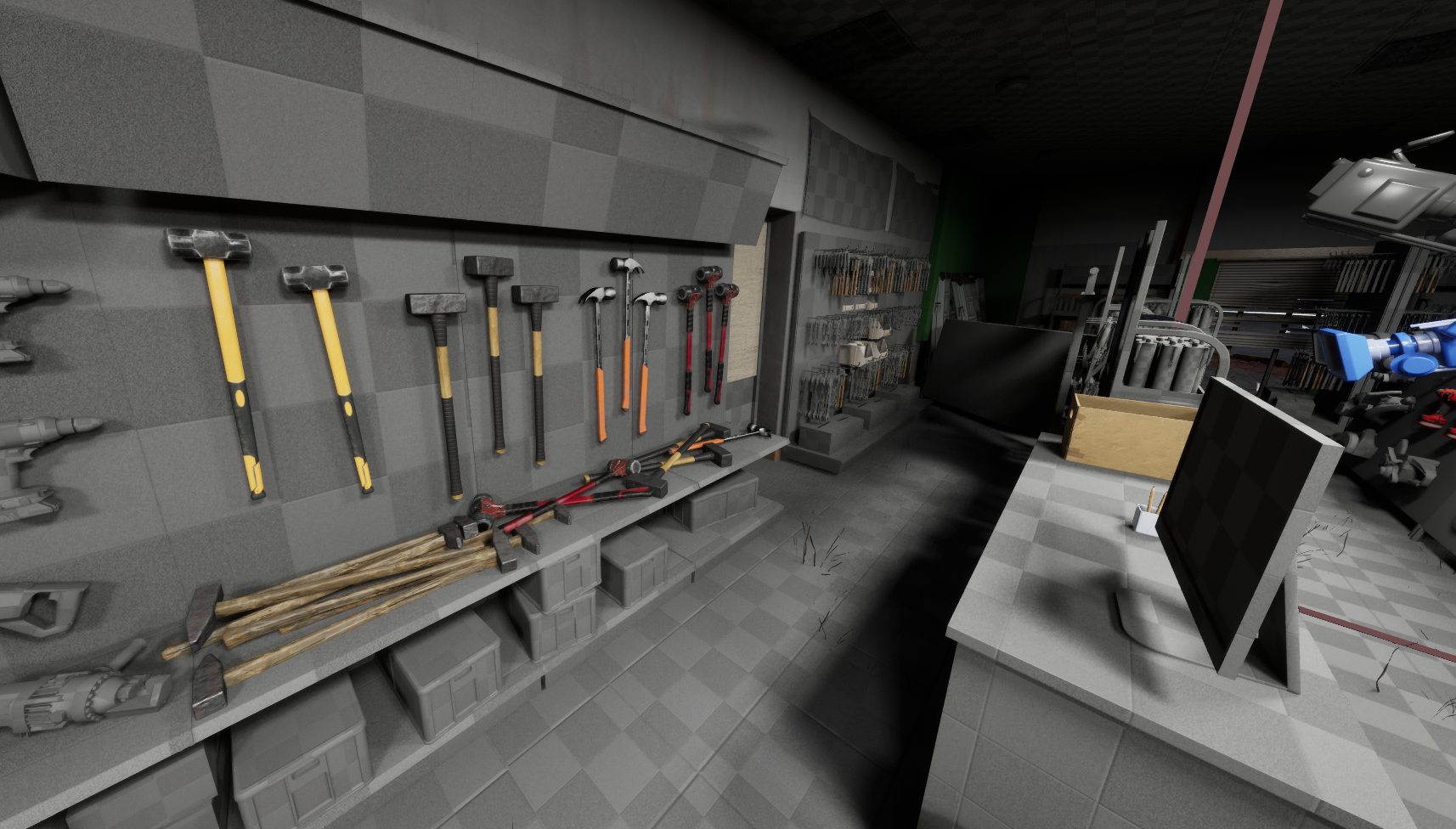
Hammer - Damage-based desctruction
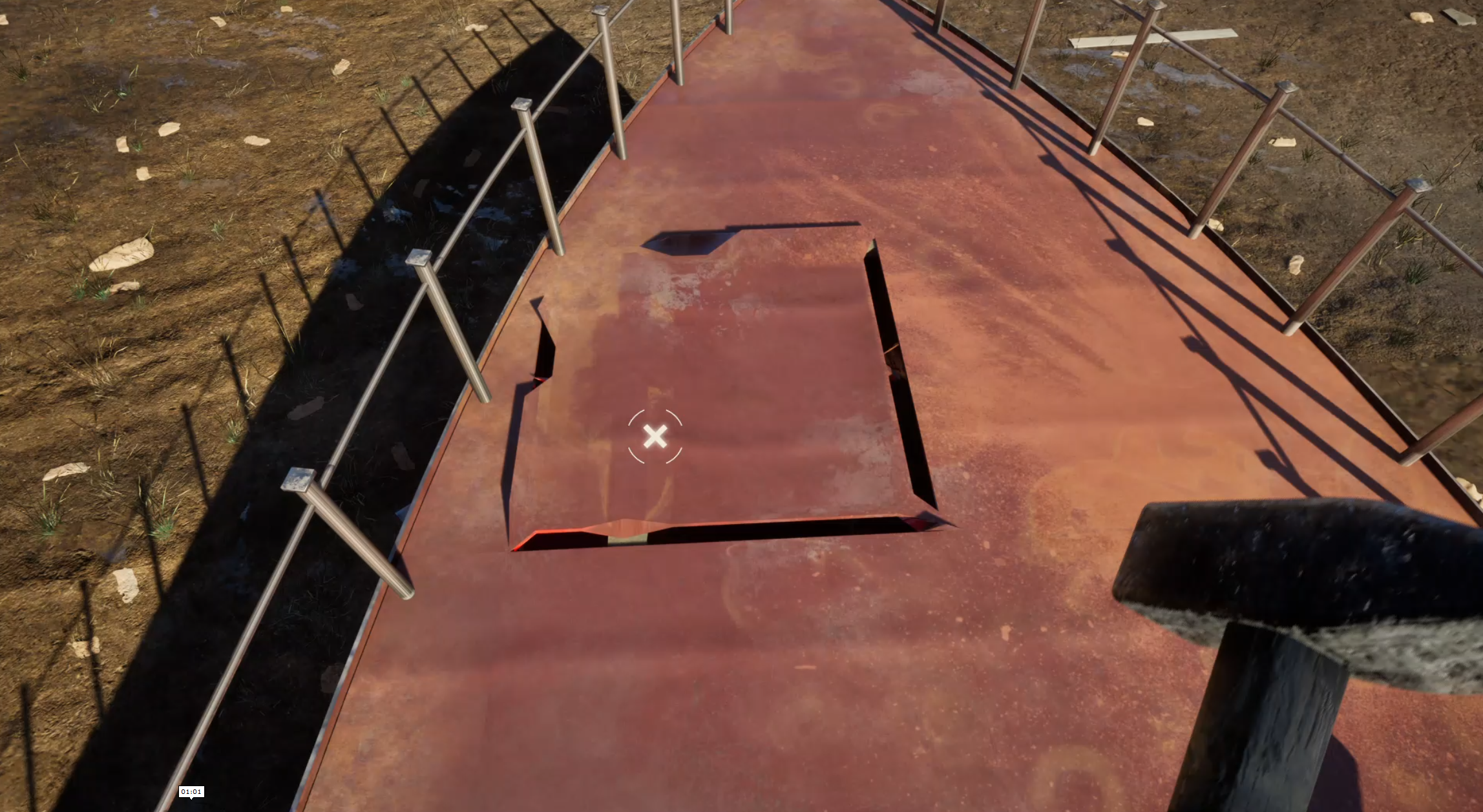
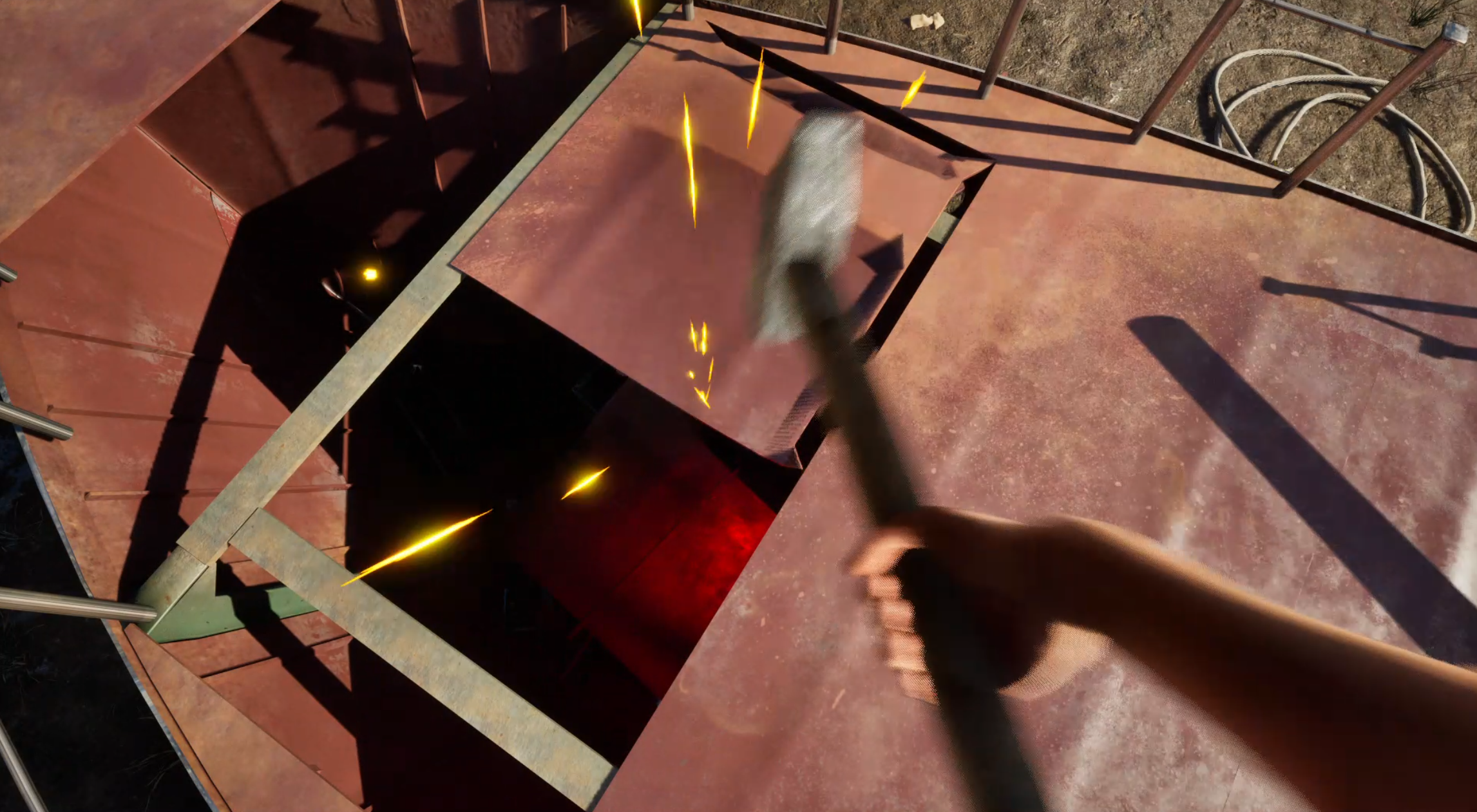
The hammer is built around a damage-driven system.
- Used for breaking floors, walls, and destructible props
- Elements have HP and react to impact
- Sweet spots reward more precise hits
This is not an instant interaction.
You see the destruction process and have control over it.
Saw - Precised cutting
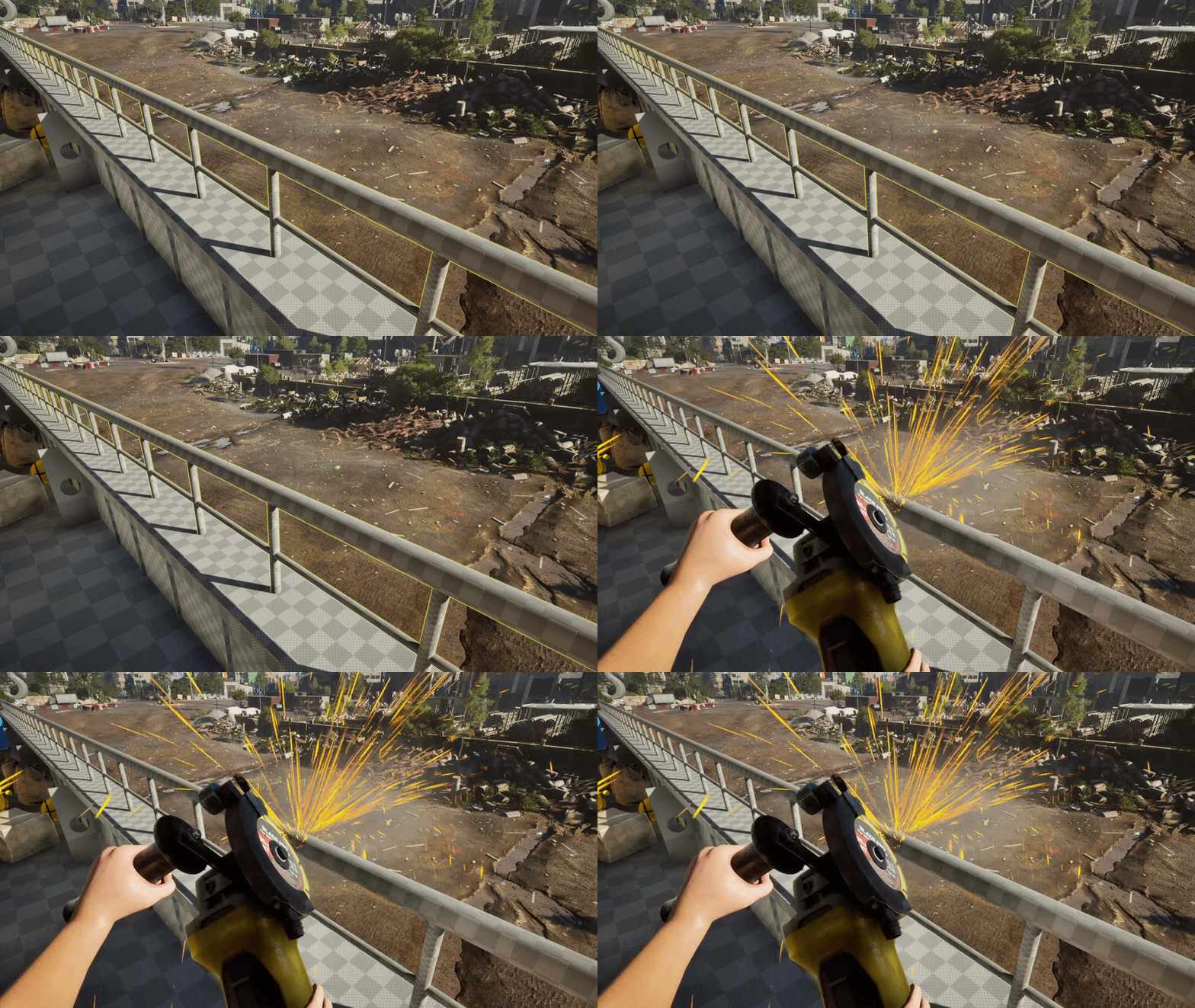
The saw is used on lighter structures and connection points:
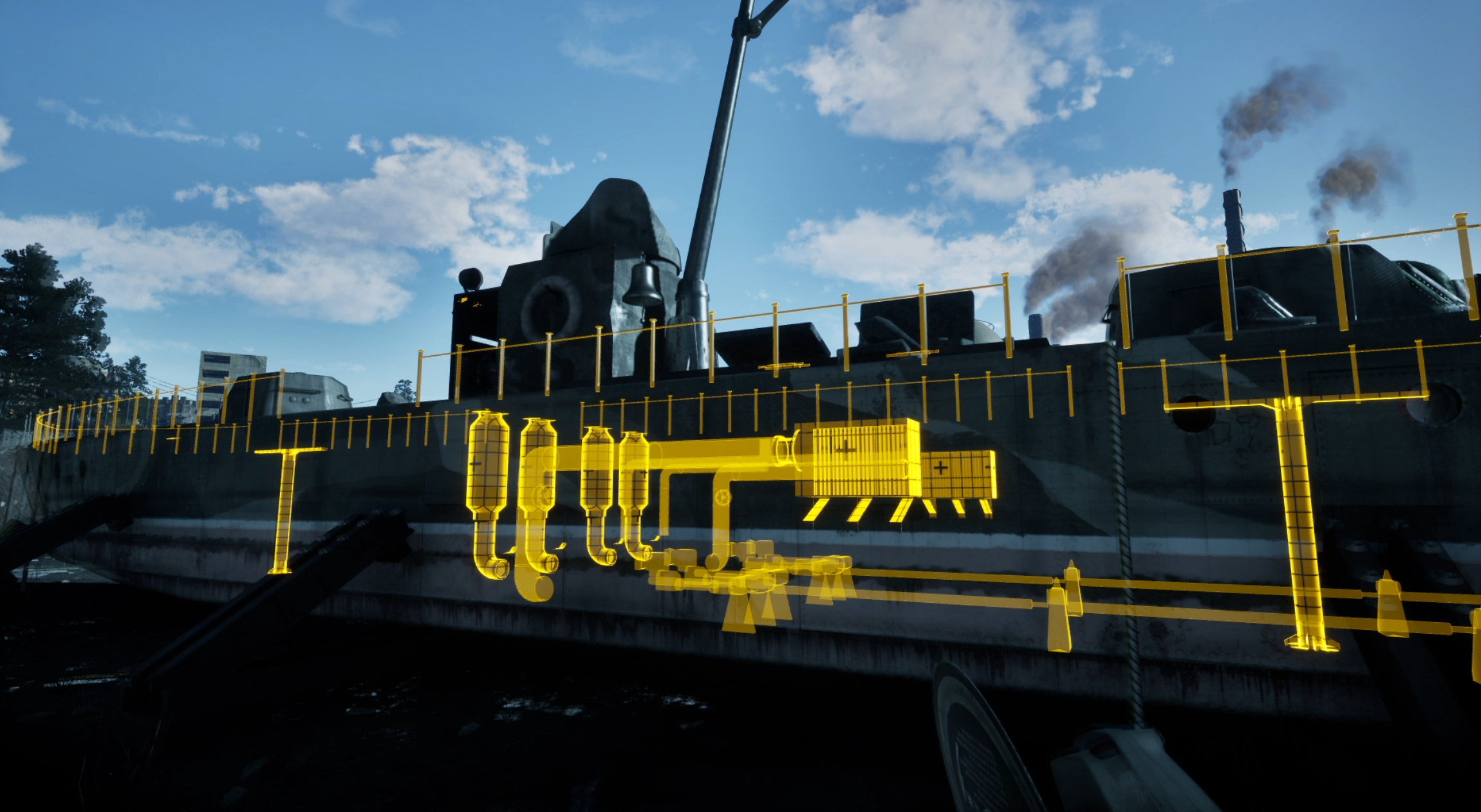
- Pipes, railings, and similar “serial” elements such as cables
- Yellow cut points (e.g. hinges)
The interaction stays consistent:
choose the point → hold → the element is cut
The game does not force the interaction, but provides clear signals:
- Valid elements and cut points can show a yellow outline (also when holding a different tool or hands)
- Scrap Vision highlights elements that should be cut with the saw
Over time, the player learns to recognize these situations without relying on explicit guidance.
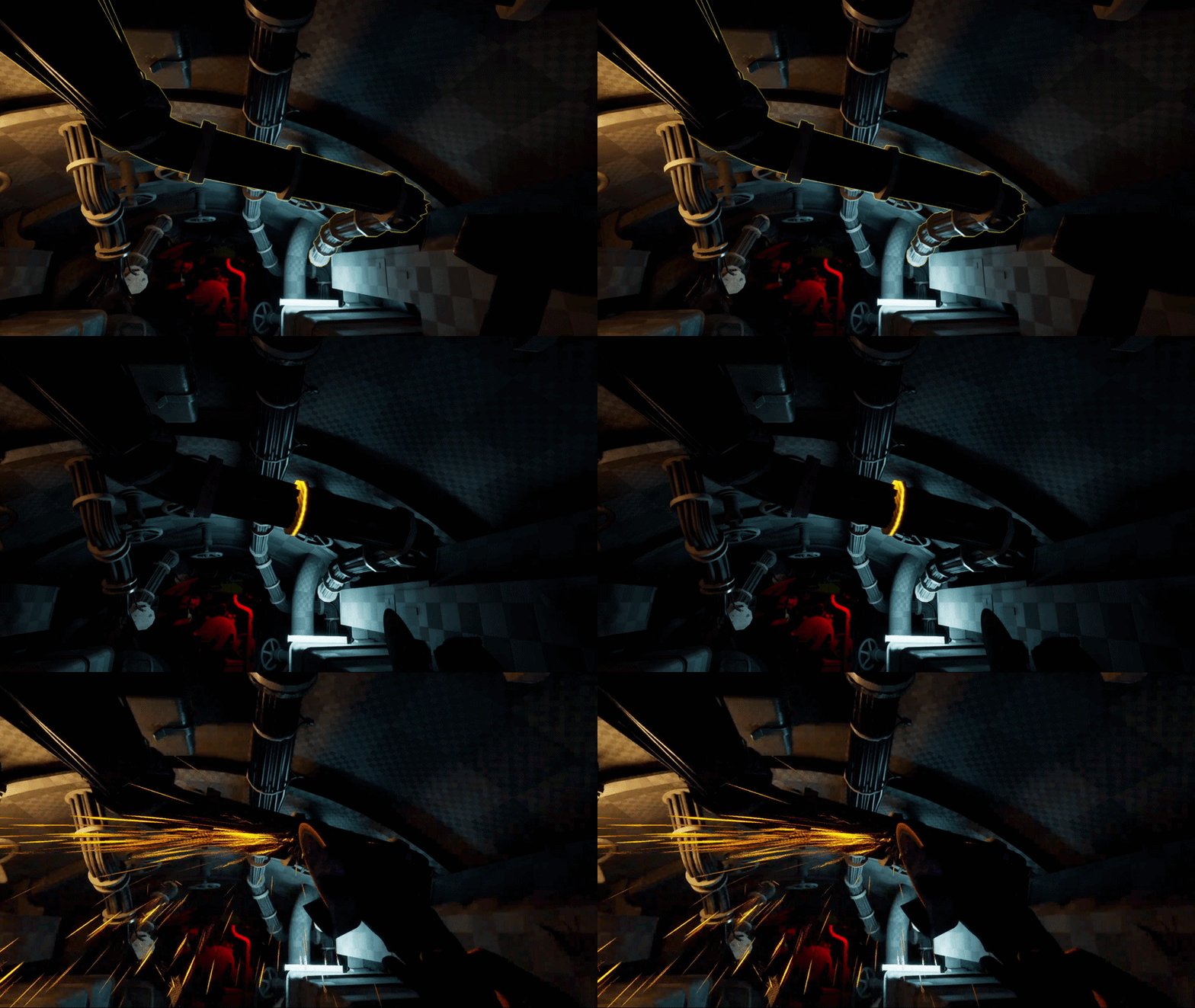
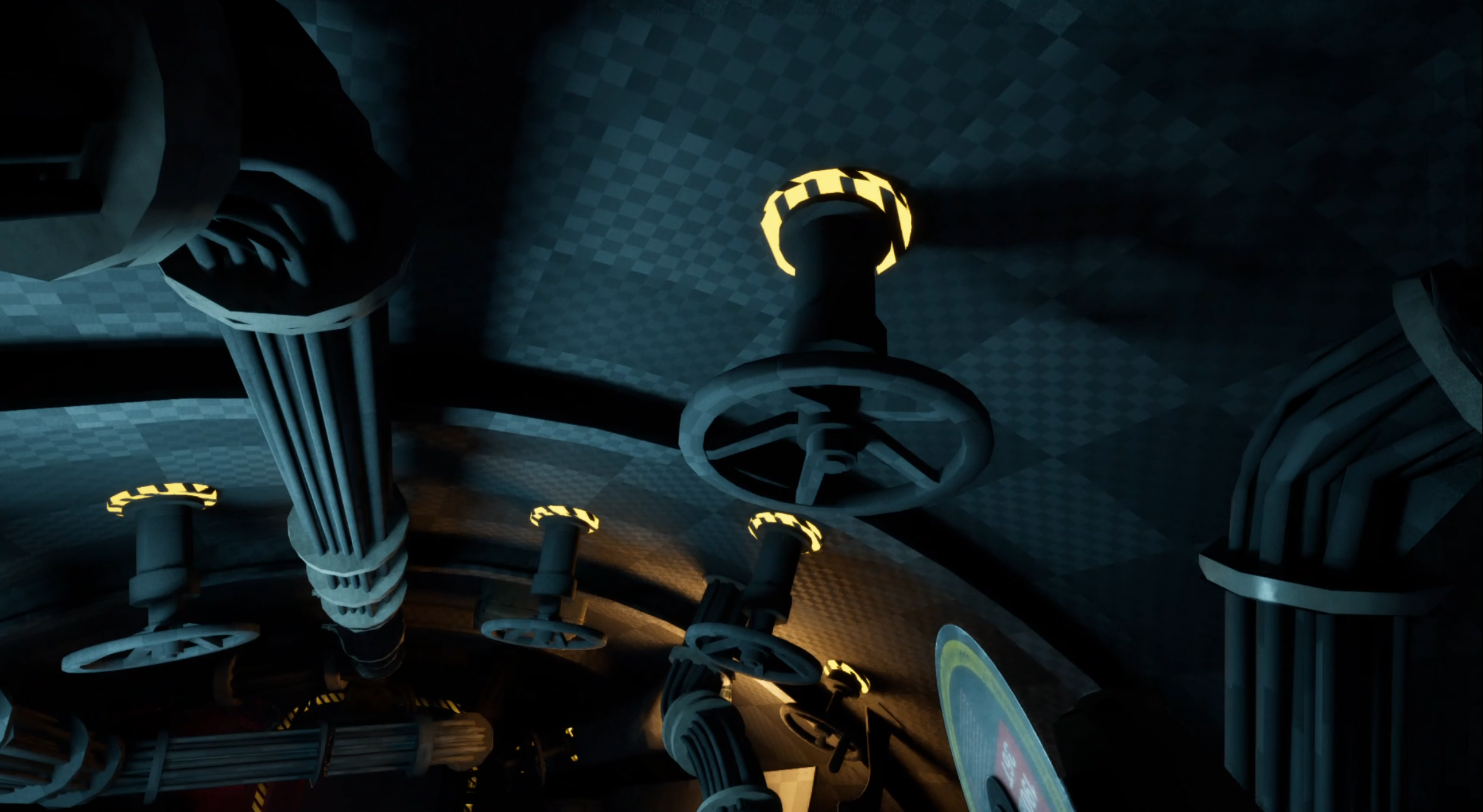
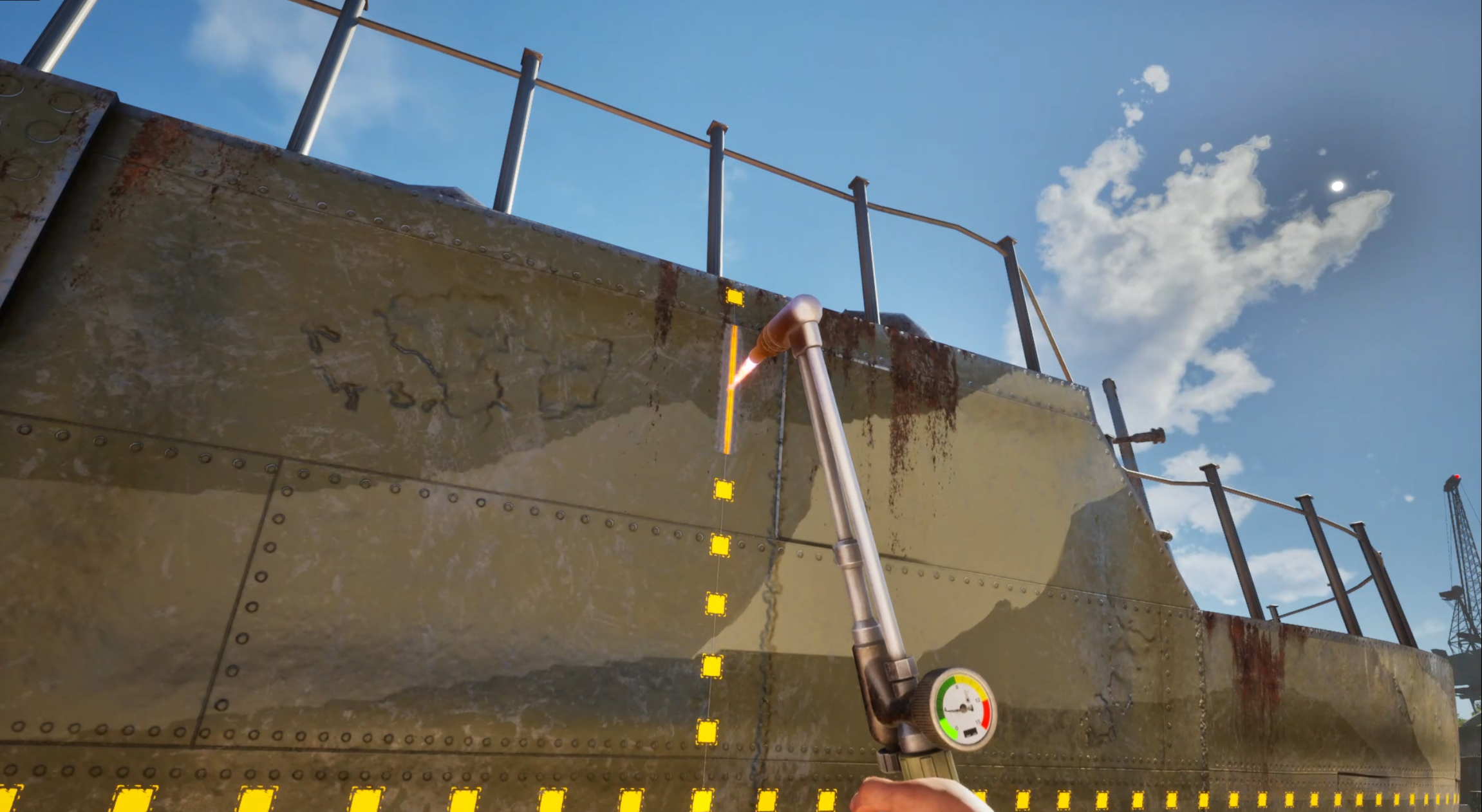
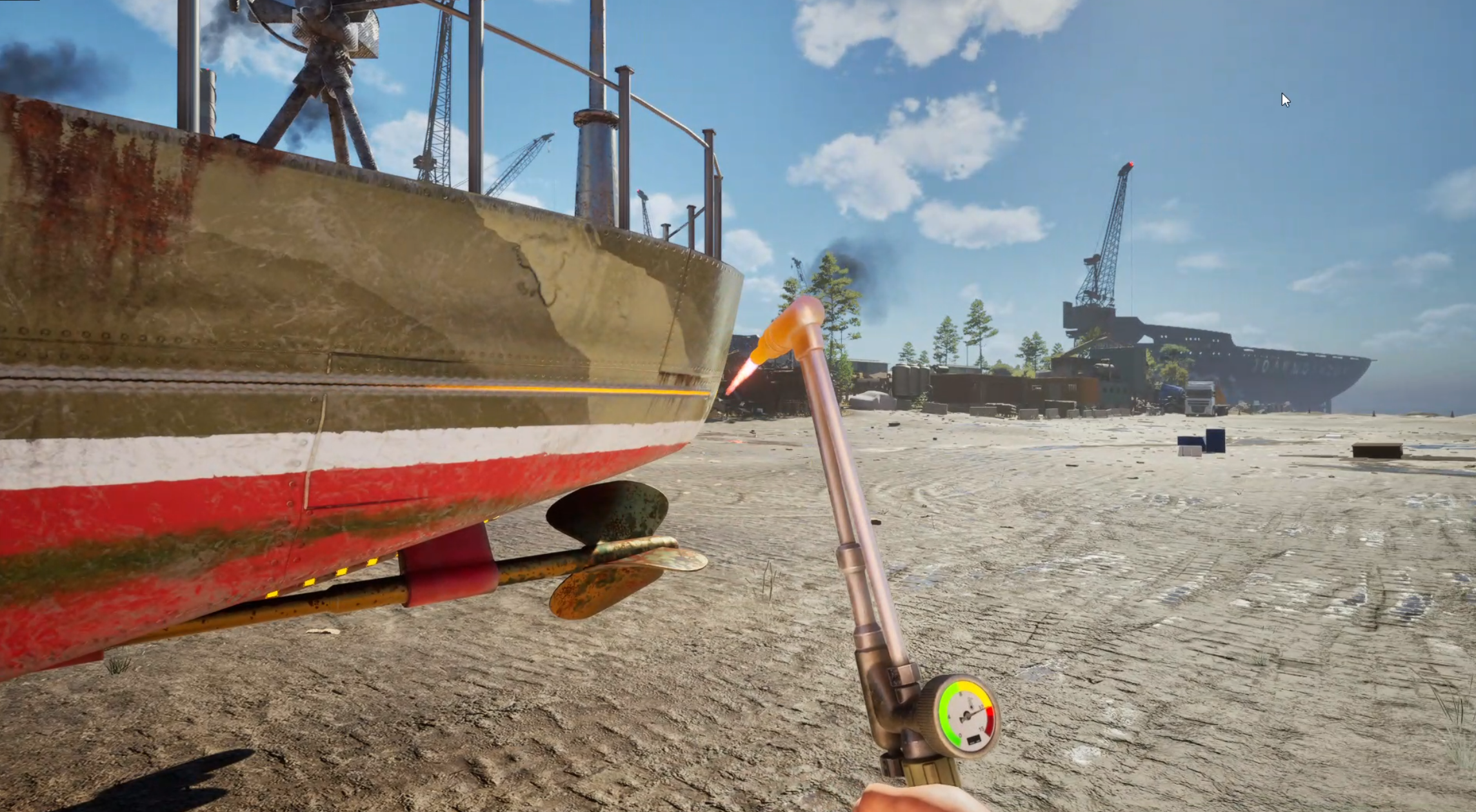
Torch – Cutting through structure
The torch is used for heavier elements and structural work:
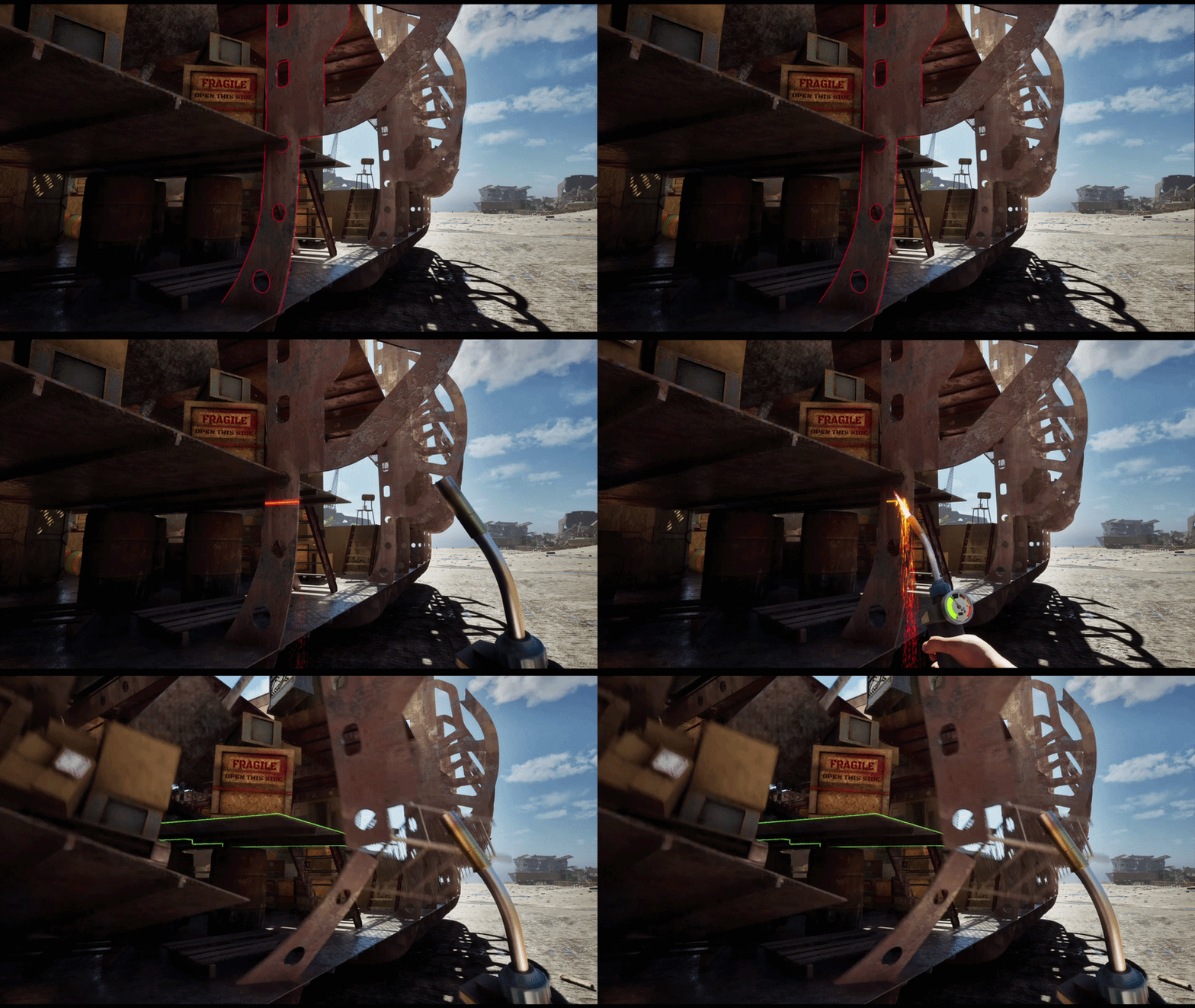
- Structural elements like beams and ribbing
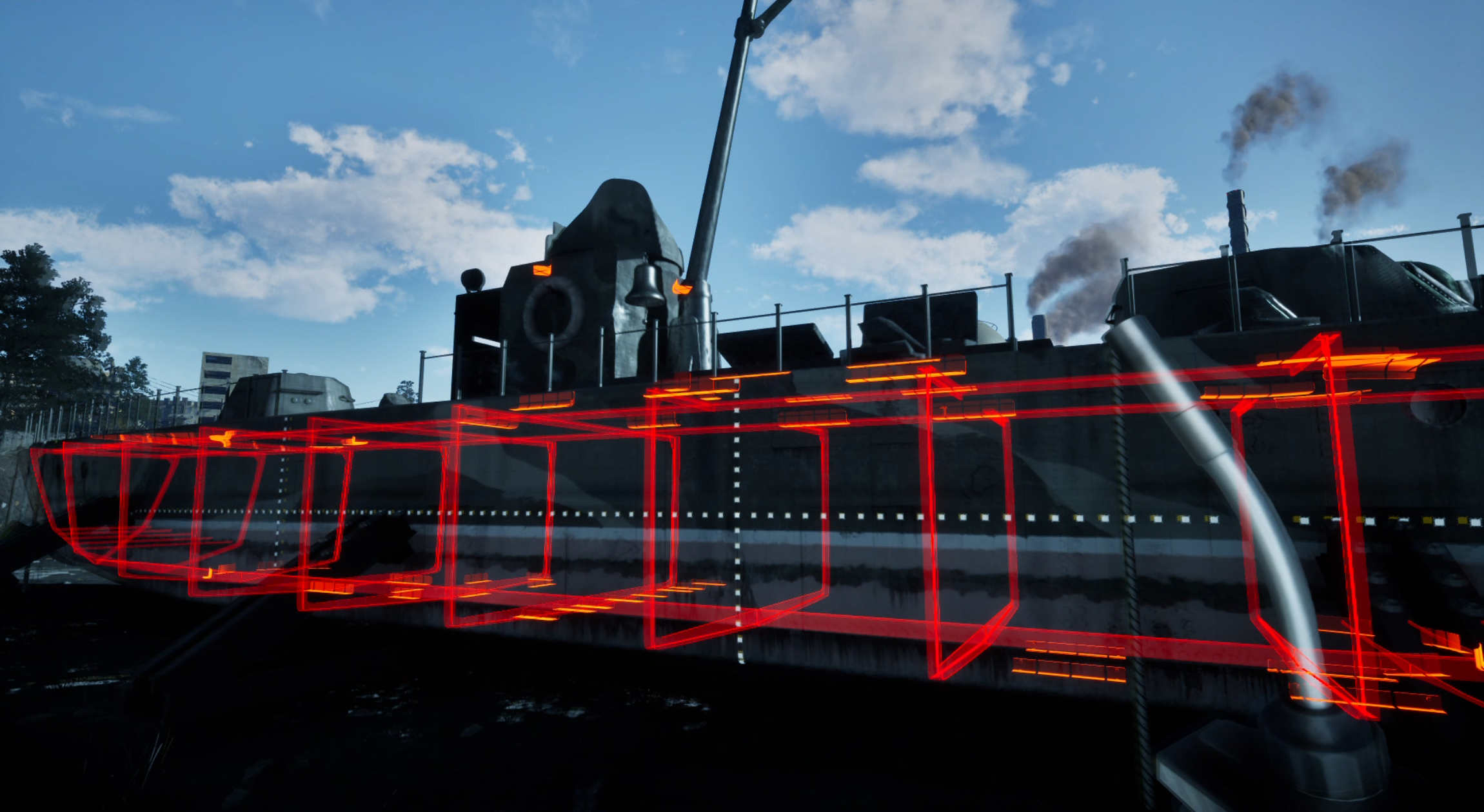
- Welded connections - red cut points
- Hull sections, cut along their weld seams
Cutting is not a single action:
hold and move the torch along the surface to complete the cut
Just like with the saw, the system relies on visual cues:
- Valid elements and cut points can show a red outline (also when holding a different tool or empty hands)
- Scrap Vision highlights elements that should be cut with the torch in red
- When holding the torch, hull sections show visible weld seams that indicate where cutting is possible
The interaction is more involved, but follows the same logic - recognize, choose the tool, execute.
Crate – handling resources
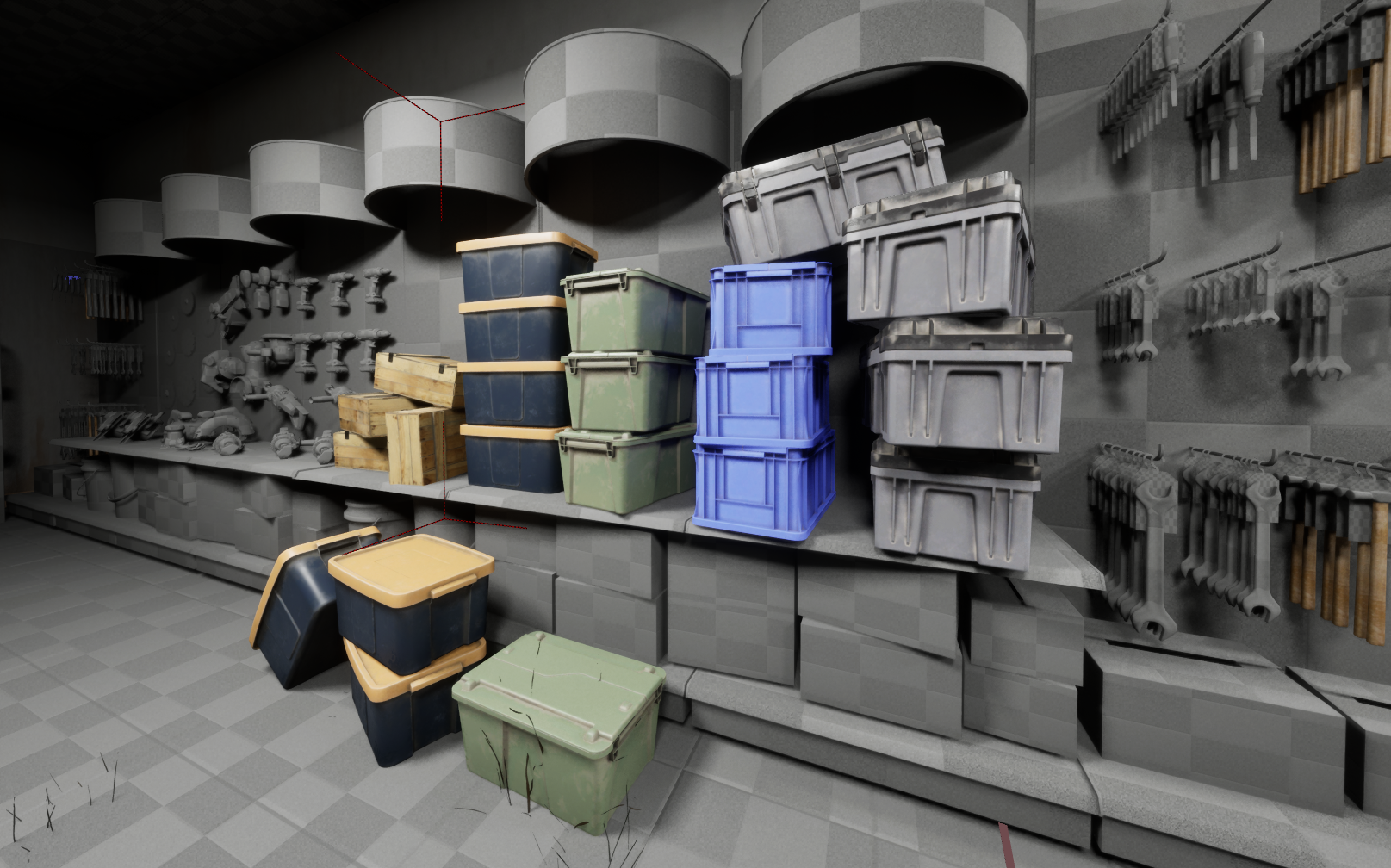
The crate works as your inventory:
- Everything you collect goes into it
- It has a weight limit
- You can carry only one at a time, but you’re free to use as many crates as you need
Two situations can block you:
- Not enough free space
- The object is too large or too heavy
If it’s too large or heavy, the element must be cut into smaller pieces first. The game will tell you if that’s the case.
Rope – Chainging how you move
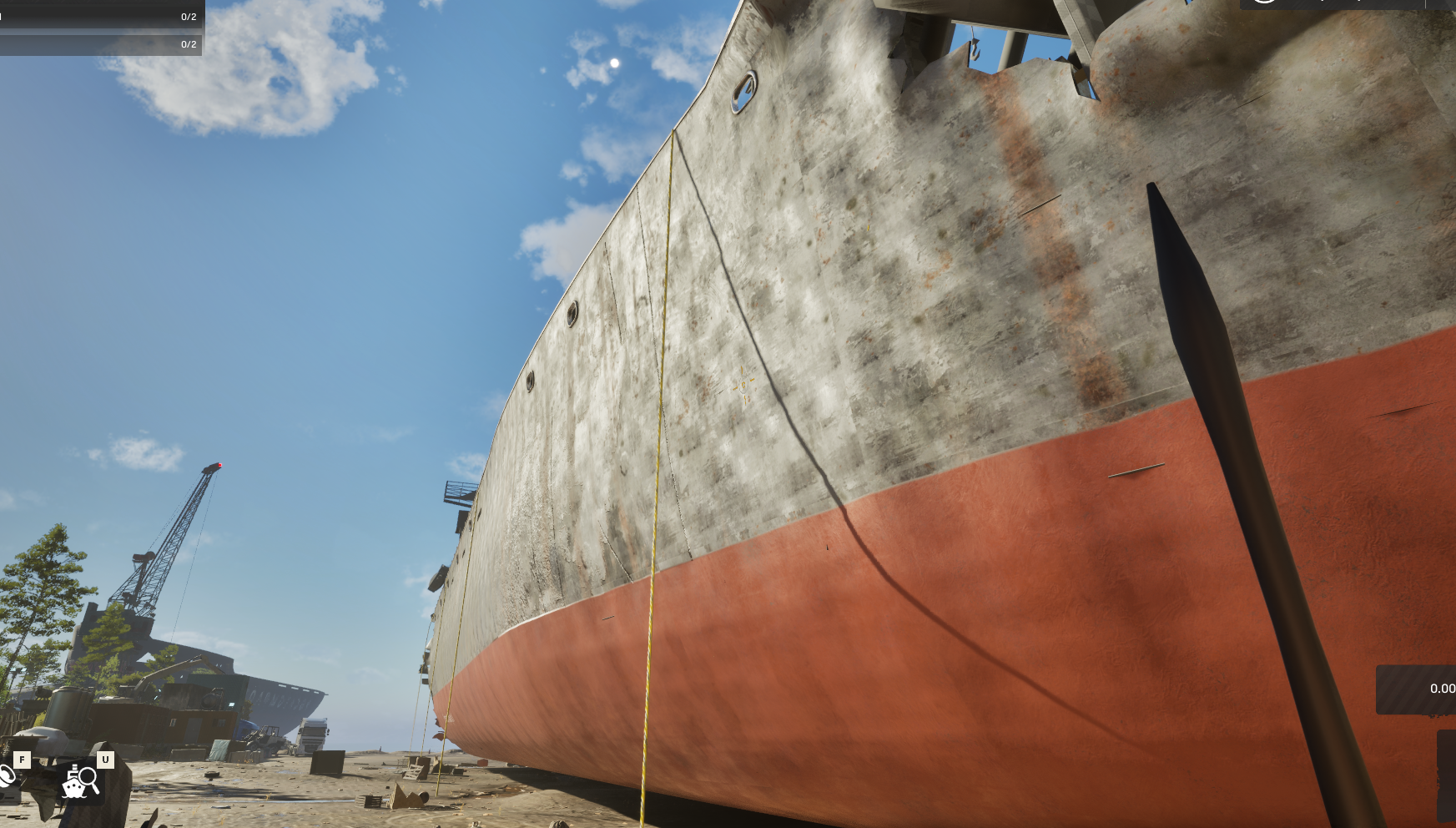
The rope lets you approach ships from different angles:
- It can be attached almost anywhere (hull, structure, floors, walls)
- Allows vertical movement and staying suspended
- Tools can be used while hanging
This adds another layer to dismantling:
Not just what you do, but where you do it from
For players familiar with SGS2, the similar rope system will also return in an improved form, as additional upgrade available in the tool shop.
Walkie-talkie – Marking and interaction
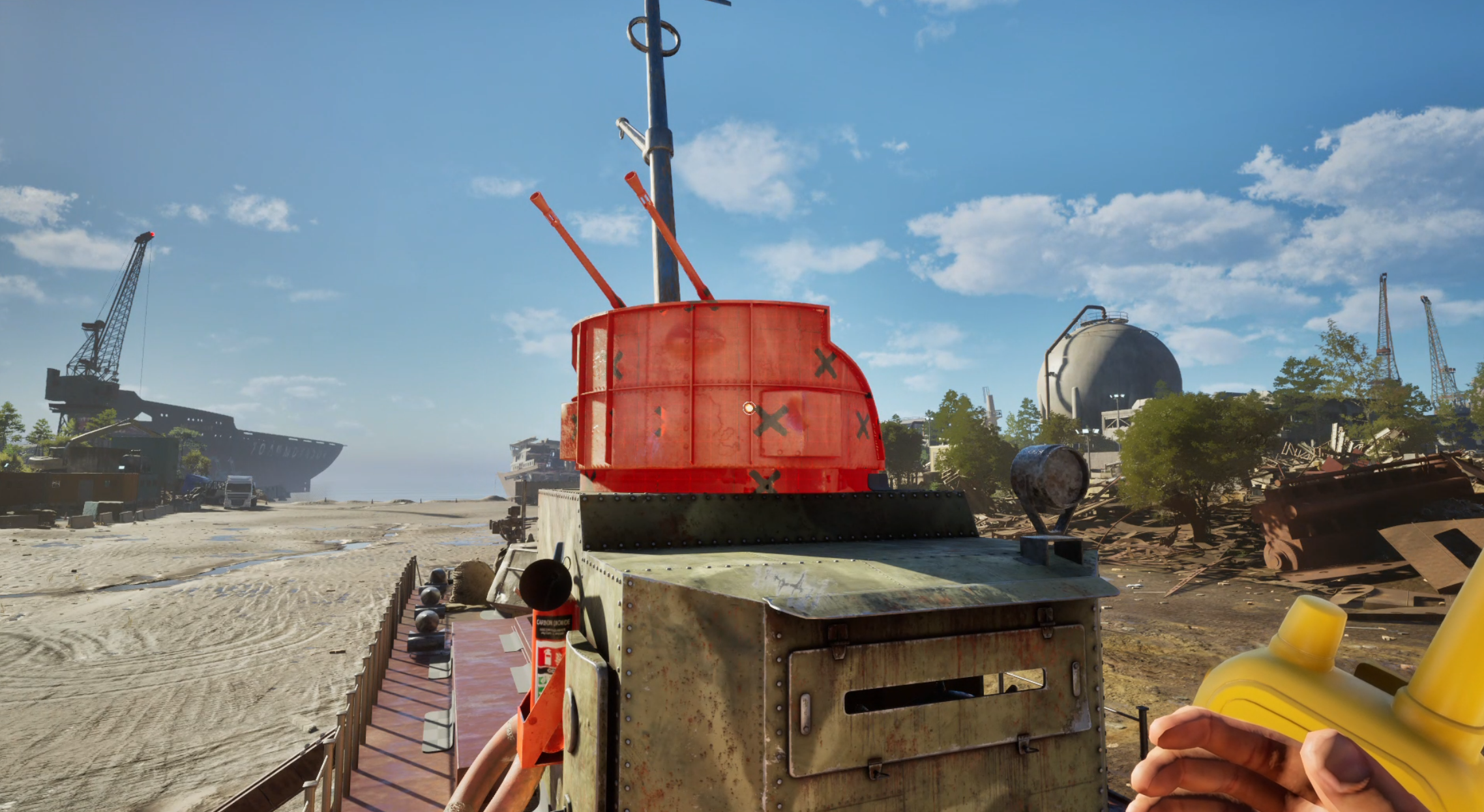
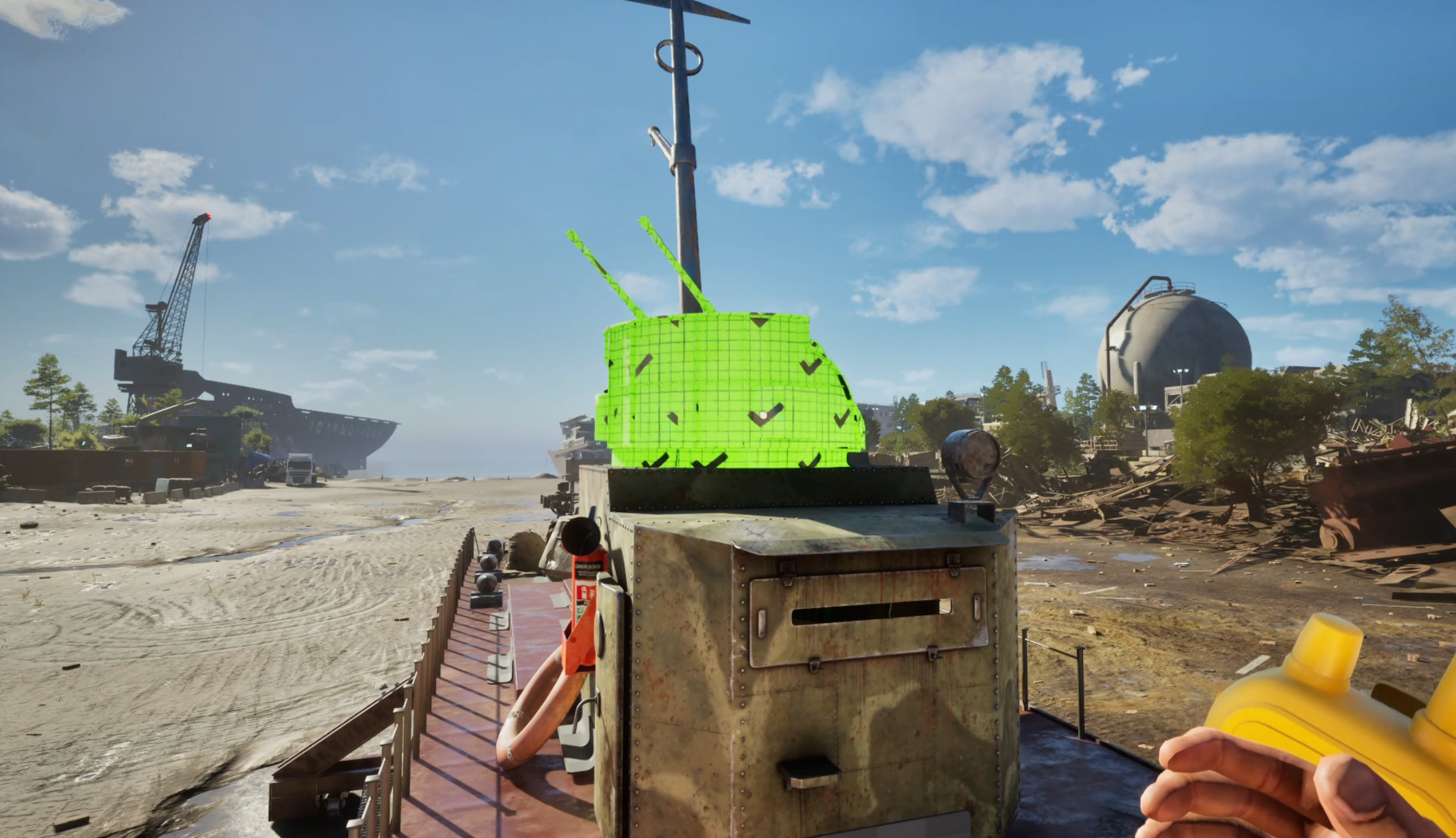
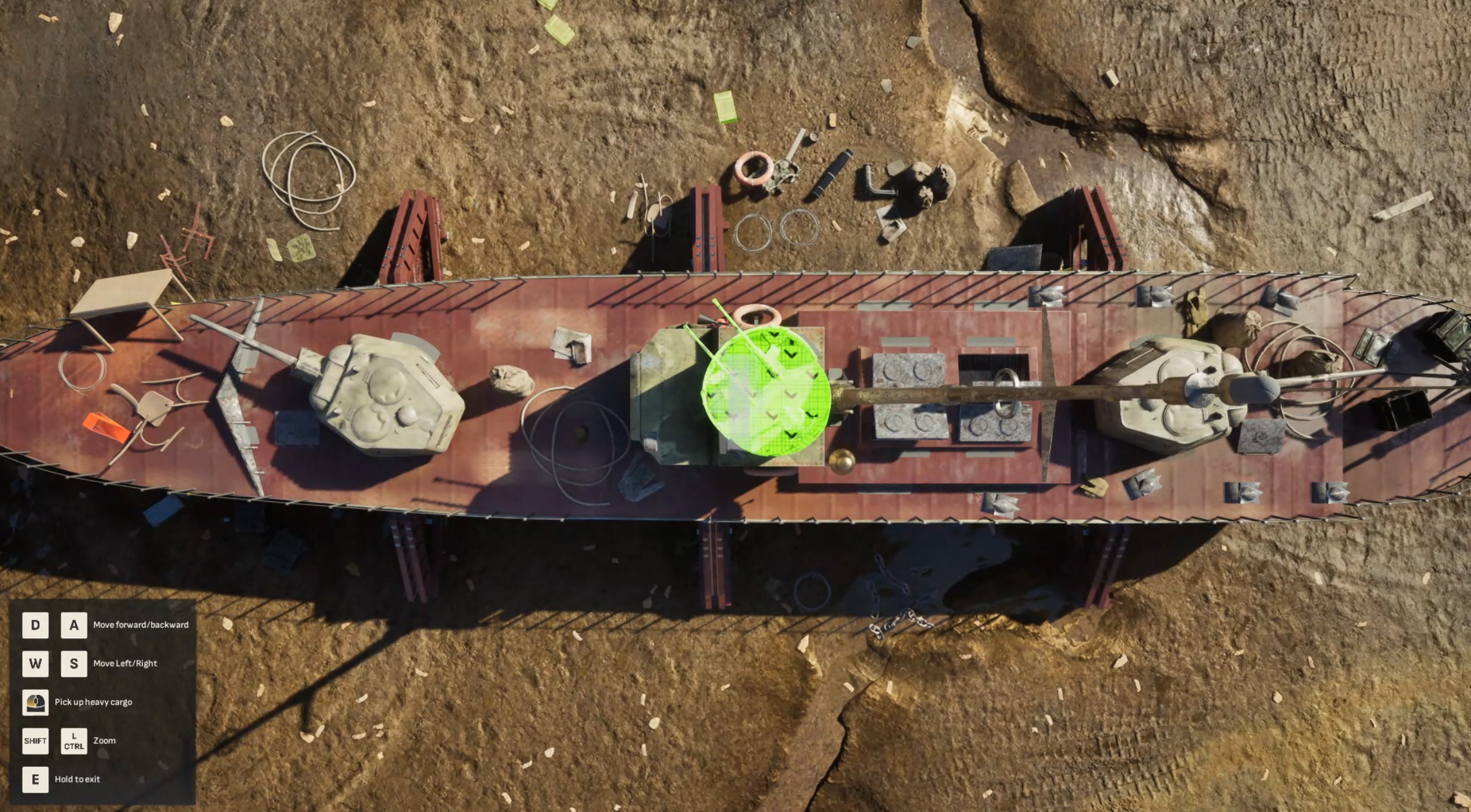
The walkie-talkie is used to work with heavy elements:
- Marks elements for handling
- Shows whether they are ready or still need to be cut
- Markings are visible to the player, workers, and while operating the crane
More on the last point in a future devlogs.
Summary
Each tool in SGS3 has a clear role:
- Hammer - breaking elements
- Saw - cutting lighter objects
- Torch - cutting through structure
- Crate - collecting and carrying resources
- Rope - access and positioning
- Walkie-talkie - marking and interaction
Together, they form a system that is:
- Consistent
- Readable
- Gives the player more control over how dismantling is done
With the new tool system, dismantling in Ship Graveyard Simulator 3 is no longer about following a fixed path - it's about making your own decisions and finding your own way through the process.
Every tool gives you more control, but how you use them is entirely up to you.
We’d love to hear how it feels for you — which tools you enjoy the most, what approach you prefer, and what could be improved.
Your feedback really helps us shape the game, so feel free to share your thoughts 👇
More details soon,
Ship Graveyard Simulator 3 Team